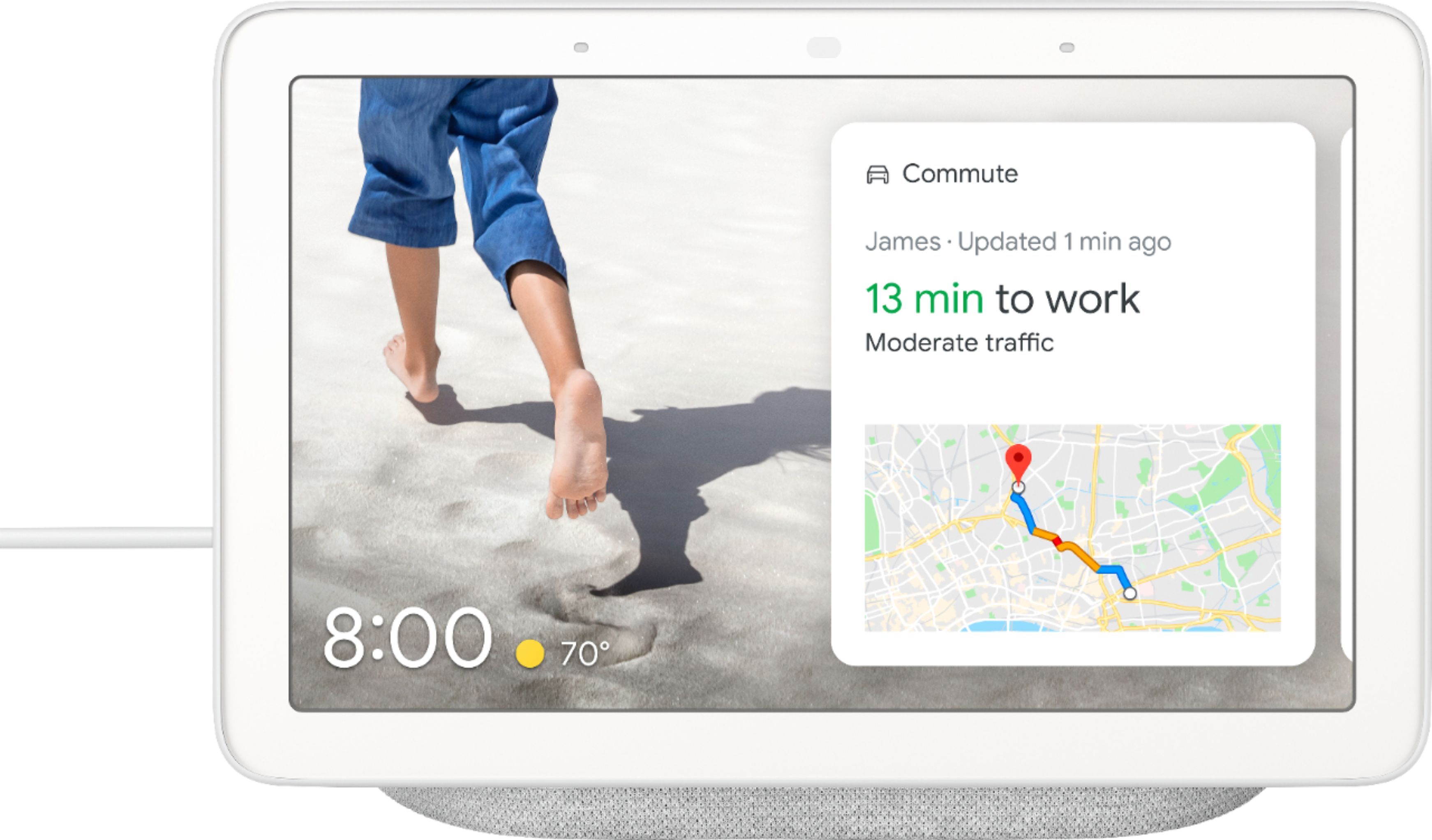
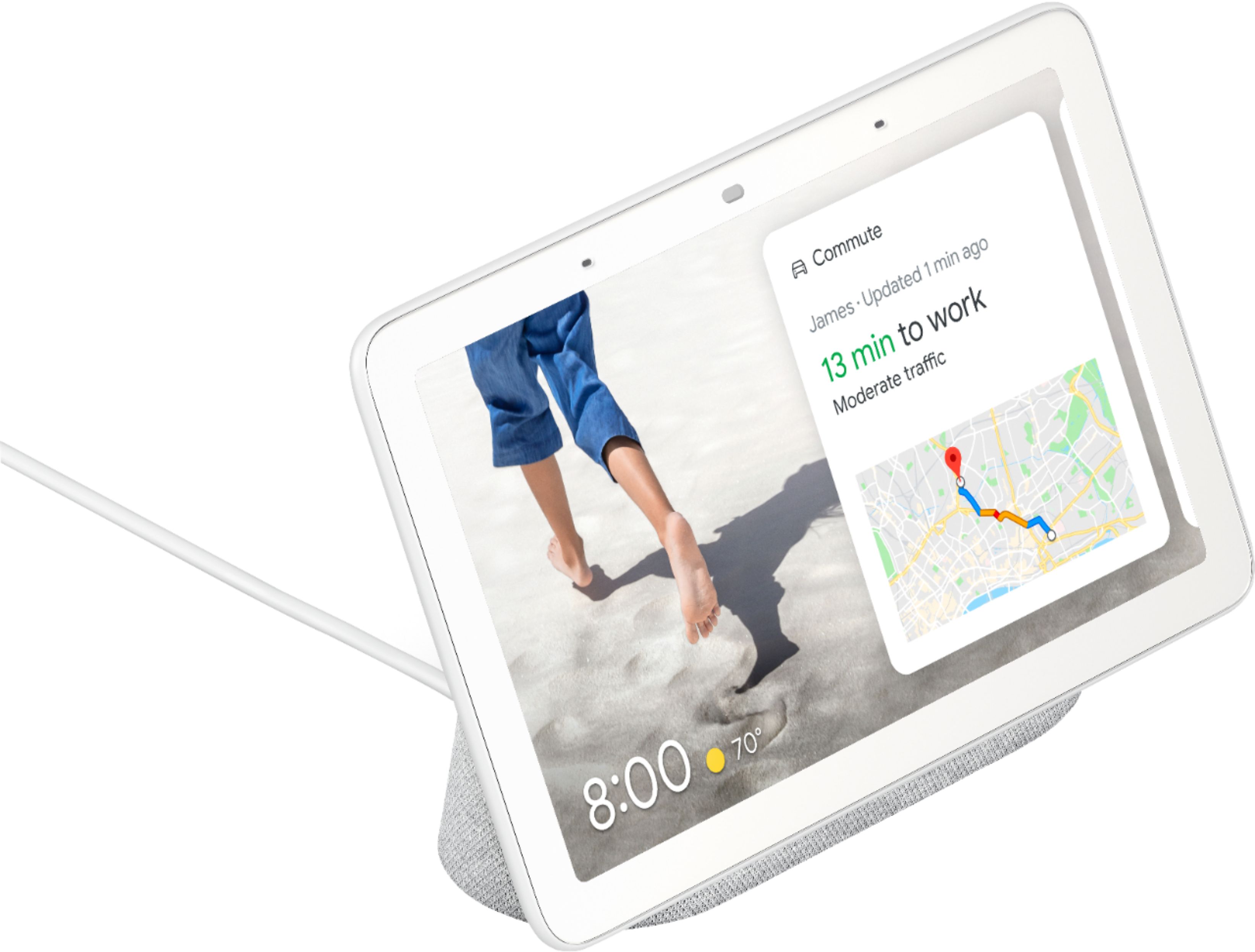
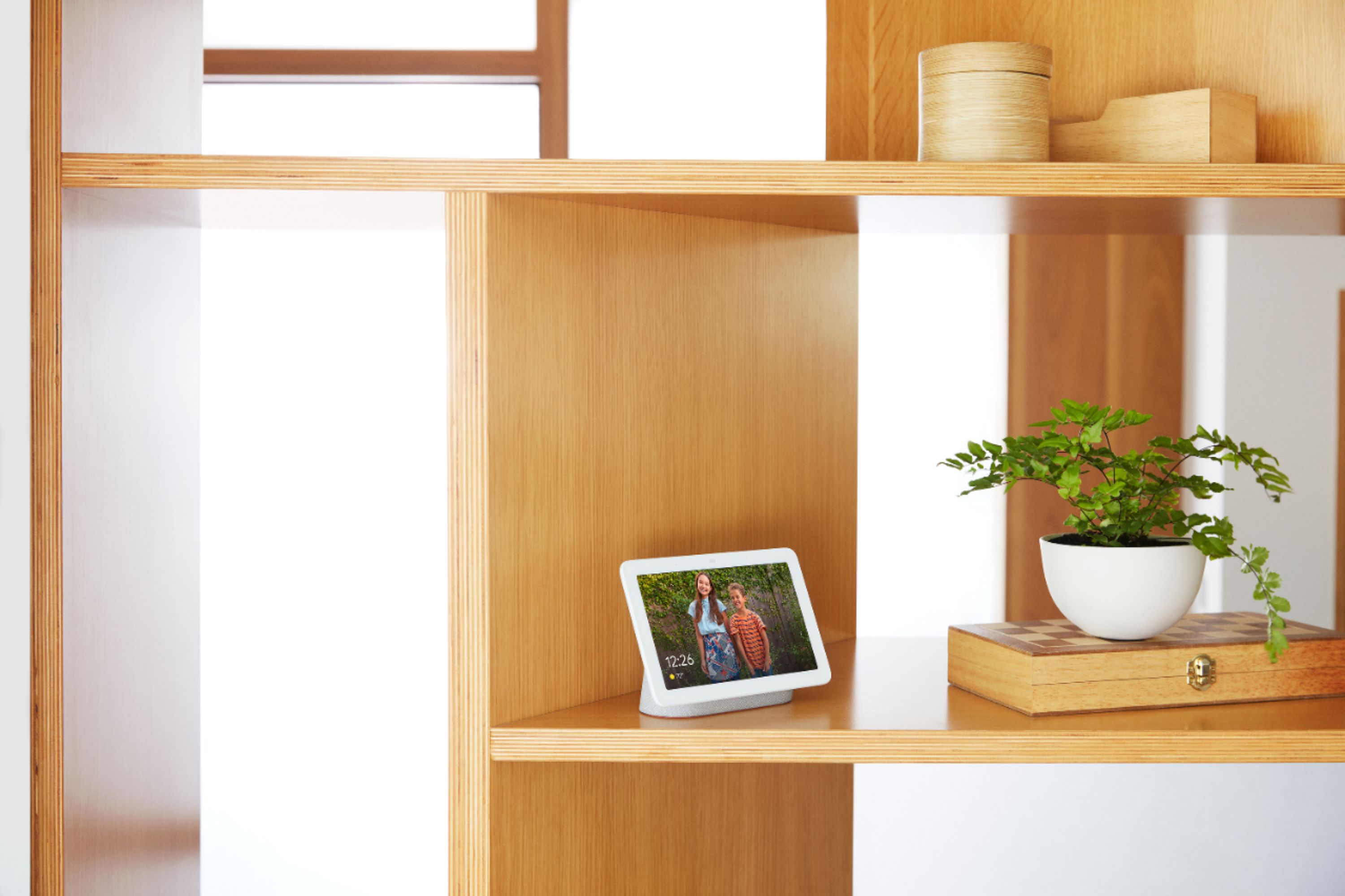
A:AnswerUnfortunately, Nest Hub can't show a clock with optional days of the week or a dual clock. But you'll have your choice of clock faces in the Photo Frame settings of your device. You also have the option to change the time format.
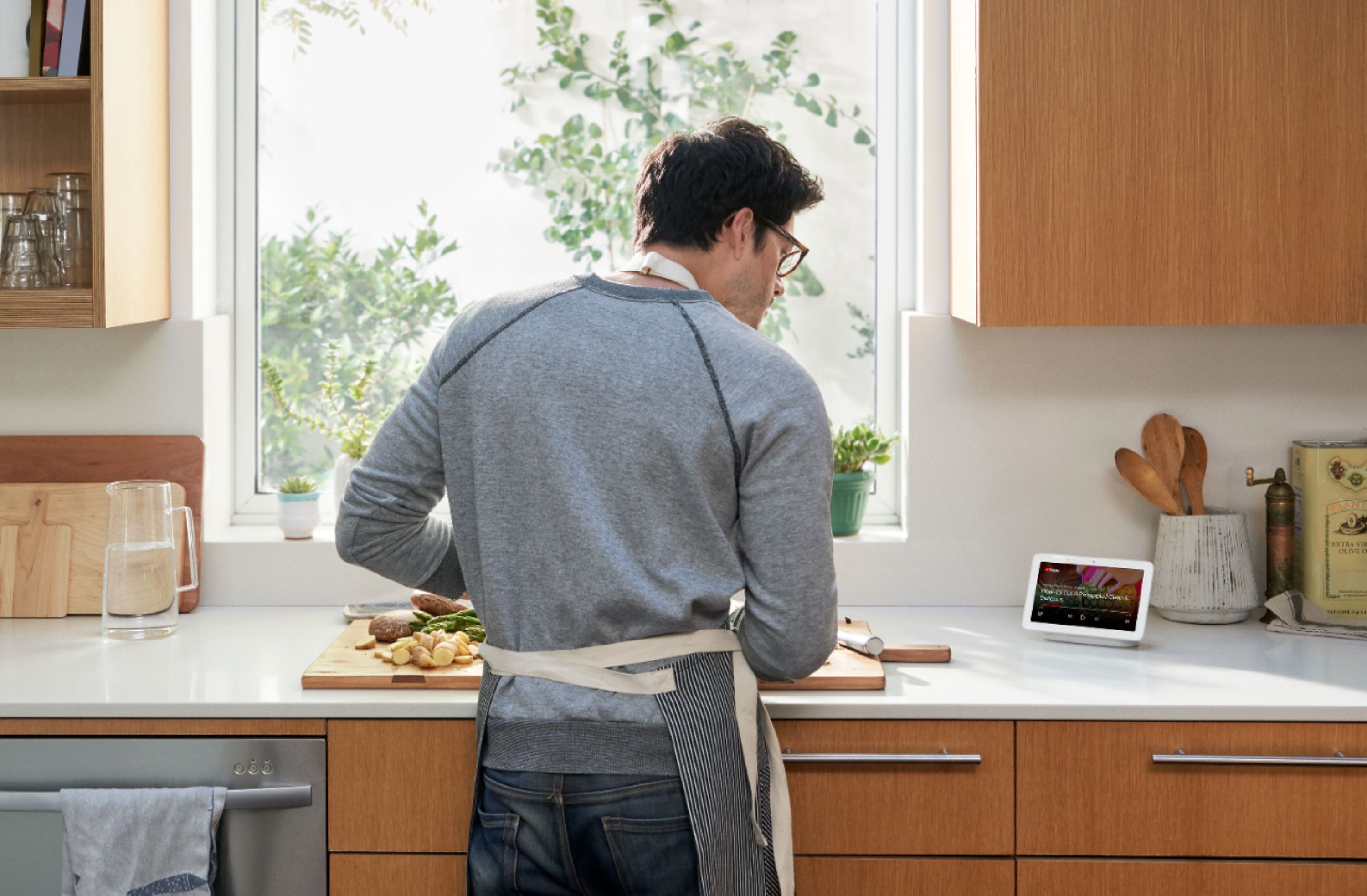
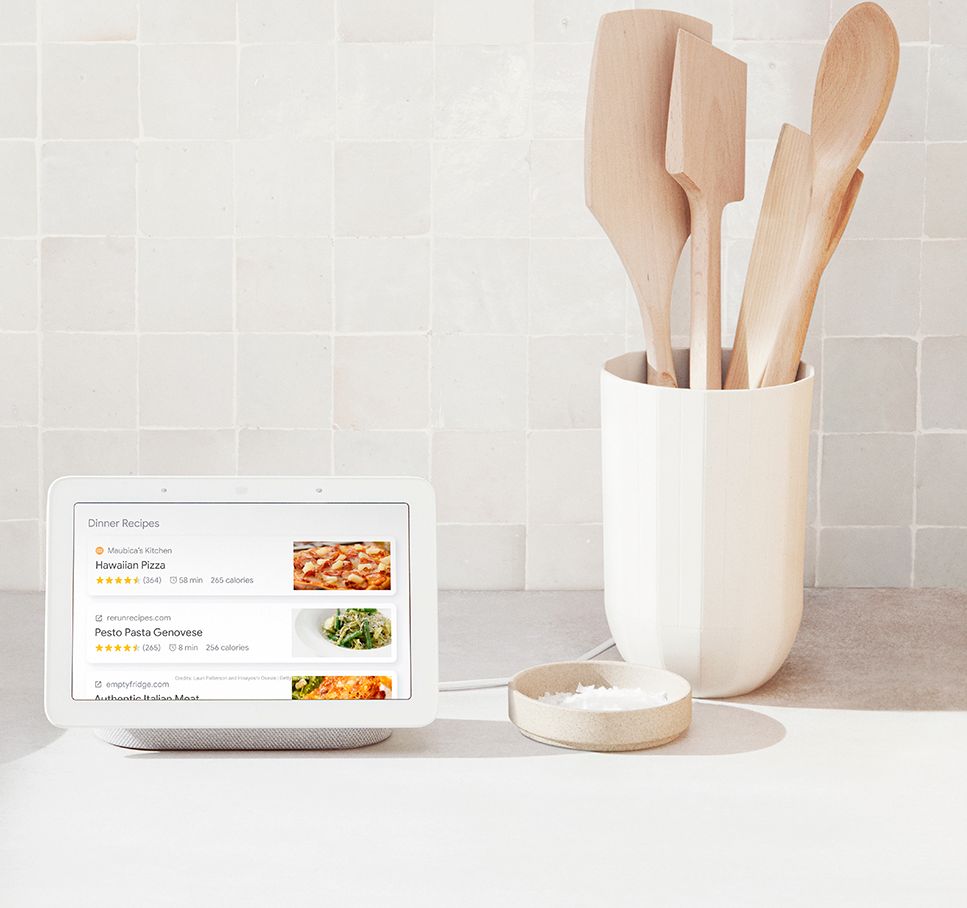
A:AnswerYes, I ask it to lookup recipes on Foodnetwork.com and it did. It will also read out the list of recipes until you pick one you like. Google can read you the recipes while you are cooking. You can start cooking and Google will read you instructions, you can add the recipes to you Google cookbook and you can add the recipe contents to your Google app shopping list. This feature is okay but could be better with access to your personal recipe site account. I was able to lookup recipes on my phone and send them to my Google home hub. Then save it in my cookbook.
A:AnswerYes, it apears as one of the devices that you can control by voice and on the Google hub screen. Checkout this link https://assistant.google.com/explore for things that are compatible with the Google Hub
A:AnswerYes. The camera will open a window on your hub and will give you an option to talk to the person at the door or send them one of a few short responses like, No one can come to the door.
A:AnswerNo, Notes app is not supported on Google Nest Hub but you can find and make your favorite recipes using step-by-step cooking instructions from your Google Assistant on Google Home. You can also find a recipe on your phone and tablet and send it your Google Nest Hub. For more information, you can check this link https://support.google.com/googlenest/answer/7309433?hl=en
A:AnswerYou should be fine. You just need to download the Google Home App from the app store on your phone or tablet. Once you set every thing up just say you command (location of device) like "ok google. Show me the front door." Your nest or ring should stream directly to the screen. You cannot look back for events like you can on the nest app.