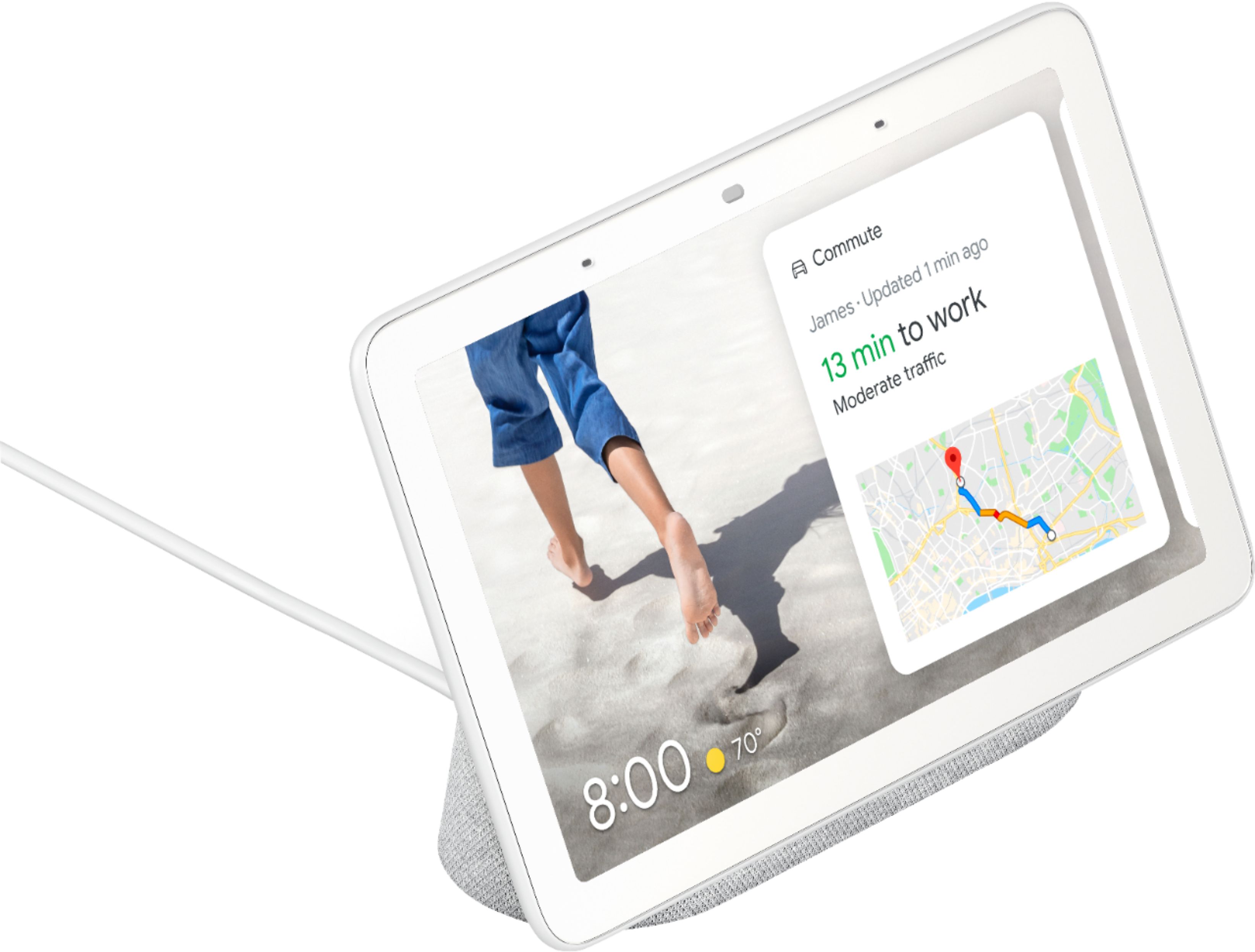
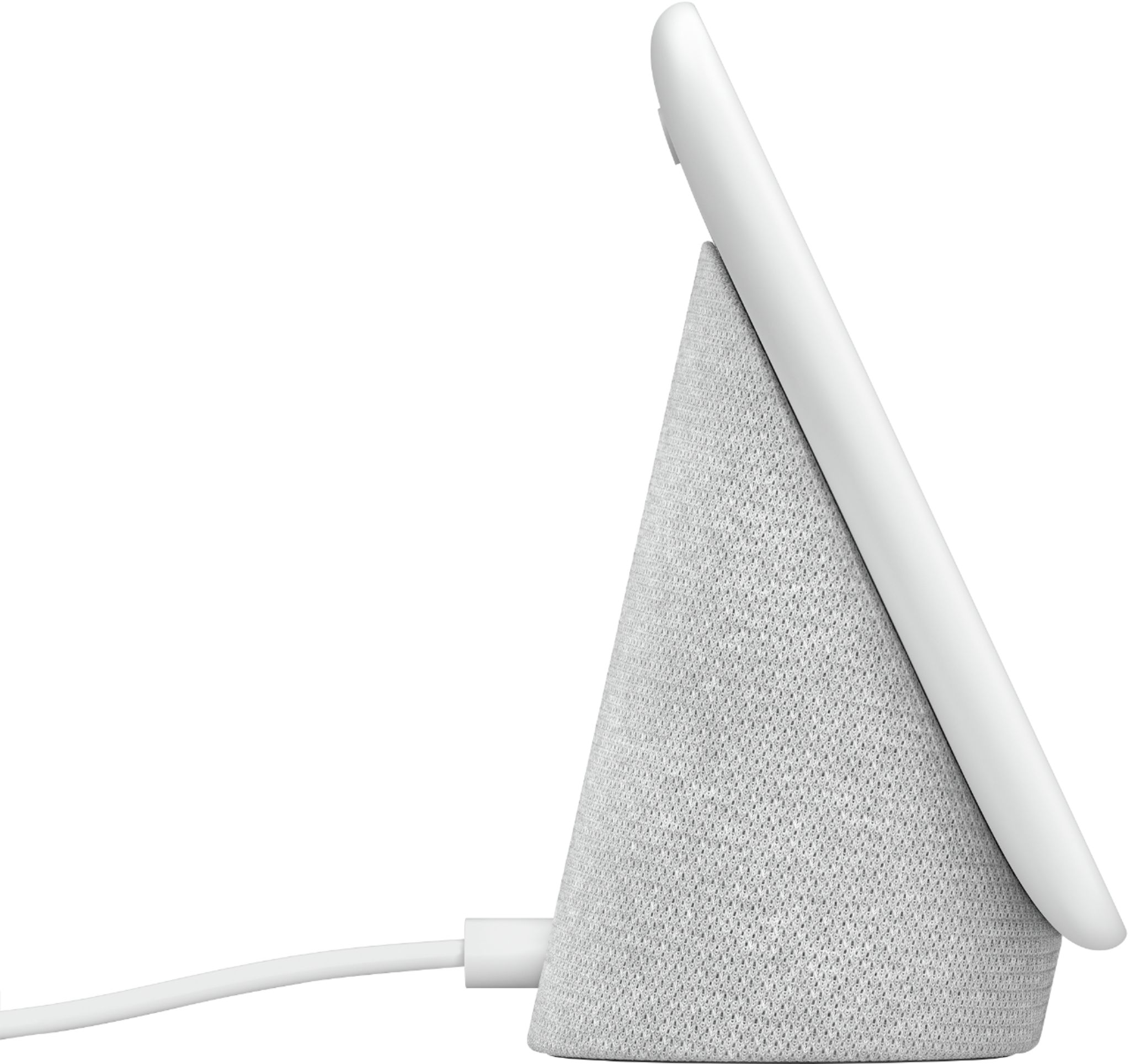
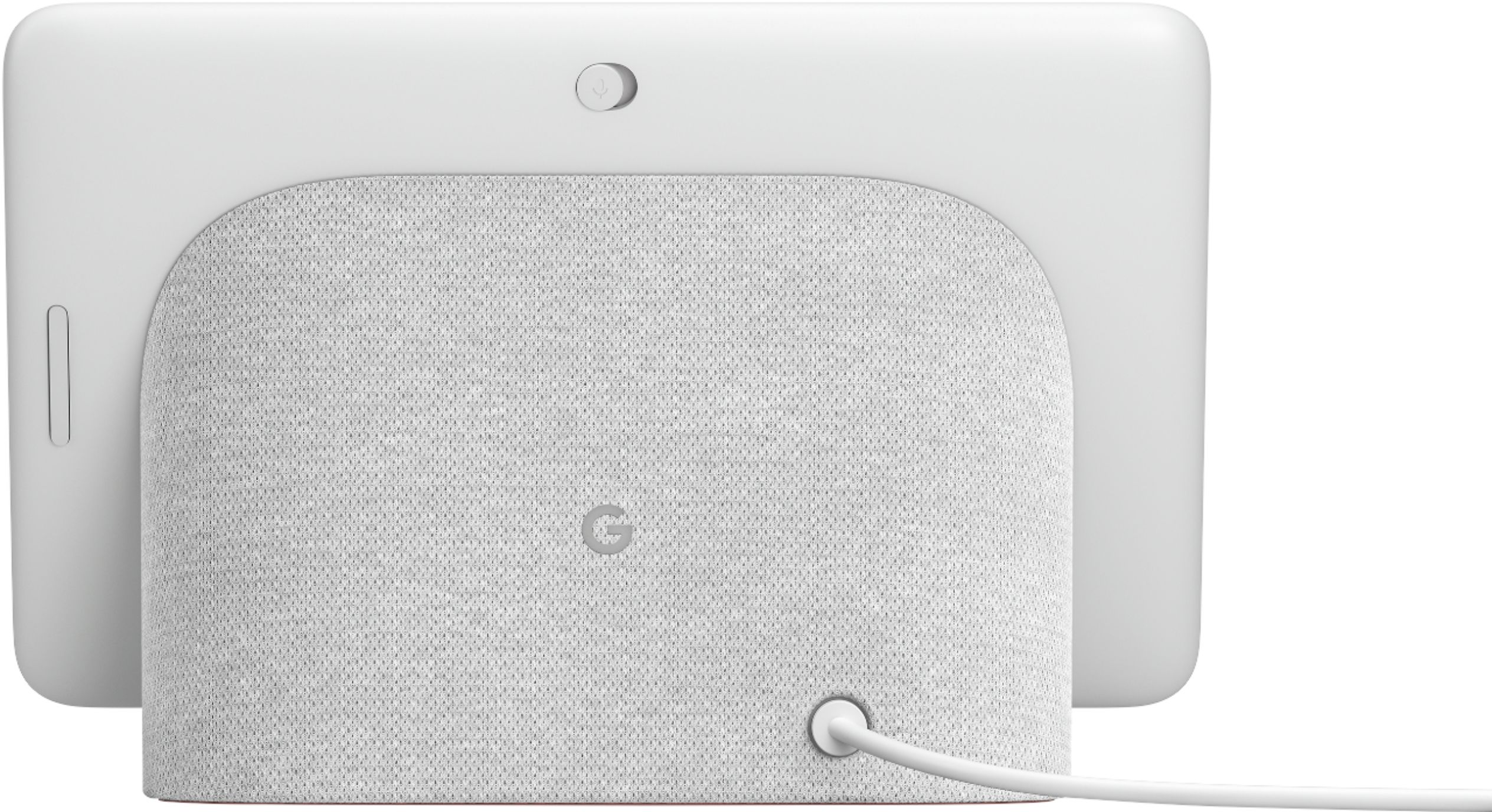
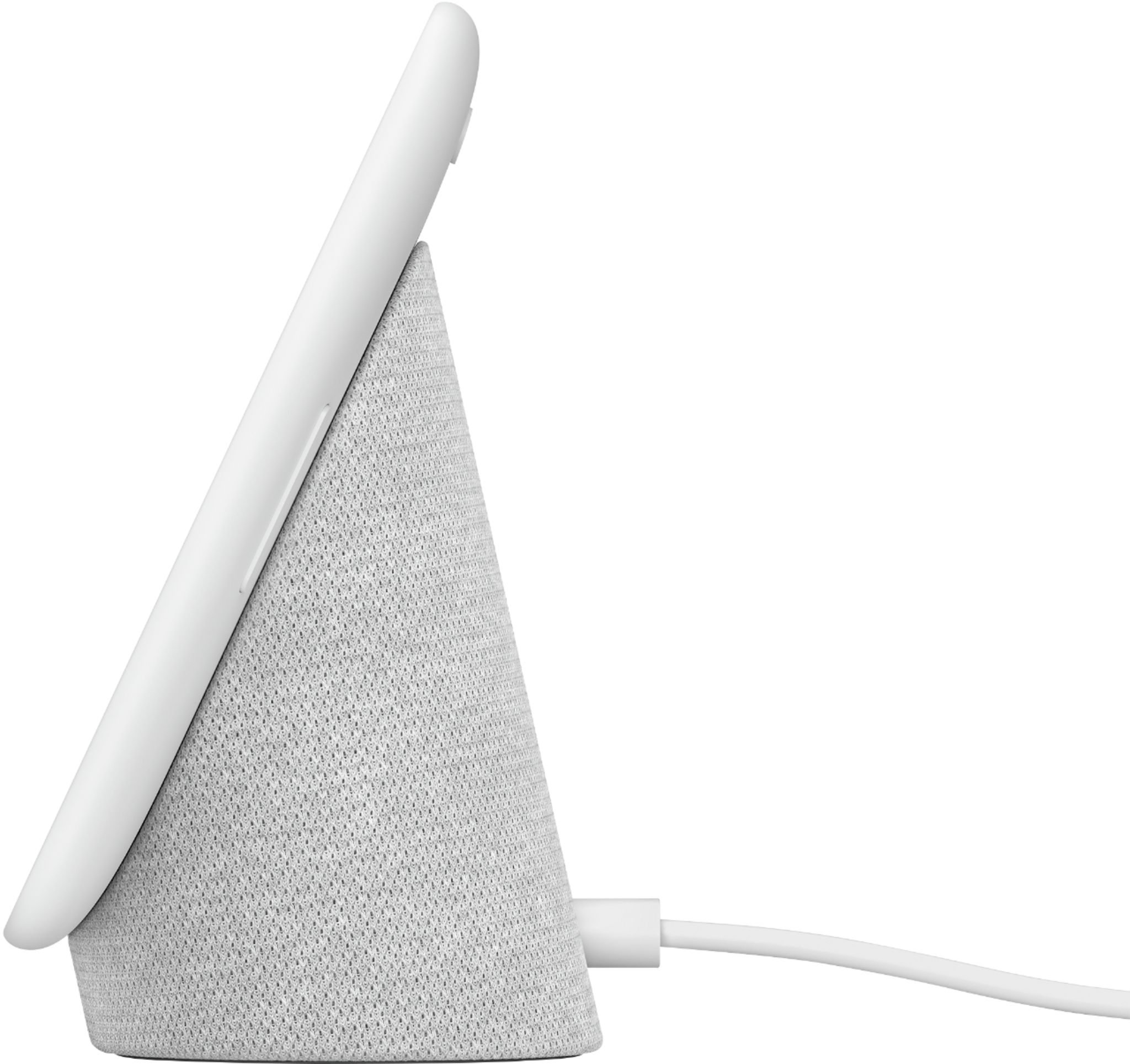
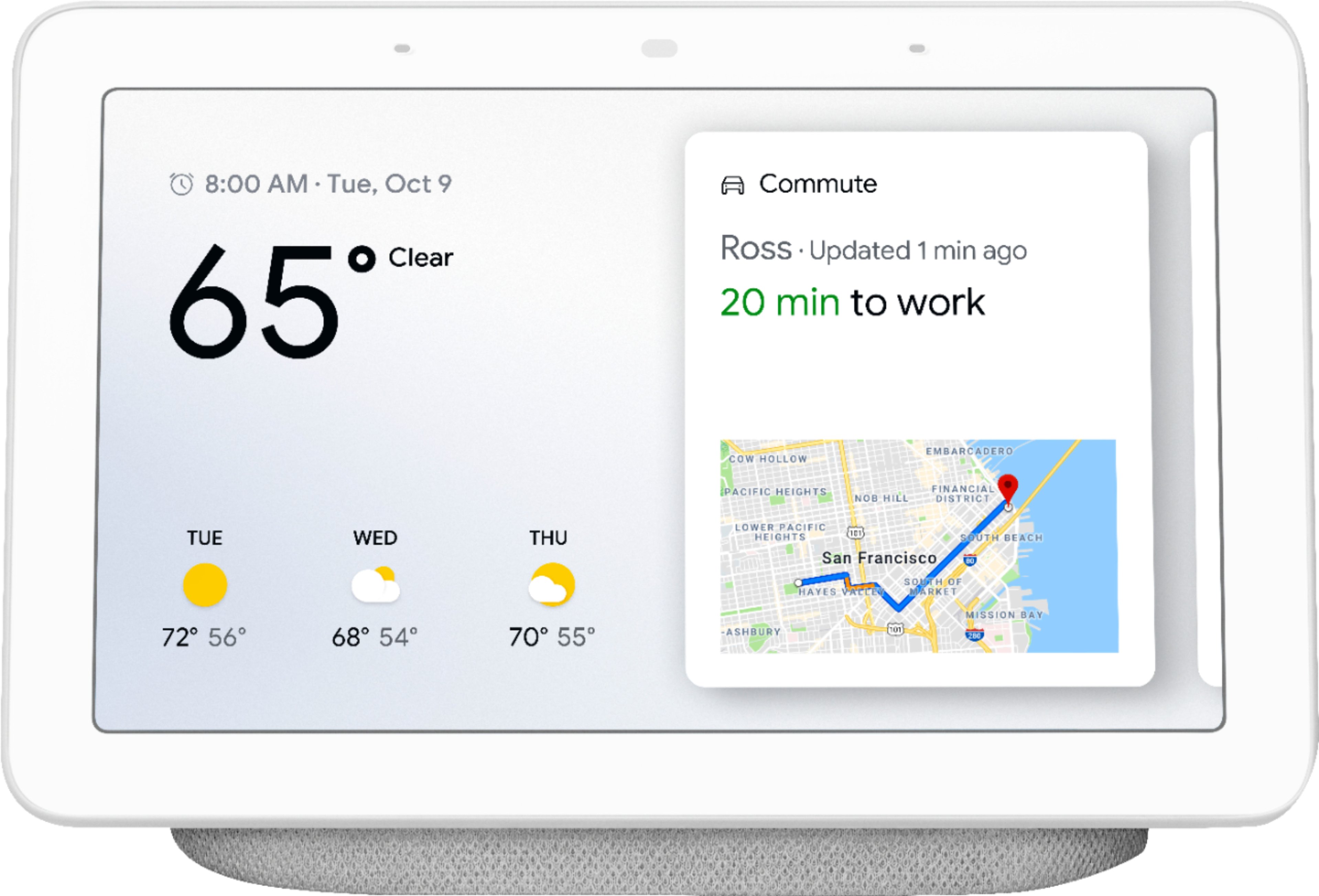
A:AnswerThe Google HUB does not need a phone to work , the only thing it needs is an WIFI connection such as the one at your house/apartment ....If the HUB is connected to your internet then check to make sure its not in private mode, to do this check the switch on the back of the hub at the top of the screen. also some times when your cell phone is near it will pick up you request before the HUB does. Put your cell phone in another room and try the HUB again.....if that doesn't work unplug the HUB and let it reset itself then try again. hope this helps
A:AnswerWell, it's Google. Where does most of the world's population go for answers these days? To Google. It has not disappointed me at all. The big plus, this one has a screen so not only it answers my questions, but it also gives me images. I ask Google for the latest news and it instantly turns on my choice of news casts. I love it.
A:Answer*No!* This is not _comparable to_ the Wink Hub, it's merely _compatible with_ Wink Hub. You'll still need a Z-Wave hub/controller of some type (whether it's Wink Hub or Universal Devices ISY Z-Wave series, or another of the many options listed on the Z-Wave website). Google Home Hub does not "speak" Z-Wave (RF). Operating on the blind assumption that Wink has a recipe in Google Assistant, this device can run the Google Assistant recipe that will report status and/or affect the status of your Z-Wave devices via your Wink Hub but cannot control the Z-Wave devices directly. I don't personally use Wink (but rather ISY) so I can't comment specifically on the integration or requirements to use their services, but if you can get it to work from your Android phone using Google Home, the integration will be the same.
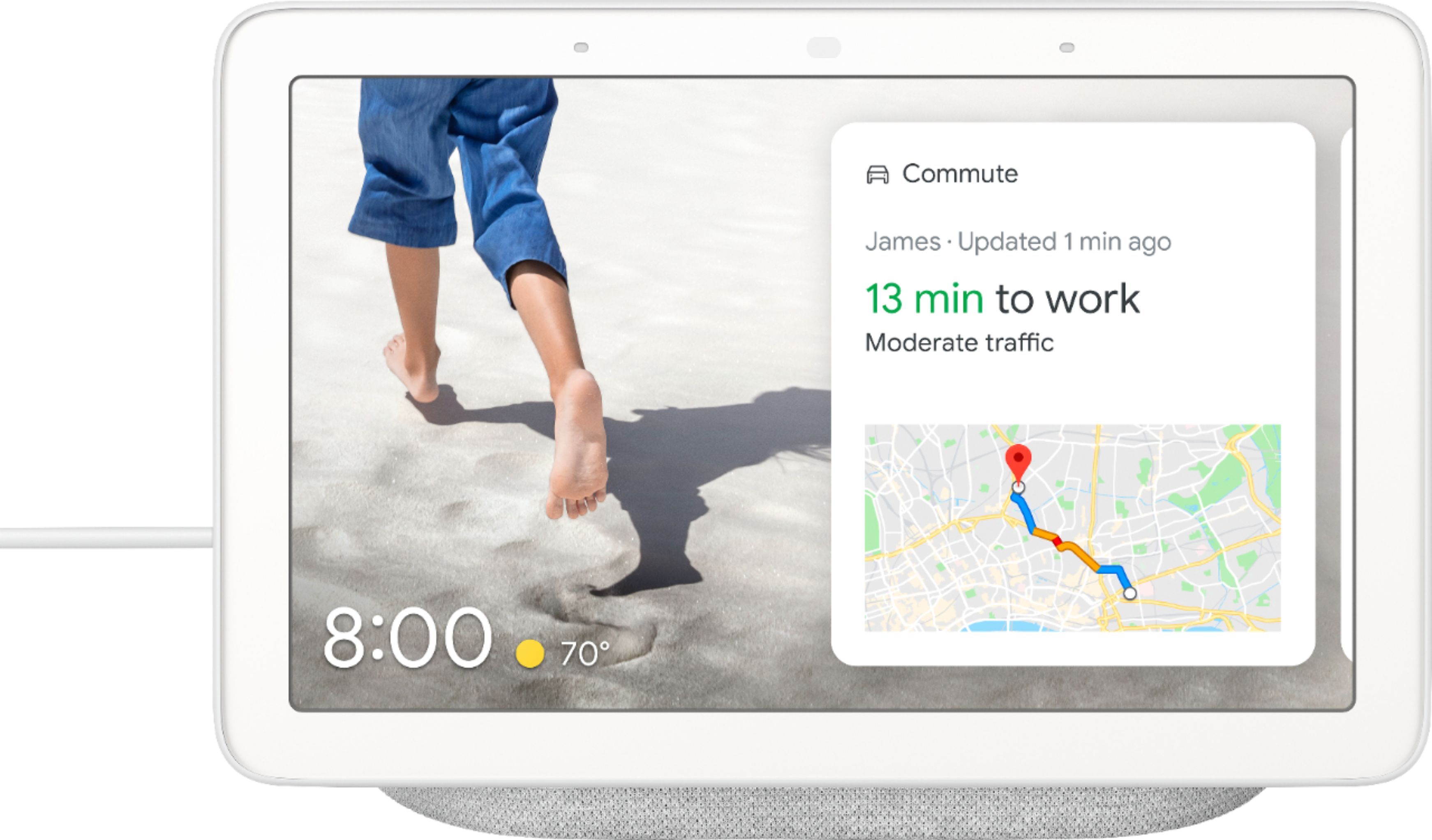
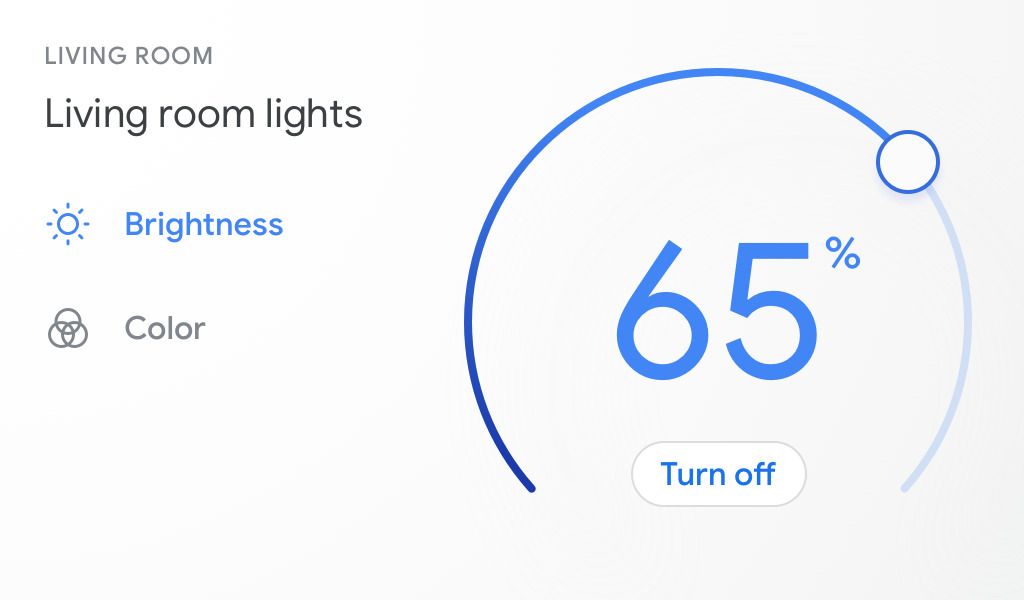
A:AnswerDefinitely! Check what matters by streaming the video feed from Geeni security camera on Nest Hub. For a step-by-step guide, check out this help article: https://support.google.com/googlenest/answer/9137164
A:AnswerNo. We don't recommend it. It's important to only use the power cable that came in the device's box and it must be plugged directly into a power outlet to work.
A:AnswerMy assumptions is that its a sensor and it detects the motion so that it can dim the brightness of the display when in night and again make the things brigther in day time.
A:AnswerNest Hub can only remember one Wi-Fi network at a time. To connect your Nest Hub to a new Wi-Fi network, follow the steps on this link:
https://support.google.com/googlenest/answer/7170507
A:AnswerYes. With your Nest Hub, you can listen to popular podcasts and shows on Google Podcasts or Spotify from anywhere in your home using only your voice. This feature is currently available in English only. https://support.google.com/googlenest/answer/7072800
Also, you can only view your Nest Cams photos and videos in the Nest app using a phone or tablet, or home.nest.com using a computer. You may use this link to learn more about using the built-in Nest Cam: https://support.google.com/googlenest/answer/9449420
A:AnswerYou can set timers and sleep timers. You can even set and manage alarms and media alarms. Take a look at this link for more info: https://support.google.com/googlenest/topic/7028797
A:AnswerNo, Nest Hub is not required. You can just install the Nest app on your mobile phone or tablet. Then you can set up your Nest products, check their status, manage the settings and get notifications.
You can learn more about the Nest app here: https://support.google.com/googlenest/answer/9294007
A:AnswerChromecast is a device that lets you stream your cast-enabled apps from your smart device, like a phone or tablet to the TV. It also supports "Screen Mirroring" on Android devices. You can also display your entire computer screen using Chrome on Mac, Windows, and Chrome OS. You can also use a Chromecast device to show a Chrome tab or your screen on your TV.
You may check the following support articles for more information:
Cast your Android screen: https://support.google.com/chromecast/answer/6059461
List of cast-enabled apps: https://store.google.com/us/product/chromecast_apps
A:AnswerHi Eugene, this is the Nest Hub 1st gen model. Take a look at this link to see device specifications for all Google Home and Nest speakers and displays for comparison: https://support.google.com/googlenest/answer/7072284