A:AnswerYou should plug your hue bridge into your wireless router from your service provider instead. It’s easier. But alas, if you insist there is one single available jack on the Nest WiFi.
A:AnswerYou can turn WPA3 on and off but beyond forwarding ports the settings are limited. The nest connects to the google cloud that controls the security.
A:AnswerYes, Nest Wifi can help extend your Wi-Fi network with its 4x4 radio to provide a larger area coverage. We recommend placing your Nest Wifi router and points where other objects can't block them. This article can help you determine what you need to extend your Wi-Fi and where to place your Nest Wifi devices : https://support.google.com/wifi/answer/7183150?hl=en
A:AnswerVerizon Jetpack won't work with Nest Wifi. You need to have a broadband internet service with a modem, so that you can connect Nest Wifi router to the Ethernet port of the modem. You can check out the following article for more info on Nest Wifi setup : https://support.google.com/wifi/answer/9548301?hl=en
A:AnswerYes. It would be quite silly (some would say idiotic) to purchase a WiFi mesh system without having an internet signal. It’s like purchasing a fan but placing it in a location without air in the atmosphere. It wouldn’t do it’s job! Go buy a fan, a xfinity service, and this WiFi pack.
A:AnswerI have a near identical situation. Plug the Nest WiFi into the Model and then go from there. You’ll be shocked and pleased. Make sure you have the 3 pack that includes 2 points.
A:AnswerNo. Nest Wifi requires to be connected to a modem using an Ethernet cable. Take a look at this link for the setup requirements and guide on how to setup Nest Wifi: https://support.google.com/googlenest/answer/9548301
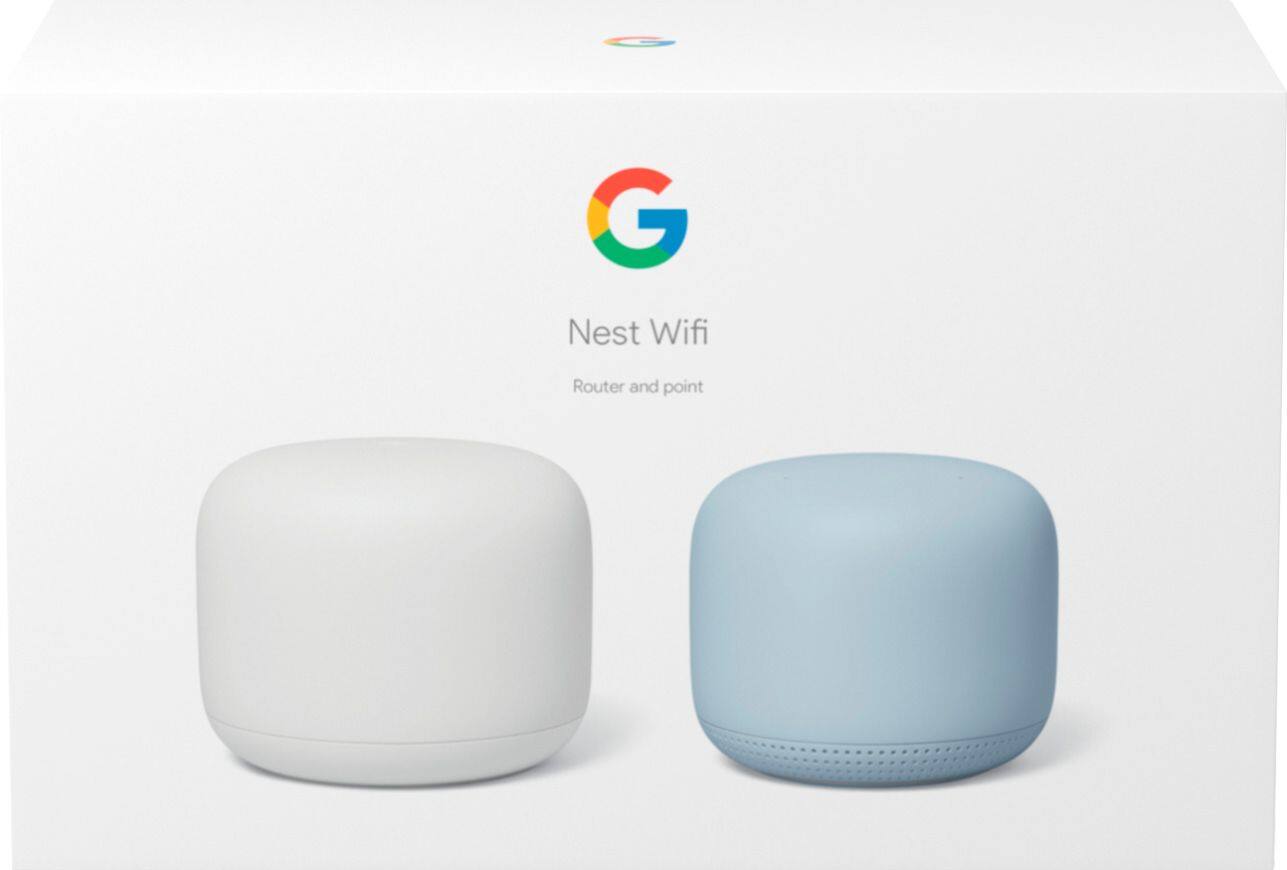
A:AnswerAC1200 is a Nest Wifi point. You will still need to have a Nest Wifi router (AC2200) to add a wifi point and create a mesh network. Nest Wifi router can cover up to 2,200 sq ft and 1,600 sq ft for one Nest Wifi point. But where they are placed, the layout of your house, and physical obstructions can impact the total coverage. Keep in mind that barriers like heavy furniture and walls made of thick concrete or brick can influence Wi-Fi performance. For an estimate of how much Wi-Fi coverage you’ll get with Nest Wifi and a guide to how many Wifi points you need check here: https://support.google.com/googlenest/answer/7182840
A:AnswerThat's exactly what I did with my AT&T router. Gave the Nest WiFi a different name, left the AT&T TV boxes (and a few other things) connected to the AT&T Wireless net and connected phones, computers, printer to the Nest WiFi network. Set-up was easy and getting better speeds.
A:AnswerIf bought new, there should be a QR code on the bottom of the point. If not, you may need to reach out to Google support and see if there is another way to link it up.
A:AnswerTechnically that should be fine but it depends on A LOT of factors. I’d recommend (and have recommended to many people) getting the 3 pack. I have a 1700 square foot home and I’m glad I bought the 3 pack because otherwise it wouldn’t have done anything for me.