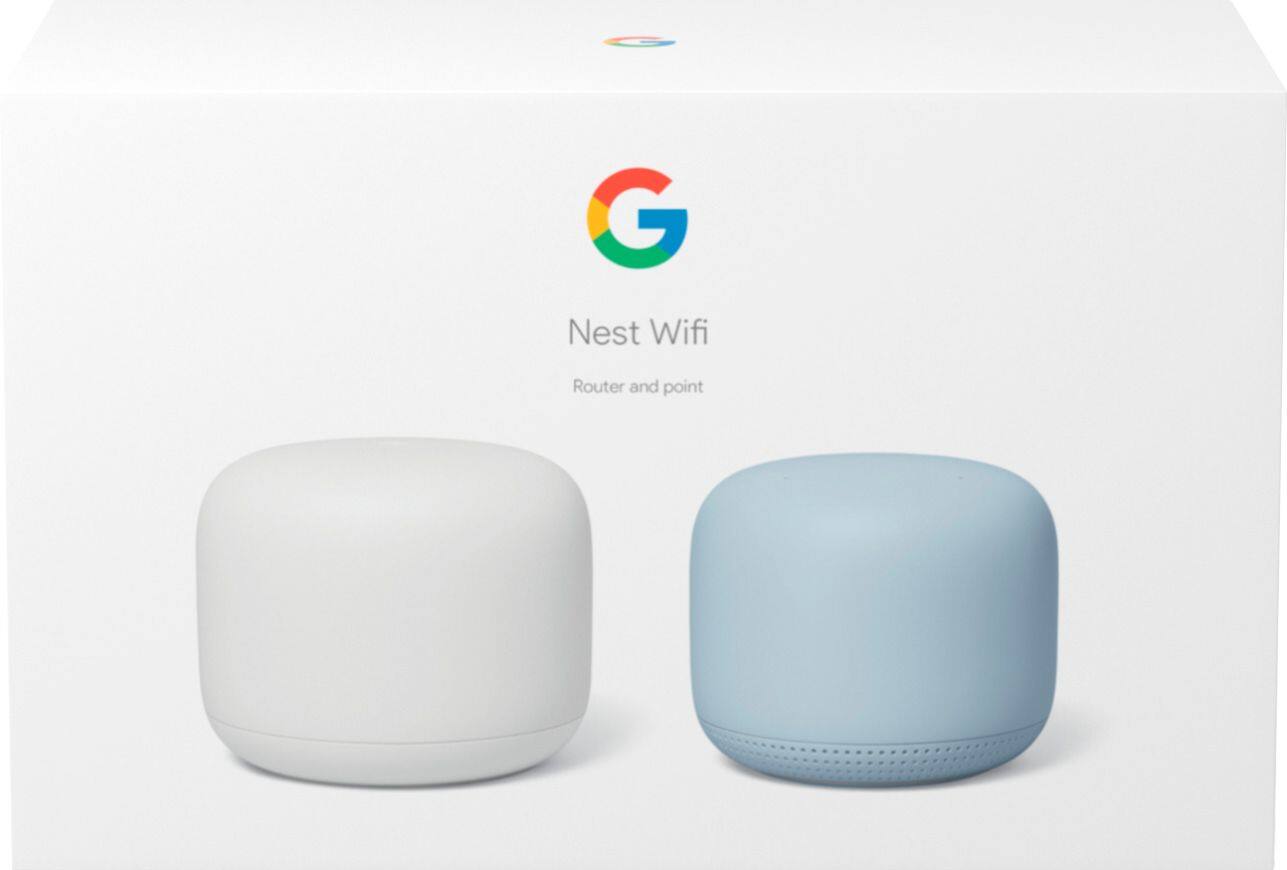
A:AnswerAs soon as you plug them to the power outlet, you will notice that they are setting up, give them like a minute or two, then open you google home app, they should be visible and ready to connect
A:AnswerId get the router + 2 mesh pack. The manufacturers are always overstating devices capability. No way it would work on a 5200 ft2 home as its just meeting my needs in my 2000 ft2 home
A:AnswerYou probably don’t need any points, the router should suffice in a camper. If you for some reason have an area with less coverage, you could always add a point
A:AnswerYou can connect devices like a computer or printer directly into the LAN port of the Google Nest Wifi router. You can also add LAN ports to the Google Nest Wifi router by connecting them to a switch. Here are some links that may be helpful:
Hardwire Google Nest Wifi routers, Google Wifi points and other devices: https://support.google.com/googlenest/answer/7215624
Add LAN ports to Google Nest Wifi or Google Wifi: https://support.google.com/googlenest/answer/6274262
A:AnswerNest Wifi is a router that broadcasts Wi-Fi to any Wi-Fi capable device. It replaces your traditional router and is compatible with most Internet Service Providers. Google Wifi needs to be connected directly to a modem using an Ethernet cable to set it up and get an internet connection. Take a look at this link for the setup requirements and guide on how to setup: https://support.google.com/googlenest/answer/9548301
A:AnswerHi Ken, yes, you can definitely use the other ac2200 as a point. I have a large house with one ac2200 plugged into my comcast router, another upstairs as well as two other older Nest routers in other locations in the house. It should sync pretty easily. A couple things I would try are trying to sync them up closer together and then once meshed, move the second router where you really want it. The second thing you may need to do is reset the router that home is having trouble finding. This should be pretty easy to do with the ac2200's as they have buttons on them for this purpose (some of my older Nest routers don't and it took me forever to figure out how to reset them). You should be able to find YouTube videos that show how to reset you AC2200 though and it is pretty easy. Good luck!
A:AnswerI’m not sure I understand your question but we replaced our original google Wi-Fi router 1500 with the 2200 google Wi-Fi router and 2 access points. We now have excellent coverage in our 3000 sqft home including back and front yard. Our speeds are nearing 1 gig throughout our house.
A:AnswerYes Your Comcast modem connects to the internet and then the Nest WiFi will be the wireless router and connect to a switch if you want devices hardwired vs wireless
A:AnswerOf course it depends on what speed your internet provider is giving you but it’s rated up to 2.2 gig. We have google fiber as our provider at 1 gig and get about 900 on both uploads and downloads.
A:AnswerGoogle Nest Wifi is not WiFi6. Google doesn't see WiFi6 being worth adopting until some time in 2022 so I would think whatever comes after this might support it.
A:AnswerYes. Nest Wifi replaces your current router and is compatible with most Internet Service Providers. It connects directly to your modem using an Ethernet cable to set it up and get an internet connection. Aside from the easy set up, you can access settings using the app that you can download for free. Take a look at this link for the setup requirements and guide on how to setup Nest Wifi: https://support.google.com/googlenest/answer/9548301
A:AnswerThe Nest can replace your router only if you don't need devices wired to the router. An example would be a work from home computer that needs to be wired to the router.
The Nest has increased my wi-fi speed tremendously !!!!!
A:AnswerIf your Wifi point is not found in the setup list in the app, it may not have been ready for setup, or you may have had a temporary connection issue. Make sure the power adapter is connected to your device, and the other end is plugged into a working wall outlet. Try performing a factory reset on the Wifi point you're trying to add again to refresh connection and retry adding.
If unresolved, please consider reaching out to our support team and we’ll do our best to help. Here’s the link: https://support.google.com/wifi/gethelp