A:AnswerThere is an app that can be downloaded for parental controls.
There's the basic, which allows you to control what can be blocked from kids and the premium, which allows you to set up times per device to block content.
A:Answeryour internet service provider usually provides modem. some companys ( comcast ) charge you a monthy fee for the equipment ( usually 10 per month ). check with your ISP, to see if they charge you.
you connect the router to the cable modem, and than follow directions to get connected.
so yes you do need a modem, either provided by ISP or you can purchase one from BestBuy
A:AnswerAs long as you can place the router in a central location you will be fine. If off center placement in the house will depend on the construction of the house. I have this router at one end of my house and one extender at the other end. Covers a 4,500 SF house no issue and good service on the outside of the house
A:AnswerI just connected a 2TB Drive to this router by USB, and I use this for my Mac Time Machine backup. The storage should be available to any computer in your home.
A:AnswerThis router(AC1750) as most routers are, is for wireless communications between your devices in your home or RV, and it would have to be connected to an internet service provider (ISP). It is NOT wireless to connect to the RV parks wifi service. You would need a wifi repeater if the parks wifi is strong enough and that will rebroadcast the wifi in your RV; keep in mind though a repeater cuts your speed in half. A better solution would be a separate wifi radio that could communicate with the parks wifi service, and feed that signal into a router such as this one in your RV via an ethernet cable. It gets complicated though if you are not tech savvy. I use a Ubiquiti nanostation M2. It can be configured to do what you are asking to be done. Look it up and see if you could handle that. There is also a unit called a WIFI Ranger that some RVer's use but it is a repeater(I think), and it can access your phone's wifi hotspot if there is no other service but I think it is too expensive. Also keep in mind that the 2.4ghz band will give you more range to get the parks wifi, even though there is a lot more noise on that band.
A:AnswerDear Lauren;
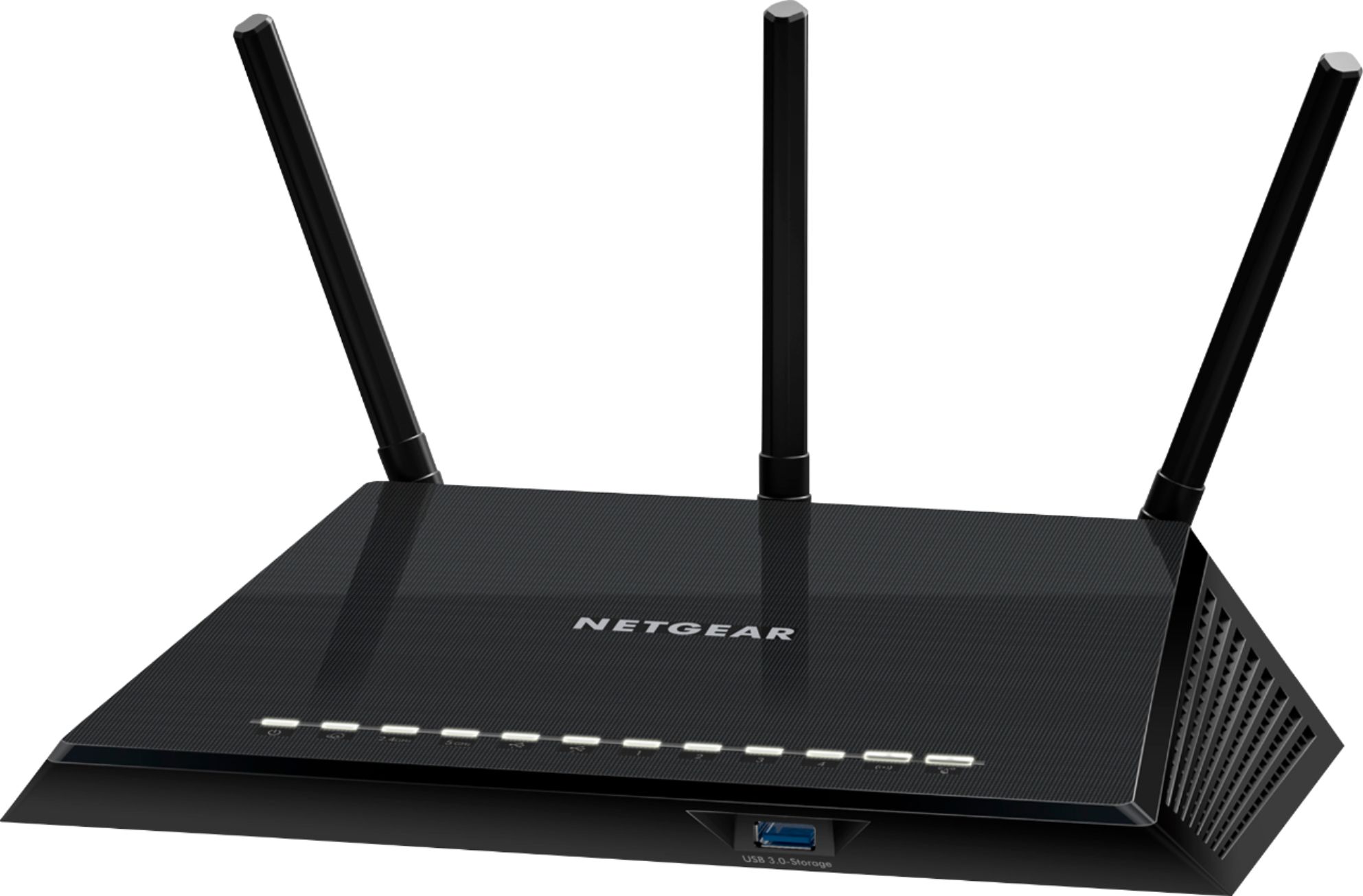
As a computer consultant with 30 years of experience, I've seen my fair share of wireless routers and bad equipment. I'm here to say that this Netgear AC1750 Series Router is approved by me. I've set up a few hundred of them. Good transmission of the wireless signal, multiple users, and great coverage. I think you will be pleased with its performance.
Best of luck,
Consultant Brian
A:AnswerYes, all you really need to do is look at the max bandwidth on the wireless frequency. IE: 5.0 GHZ Max Setting for Download and Upload.
2.4 will be slower so you probably will want to be close to the router and connected to 5GHZ.
You might want to opt for Wireless AX system though to be sure of the most fast speeds.
A:AnswerAs long as the operating system is recent on your iPad or iPhone you won't have a problem setting up the router. You'll install an app to your iPhone then simply follow directions which are very simple. You will need Internet connection to install the app.
A:AnswerYes but installation was not easy as a firmware update and other problems caused a technical call to netgear to help. Took an hour with there help and I'm technically savey .