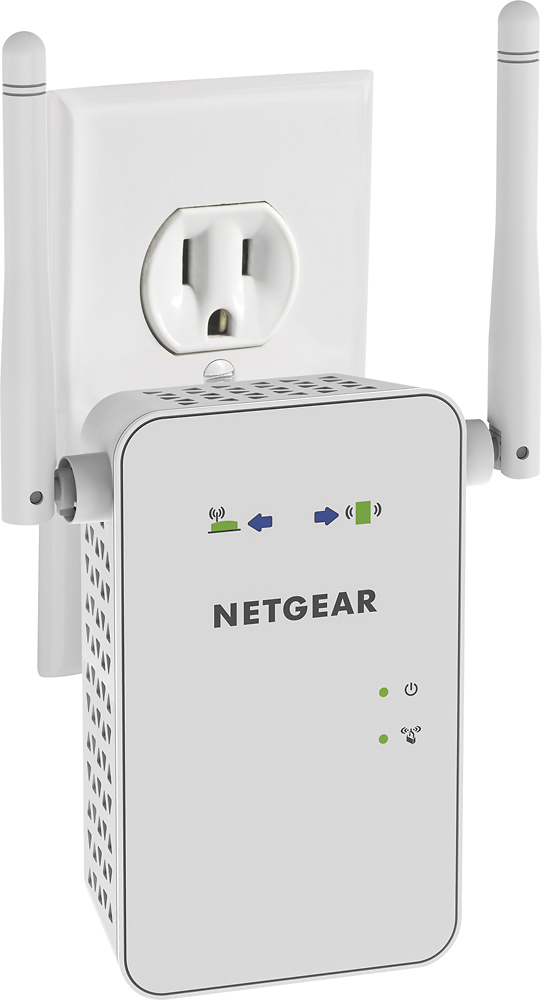
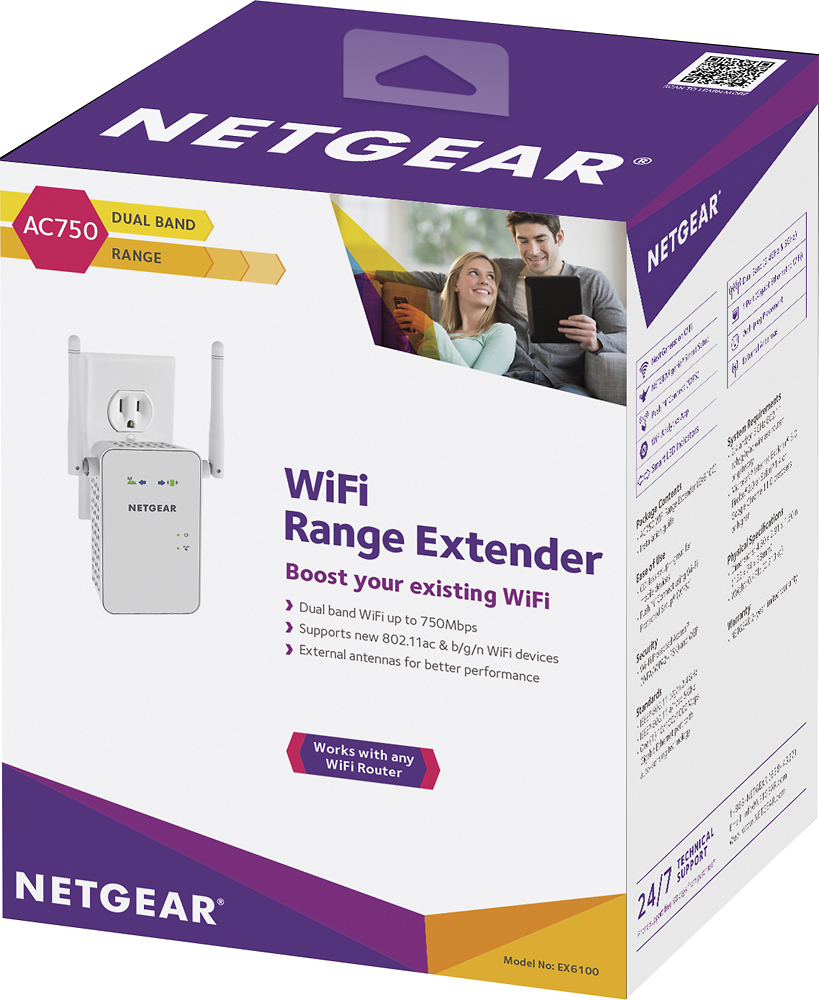
A:AnswerI don't see why not. If you are far away from your router & your internet is spotty or drops this will help. Plug it into a wall middle of home/room. It is an extender does not replace your wifi provider, you still need internet service.
A:AnswerThat depends on how organic your equipment is to spectrum. I have a spectrum modem but a nighthawk router and they paired seamlessly. I imagine it would work just fine if you have the bridged modem/router in one from spectrum.
A:AnswerJust something to double check when you are setting up your different extender networks is that you are on the 5ghz WiFi network when you are setting that one up and the same for the 2.4ghz. So if you are setting up by smart phone, after you set up 5ghz you will need to go to the settings in your phone and switch over to the 2.4ghz network.
A:AnswerI was having that same problem. My desktop computer was downstairs in my basement and I have a laptop upstairs. Once I brought the netgear extender and plug it in and it helped my laptop with so much better.
A:AnswerDear Bert;
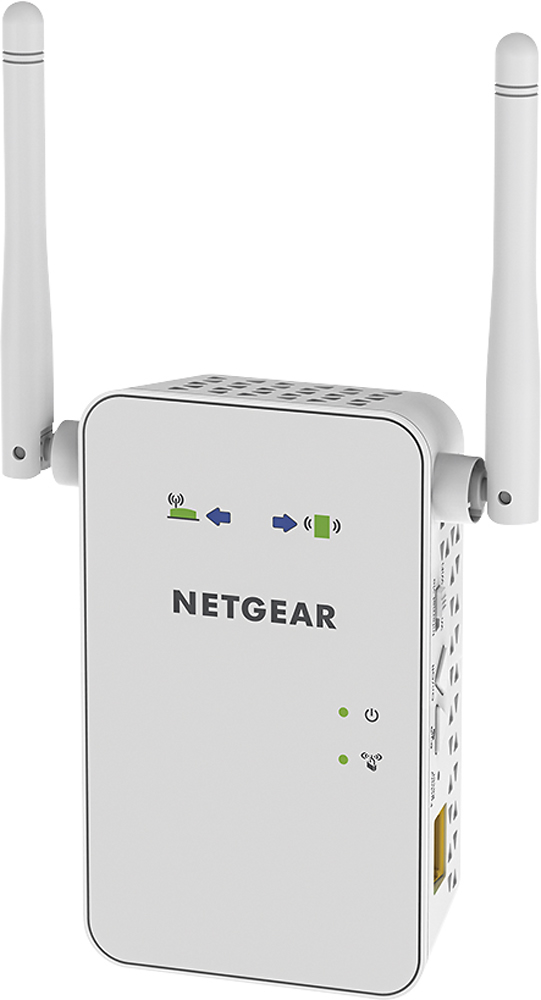
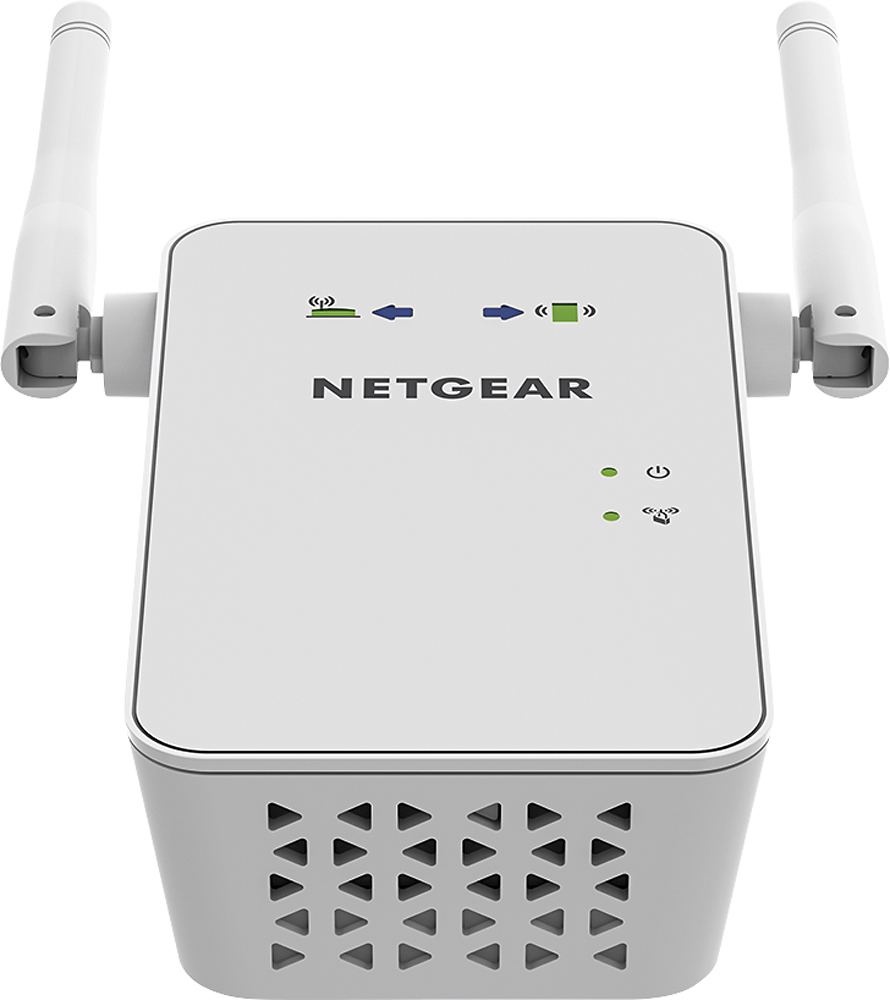
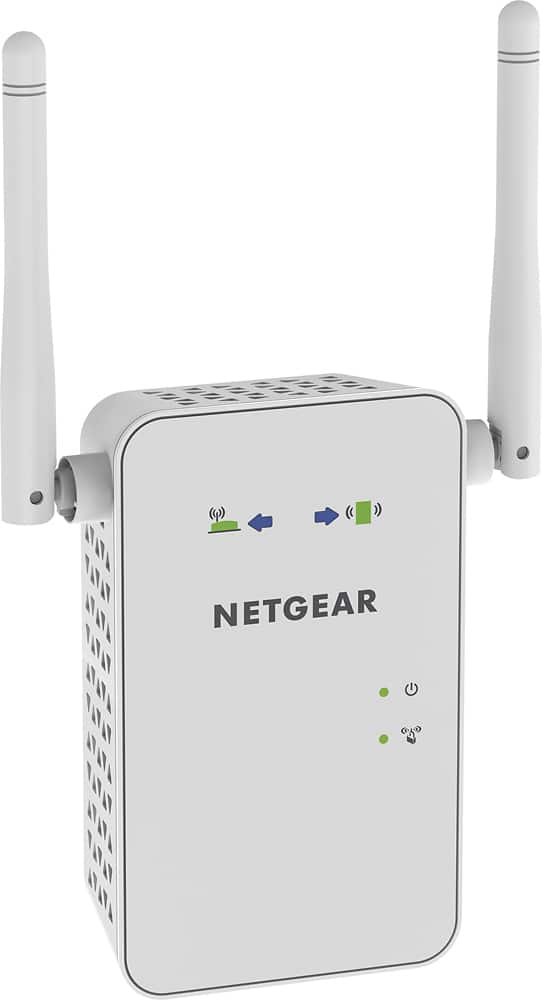
Yes, the antennas are important. They need to be pointed towards a specific area. For example, if your computers are downstairs and the Wi-Fi is upstairs, you should point one downstairs and one upstairs. Upside down would do no good. You've got a great extender there. This one gives good coverage.
Best of luck,
Consultant Brian
A:AnswerDear Question Guy;
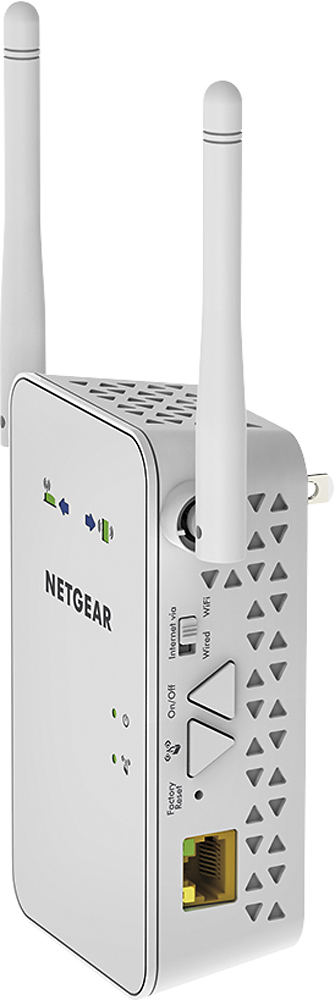
Yes, there is an ethernet connection in the Wi-Fi extender. You can run a hardwire from it and into a computer. Should work fine. No issues. I've got a few clients who get a better connection that way. I've even found certain materials used in walls to interrupt signal strength. Go for it.
Consultant Brian
A:AnswerI believe the ext is the older version. The newer ones use your same Wi-Fi name and your device jumps right on it when you are in range. I got two like this and 1with ext