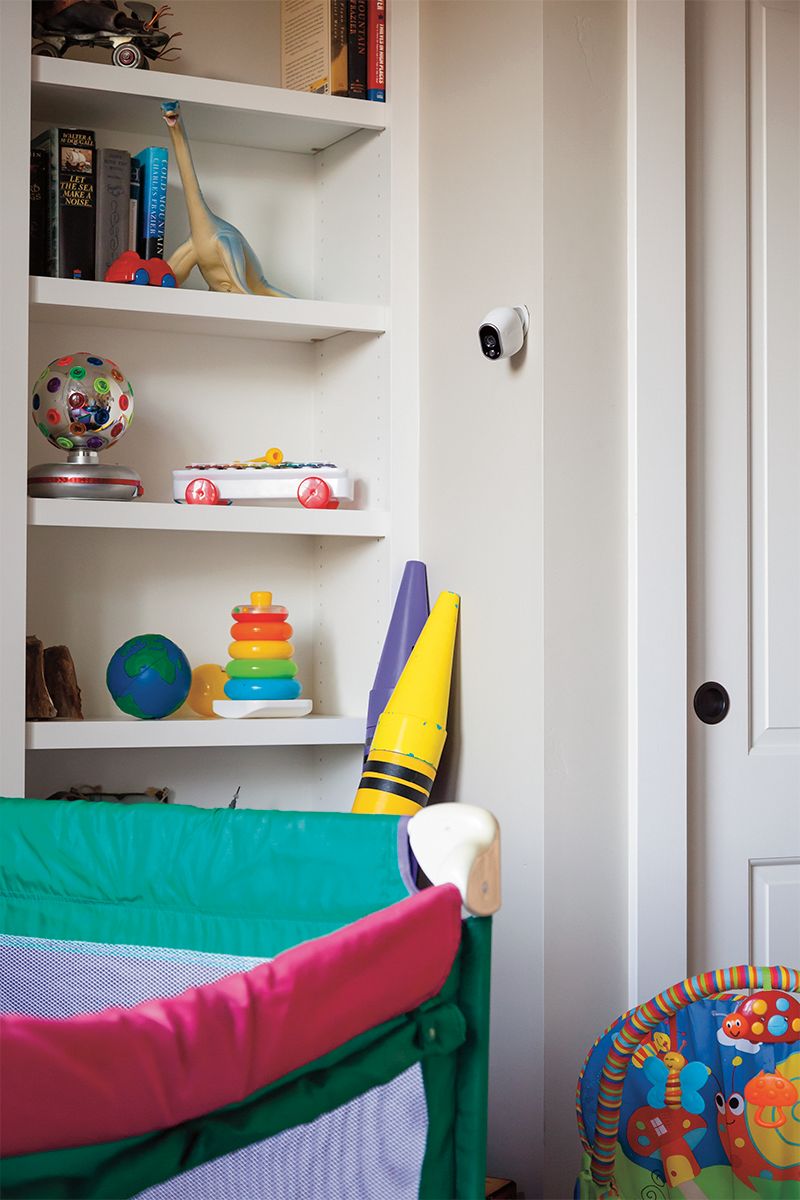
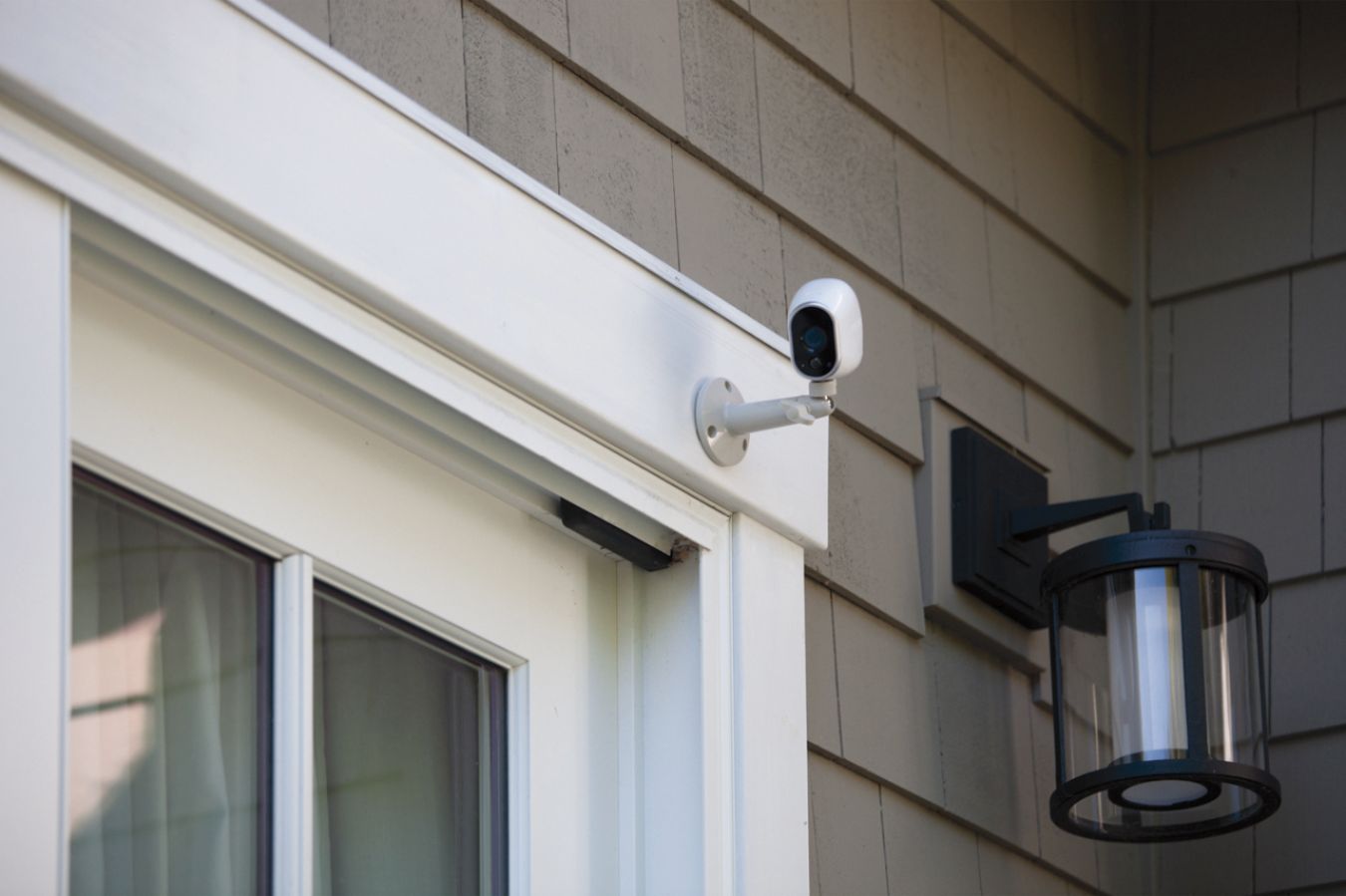
A:AnswerIf you want to use magnetic mounts then you do not need anything. However if you want to hang them outside then you may need different kind of mount
A:Answernope, just plug the NetGear into a router and put the batteries into the camera, and it will load a recorded photo of the movement and send to your designation, as in email, or record and will have it in the history by date.
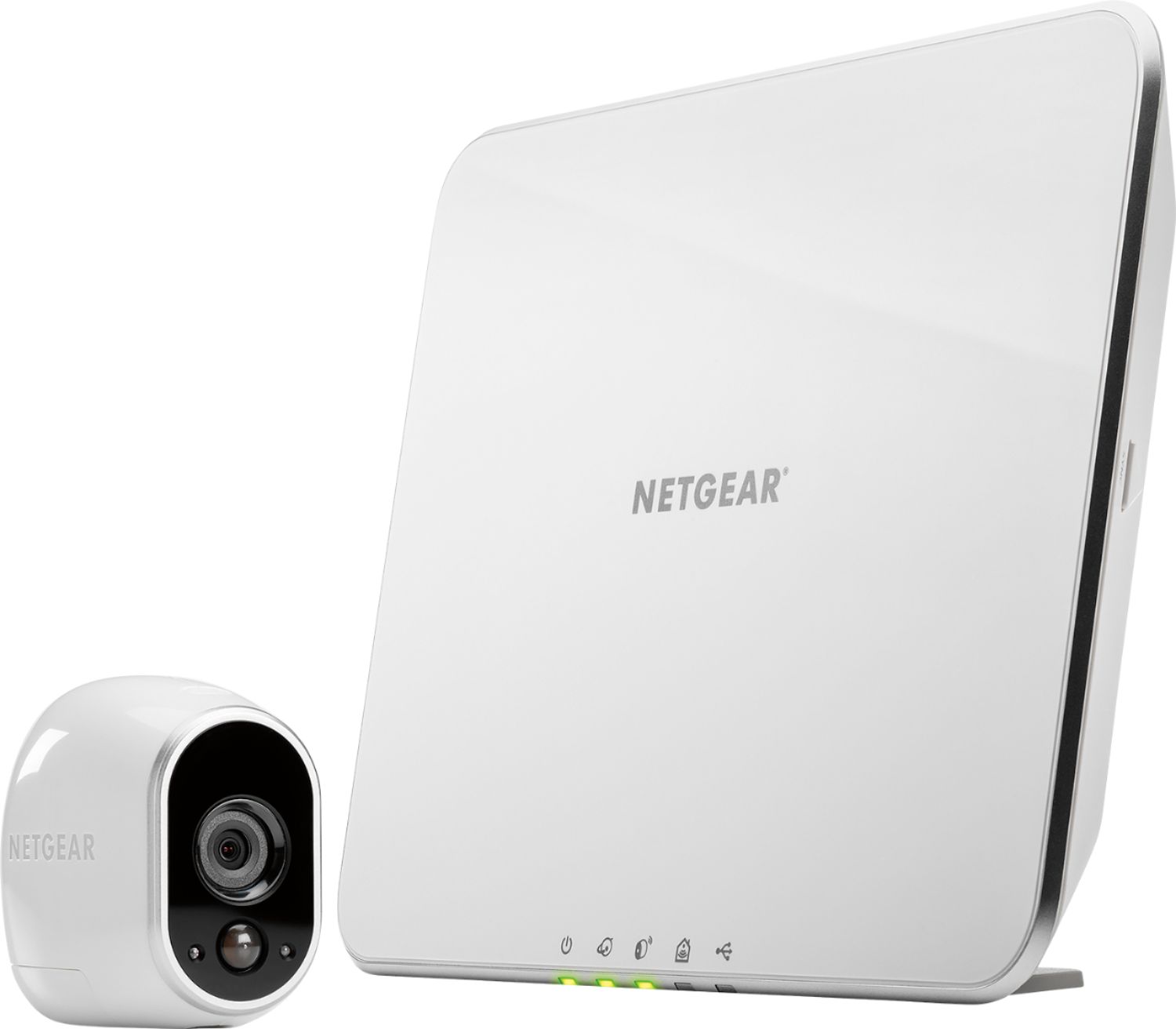
A:AnswerThe base station is what collects the video data from that camera so you will need that. If you get a Arlo Q that is for indoor use with a mic and will not need a base station just a WiFi connection to the internet.
A:AnswerYou can buy the Arlo Q and not need a base station and also Arlo Go works like a cell phone over 4G. All the others you need a base station for if that answers your question. Also the Arlo Q is not weather proofed to be outside i don't think so be careful.
A:AnswerNot very long. If you are setup with an account, which is recommended when setting up the system, you will get an email when motion is detected.
You are also able to set the sensitivity of the motion detection which would probably coincide with the lag time.
A:AnswerA standard Ethernet cable with the RJ45 connector comes with the system.
I would check the port you are trying to put the cable in on the router with another Ethernet cable.
If that cable fits ok, inspect the connector on the provided cable for any defects, rough edges.
Contact the company if the provided cable is bad.
A:AnswerProbably more of a question for the manufacturer's support, but I think there are USB to RJ 45 "pig tails" out there.
Not sure of the manufacturer of these.