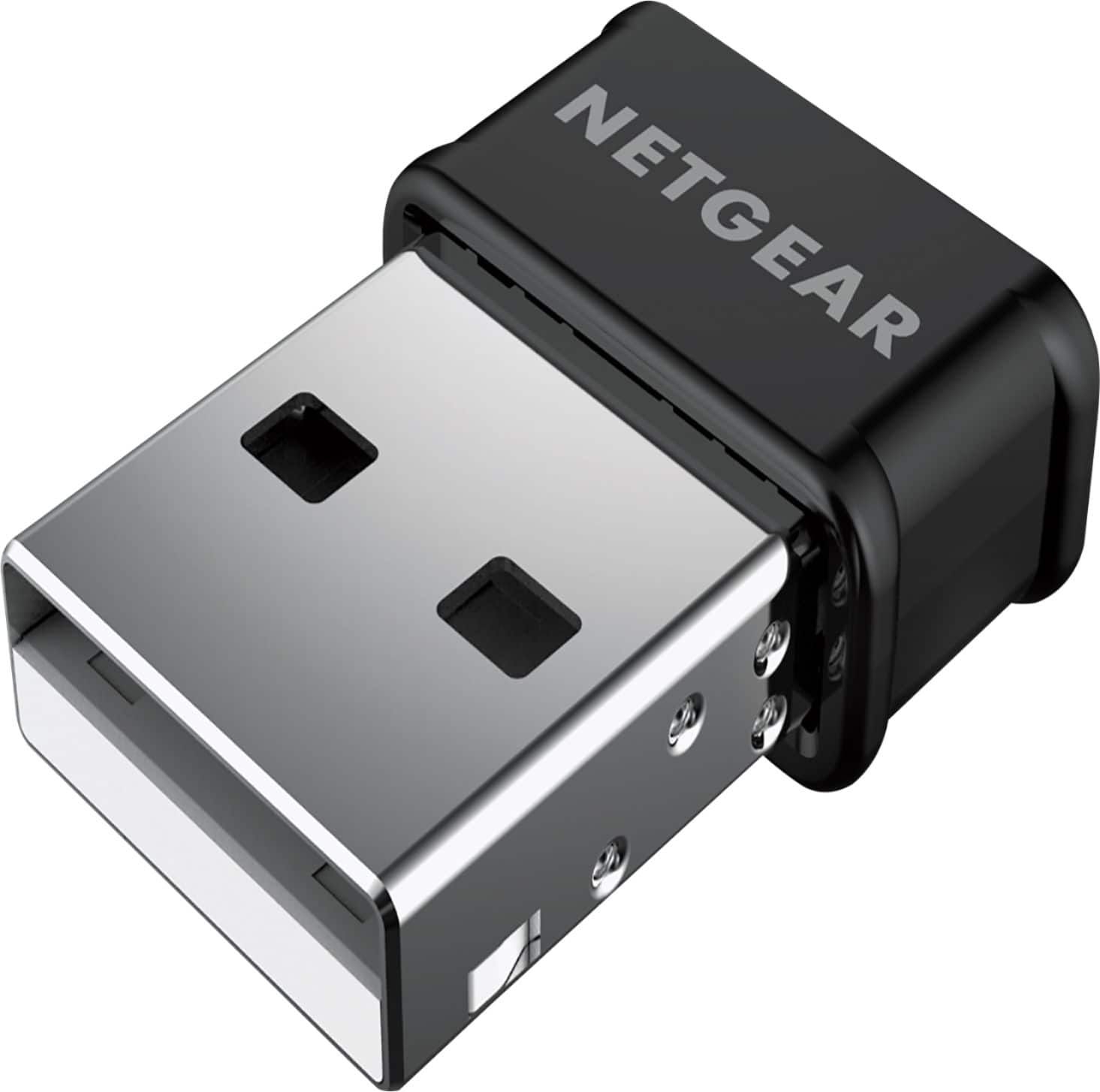
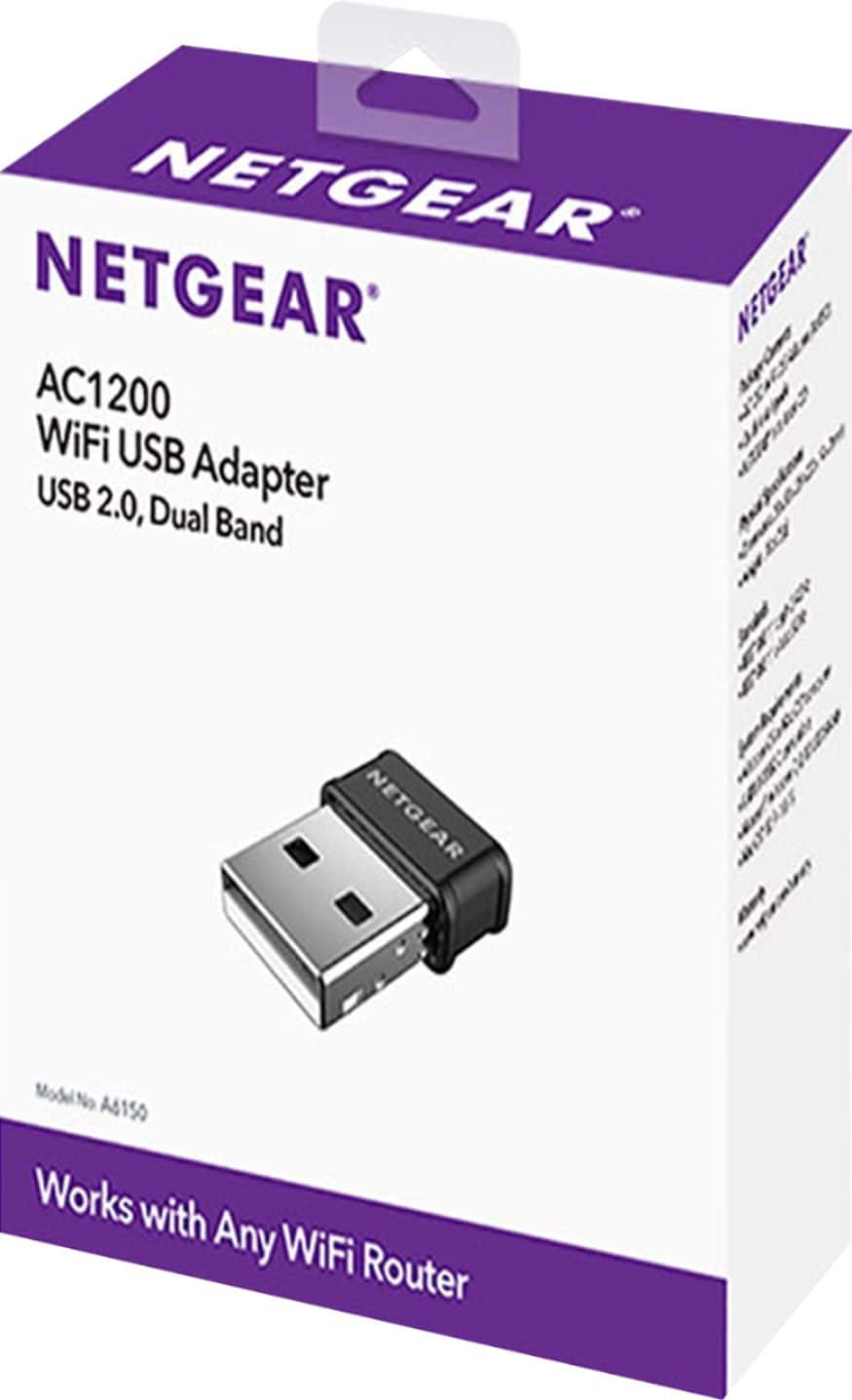
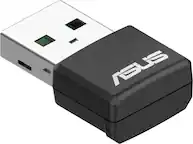
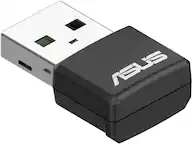
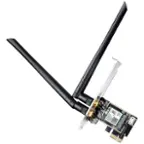
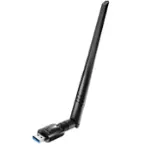
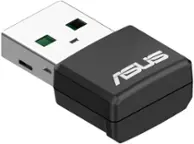
A:AnswerThis is a wifi adapter. For that you would need a cellular connection. This will not provide stronger wifi single in your house than what your laptop can pick up.
A:AnswerUnfortunately not. You would need to install some software with this. Is your Xbox 360 in a dead wireless zone of the house? I would suggest picking up a wireless booster, instead. I hope this guidance helps.
A:AnswerNo, you have to have internet service in your area. If you do, and you have access to the internet (hotel, restaurant, etc) then this adapter will be able to connect your device to the internet.
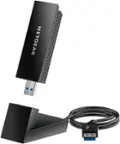
A:AnswerYou may have to disable your Realtek WiFi in order for this one to "take the reigns" but I don't see why it wouldn't work.
Go into your Device Manager prior to installing the Netgear and disable the Realtek. Then, plug this dongle in and it should detect the Netgear.