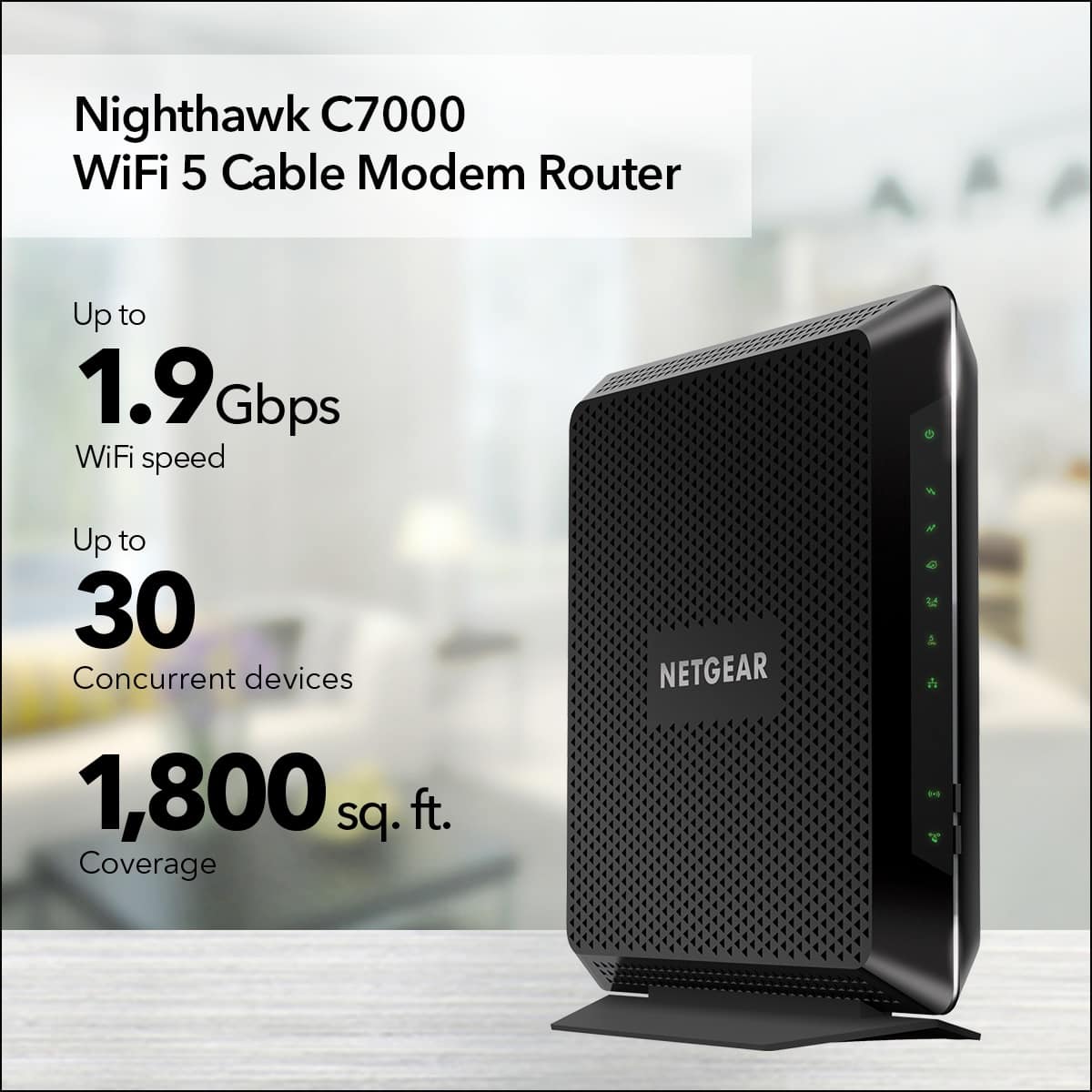
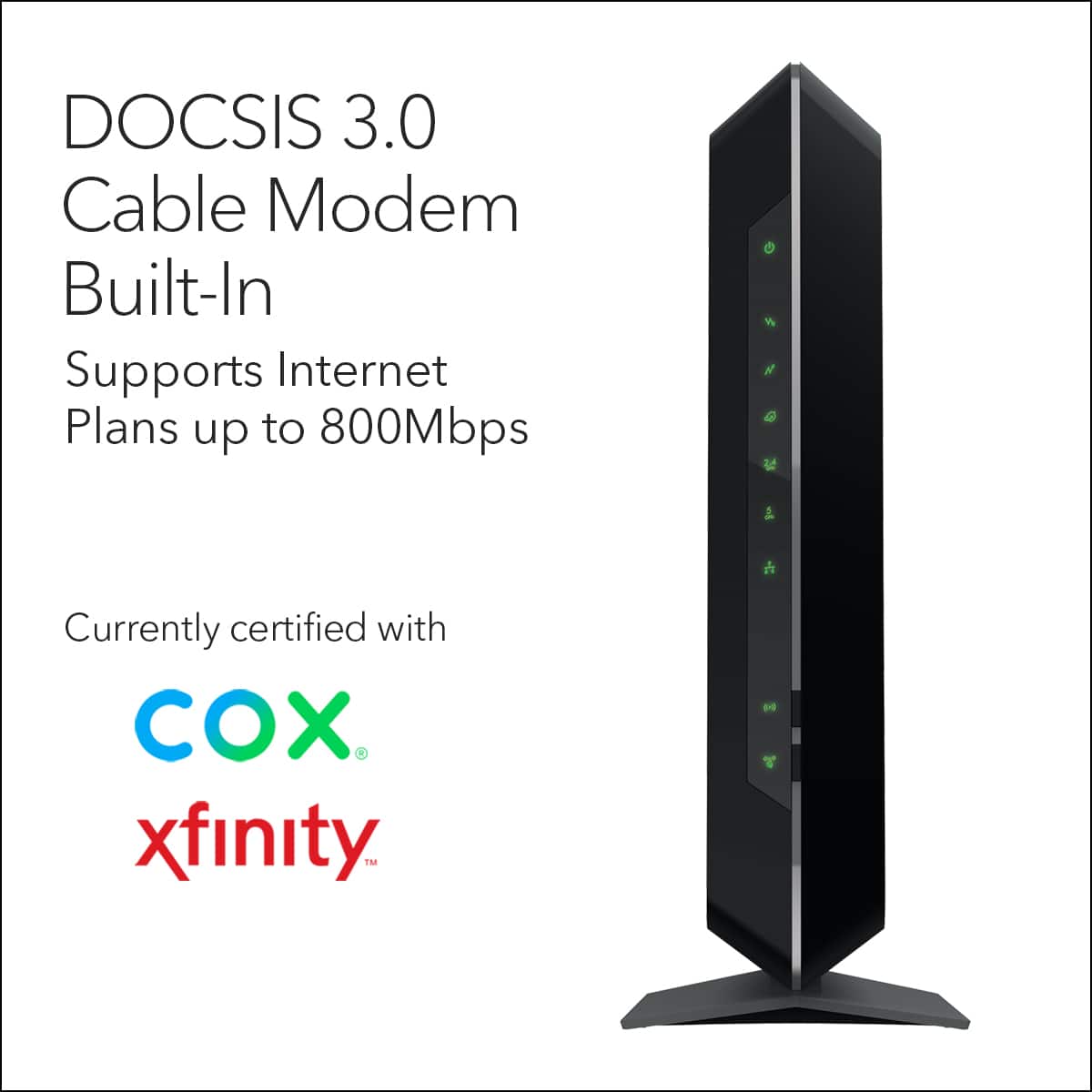
A:AnswerI have Xfinity and this works well with my system. I initially was only looking for a cable modem, but finding a 2 in 1 that works this well is nice an means I won't have to soon replace the router. We've had it in place for about a month month now and haven't seen any issues. Now to be clear I only have the regular data speed transfer, but this is supposed to handle the higher speed/larger data stream as well.
A:AnswerThis is a wired range extender - there is no wifi involved with this. You plug one side into your router and the other side into your computer/laptop, etc. with the Ethernet cable and it utilizes the wiring in your home to transmit and boost the signal between them.
A:AnswerThe only thing I'm paying for is internet, there are contracts with lower rates and those without are higher monthly rates.
I got this router and now I don't have to pay the monthly rental fees, so it's pretty nice.
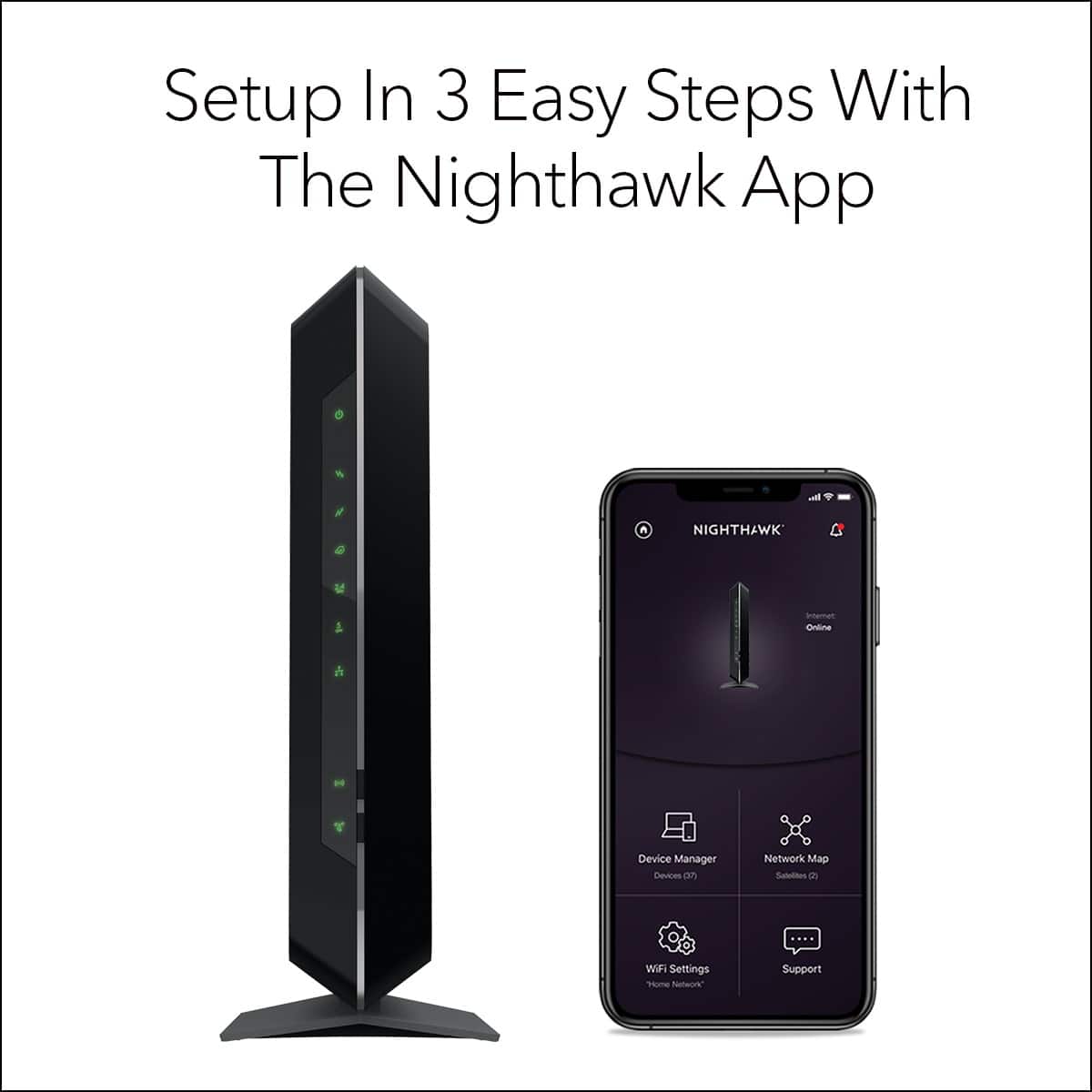
A:AnswerHello, your best bet would be to get some assistance from someone in person. Describing the process here may confuse you. The instruction manual also had a quick start guide which may help.
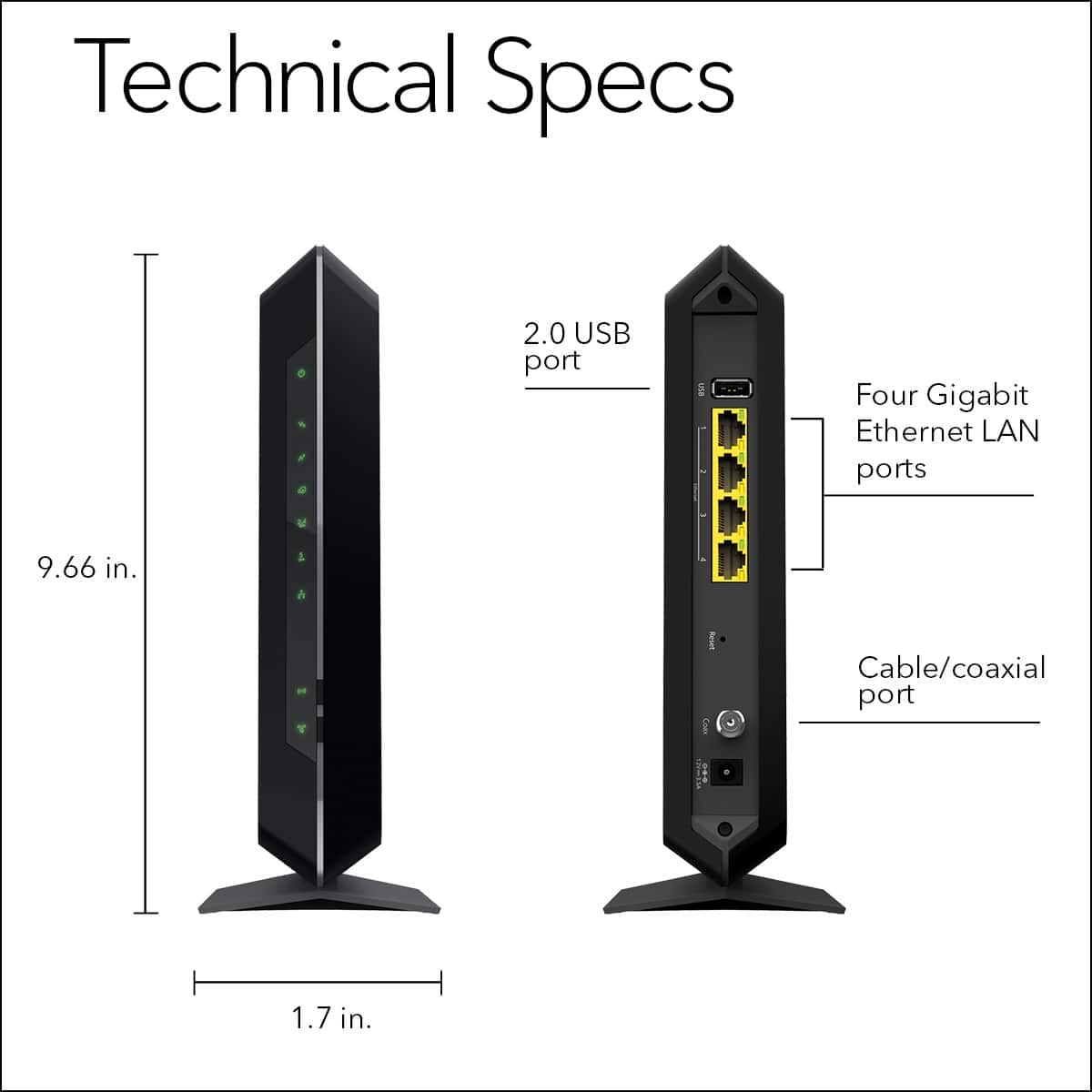
Essentially, you will need to spin and fully hand tighten the coax cable from your wall (has round tip with a pin inside - that pin inserts into the coax plug) to the back of the modem. Ensure the power cord is plugged in the back and wall.
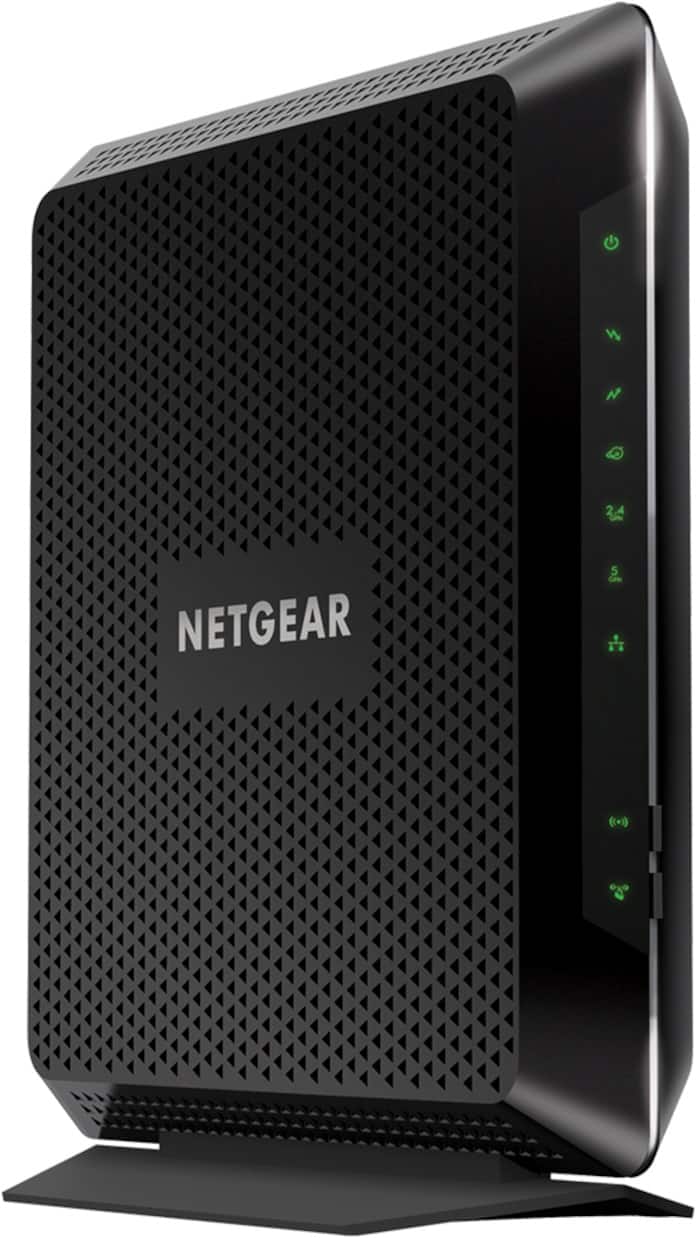
Wait for a couple minutes until the modem is done booting up. The lights will dance around a bit, but eventually turn green.
You will most likely need to contact your internet service provider and give them the MAC number printed on the box or on the label on the side of the modem.
Once done, you can connect using the password printed on the side of the modem.
Hope this helps!
A:AnswerIf the internet speeds you are purchasing from your internet service provider are of high enough bandwidth, then yes. This will certainly let you stream 4K video. Though I HIGHLY recommend you connect to the 5G band and not the default 2.4 band (the wifi name you connect to should have "5G" on the end of it).
A:Answeryes. I connect the ethernet cord to my laptop to increase its speed with the google website. It is hard to unplug from my laptop. I have to disconnect it to print with internet explorer.
A:AnswerIt would probably same you money! They will most likely charge you a monthly fee. Within a year, purchasing one will pay for itself. I recommend checking your isp website to see if you can bring your own modem/router and for requirements. Good luck!