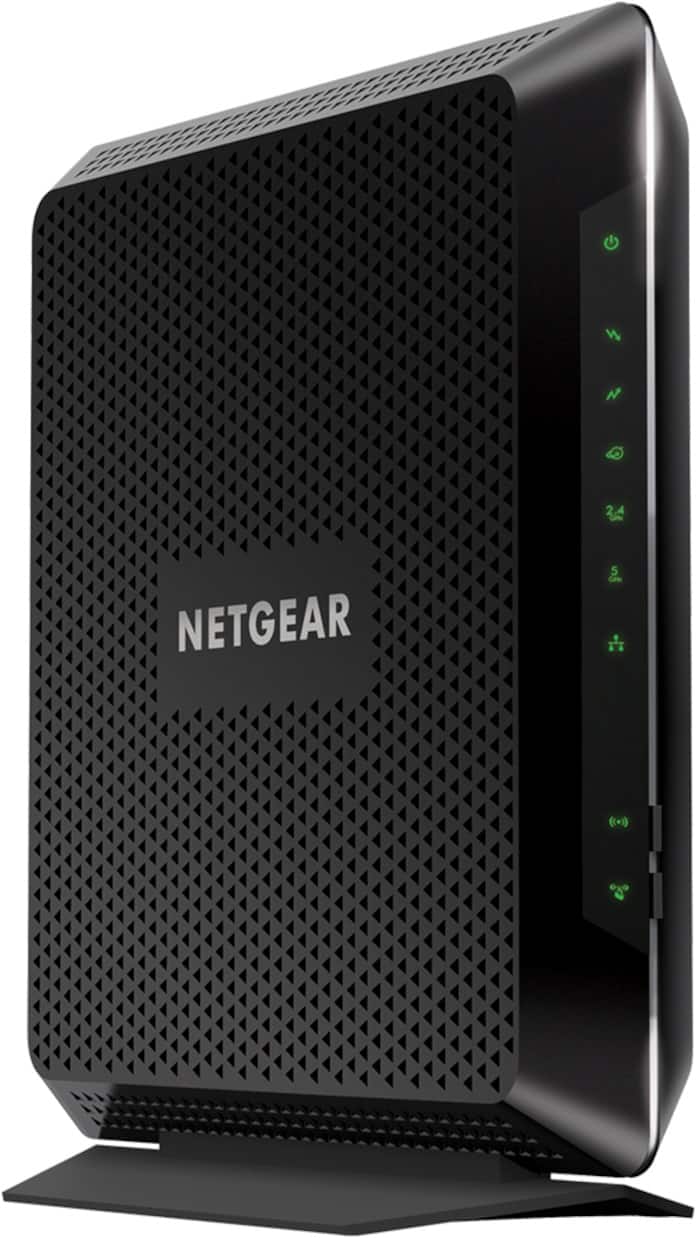
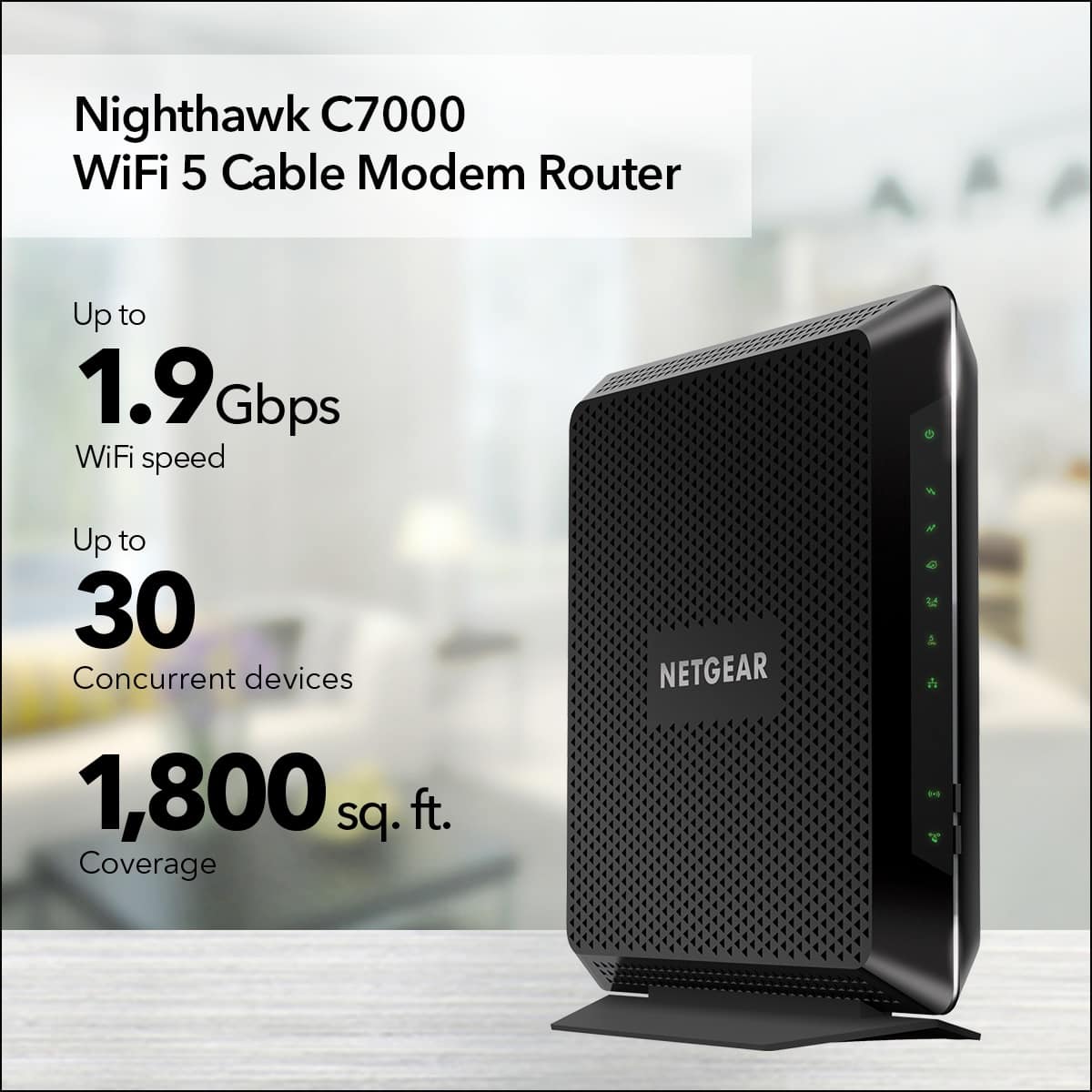
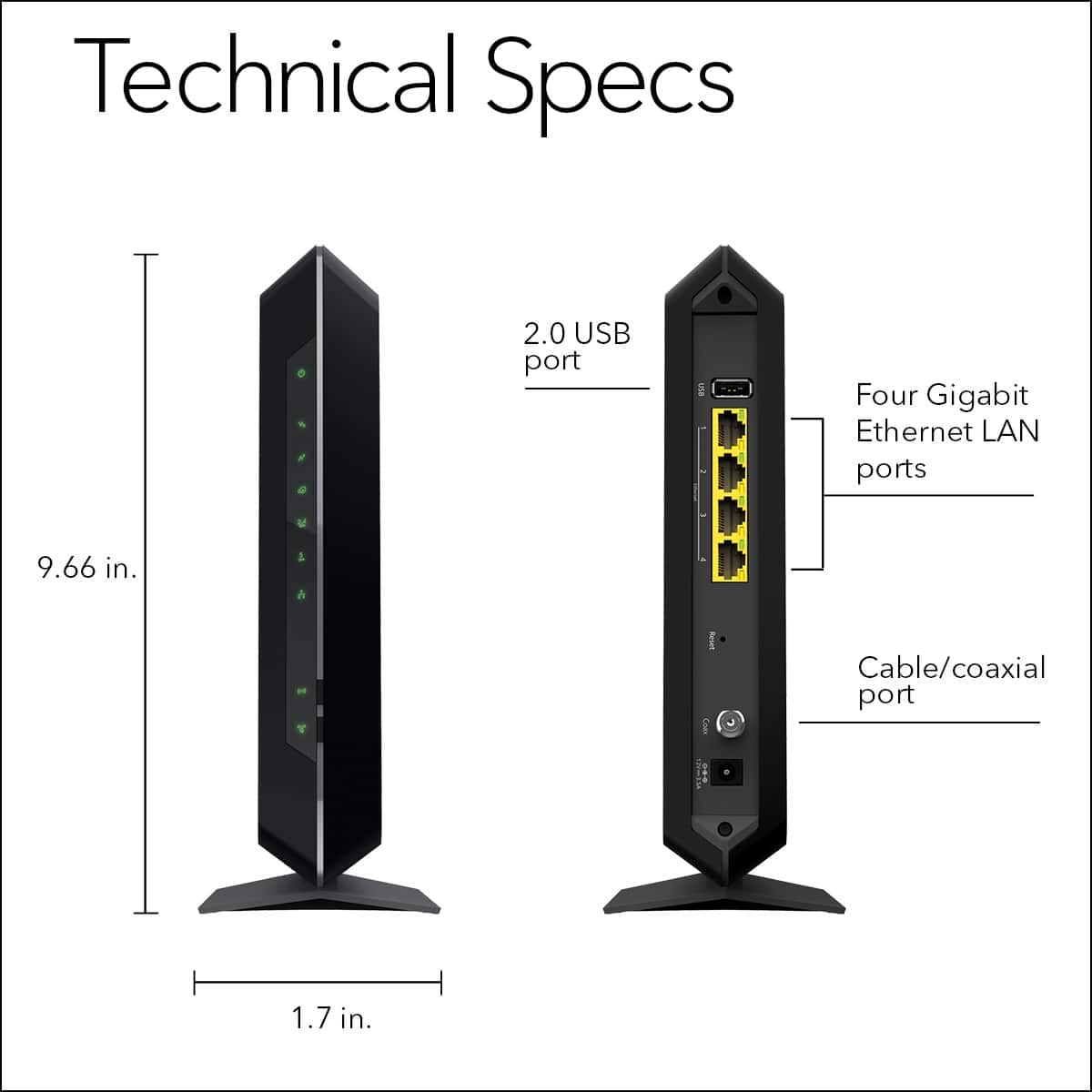
A:AnswerA strict nat type can be fixed by port forwarding. This modem router has that ability. Just look up which ports need to be opened for the game you want to play. I play call of duty and my kids play fortnite
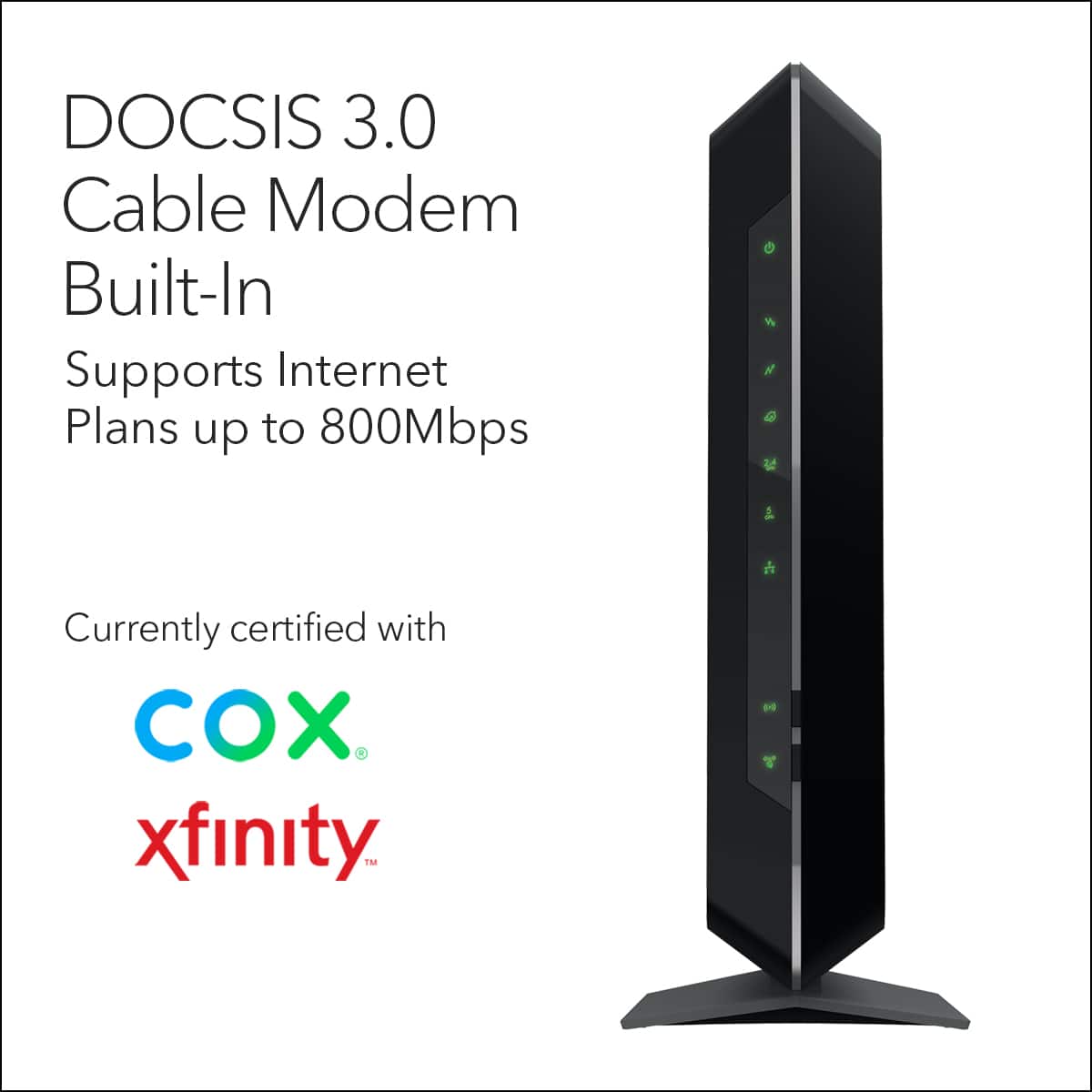
A:AnswerThank you for your question. We would recommend contacting cox cable support to see if our products are compatible and would work with their service. – NETGEAR
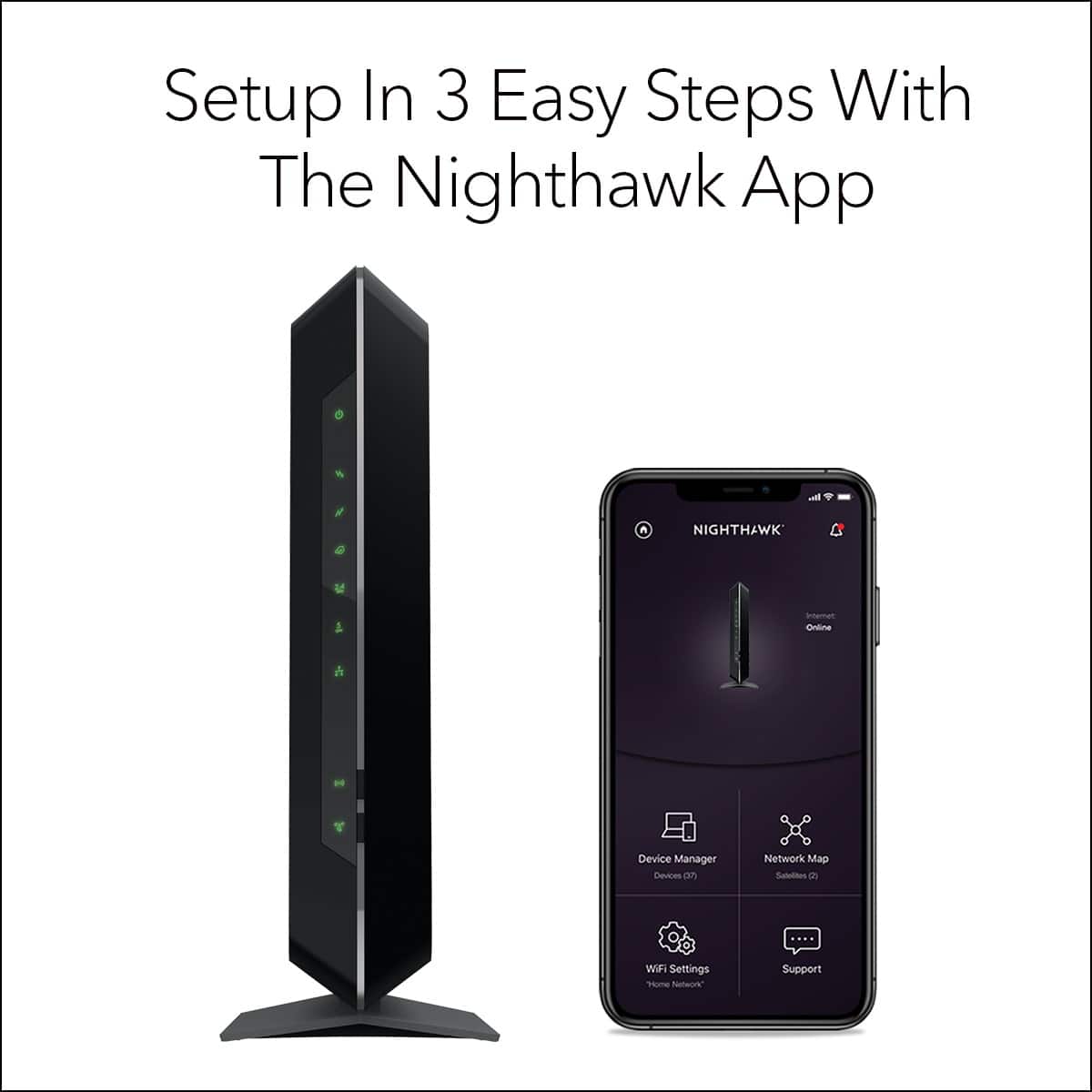
A:AnswerIf your having issues setting up please know you have to register your router with the netgear system. Mine worked for a day then stopped. My Comcast guy finally remembered that netgear requires you to register your item.
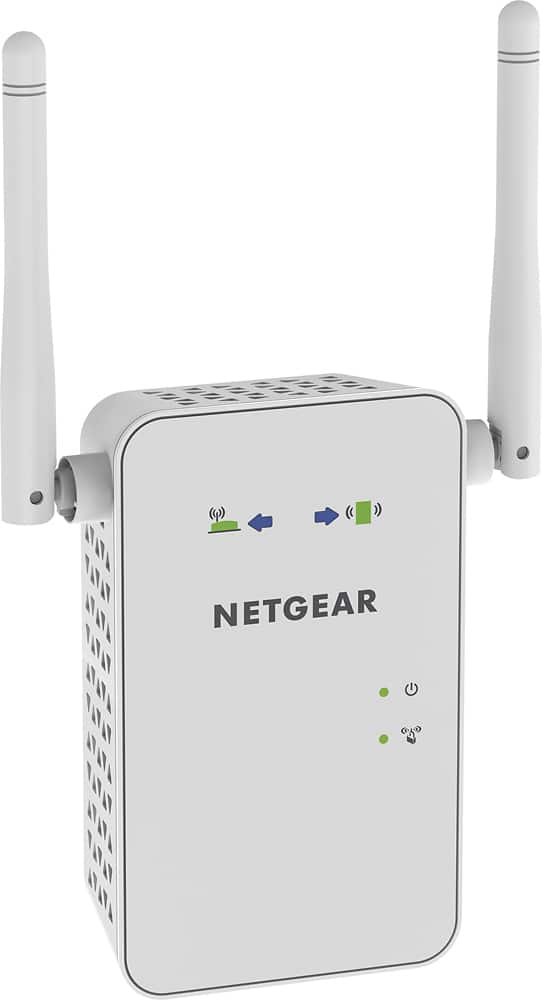
A:AnswerHi, I bought a netgear booster for 25$ to stream videos in my garage across my yard (50' away) it works fine for this. Spectrum also now has a new router that works better than the older ones if you have an older one.
A:AnswerThe MAC address is located on the machine itself. I did not check other products to see if they had the same MAC address. I presume not as I had to give the MAC address to my ISP provider.
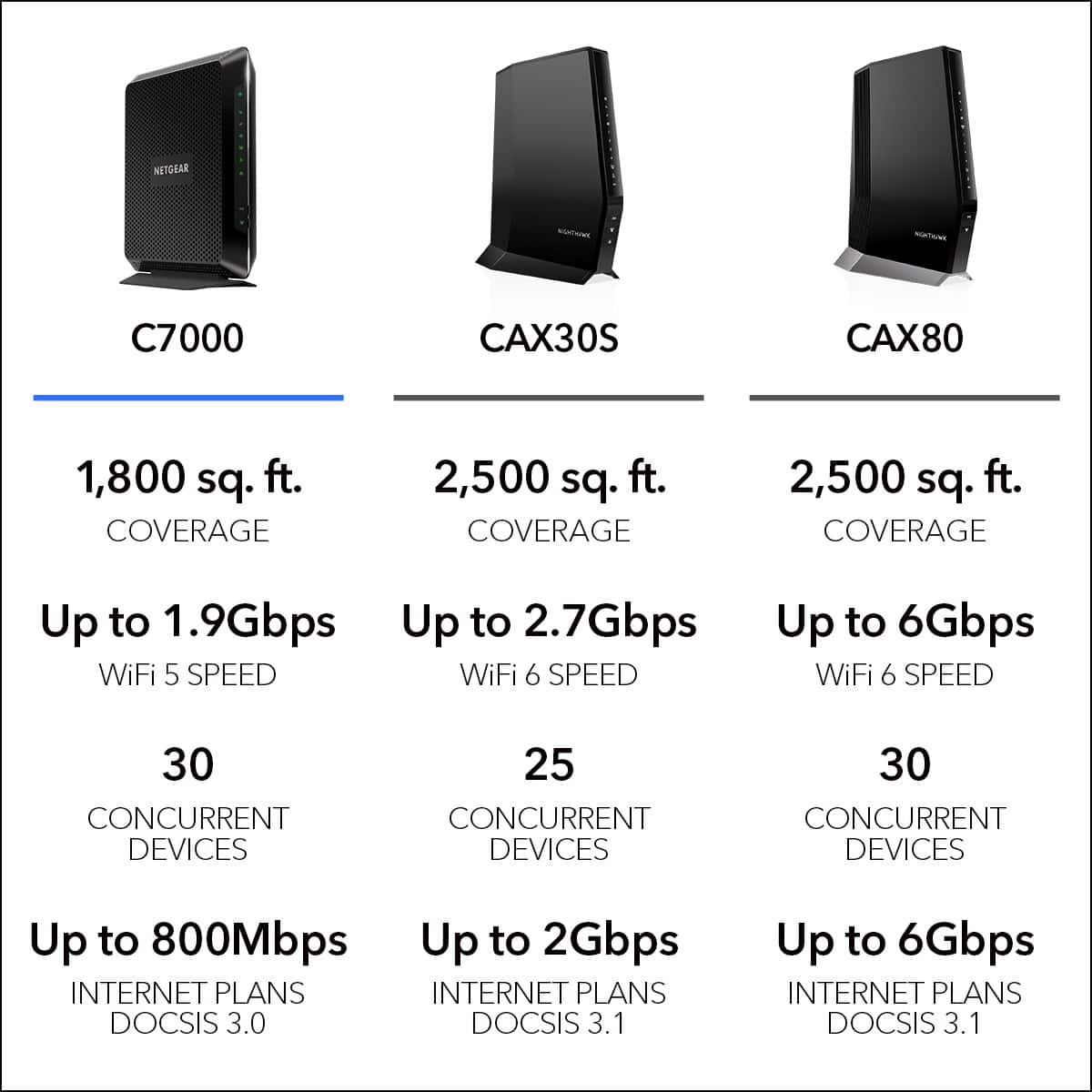
A:AnswerI have Xfinity and this works well with my system. I initially was only looking for a cable modem, but finding a 2 in 1 that works this well is nice an means I won't have to soon replace the router. We've had it in place for about a month month now and haven't seen any issues. Now to be clear I only have the regular data speed transfer, but this is supposed to handle the higher speed/larger data stream as well.
A:AnswerThis is a wired range extender - there is no wifi involved with this. You plug one side into your router and the other side into your computer/laptop, etc. with the Ethernet cable and it utilizes the wiring in your home to transmit and boost the signal between them.
A:AnswerThe only thing I'm paying for is internet, there are contracts with lower rates and those without are higher monthly rates.
I got this router and now I don't have to pay the monthly rental fees, so it's pretty nice.