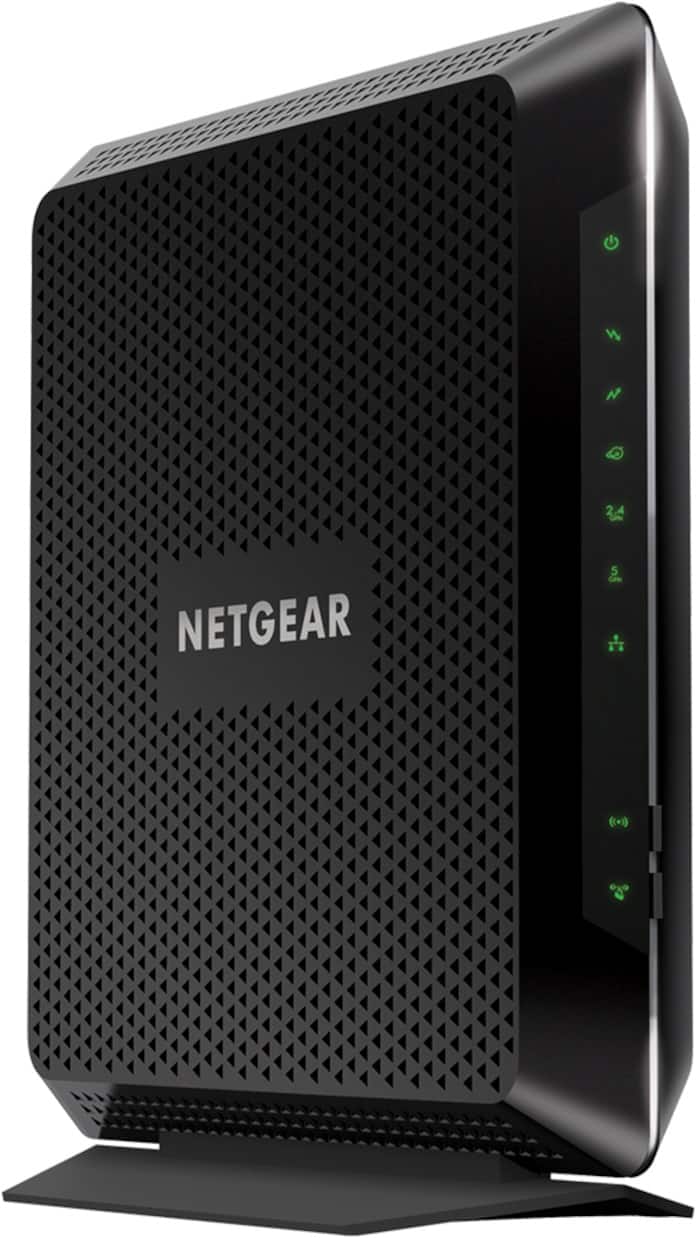
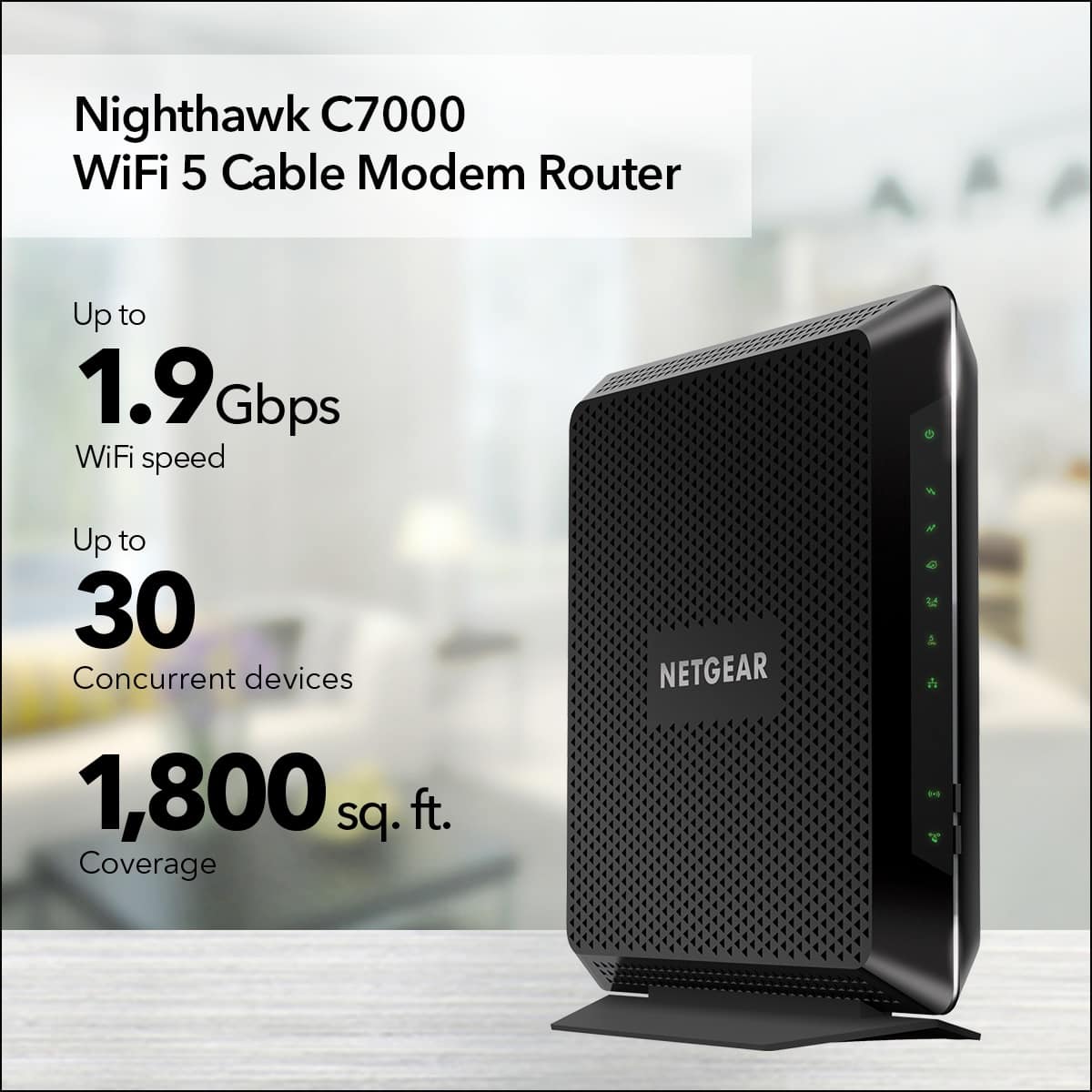
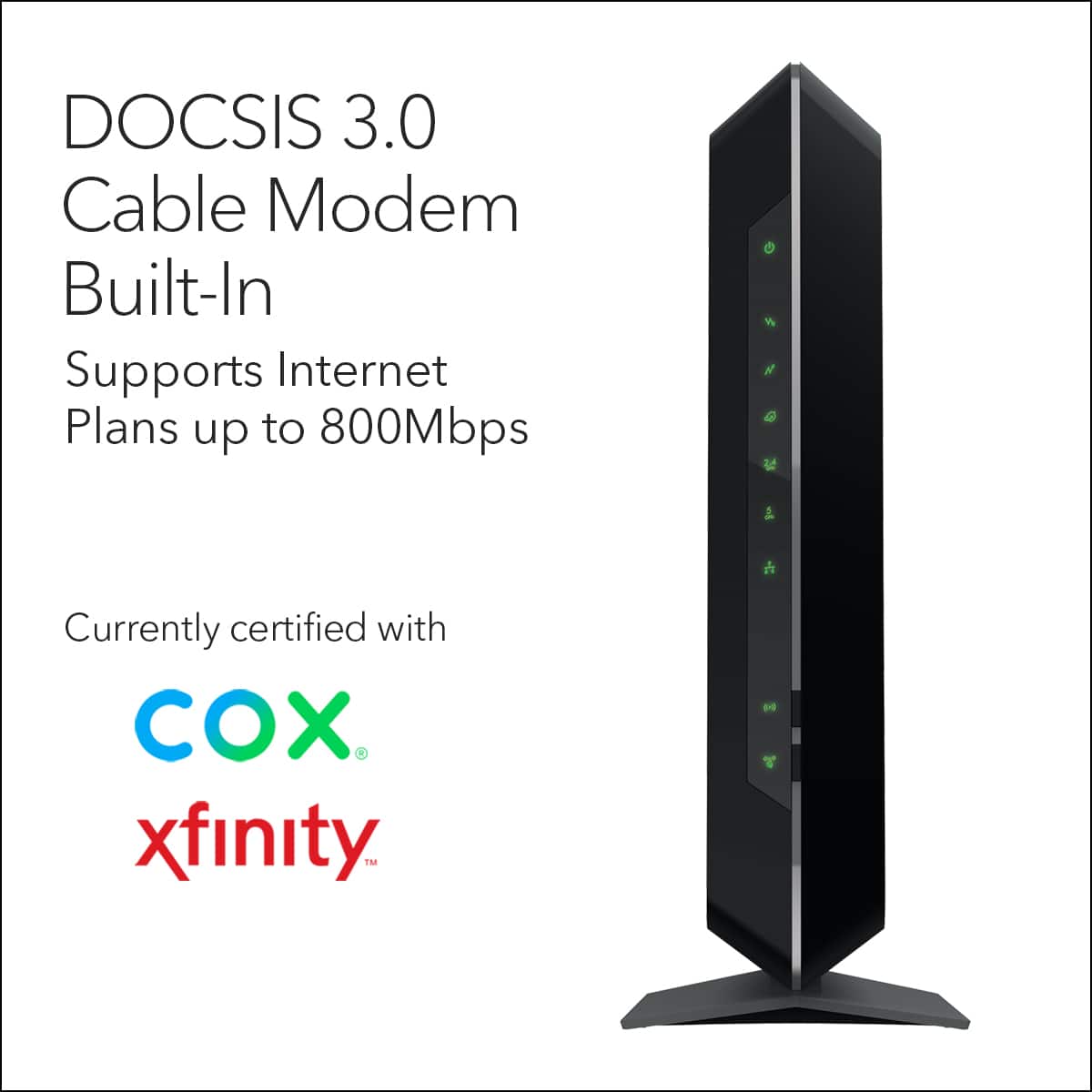
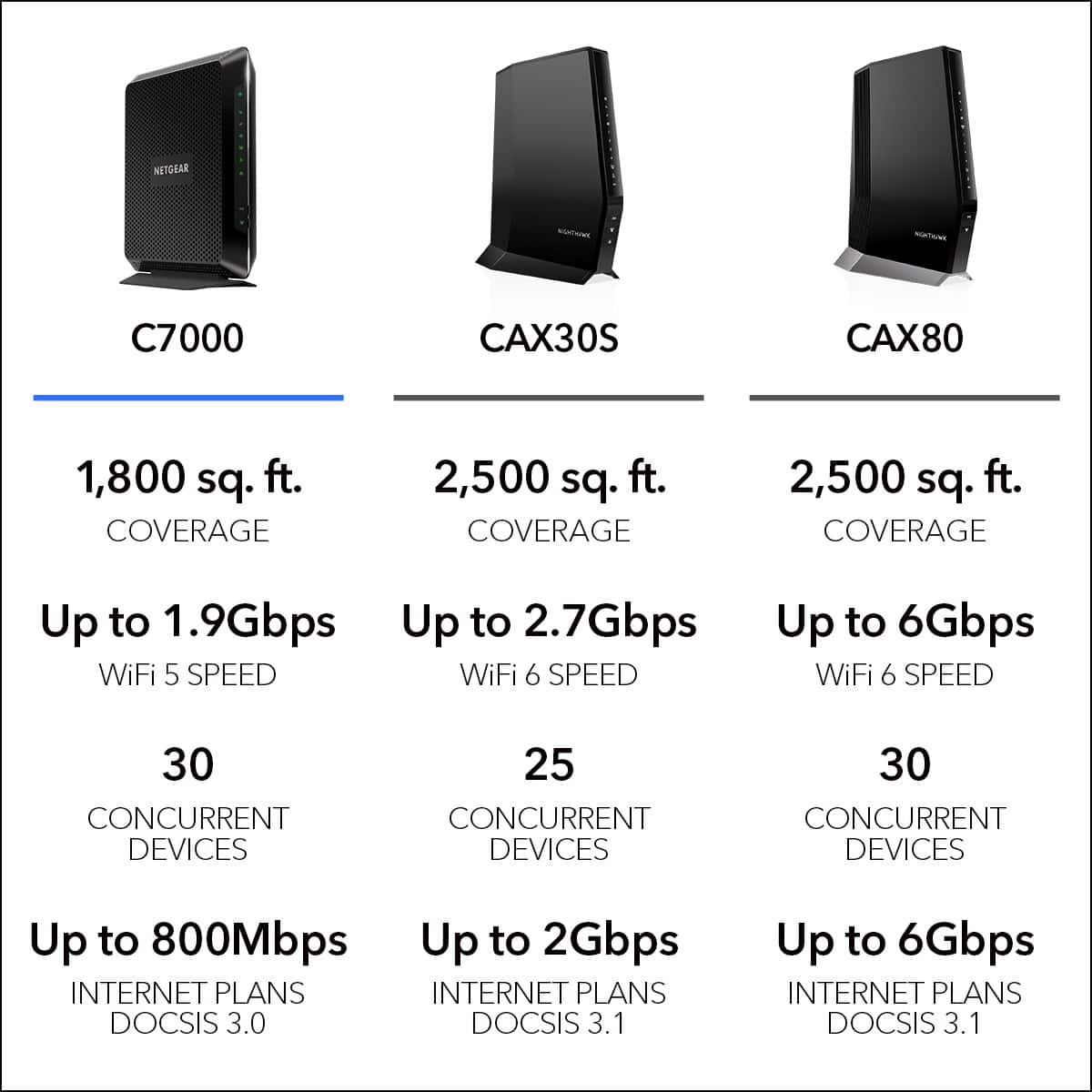
A:AnswerThis is a cable Wi-Fi router is really good and the performance is amazing but you would have to ask your internet provider if is compatible whit there service I know it works well whit Xfinity and Comcast the biggest cable service providers where I live
A:AnswerYour technology device mix is fine as long as everything can be connected either physical or wireless. The service provider will have to be contacted to verify if they will allow this modem or not, not seeing enough information to verify which Internet service provider you actually have.
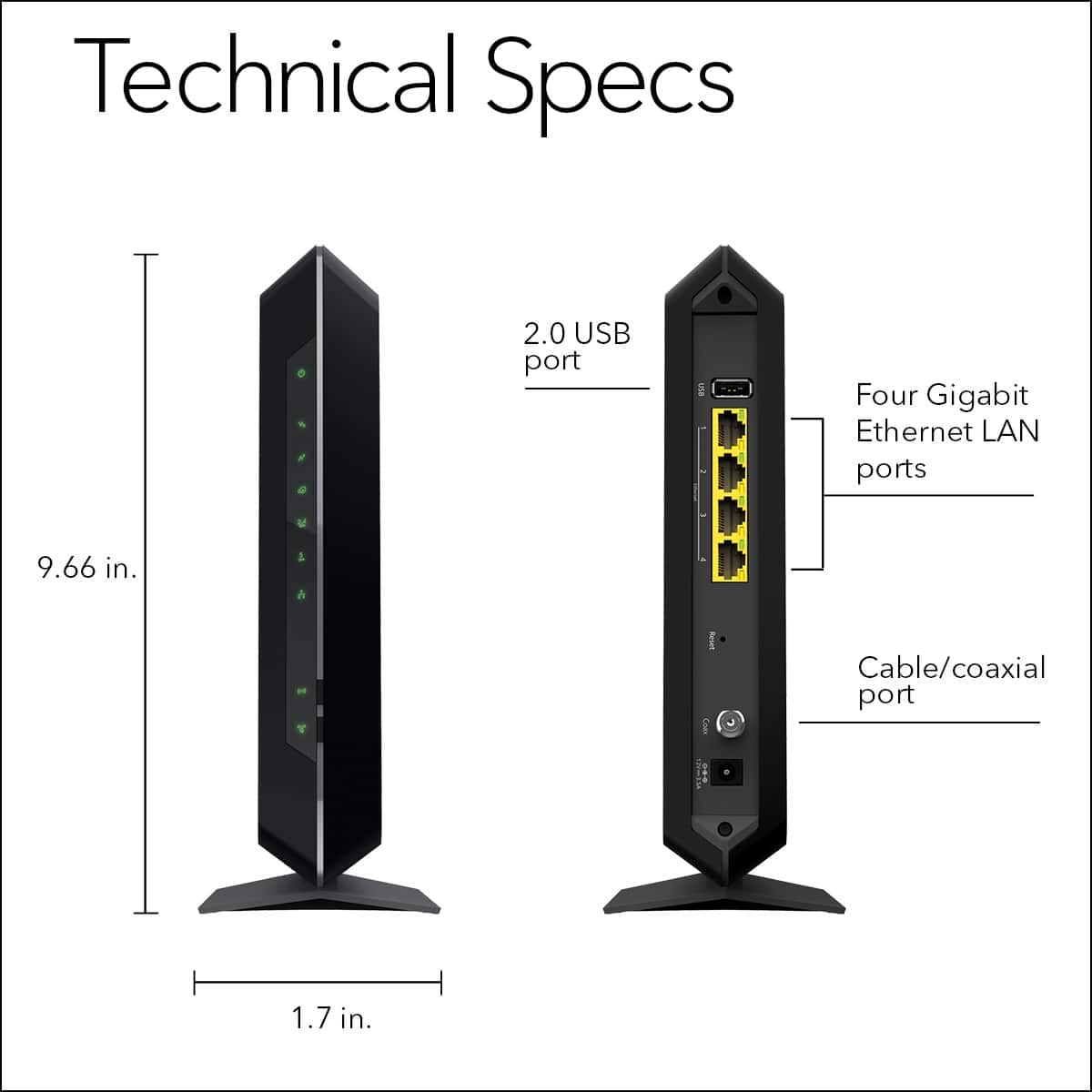
A:AnswerYou can connect any device that is wireless. I even have s wireless hard drive connected as well as laptops iphones iPad and TVs .. etc. All wireless. There is also a USB port on the Netgear to allow you to plug in an external storage device that is accessible to the devices on the network.
A:AnswerI’m unsure but being located in an odd location, the home I live in is from 1890s and 3200 total sq feet and I receive signal from all corners of the home which I have Nest Outdoor Cameras and they stream without flaw.
A:AnswerYou definitely would NOT want to put a router behind another router (double NAT/Firewall etc). You should purchase a simple cable modem, and modem/router combo
A:AnswerIt’s not working for me after 30 days of my purchase only, please don’t buy this product as it has issues from many days in netgear community you could see the reviews over there.