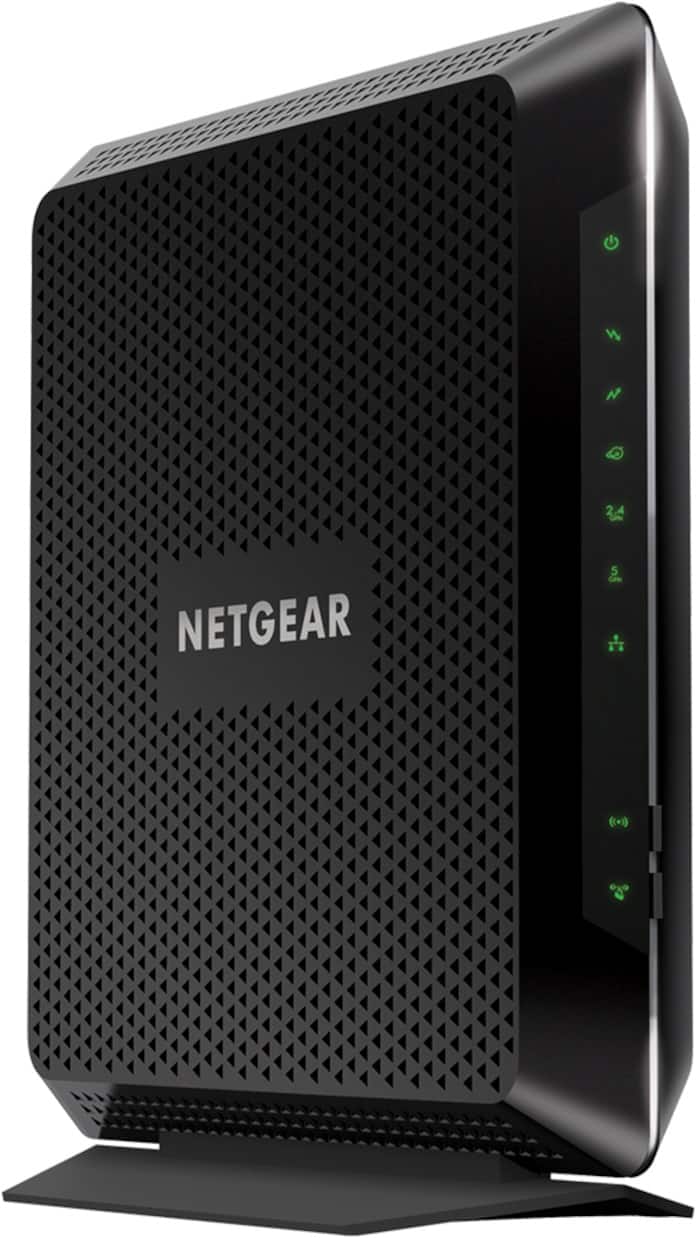
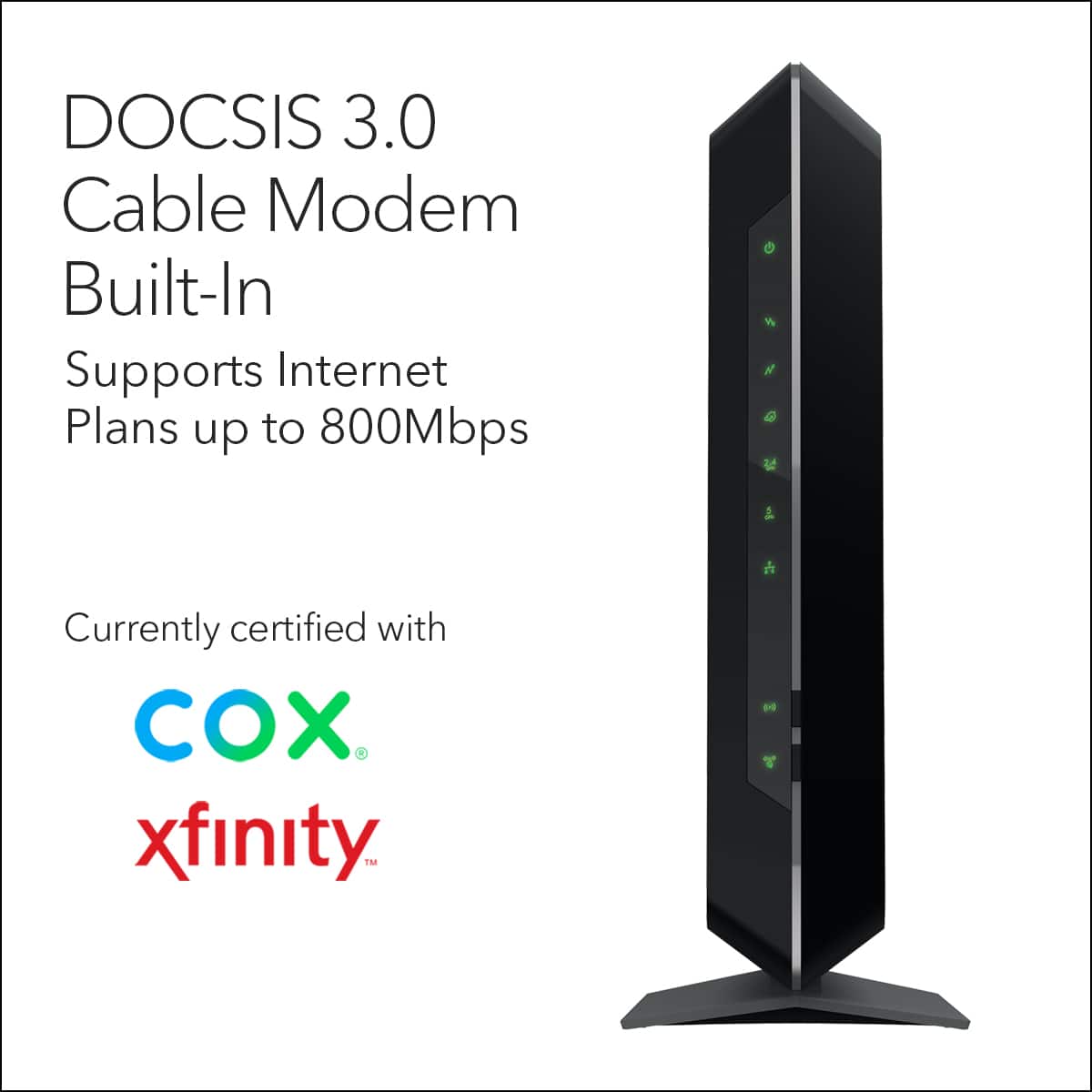
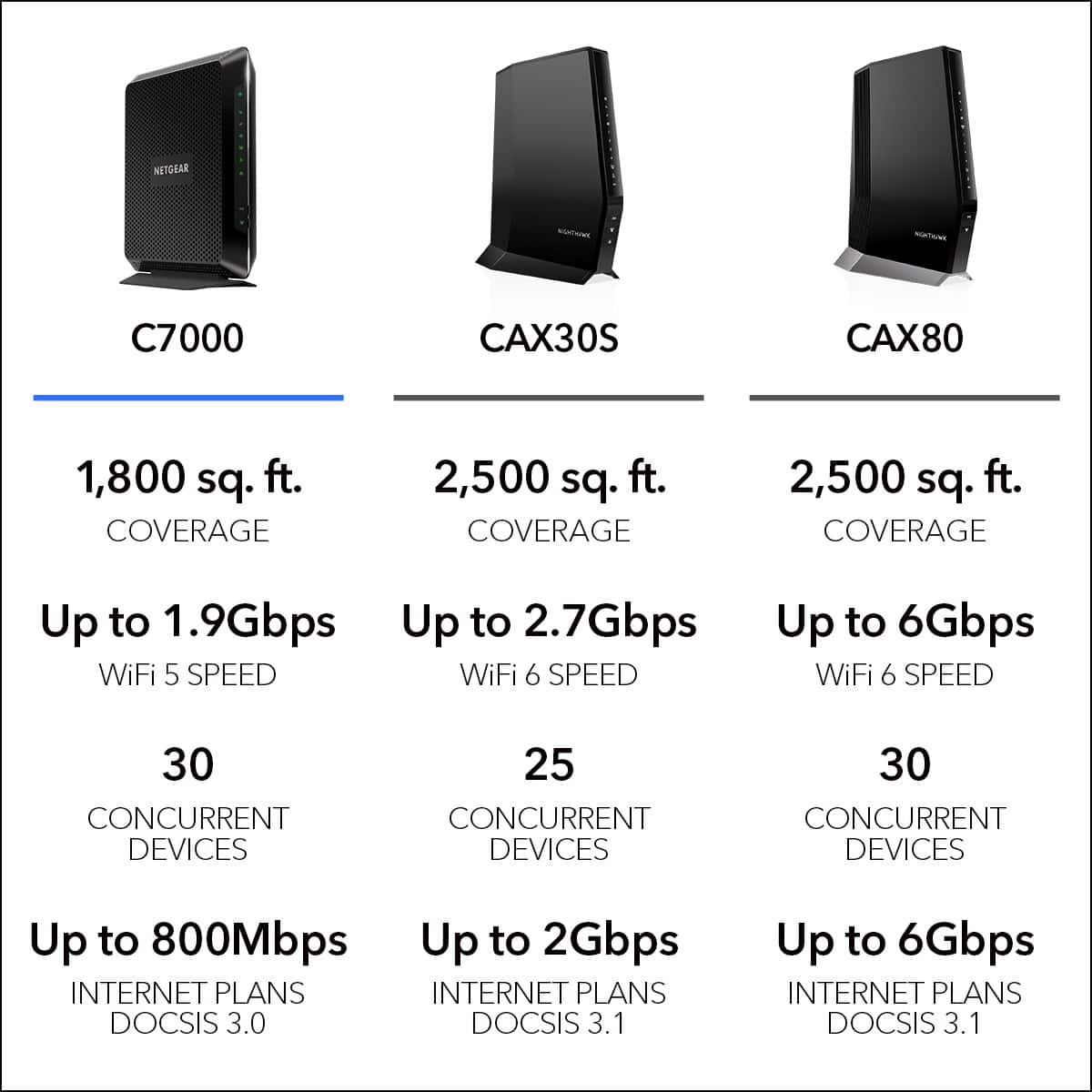
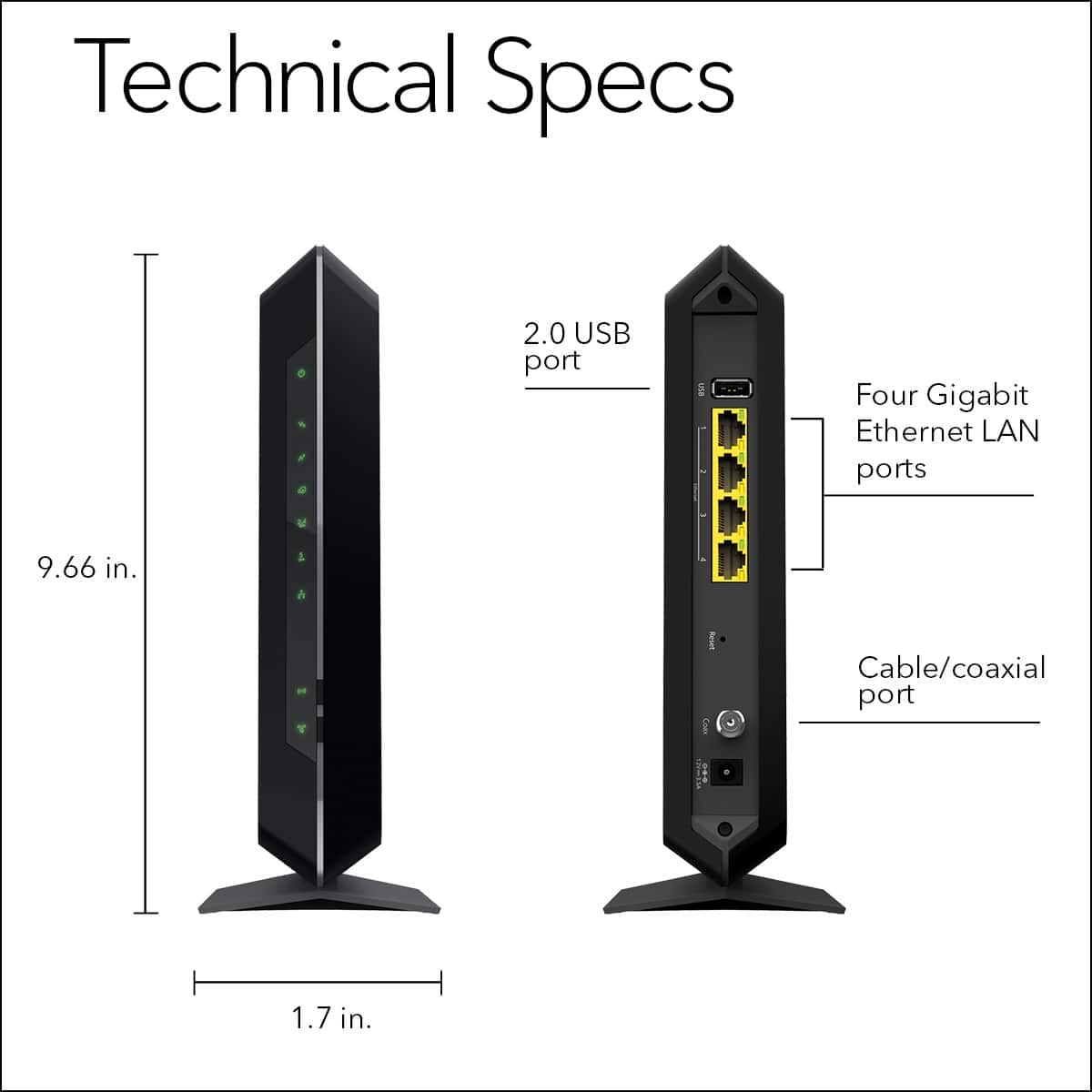
A:AnswerNo. This is a "cablemodem/router", and is for cable internet. The input is coax. FiOS is fiber, and the wire to plug in to your router is (at least at my house) a standard ethernet cable that you plug into the "WAN Input" port on a standard router. Look for a router that does not say "cablemodem". Netgear makes several.
A:AnswerSure. Cox is "cable" and not fiber (unless they offer that now and you have it). If your internet comes in via coax cable (round cable, usually white, with a pin sticking out a round hole on the end).
Hopefully you have 2 such ports. You would plug one coax from the wall into the coax input of this router. You can then set up wifi and use the wired ethernet ports.
You'll need another coax port to plug into your TV or DVR or whatever to get TV. You don't use this box to watch TV, just get the internet.
Always better to buy your own cablemodem/router than use the nonsense cable companies give you! :)
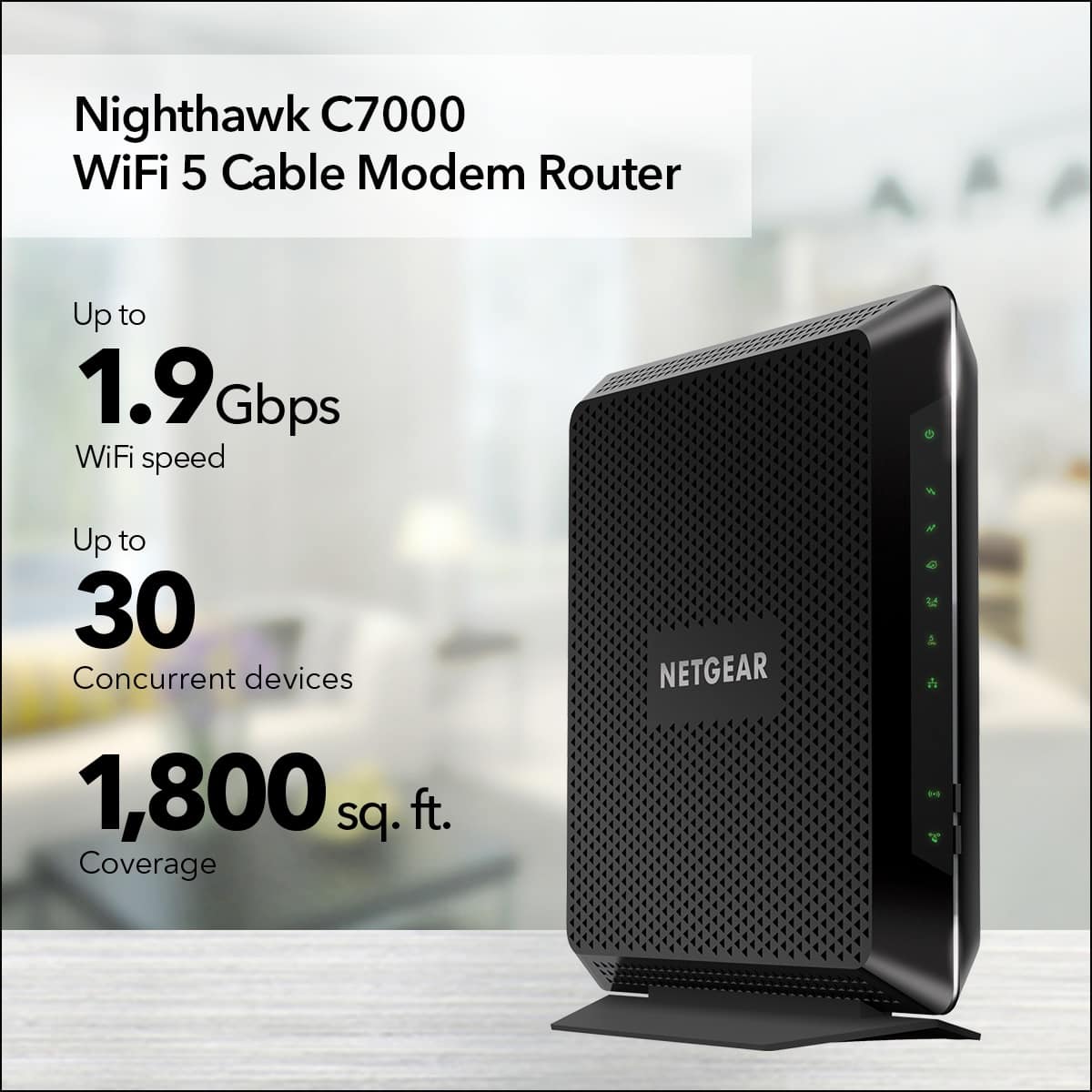
A:AnswerI'm not sure how fast your internet speed is, how many things you have connected to your internet, or how large of a space you are trying to cover. But I have this combo product in a 800sqft apartment with roughly 6-7 things connected to the internet with 150mbps speed, and I have zero issues with it. This nighthawk actually boosts my internet speed past what I actually pay for up to 200mbps. I've had this for about a month and am completely satisfied with it. I download and play xbox and stream videos all at the same time and never have any problems. Most important thing is to make sure your internet speed is fast enough for what you are wanting to do, and check the amount of space you need coverage for. Hope this helps.
A:AnswerThe input for the internet signal for this devices is coax cable. Round, usually white, cable with a pin sticking out of a hole on the side to plug in. I *think* DSL is more like a phone or ethernet cable, so I'm guessing this one is not for you. Find one that matches whatever cable comes out of your wall. If it looks like ethernet, then you can get a simple router (not a "cablemodem/router", like this one). Netgear makes several.
The wifi on this unit is awesome. :)
A:AnswerThis router should work on any Internet provider. All they will need from you is router MAC and SN to activate the service. But the best way to know is to call ctlink before buying...
A:AnswerYou could always unplug it at night...and sadly I don’t have a more intelligent answer for you but there may be one. (Could use like a lamp timer so it cuts power at night and puts it back on in the morning)
A:AnswerDepends on distance and material in between but yes within reason it will. Does in our house although its not the largest home. Put it as centrally as possible and use extenders as needed!