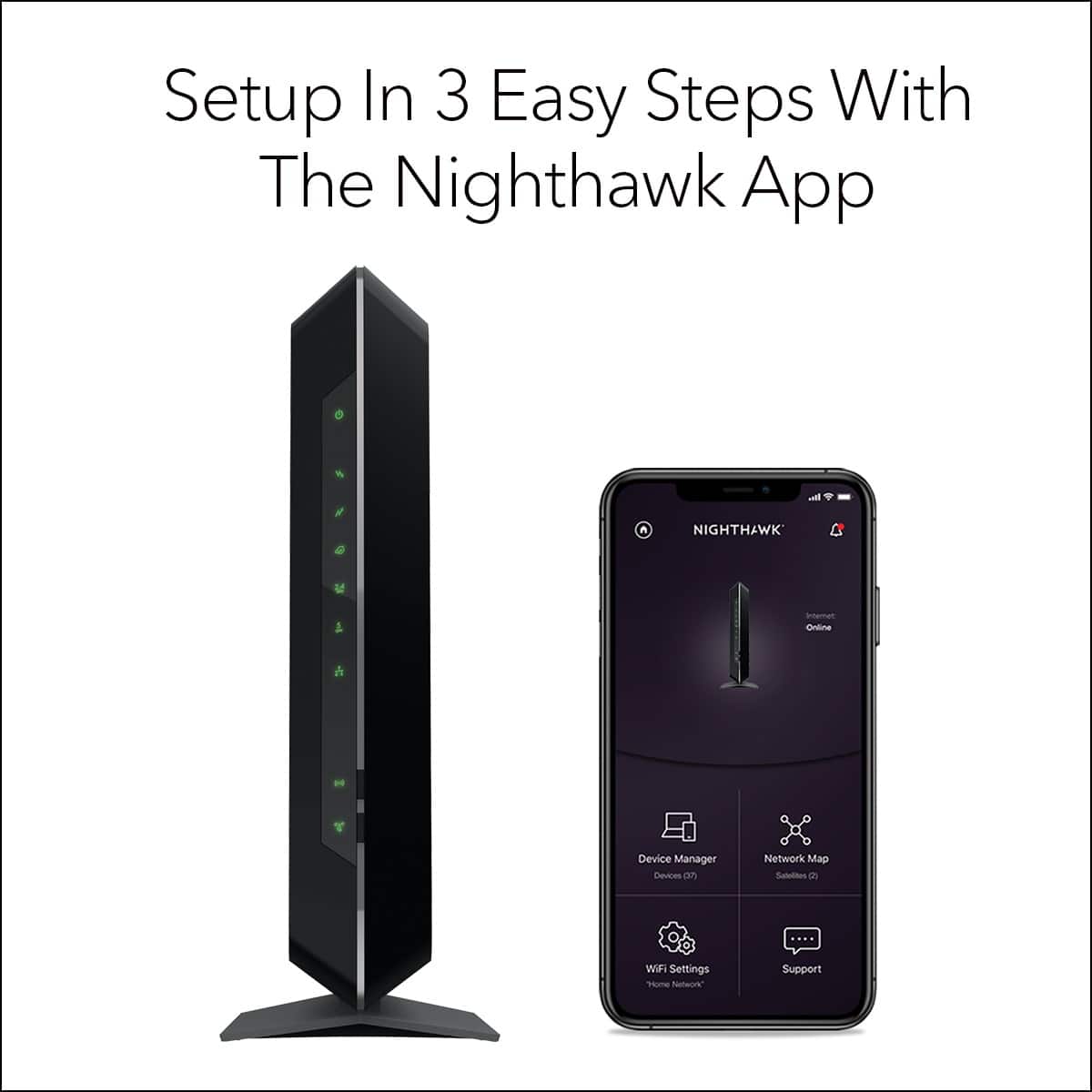
A:AnswerOnce you registered your modem then download the xfi app and it will be the same. You can also download Netgear app and you can control any devices that connected to your network. On Netgear app you can set up guest WiFi if you want.
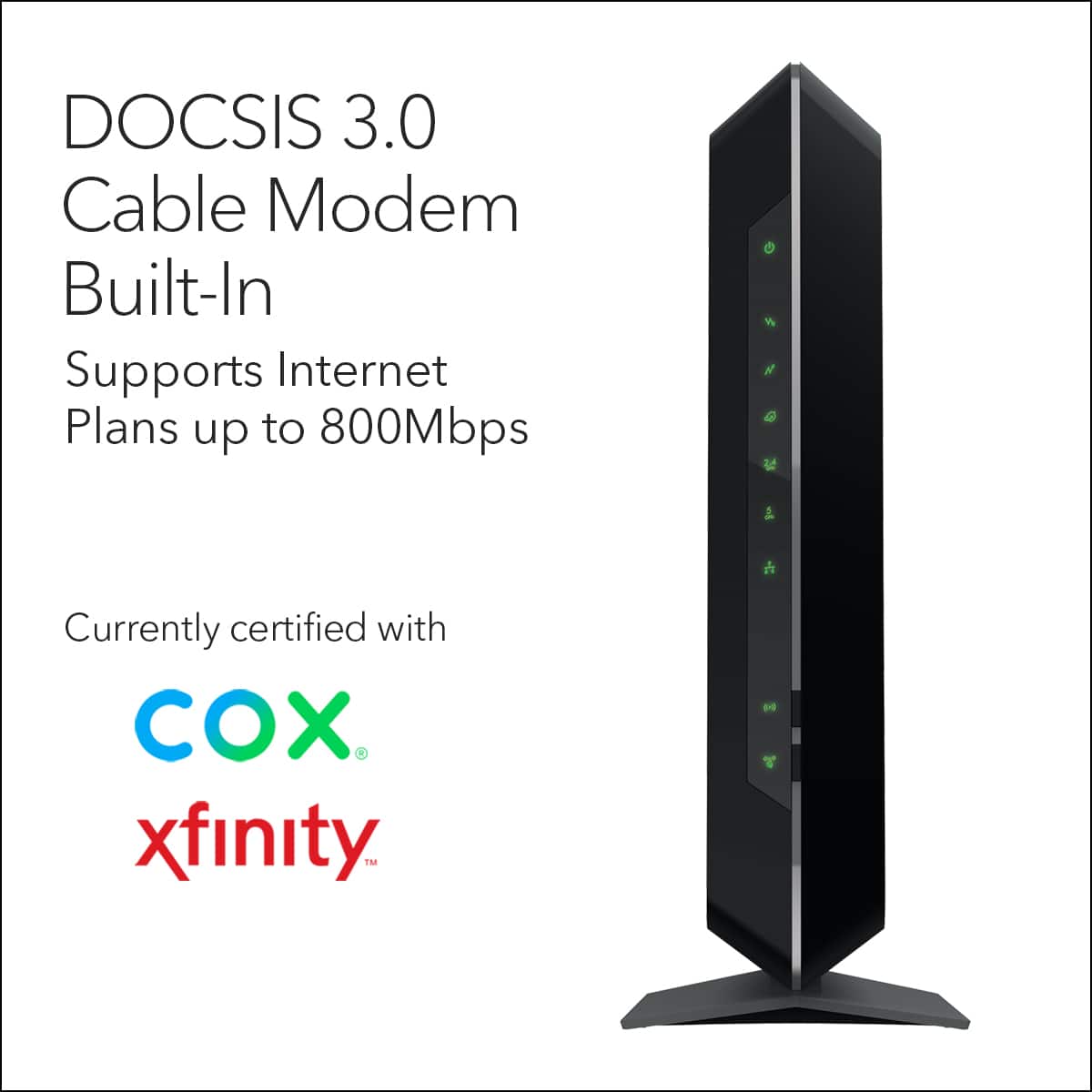
A:AnswerYes the model is a router/ modem combo works great very happy so far no issues Regarding your question if is compatible with WOW the is answer is yes these are the different chooses for Wow this a link to wow that tells you all the Modem compatibility
https://www.approvedmodems.com/wow.html
A:AnswerMain reason I got is because it compatible with Spectrum, I’ve had AT&T Uverse before and I was provided a Netgear modem and router combo. The device work perfectly fine with my provider at the time which was AT&T, another option you can contact they directly and ask if this would work with there server Hope this was helpful.
A:AnswerNot sure about the provider, but, set up is a total breeze. The provider set up screen popped up as soon as I booted up my computer. Super easy.
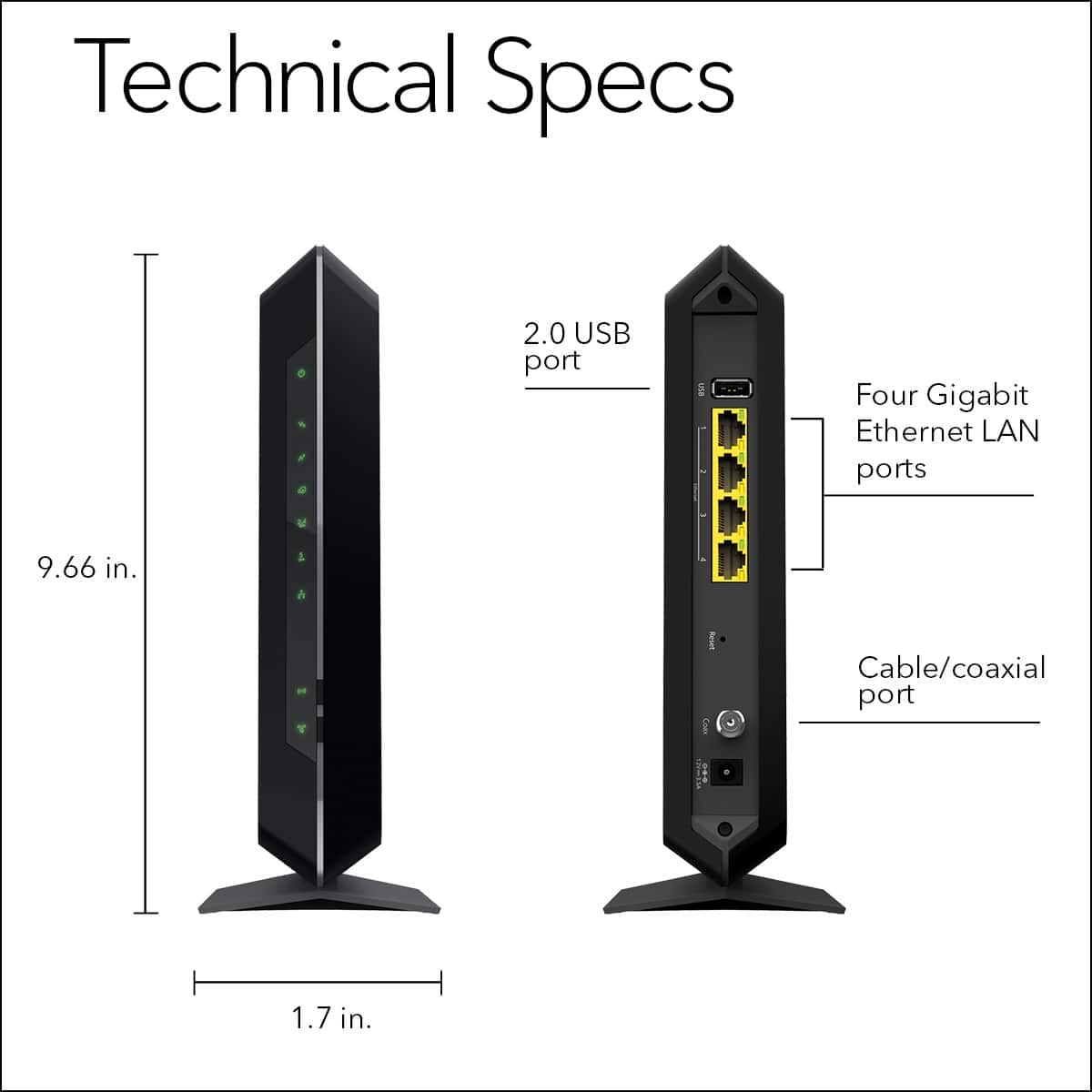
A:AnswerYes and no. Yes it is compatible but if you have a standard RJ11 phone connection you’ll need a RJ45/RJ11 dongle to connect your phone to the modem. The Arris boxes already have the RJ11 port built in, these don’t. So if you just need the modem with out phone connection then yes this box is compatible.
A:AnswerNo, the C7000 is not a DSL modem, this is a cable modem. Here is a link to the DSL modems we offer:
https://www.netgear.com/home/products/networking/dsl-modems-routers/
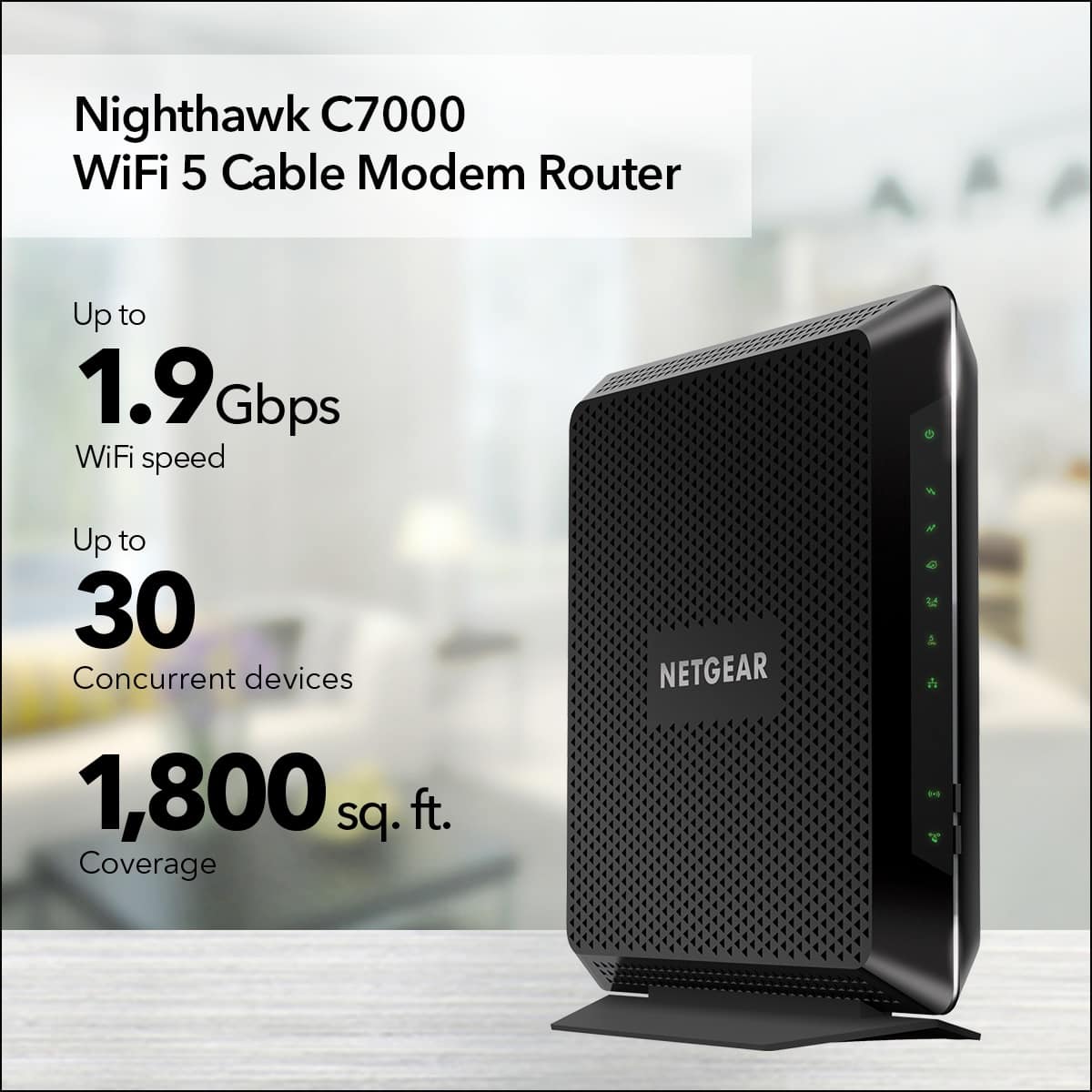
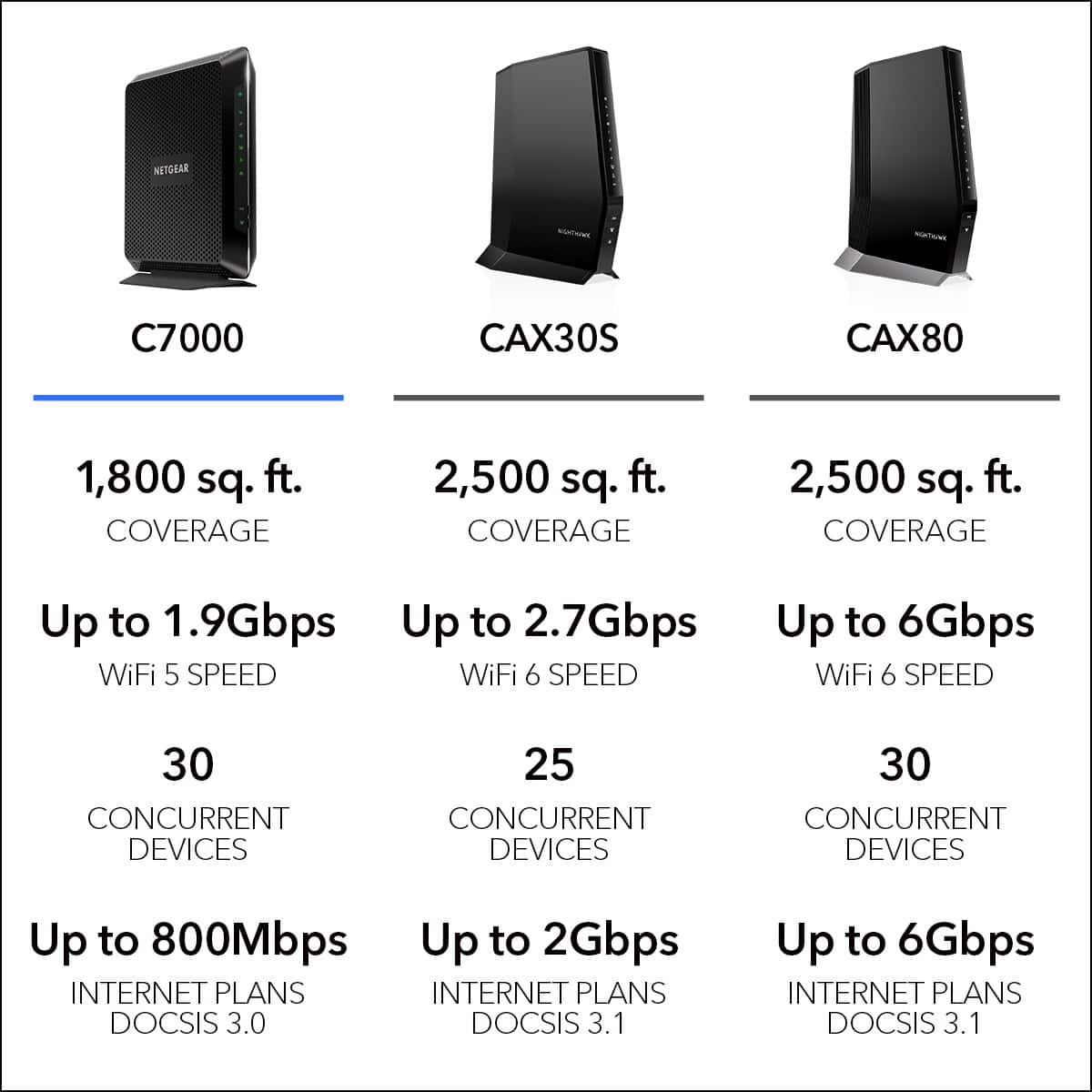
A:AnswerI have this in a 2,000 sq ft rambler with 3 car garage. We use Xfinity/Comcast, but if Charter has it on their list of approved devices you will be good to go. We have full reception for WiFi streaming to Roku TVs all over the house, including the garage. The signal won't travel too far outside, but plenty good everywhere inside. Very high quality modem/router. Have only had to re-boot (unplug and plug back in) a couple of times in 20 months of use. I just posted a review with more info. I would buy again.
A:AnswerNo, you have to call Netgear to activate the unit after it is plugged into the cable, and you have to be connected to it with an eithernet cable also. then call your cable co. and give them the MAC address.
A:AnswerWe have ours set up with a wired connection to a smart TV and an Xbox One and wireless connections to another smart TV, PlayStation 4, iMac, 2 amazon echo dots, a google home mini, two iPhones, a security camera, and about 7 smart home lights. We get 400 mbps from our service provider and everything works fine.
I would say as long as you pay for decent speed from your service provider this will definitely work for you.