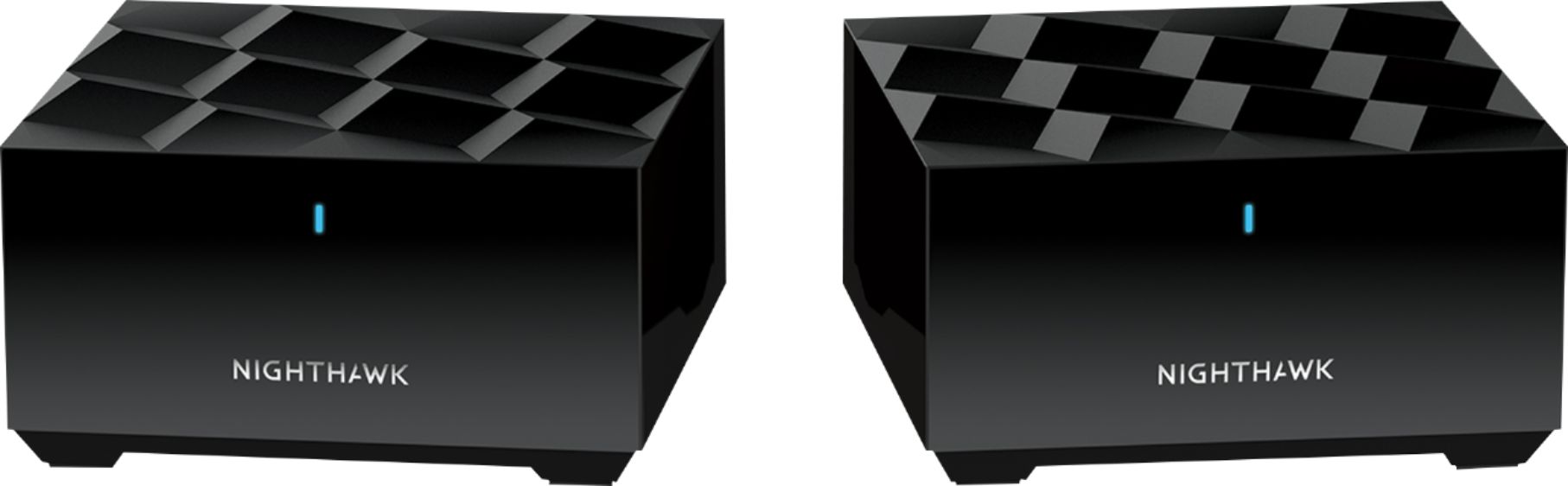
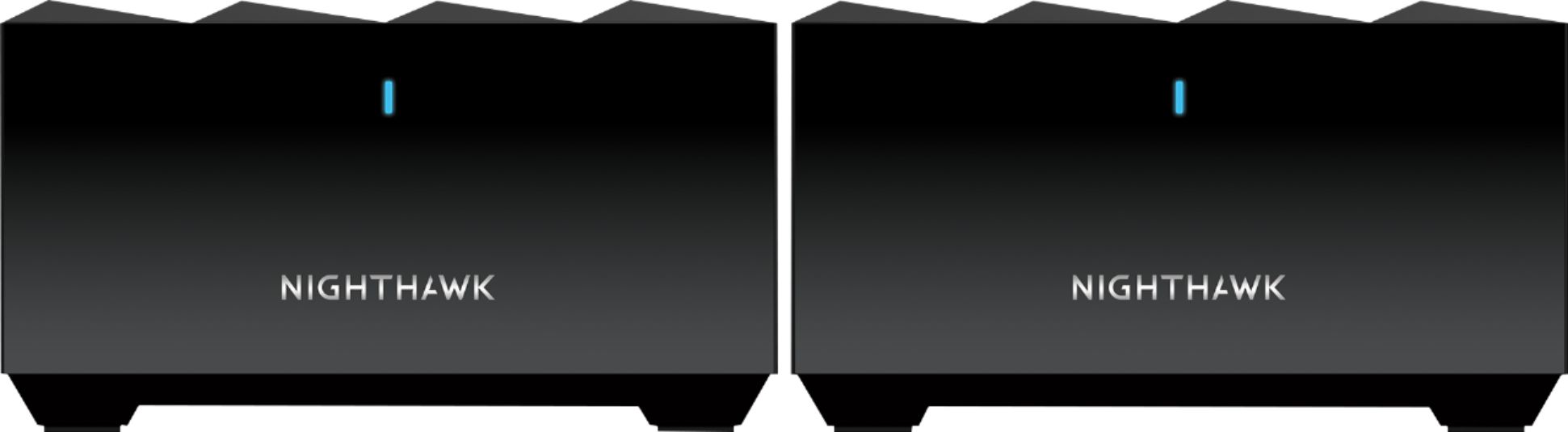
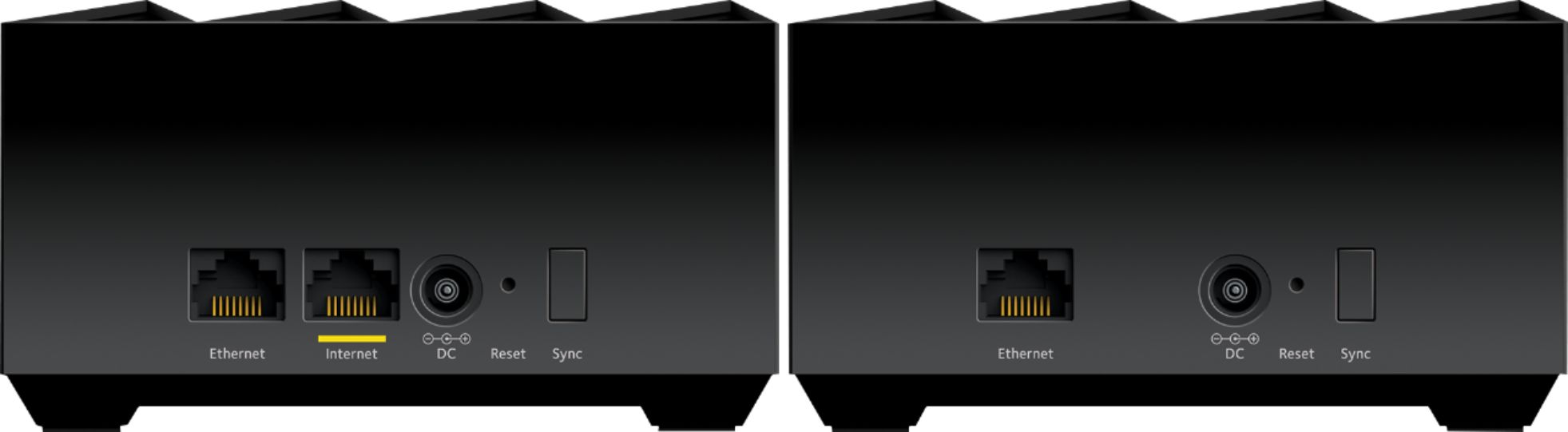
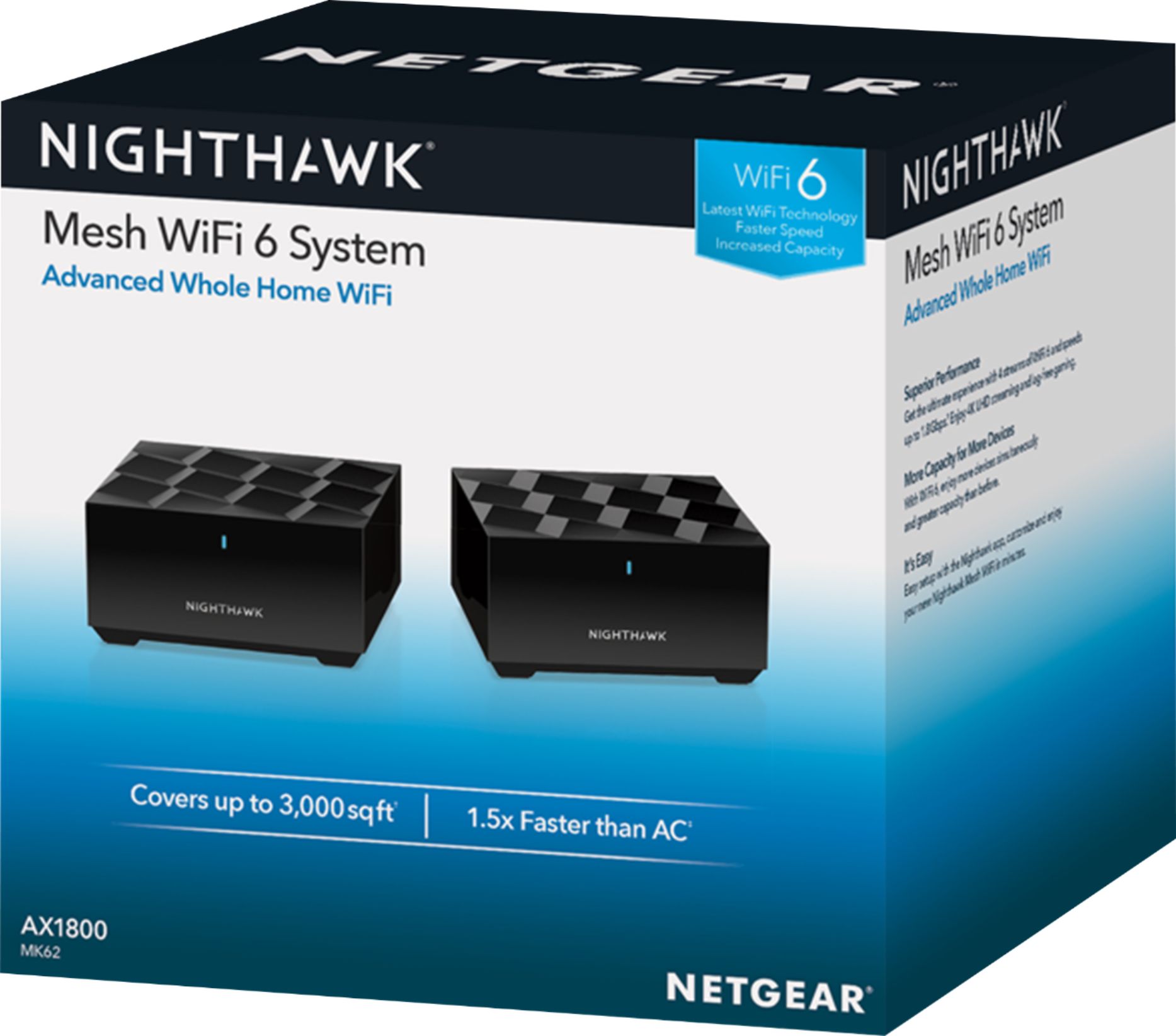
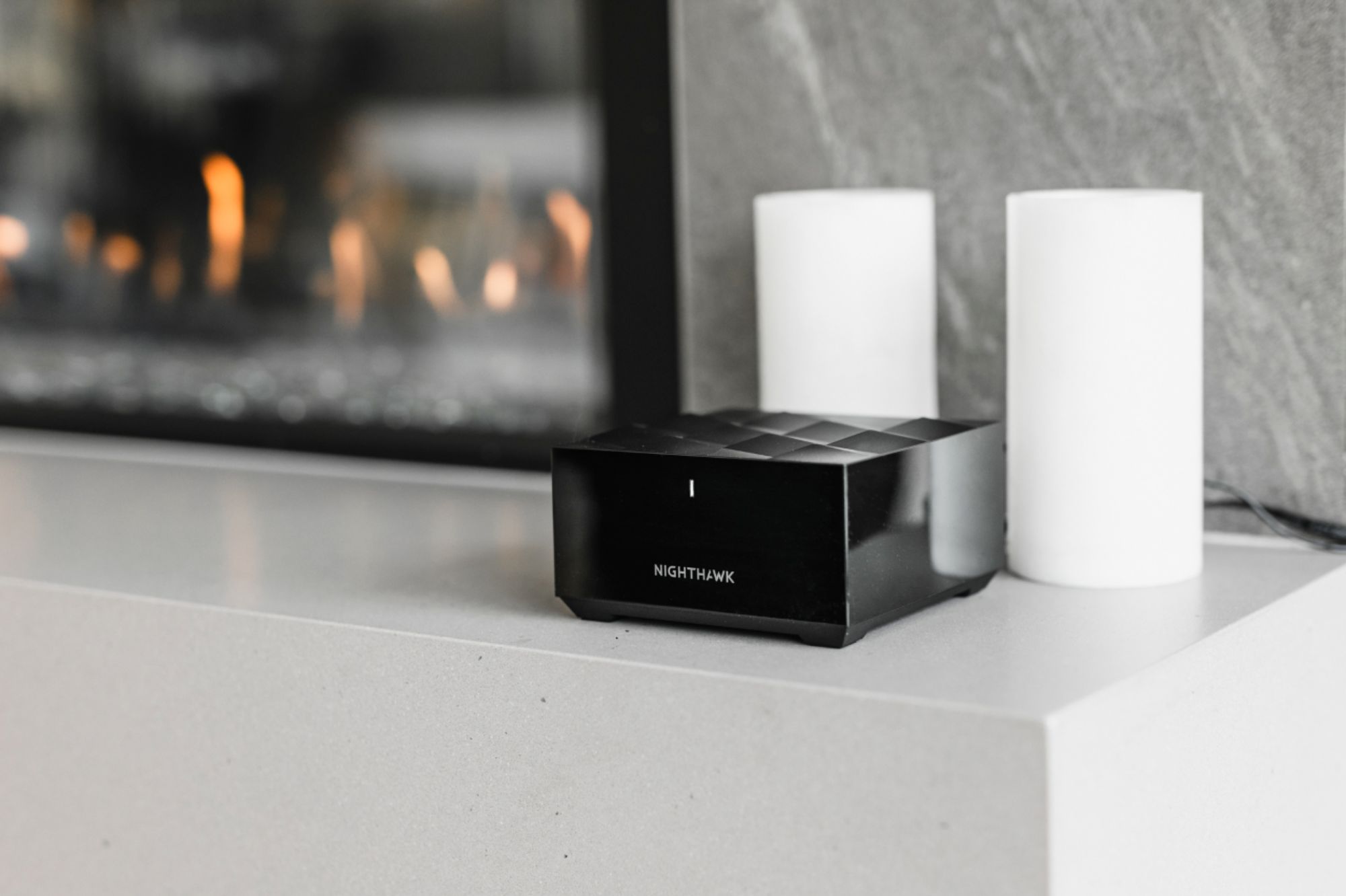
A:AnswerIf a Coaxial cable is being ran to your router then you have a modem/router combo. You can either connect it to that system and just use your current device as a modem or you need to buy a new modem to run this device off of. 99% of modems will work with this device. If you are renting your modem/router combo I highly suggest just buying a new modem it will save you money in the long run.
A:AnswerNo, it's not available on mine and according to Netgear website, this is not a compatible router. (see https://kb.netgear.com/000044718/Which-NETGEAR-routers-support-Circle-Smart-Parental-Controls)
A:AnswerYou could experience some issues with connectivity and finding devices. It all depends on what type of switch you use also. Should be modem router then switch.
A:AnswerBased on the information on the page, it can do either. You can use it entirely via wifi, or configure it to use ethernet between the router and satellite if you have the wiring.
A:AnswerI have FiOS and yes it compatible. Just run the ethernet cable that they installed from their ONT to your router. This is assuming that you are replacing their router and returning it to Verizon. You will need to call Verizon and have them release the DNS lease from your stock router. If the CS rep gives you a problem, hang up and call back. I got lucky on my first call. The rep did it with no problem and stayed on the line through the router set up process.
A:AnswerUnfortunately, you are out of luck. You'll have to use Verizon's equipment instead, as there are no compatible modem out there at the moment. I would suggest you call Verizon's customer service number.