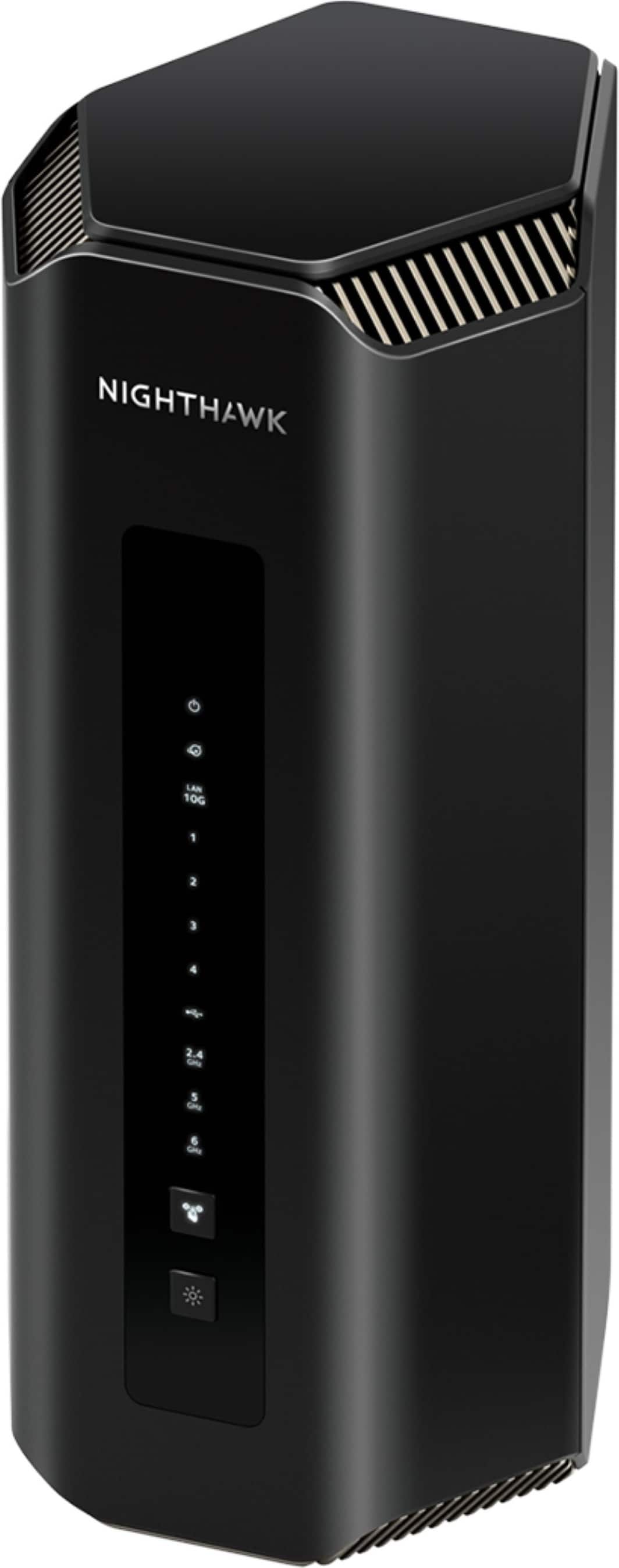
A:AnswerYes you can use this as an Access Point. I have a couple set up as access points across my home. You will have to set the device up initially, then use a PC (not the mobile App) and it will allow you to set it up as an access point.
A:AnswerYes, After the WiFi 7 standard finalized, if there are changes needed in the RS700 firmware to meet the standard, we will release the updated firmware.
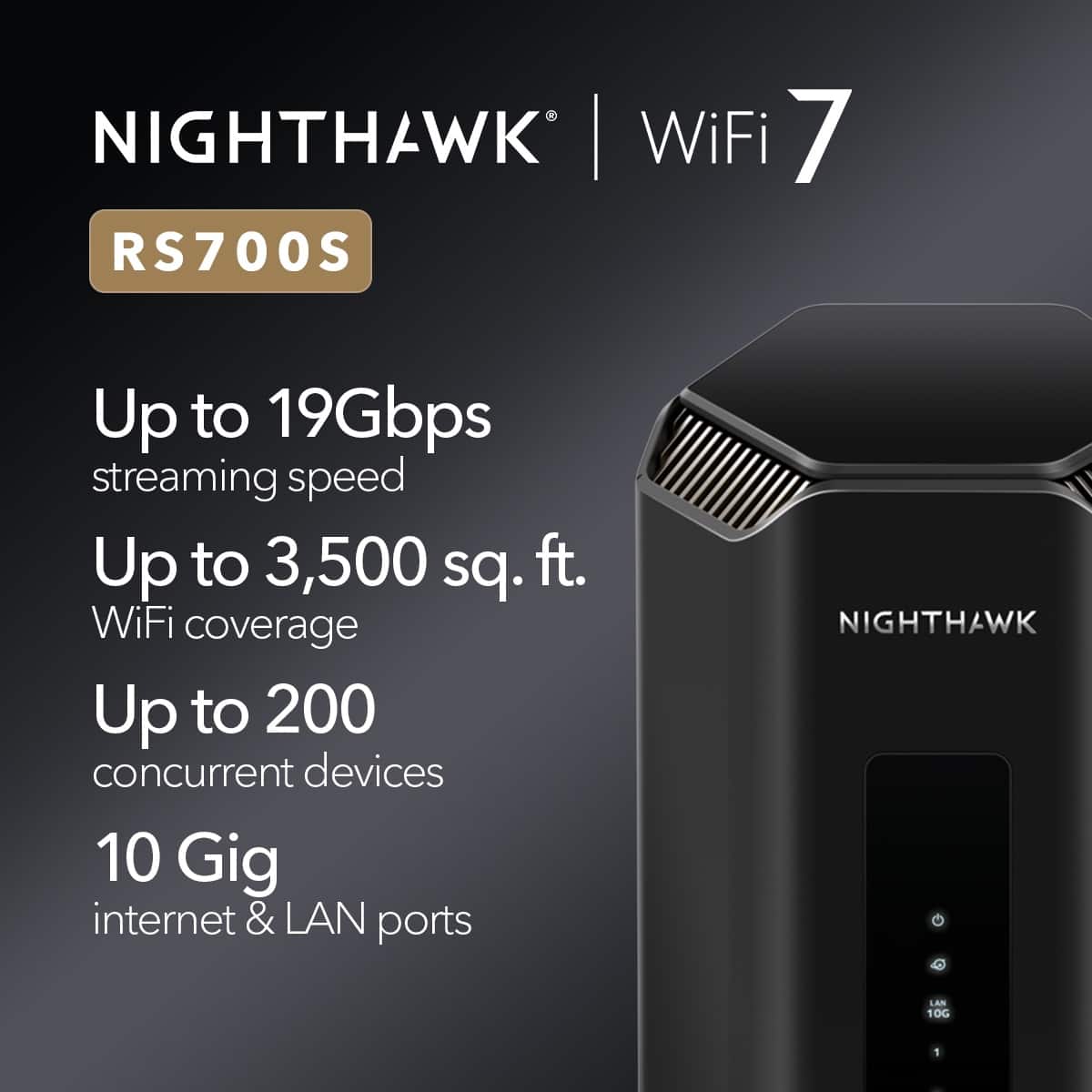
A:AnswerAs a disclaimer, I am no expert, so please consult your network ISP or a network professional. I promise nothing nor guarantee anything. So please, I encourage and ask that you don’t arbitrarily take my word until you had a chance to verify all that I tell you with a network professional of your choice. More to the point, you should know that this will not be some cut dry answer I can easily give you. There’s many factors and too many variables here. However I’ll try my best to answer your question to the best of my abilities. The Nighthawk X6S is an older model router, compared to the RS700 which is recently new. And I’m talking not even 2 months, from what I understand. There’s things I don’t know about your current setup to provide you a more concrete definitive answer. There’s things I’d need to know such as the bandwidth setup your ISP provides. Depending on your bandwidth, the amount of equipment you have connected to your router, the area in which your router is placed, the ratio between your hard wired connection vs wireless connected devices to the router, how you configure the RS700 router and the fact the RS700 is newer than the X6S, it’s all possible and likely probably that you’ll be able to pull in higher bandwidth when you run a speed check. Keep in mind though, using the Nighthawk app to run a speed check for me is far better and a bit more on the nose accurate than the other online app that’s out there. Also, you generally get better speed results when running a speed check hard wired directly from your modem instead of using your router. Running a wireless speed check will be greatly diminish the speed results you can potential get from a hard wired connected device. Most ISP will normally tell people this; that they can’t guarantee the speed results from other devices except from their own. And even that’s not guarantee. Because depending on the plan you have with your Internet Service Provider (ISP), that is to say whether you have a static address or a dynamic one, guaranteed speed vs shared speed within a black, and also whether your modem is cable, DSL, satellite, or fiber, the time of day when you use your Internet if your speed is offered within a black or batch of connection in your area, all these factors will potentially make a difference as to the speed results you’ll potentially get. Overall the RS700 states it can handle far more wireless connected devices, in comparison to the previous routers I’ve used. And the speed on the RS is awesome for me. But here’s a simple comparison from X6S to the RS700. For me, the RS is faster and better. I’m sorry if this is all too much information, but I hope it helps. I’ll say this much; I purchased the RS700 from Best Buy and it was an excellent choice; a great decision I made. I don’t regret it in the least and I wholeheartedly recommend anyone getting the Nighthawk RS700 from Best Buy to get their protection plan warranty which is also worth it, as I don’t know anywhere else that offers such a protection plan like what Best Buy offers.