A:AnswerI don't believe so, you need to use the Nighthawk app or the WPS button for set up with your router. I would check with Netgear support to see for sure.
A:AnswerSorry, I am not familiar with this specific model, but the distance you have described, plus three walls, sounds very iffy to me. I suggest you ask the manufacturer and/or the Geek Squad.
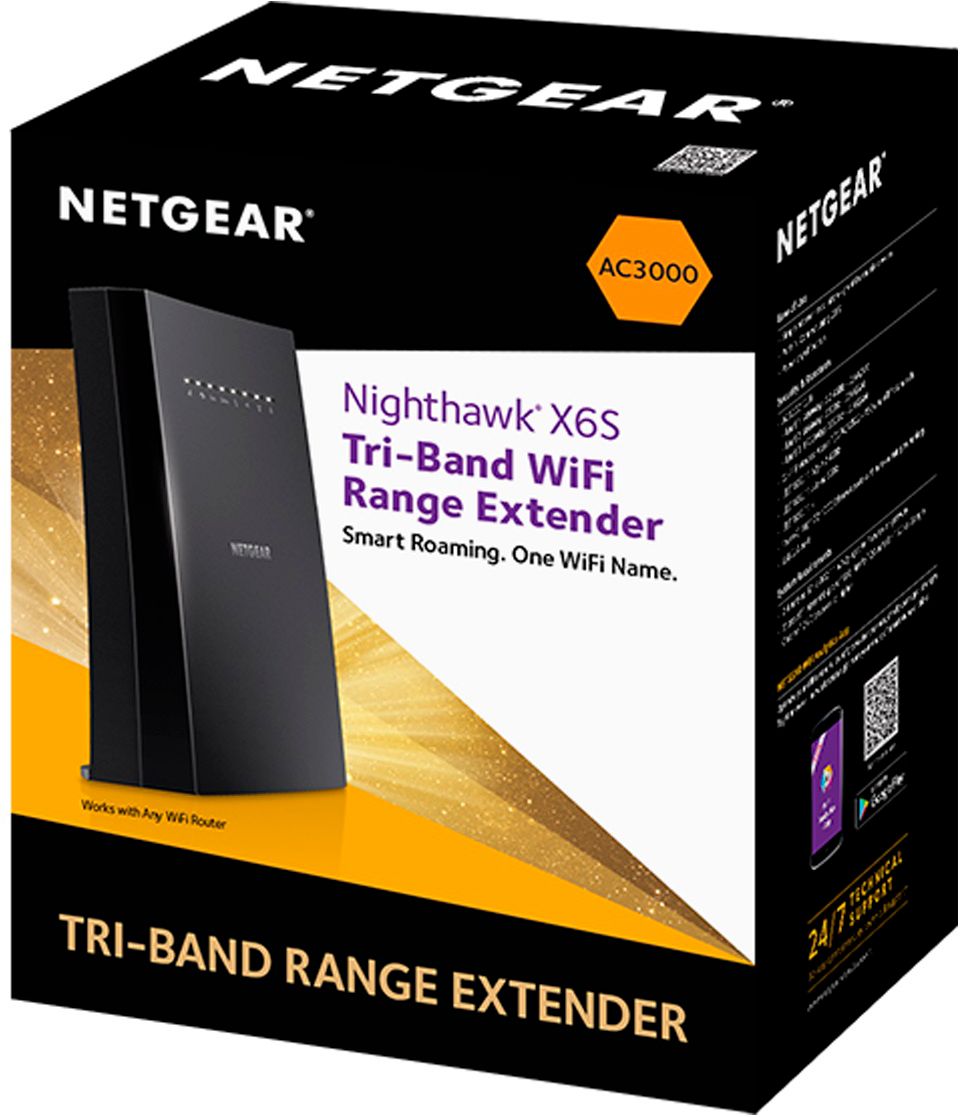
A:AnswerThe netgear nighthawk mesh x65 is probably the best extender out there, the connection doesn’t drop and you get same WiFi speeds , or better speeds than your router itself
A:AnswerYou should ask Best buy this and not other consumers, but, yes, you should be able to return it unless the serial number doesn't match or you broke the thing.
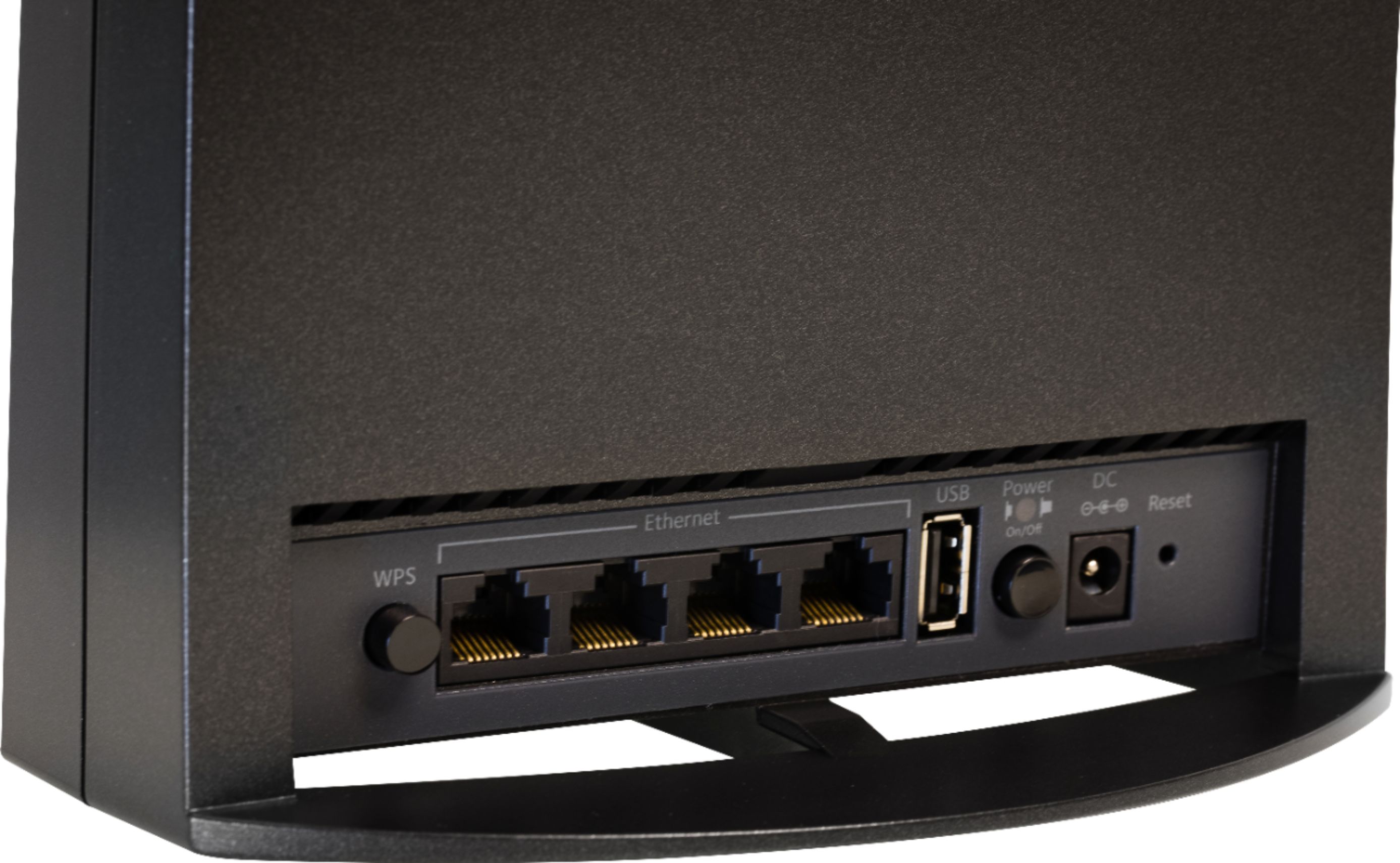
A:AnswerYes you can. It has two modes of operations. 1. WiFi Extender which connects to you router via WiFi signal, and 2. Access Point which allows you to connect the device to your router via CAT 5 or CAT 6 cable.
Here are the instructions that provide the details http://www.downloads.netgear.com/files/GDC/EX8000/EX8000_DoMore_EN.pdf
Follow the instructions in the beginning titled "Use the Extender in Access Point Mode".
A:AnswerHi Disgusted,
I have a couple of suggestions for better internet first move outta the hollow to a place where you don't always hear dueling banjos in the background. Additionally you can move to Dollywood as Dolly Parton has always provided exceptional internet, since she has a pair of large satellite dishes.
A:AnswerHonestly doesn’t matter as long as the signal strength is 66 or above where you place the extender it’s should cover a large amount from where you put it from there