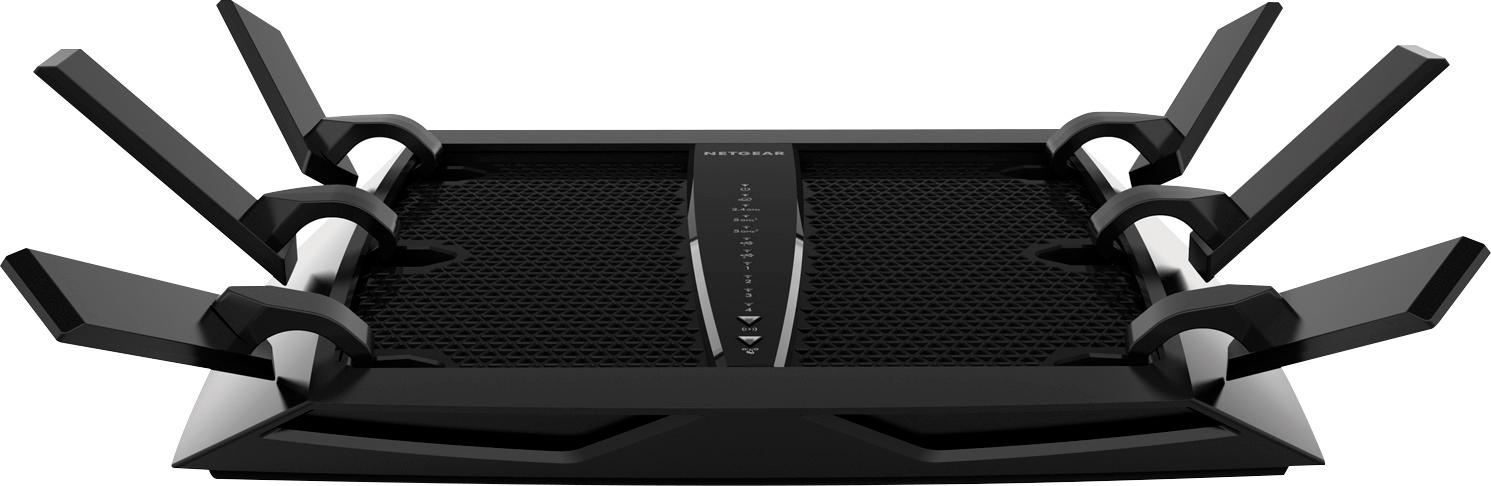
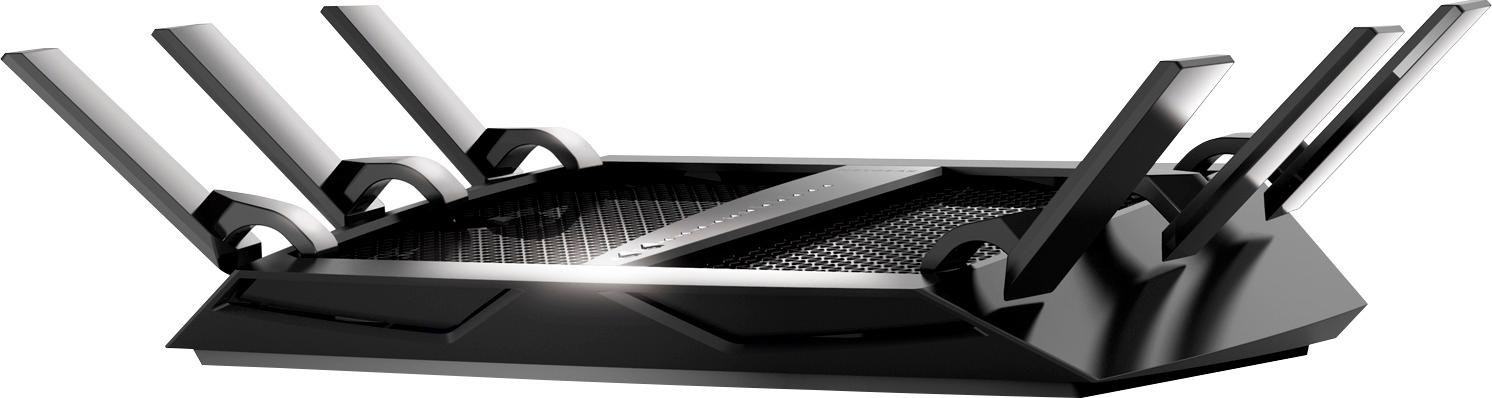
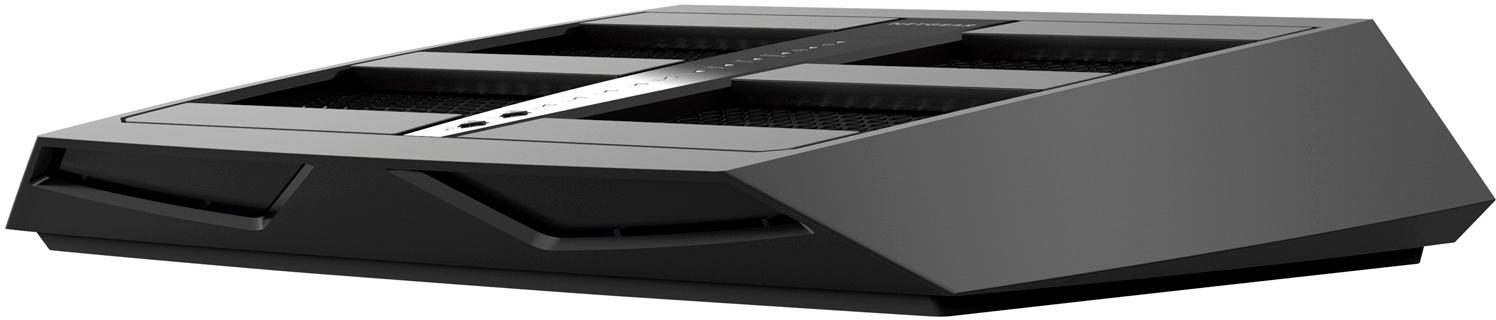
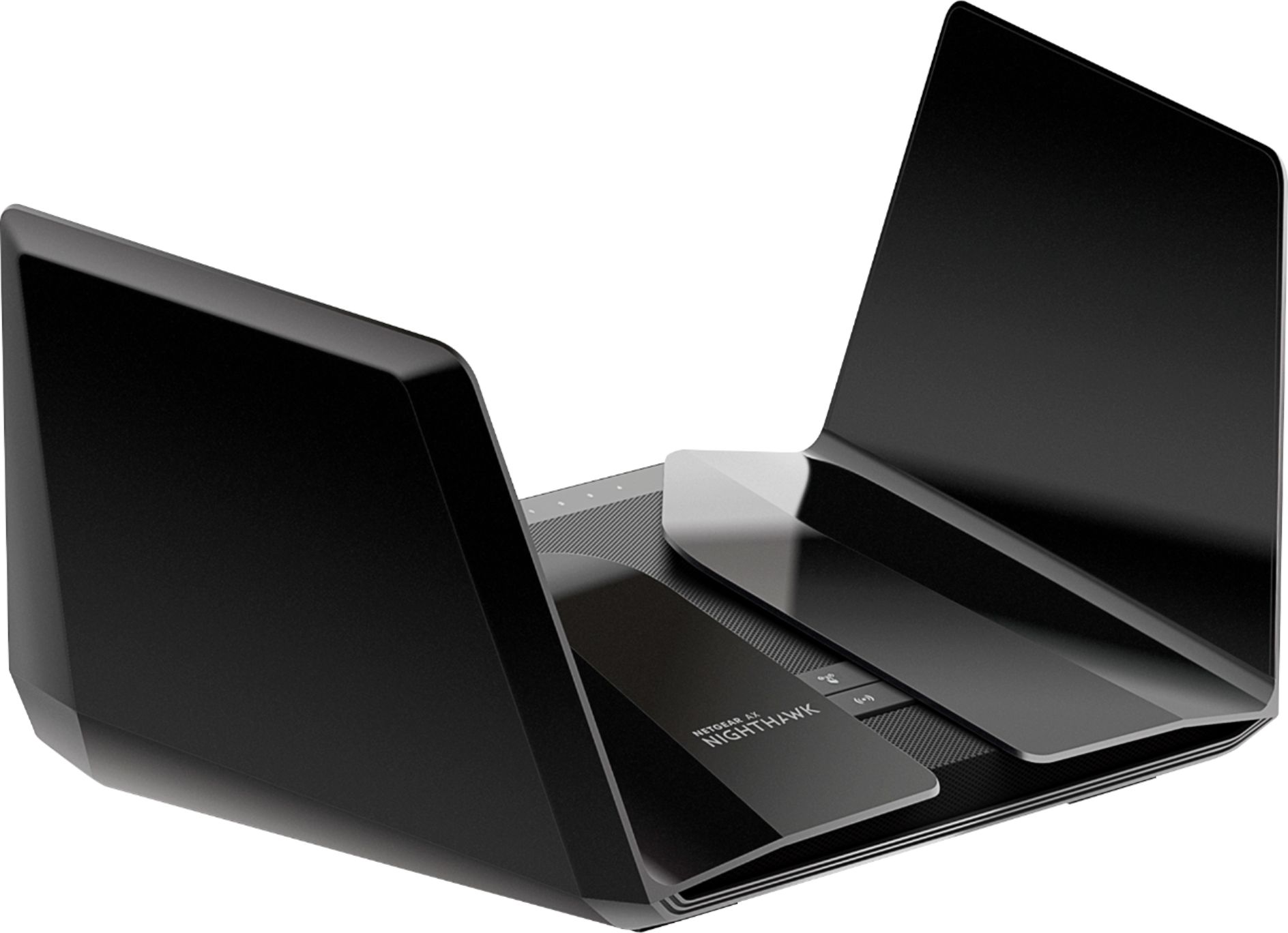
A:AnswerThis is a good router but I don’t think it will cover 3500 sq ft. If you want full coverage, better go with a mesh system. If you don’t have a lot of walls or a second floor. You may be ok.....
A:AnswerFor that many devices you'll want to look into creating a server network to be able to smoother host that many devices. The best I can recommend is getting a monster for a modem and router to be able to handle that many devices, especially if they are all being used at once.
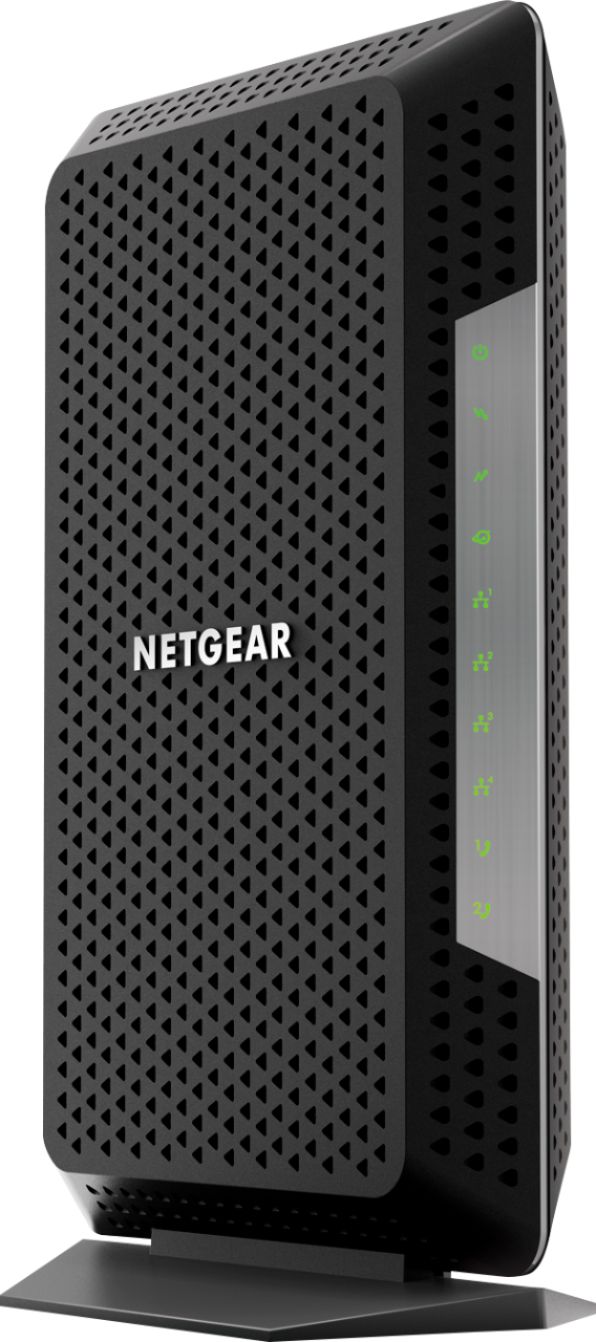
A:AnswerYou will need a provider and a modem in order for this to work. Also once you have a provider you can determine the right modem for your needs. Depending on the speeds provided you may not need a higher end router such as this.
A:AnswerYes u can configure a custom name and different pass keys or passphrases for a 2.4Ghz band and two seperate 5Ghz bands. There are also channel configuration options per each band as well as a few other options.
A:AnswerYou can, it depends on how you want to use it. The best option would be to use it as an access point if you are thinking of extending your wireless network.
A:AnswerYes this should work fine. If your modem has a built router you may need to go under the diagnostics of your modem and shut this feature off so this router can take control.
A:AnswerThis is a WiFi Router (very fast and has great range) and requires a separate modem that interfaces the cable company, ie Spectrum, Comcast. I don't use Comcast but if they are anything like Spectrum, this should connect and work on their system.
A:AnswerHi Jim, it will. Your fiber should terminate into a box outside or inside of your house and then it will come out as a standard Ethernet. Would you mind answering what speed your internet is?
A:AnswerJo: I have Optimum for cable tv, phone, and internet and the Netgear router works great. The compatibility issues with service providers are related more to the type of modem used rather than the router, so the Netgear router should work with Mediacom. If you are replacing the router supplied by your provider, and not changing the modem, all should be well. If you are replacing the modem also you need to call Mediacom to see if your new modem is compatible with their system. Hope this helps.