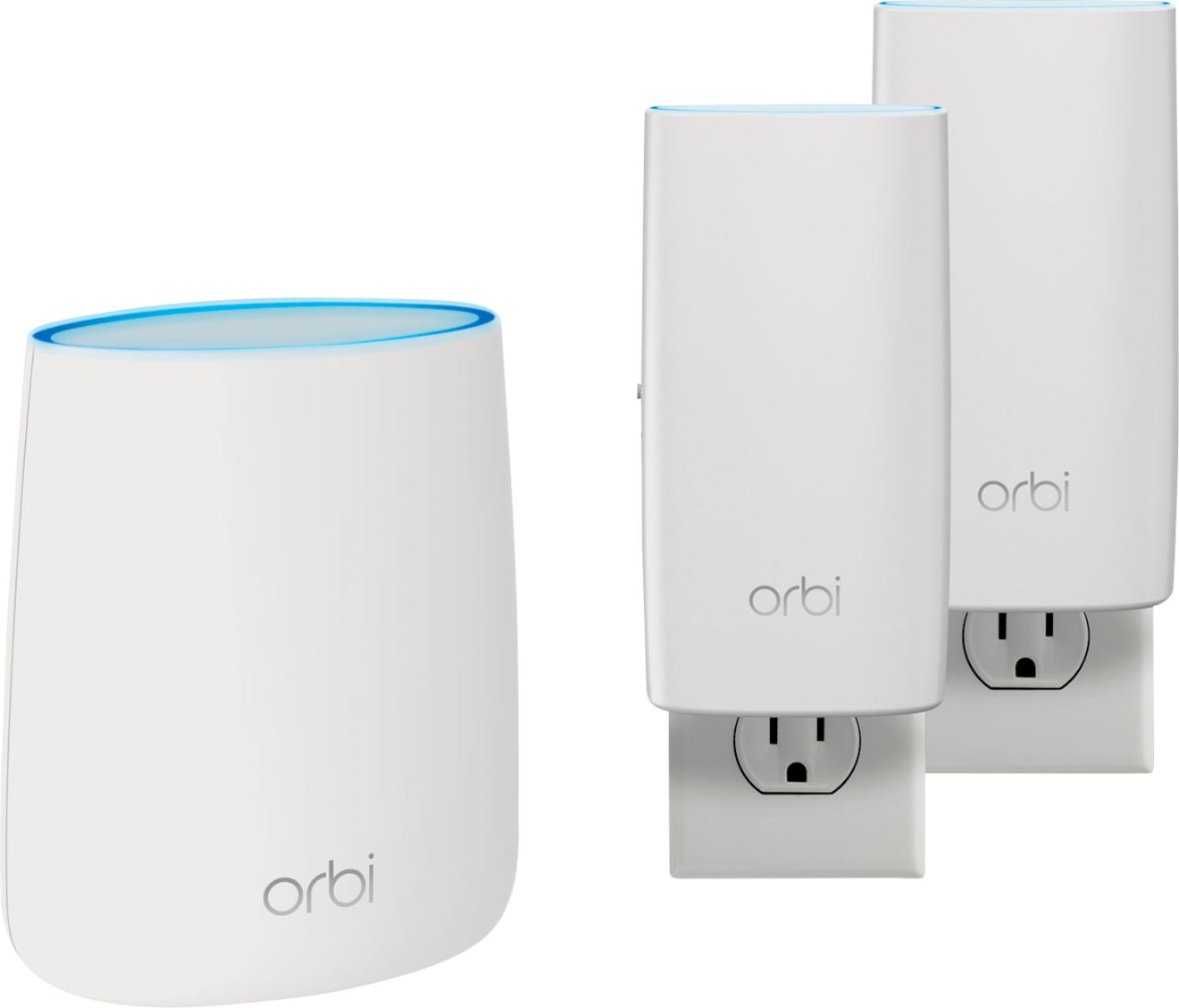
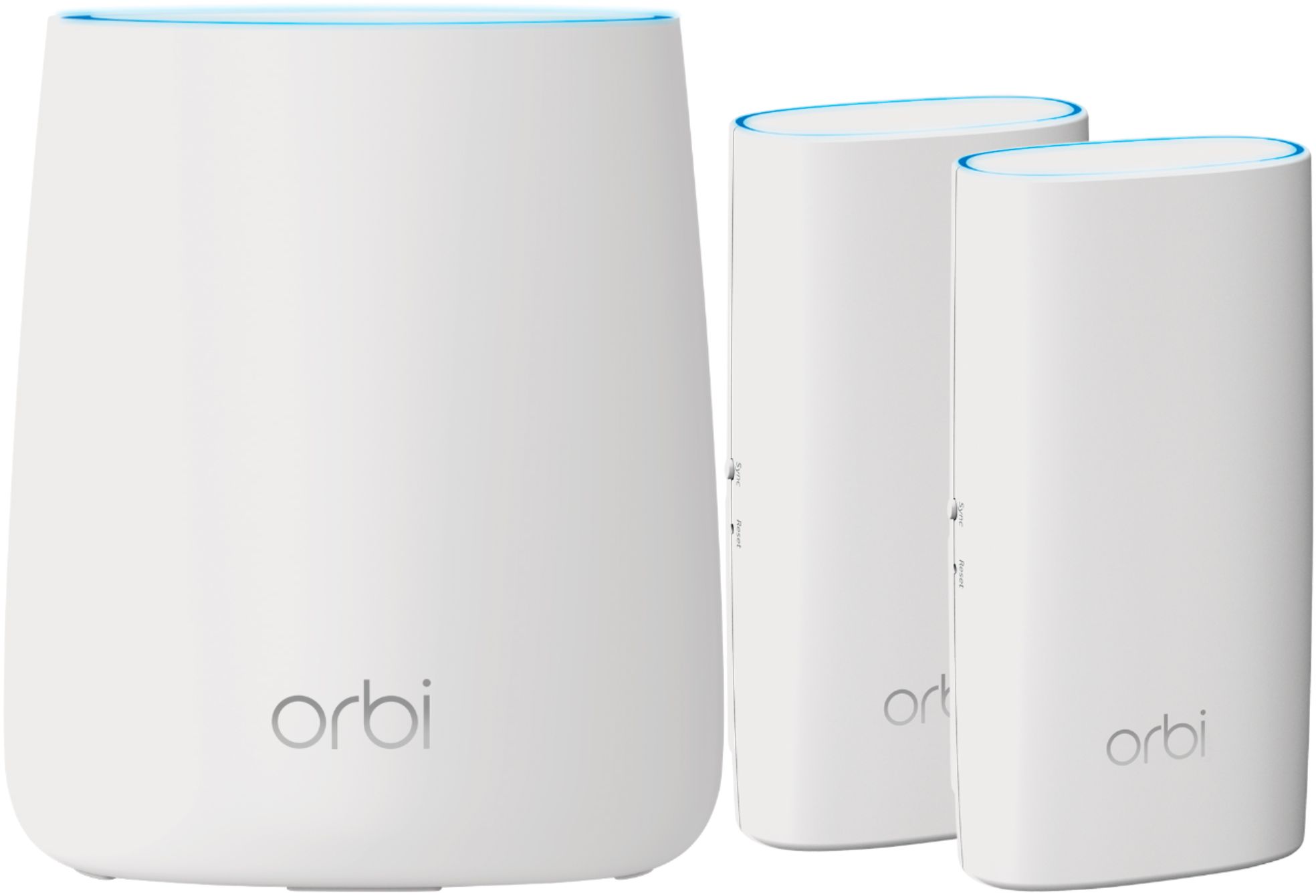
A:AnswerI have experienced no loss of speed in my Wi-Fi from the plugin satellite or other satellite. I have only seen an increase in speed among all devices no matter where they are in my house or outside. I have both in my Orbi system.
A:AnswerI have the router and the 2 satellites plugged into surge protectors, and it works well. The satellites are a little awkward in the strip so I placed them in out of site locations.
A:AnswerYou can plug it into any of your rj45 ports. It will then broadcast wifi but will use a different wifi name than your current router. So if you have an existing device hard plugged into your router, i.e. a tv, something wifi connected to the orbi will not be on the same network name.
A:AnswerMy main router is in my upstairs office which normally has the door closed. My satellite is in my basement with good backbone connection with the router. This has improved my overall Wi-Fi throughout the house. I have had multiple gamers online at one time with NO problems.
A:AnswerThere is an AP mode that you can set to extend your current network without using it as a router. Plug the base station into the existing router and the satellites in areas needing coverage. Note that for best performance you shut off the wifi on your router and use the orbi to set the SSID for your wireless network.