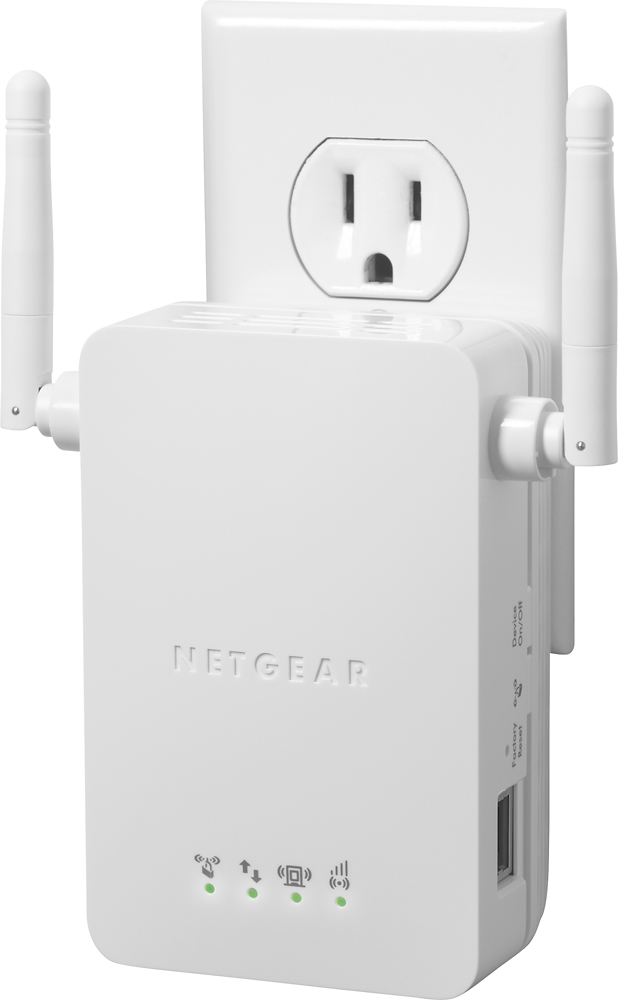
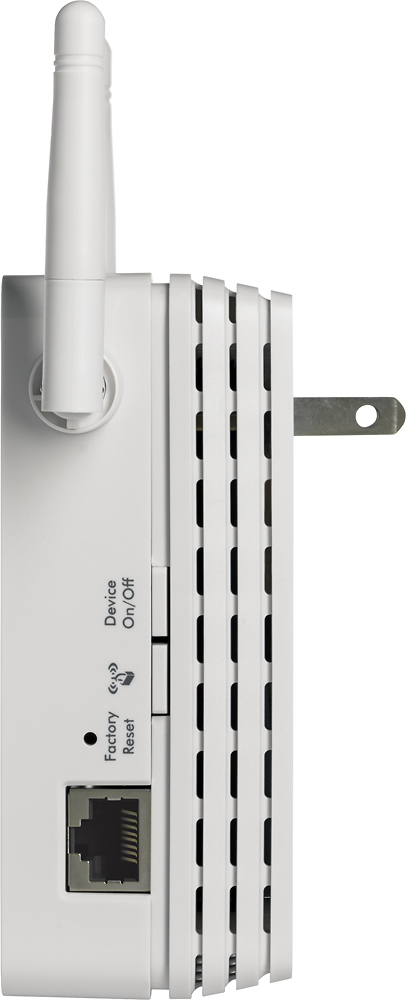
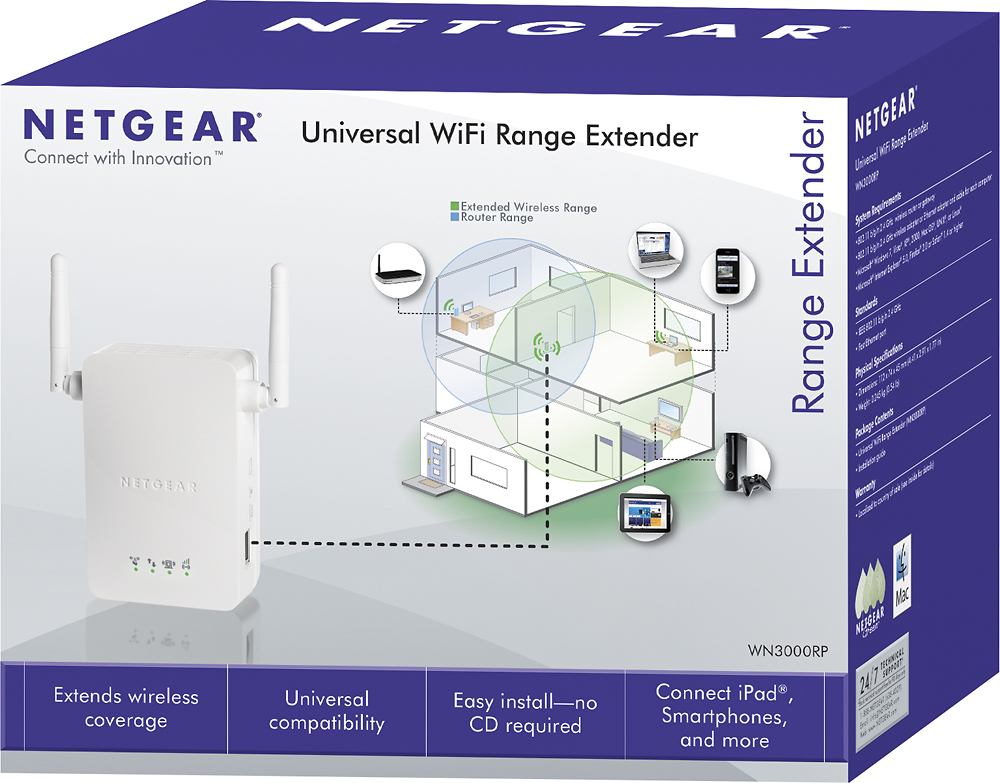
A:Answerthe hardest part was the initial setup.... you have to be close to the router and get a good connetion. then when you move the unit it will connect again fairly easily. follow mfg instructions and it works. I have a large house where there is distance between roter and office .opposite end of the house and on different floors. this item has eliminated all wifi drop-offs. total worth the money.
A:AnswerId say its more or less the built in wifi on your computer. if you find a plug by your computer and an ethernet cable to connect to it id recommend it for you
A:AnswerThis device needs to connect to your WiFi to be able to extend it. So if you have a place you could plug it in between the two areas you want it's possible it could reach. Walls and such could reduce the range.
A:AnswerMost extenders provide an additional 10-20ft of range from where they are configured. This is in addition to the distance between your wireless router and extender. To get a good consistent signal 150ft away you would need a omni-directional wireless bridge.
A:AnswerThe purpose of the extender I bought was to connect the Wi Fi to the surveillance camera receiver through a cat 6 cable.
So far is working perfectly. I wouldn’t know about connecting a phone.