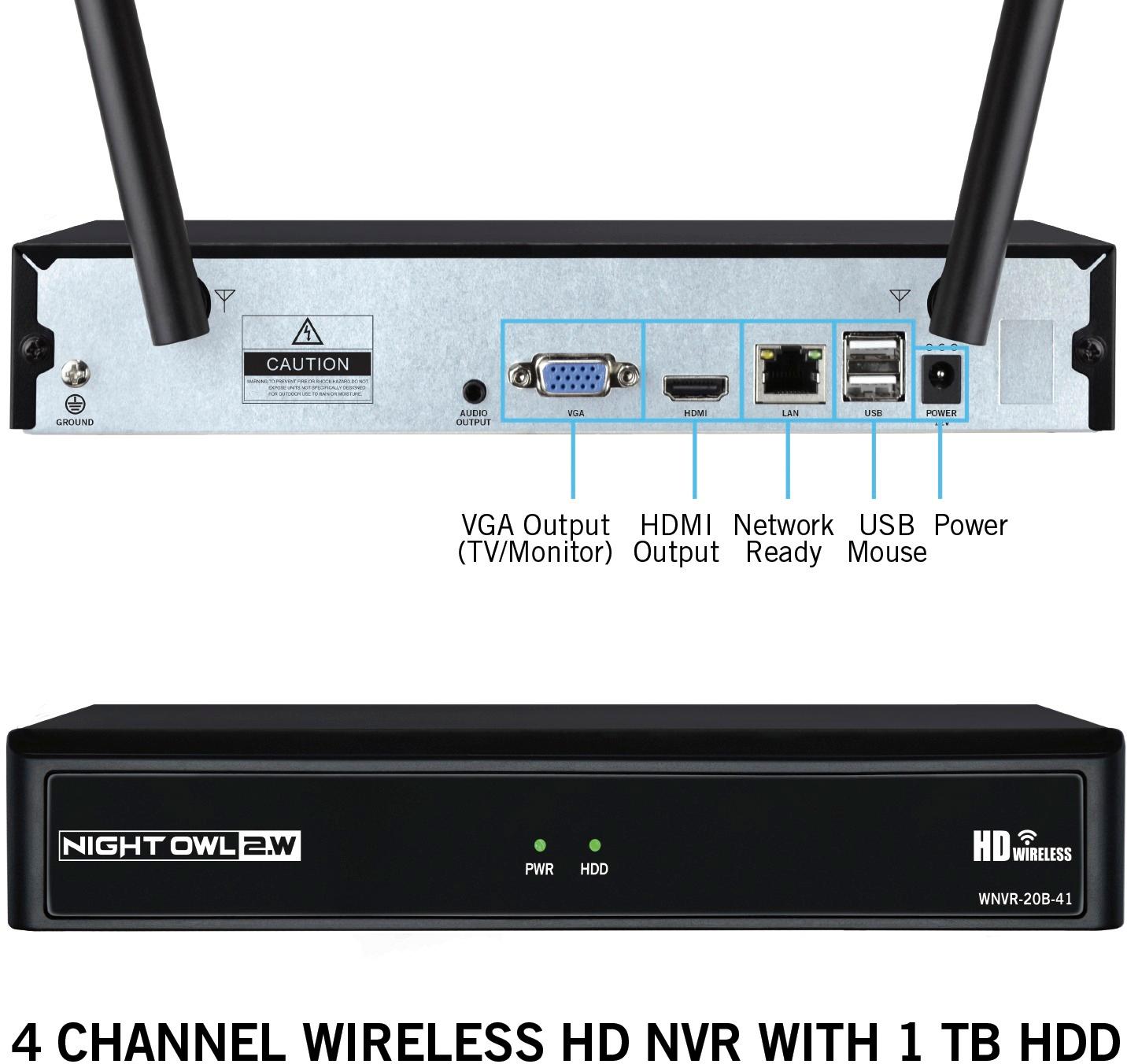
A:AnswerHello Dylan, the Night Owl DVR will not required an internet connection so you may view the image on your TV/Monitor. You will only require an internet connection when attempting to connect to the Night Owl DVR remotely from your computer or smart device. Thank you for choosing Night Owl!

A:AnswerYou are not required to have an internet connection for this system to work. Please keep in mind, in order for you to view your cameras remotely from your smart device, you will need to connect the Night Owl WNVR to an internet connection. Thank you very much for choosing Night Owl!
A:AnswerYou can go to Night owl web site and down load what you need to your computer or print them out it will be a lot of paper and ink worth it in long run.
I printed all that I need and put them in a file.
Or you can do both.
Hope this helps you out.
Have a very good day.
A:AnswerThe add-on cameras we sell come with a power adapter and splitter. If you are attempting to add other cameras, we cannot guarantee 3rd party compatibility. If they are older Night Owl cameras, please view the link below. Thank you! https://nightowlsp.com/spf-camp-2a.html
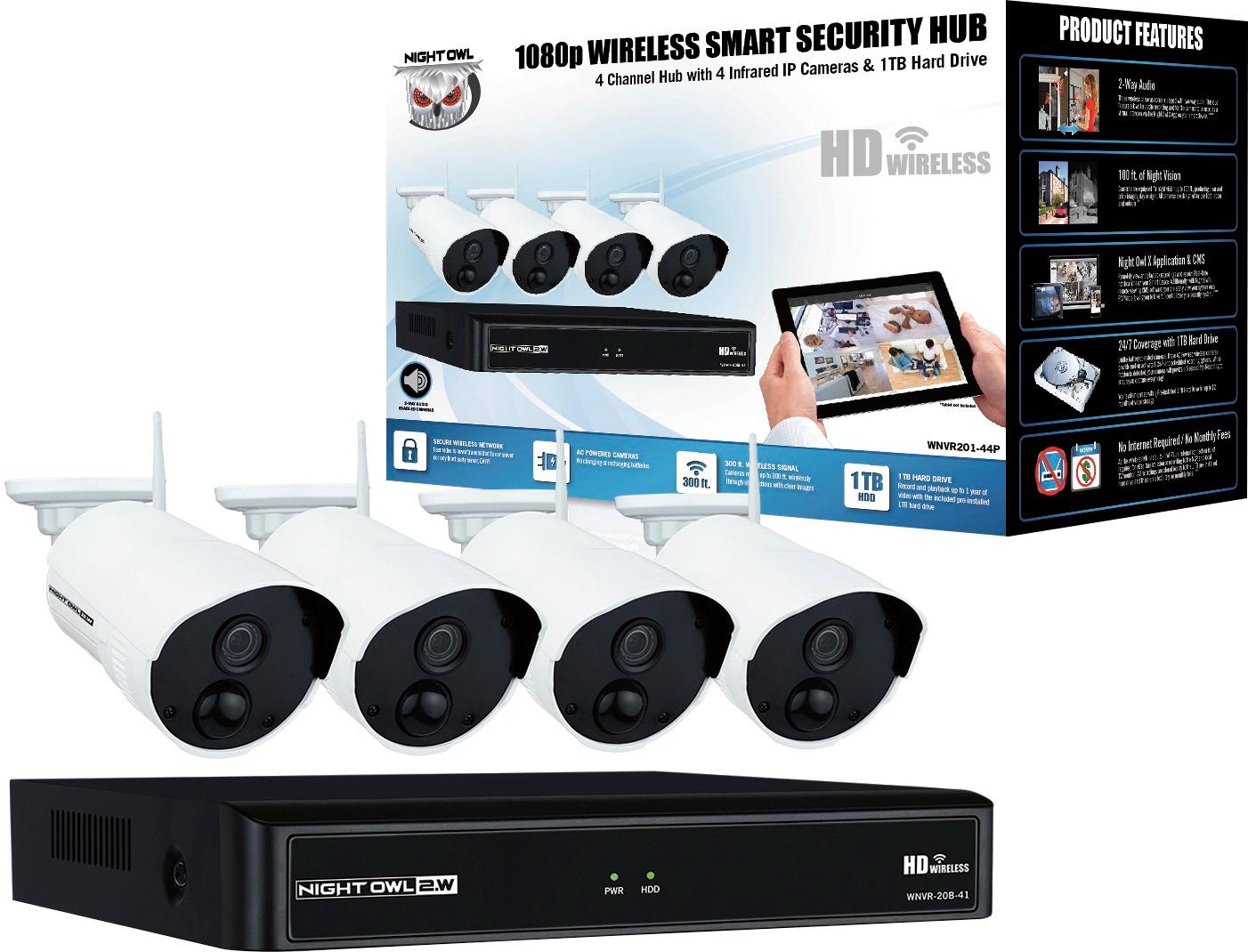
A:AnswerEach camera comes equipped with a camera power adapter and must be plugged into an outlet. These cameras are AC Powered, not battery powered. Thank you for choosing Night Owl!

A:AnswerThe farthest is about 60 feet at my home, but signal not going through any building materials. My farthest going through building materials is 25 feet and signal at 3 bars with 1 second lag.
A:AnswerGood Afternoon, with our Night Owl wireless cameras you will only connect them to a power adapter, unfortunately, there is no way of connecting the wireless cameras to the NVR through a wire. Thank you for choosing Night Owl.
A:AnswerLuckily, I could use my TV monitor to set up the WNDVR, my computer won't work either.
Another thing I experienced is that this equipment doesn't reset itself as a Nest camera does. I am talking about the ability to to view the camera output on your smart phone. If for any reason their is a blip in the speed in your internet, etc., you will no longer be able to view your camera(s) on your smart phone. This defeats the purpose of having a security camera for when your not at home. You physically have to remove power from the WNDVR for 10 seconds then reapply power. which means that if you are not home to reset the system, your ability to access the camera(s) through your smart phone is gone.
A:AnswerThere are a few factors that will determine which system is best for you. We have both wired and wireless systems that come with 1080p resolution cameras. If you would like to install cameras further than 100 ft from the DVR, we would recommend the wireless system. The Night Owl wireless system has a range of up to 300 ft. Unlike our wired system, the wireless cameras come with 2-way audio. Our wireless cameras need to be connected to a power outlet, if the power was to go out, unfortunately, the cameras would not function. If you have any other questions regarding any of the Night Owl systems, feel free to contact us through email at [email protected]. Thank you for choosing Night Owl!
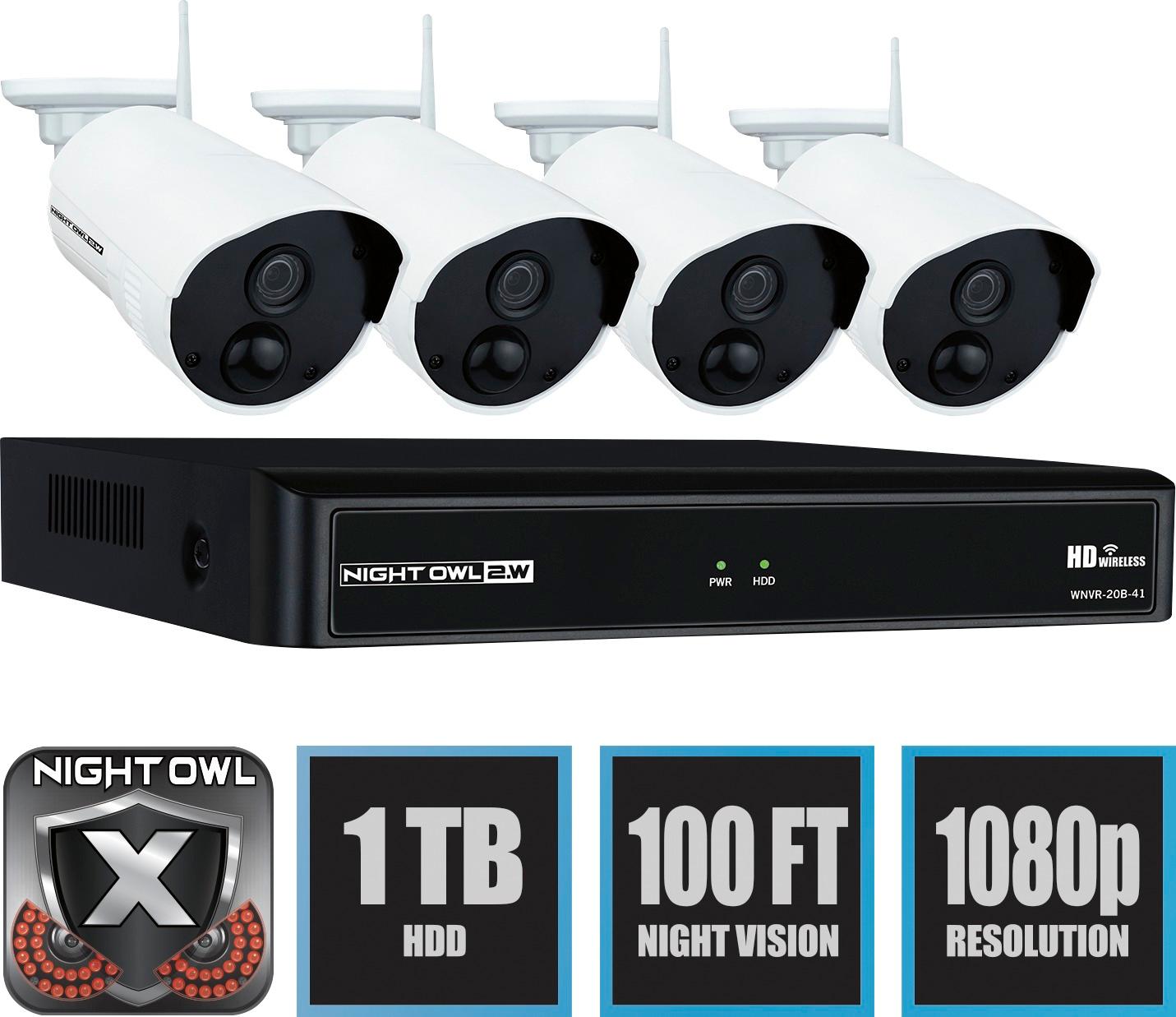
A:AnswerThe wireless range for the camera is 300 ft, the field of view range, for day and night vision, on the wireless camera is 100 ft. Thank you for choosing Night Owl.
A:AnswerThe power brick that plugs into the wall has a small jack on the other end of the wire that plugs into the cable coming from the camera. You only need to drilli a hole about a quarter inch wide
A:AnswerHi Allen. Questions answered by our team will show they have been answered "By Night Owl" or "From Manufacturer". Other customers are allowed to go onto the site and submit their own answers from a user's perspective, which is outside of our control. Our support site and technical support phone number are additional resources you have at your disposal, should you have a question that needs answering. Both of the latter put you in direct contact with our team. Thank you for choosing Night Owl!