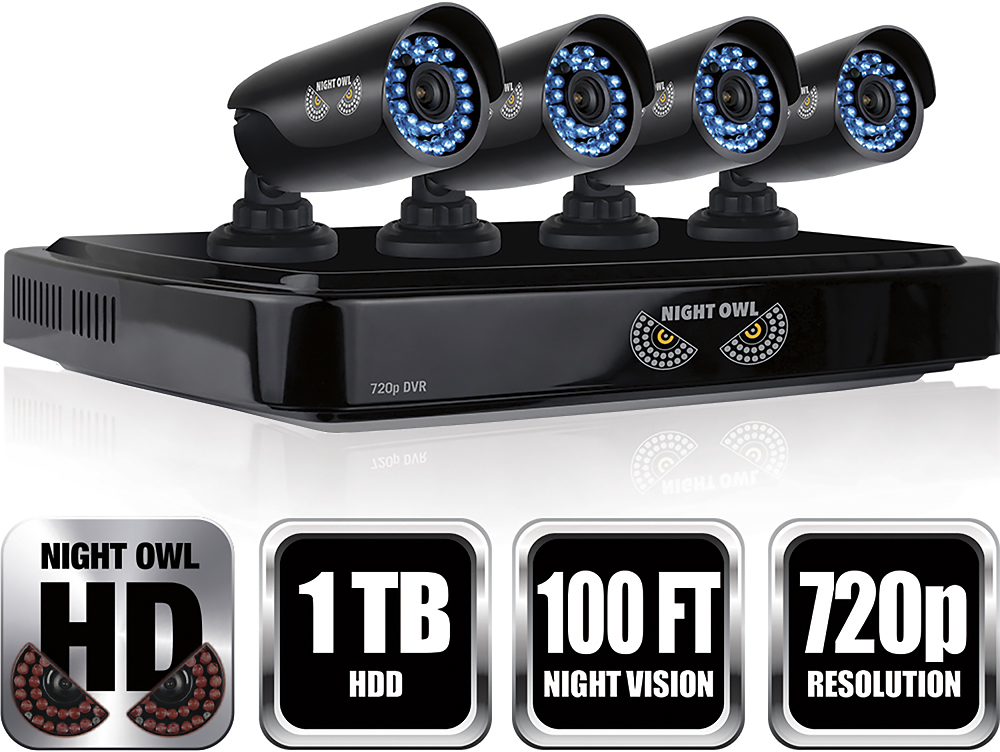
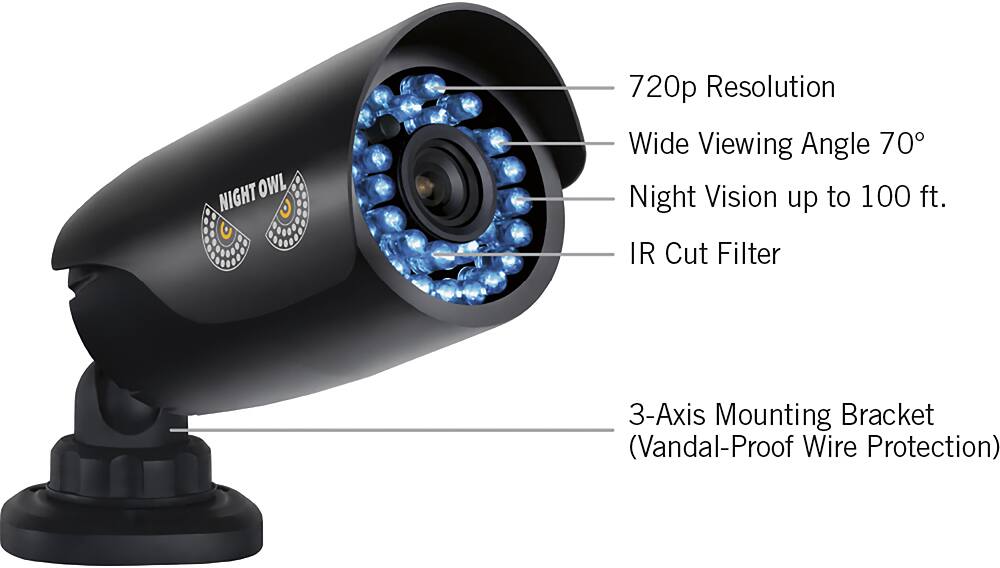
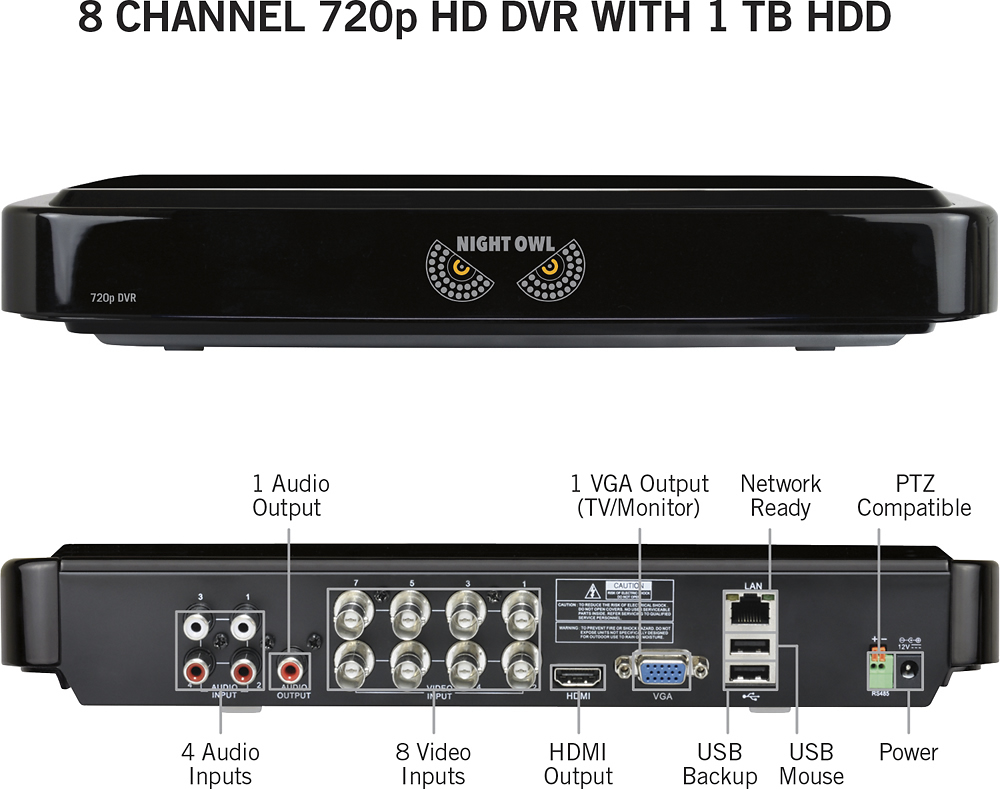
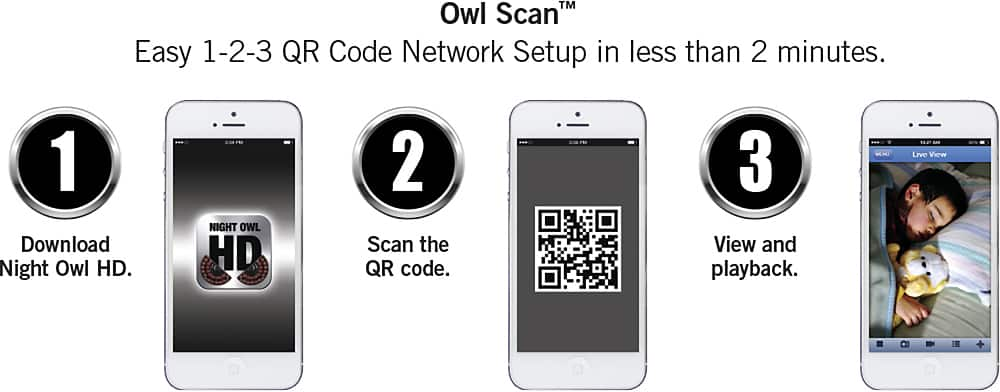
A:Answer"Dear Customer:
This issue will need to be troubleshooted by our Technical Support team. Technical Support is available 24/7, 365 days a year and can be reached at 1-866-390-1303.
Thank you for choosing Night Owl. "
A:AnswerGood Afternoon,
You will need a monitor of some sort to assist you in getting your system set up. Most of our consumers use a TV Monitor. You do not need a PC to operate this security system, but can elect to remotely view your system on a PC or MAC via our software if you desire.
Thanks for choosing Night Owl.
A:AnswerYou don't have to. However, if your DVR is connected to the Internet, you will be able to access from your PC. Also it is optional to connect this device to the TV. There are cables long enough to go from DVR to TV. You can find them at Home Depot!
A:AnswerGood morning. You can place the DVR wherever is best for your needs. The maximum length of CAT5 cable is 100m/328ft. Thanks for choosing Night Owl.
A:AnswerI'm CONNECTED to the modem/Router I have a NetGear brand.. I do have internet service and at home my iPad DOESNT have data service and it works fine. At home my iPhone is using Wi-Fi and it works fine. However I DIDN'T set up any notifications so I'm not sure how that works but you will be able to view the cameras thru Wi-Fi just fine. Hope that helps.
A:AnswerNOT THEY ARE NOT, they are wired.. I personally prefer it this way. But yes you have to wire up thru your attic or some way.. Wireless can be interfered with from outside sources.. but this one is a wired unit no wireless here..
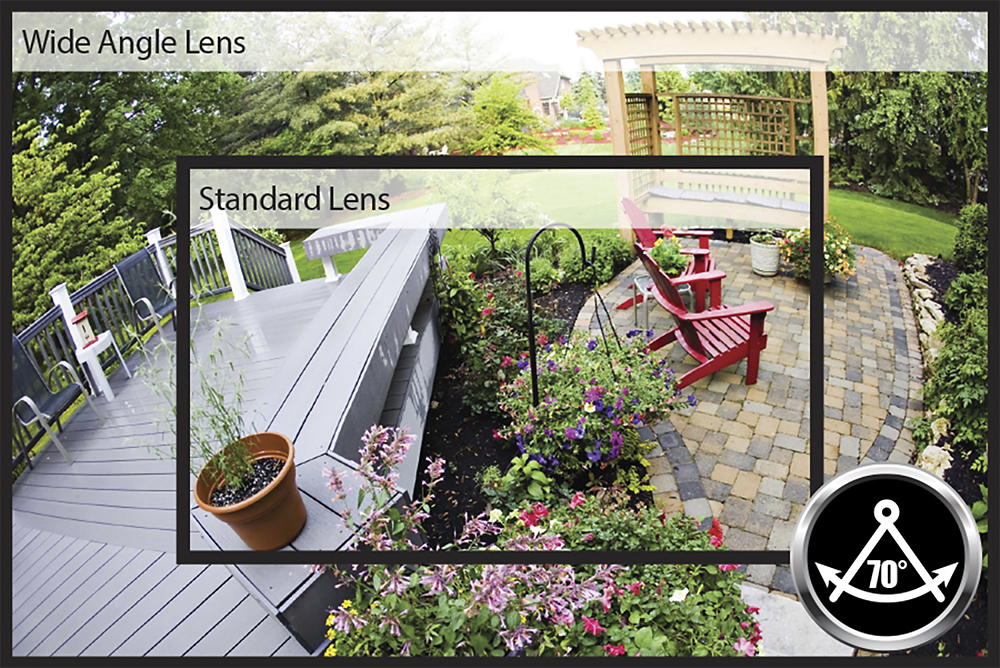
A:AnswerThis would depend on the position you mount the camera in. If you need facial details to ID a person you will need to have the camera fairly close. The camera are wide angle so that helps but to get a clear picture of a face in night vision I would think you would only be able to cover a few cars with each camera. I would recommend trying to mount the camera in a place that the person would have to pass through to get to the vehicles to get the close up. Then maybe mount one or two camera to cover a larger number of vehicles to capture the activity. I hope this helps...
A:AnswerThe package comes with a power splitter that you plug to the DVR. It allows connection to four cameras. If you package does not have the power splitter you can buy one.
A:AnswerDear customer,
While the DVR requires to be hardwired to the Ethernet to be accessed remotely.
the need for a Static IP should not be necessary unless there is an issue with your (ISP) Internet Service Provider. and for your second question, the need to a static IP address at each camera will not be possible because you have a DVR unit in NVR units this will be automatically assigned for your cameras is your have IP Cameras for your NVR.
Best Regards.
A:AnswerYes, while you have the DVR to a TV set you will be able to see all cameras on the screen. All cameras will be recording in whatever mode you have them programmed.
The recording you are looking into using is the Scheduled Recording, where you must program the DVR to record at certain times on specific days.