A:AnswerYou can plug the Nikon Coolpix B500 camera into a computer via USB to either transfer images already taken to your computer or to charge the camera.
A:AnswerThe Coolpix B500 does not have GPS Technology built in. However you can Geo-Tag your images by pairing the camera with the Nikon SnapBridge App which can use the GPS on your phone to mark images.
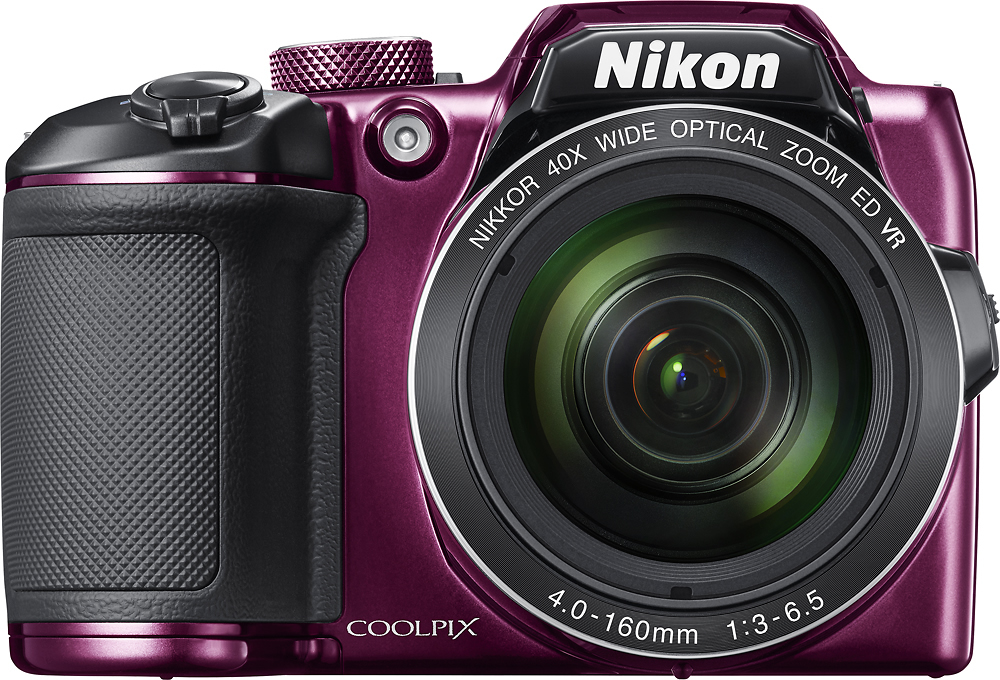
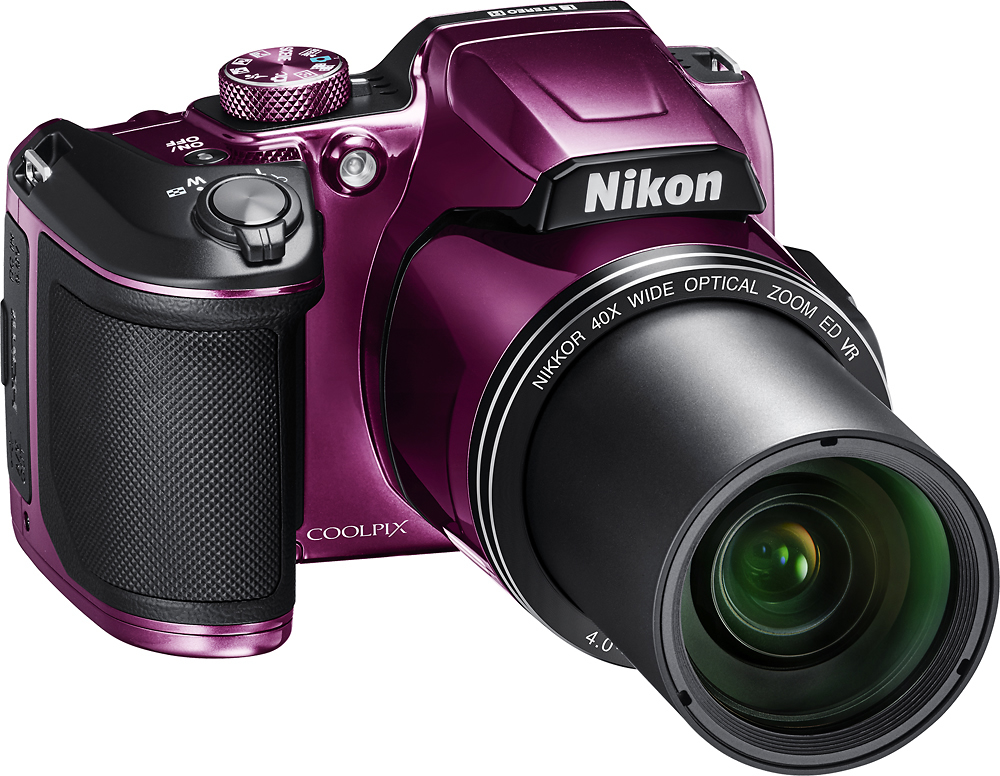
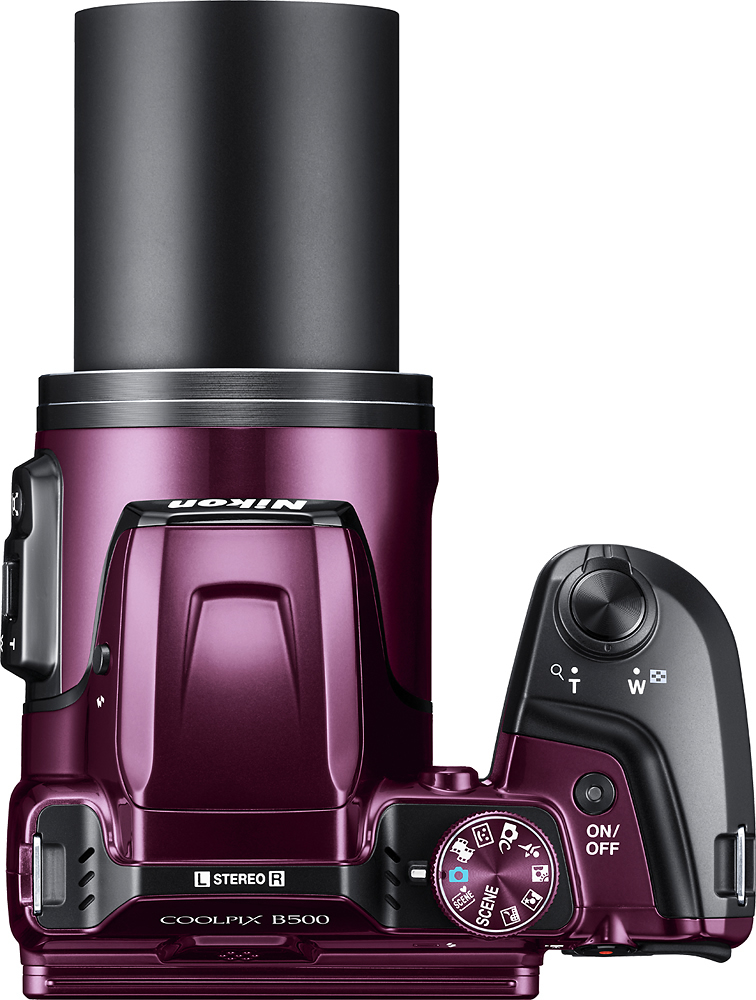
A:AnswerThe Coolpix B500 has a 40x Zoom, which means it has a focal length of the following: 4.0-160mm (angle of view equivalent to that of 22.5–900 mm lens in 35mm [135] format.)
A:AnswerNikon has update the SnapBridge App to be compatible with iOS 13. If you are having issues connecting your camera to your phone, please feel free to contact Nikon Customer Support.
A:AnswerYou’ll be great as long as you nothing goes wrong. But if you want your camera looked at the geek squad is horrible and rude!! Love the camera. Hate the service!!
A:AnswerThe Nikon Coolpix B500 uses Bluetooth to connect to a compatible Apple or Android Smart Device, it will not be able to connect to a Personal Computer or Laptop. You will need to use the Nikon SnapBridge App to have the B500 communicate with a Smart Device.