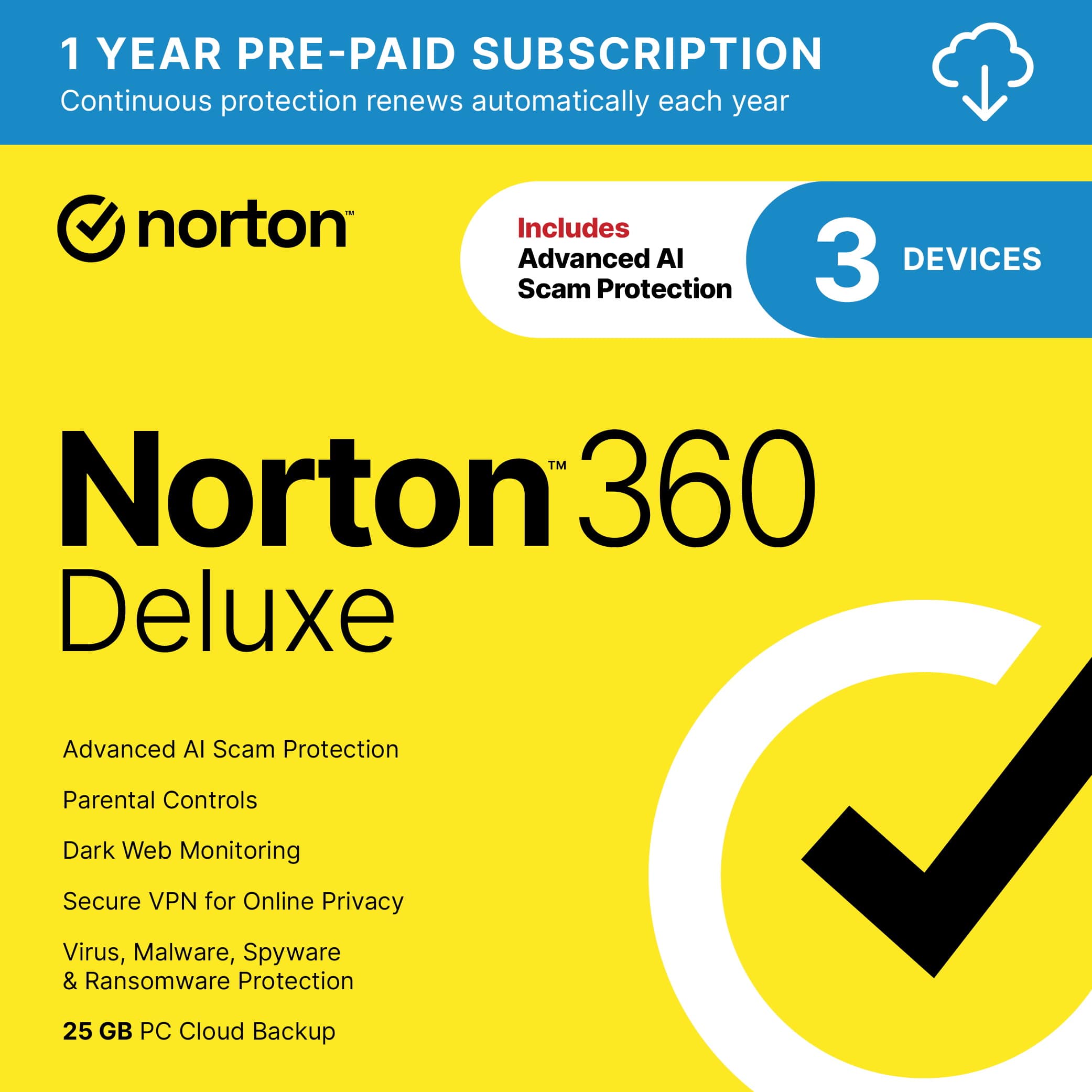
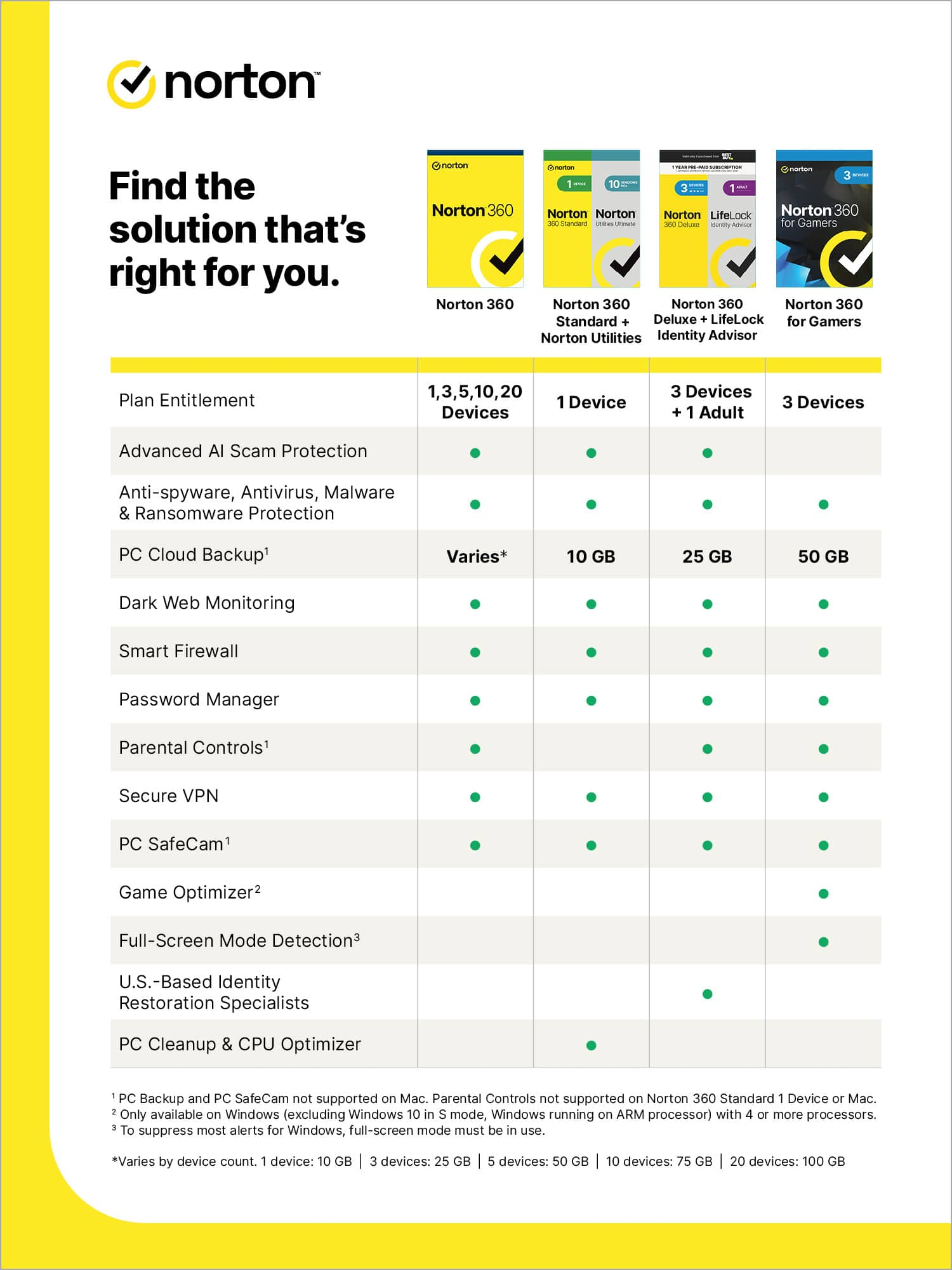
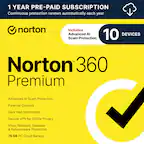
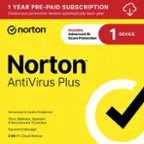
A:AnswerYou can manage which devices to remove as well as adding a new one within in your Norton account. The device limit tied to your subscription refers to the number of devices that can have Norton installed concurrently. However, you can remove from a current device and install on a new device if needed by going to “my devices” in your Norton portal.
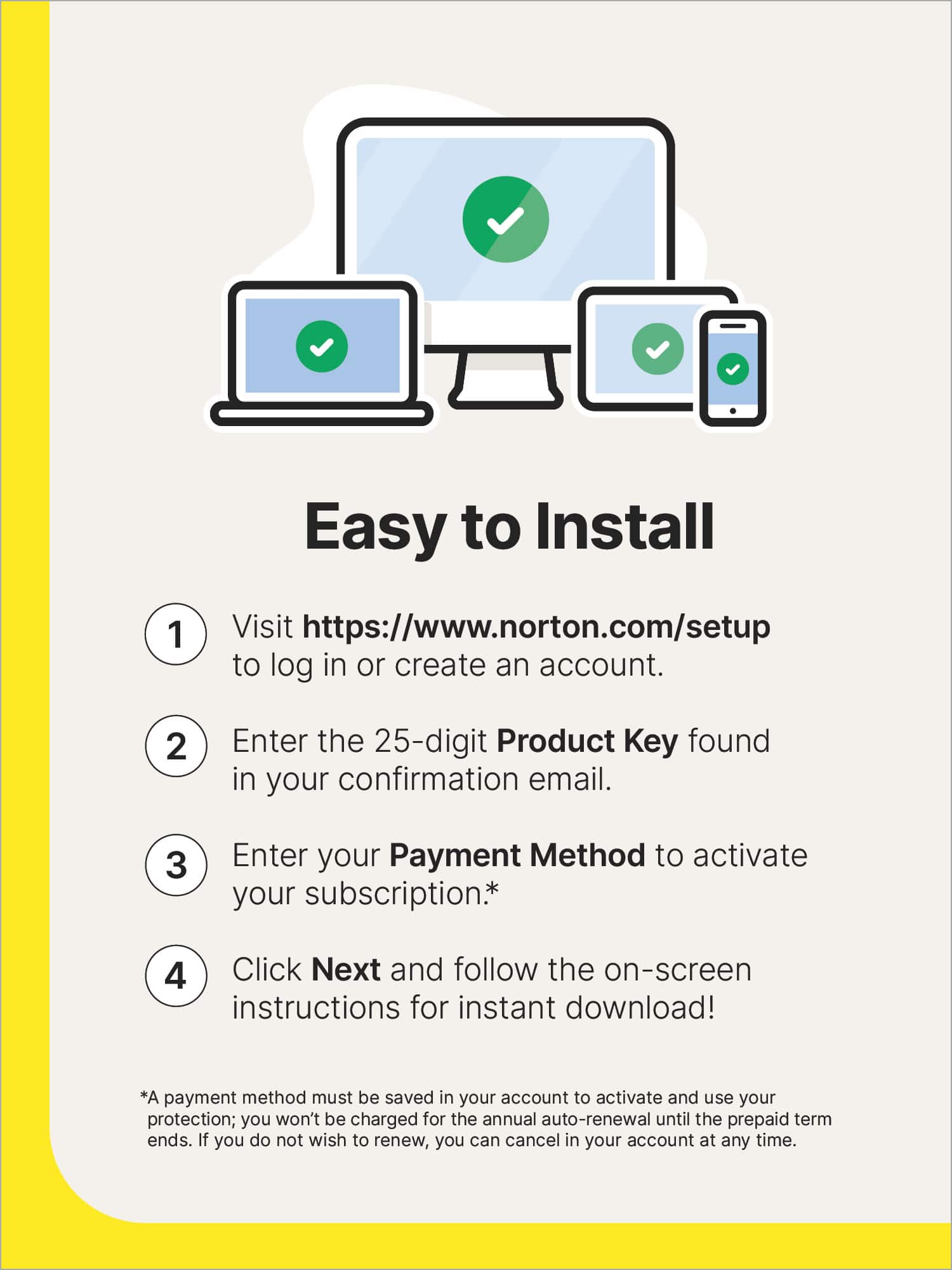
A:AnswerYes, one product, one version installed on 3 devices. Once installed on one product it gives you the option to input an email address for another device & you repeat the same processs to install. It’s just a click away! Easy to install.
A:AnswerIf you have the key code, go to Norton website and download directly from them. Use your key code when prompted. Otherwise call Geek Squad and have them walk you through alternative download procedure.
A:AnswerIf the download errors out, you need to delete any partial files from your computer (and possibly clear internet download cache files) and re-download from scratch, otherwise it will error out every time. This is pretty standard for subscription downloads and anything that might generate any one-time security tokens or certificates
A:AnswerSorry, Susie. That feature is now permanently built into the product. Watch out for your subscription expiration date, as the auto-renew is usually about 3X what you paid for your original subscription. I hate Norton for doing this.
A:AnswerHi, based on my experience, they have it available through both. But depends which one you want to buy. I have been seeing alot of the digital version. Its very simple either digital or CD. Good Luck!