



Main Content

Questions & Answers

$29.99
Save $90
The comparable value is $119.99
Deal ends tomorrow
Page Showing 1-20 of 50 questions
  • QuestionDoes this software provide any cloud backup?

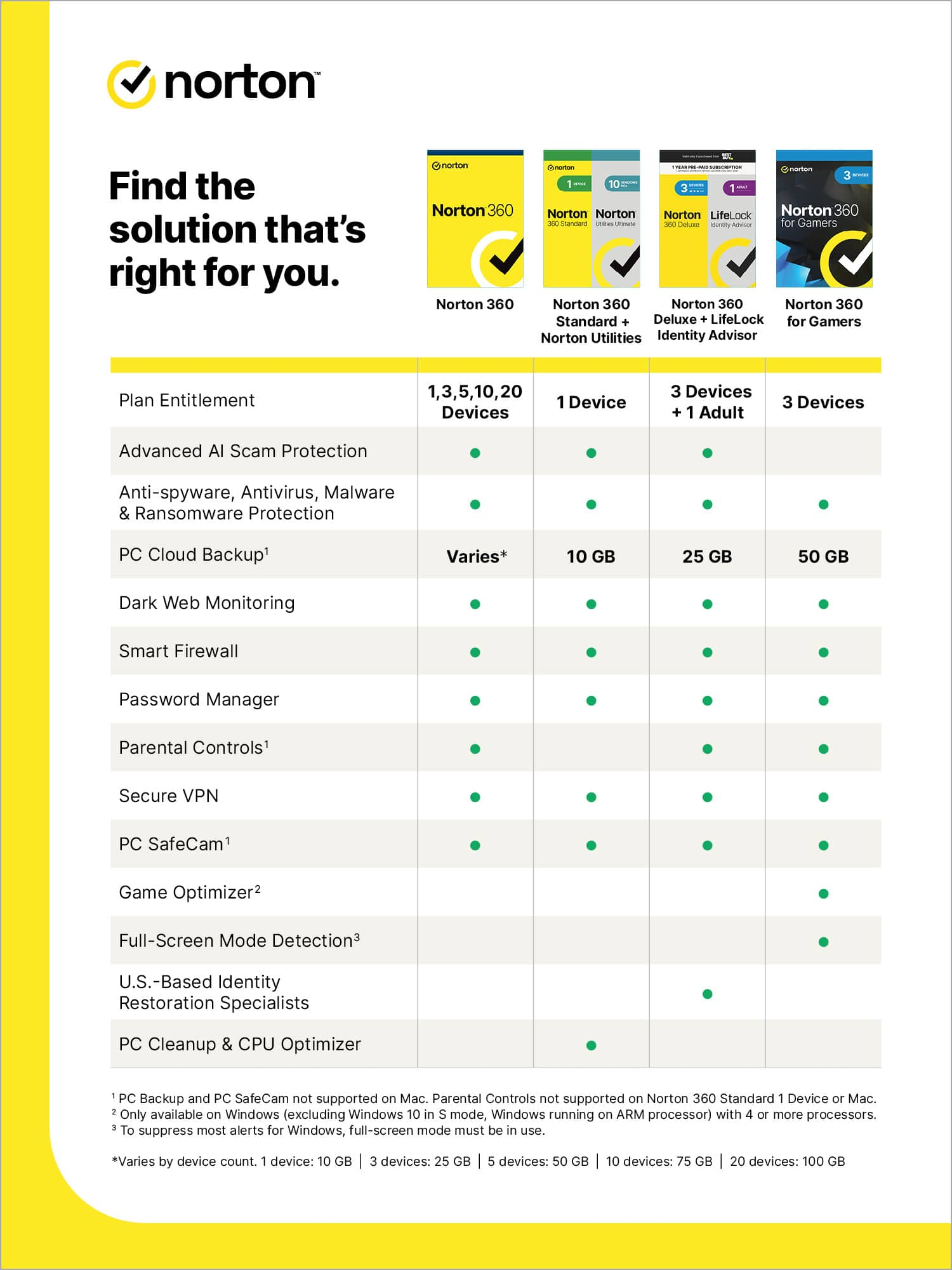
    • Answer Yes, it includes 25 GB of automatic cloud backup for PCs to store and protect important files and documents.
    This question and answer was generated by AI based on customer and product data.

  • QuestionWhat does the password manager feature do?

    • Answer The password manager allows you to easily create, store, and manage your passwords, credit card information, and other credentials online safely and securely.
    This question and answer was generated by AI based on customer and product data.

  • QuestionWhat is the duration of the subscription for this software?

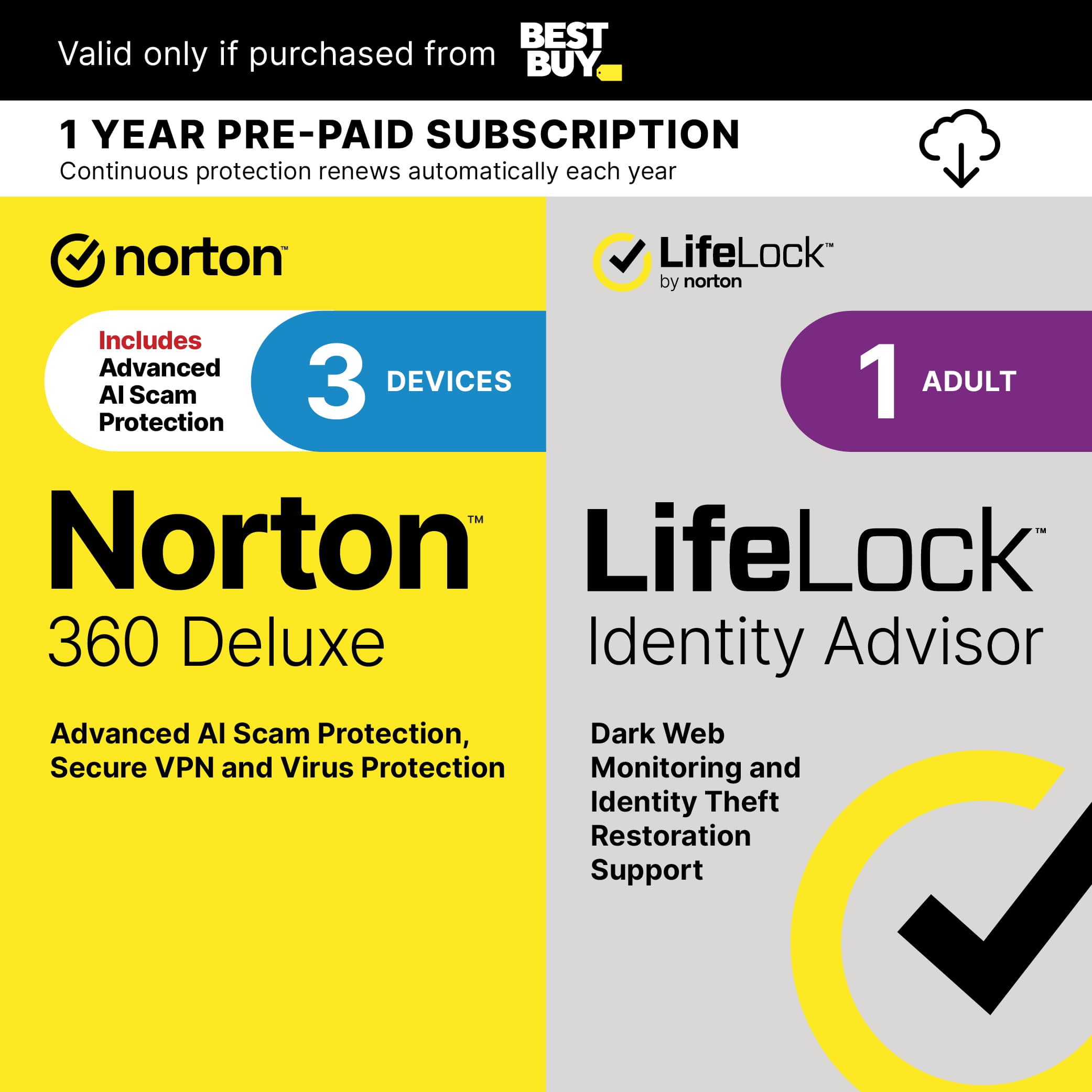
    • Answer This software comes with a 1-year subscription.
    This question and answer was generated by AI based on customer and product data.

  • QuestionIs the VPN service secure?

    • Answer Yes, the VPN service offers bank-grade encryption to help keep your information like passwords and bank details secure and private.
    This question and answer was generated by AI based on customer and product data.
  • QuestionWhat operating systems are compatible with this software?

    • Answer The software is compatible with Microsoft Windows 11, 10, 8/8.1, 7 (with Service Pack 1 or later), current and previous two versions of Mac OS, Android 8.0 or later, and the current and previous two versions of iOS.
    This question and answer was generated by AI based on customer and product data.
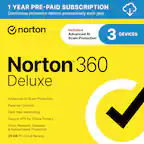
  • QuestionHow many devices does this Norton software protect?

    • Answer This Norton 360 Deluxe software protects up to 3 devices - PCs, Macs, smartphones, or tablets.
    This question and answer was generated by AI based on customer and product data.
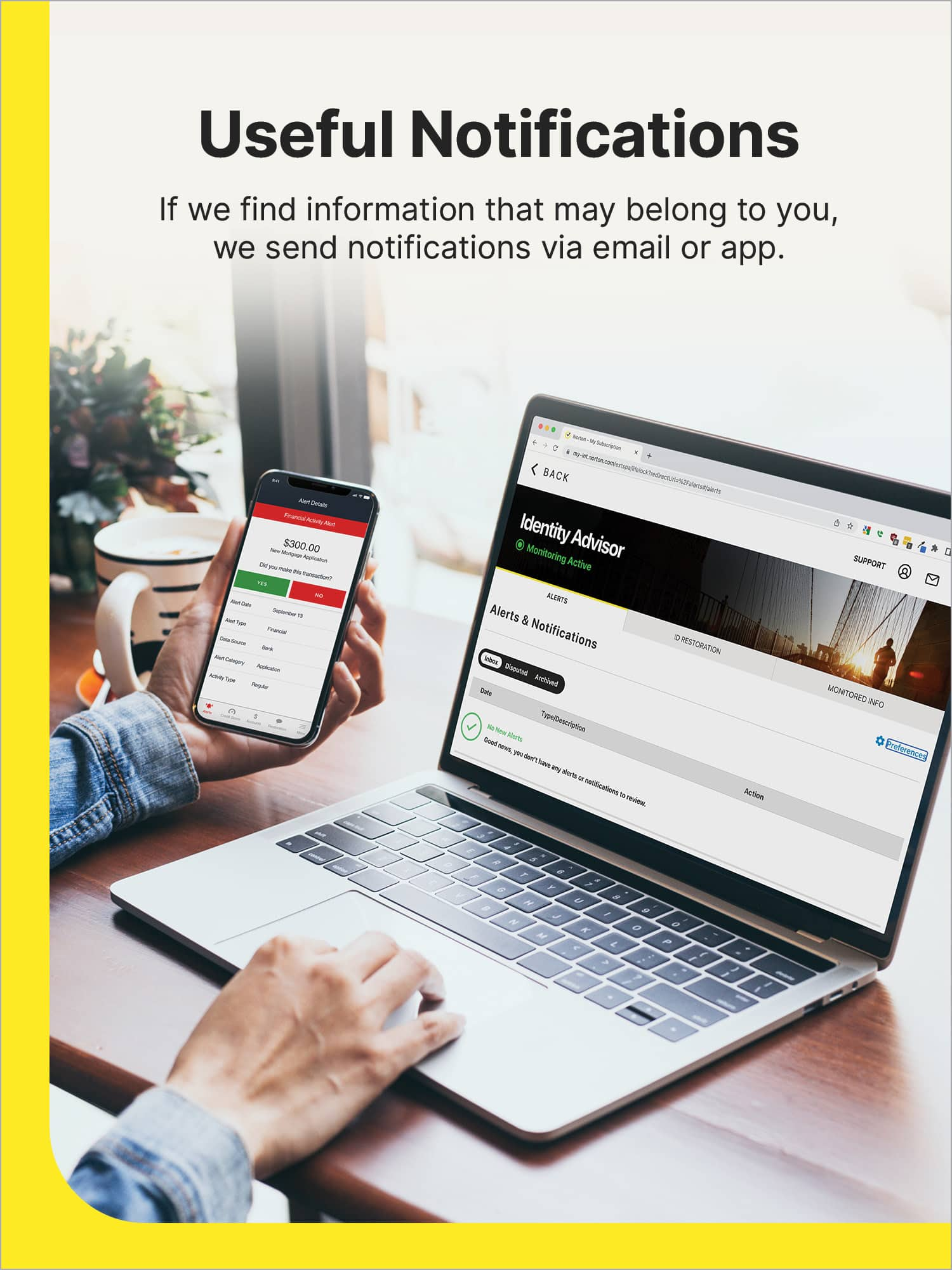
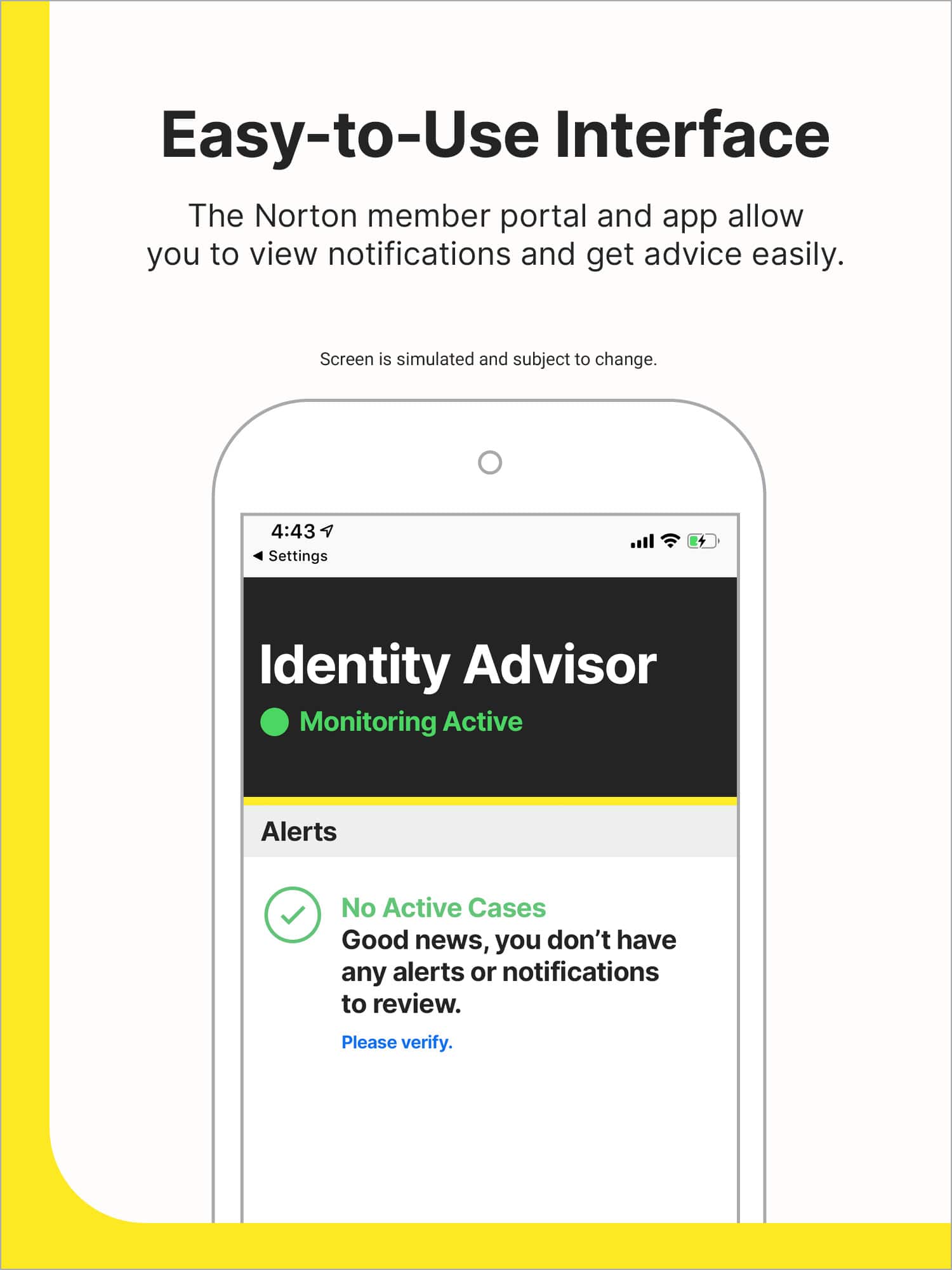
  • QuestionWhy does the app sometimes send notifications?

    • Answer The app will send you useful and informative notifications if it detects any of your data has been exposed.
    This question and answer was generated by AI based on customer and product data.
  • QuestionDoes the one year subscription begin with purchase or I assume with download date? Is there a time limit to how soon one downloads the N360?

    Asked by Rico.

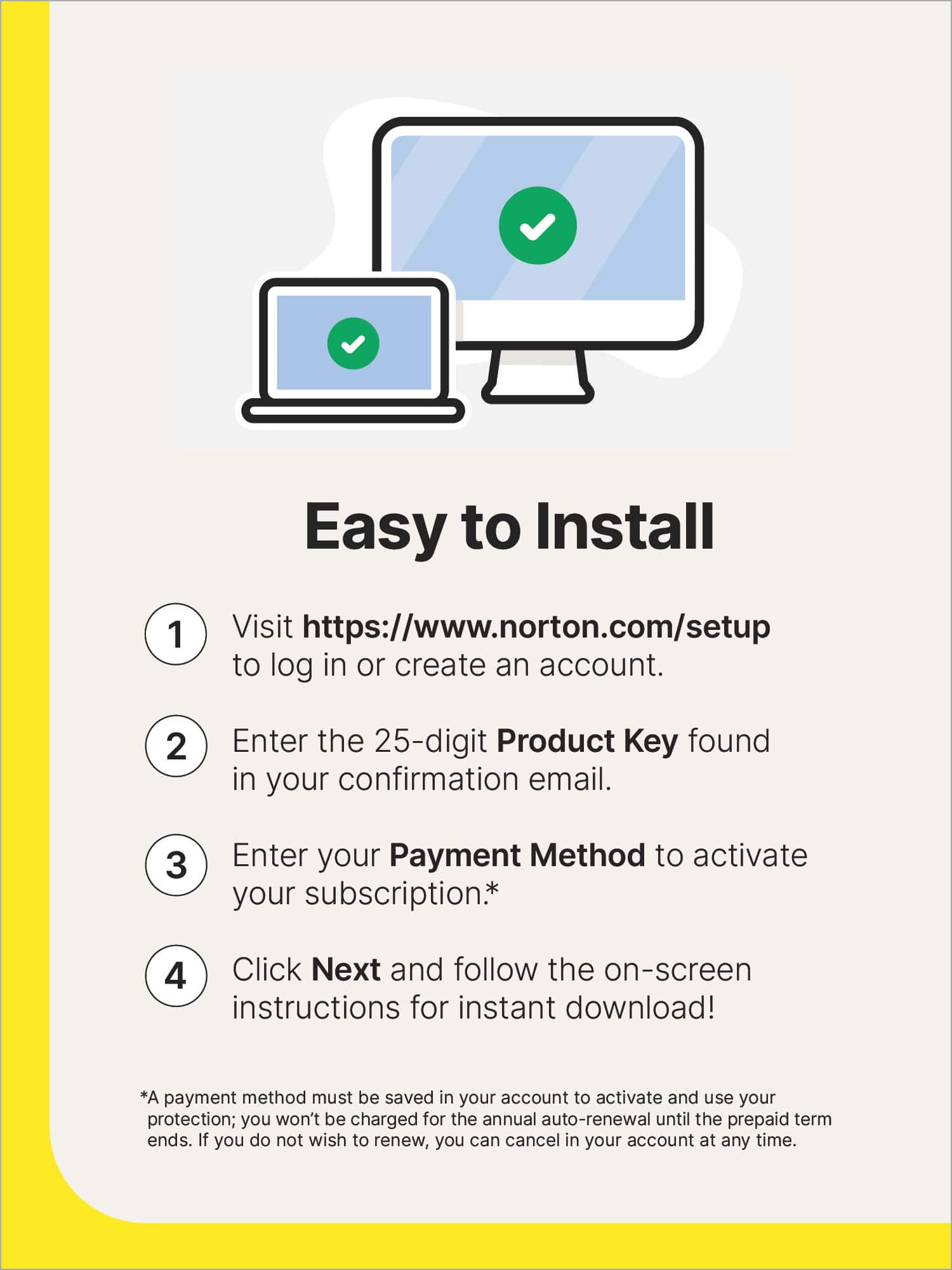
    • Answer Thank you for your question. Your subscription begins from the download/install date. Currently no time limit on when you can download the product.

      Answered by NortonLIfeLock Product Expert

  • QuestionCan I buy it from bestBuy and use it in Europe like Greece or this product is only for the USA market , or is it digital and can be used worldwide for all acc :)

    Asked by Dobz.

    • Answer Hello! The VPN will work outside the United States, but it must be installed while you are in the U.S. If you attempt to install it from another country, the installation will not complete. To avoid issues, please ensure the product is installed in the country where it was purchased. If you have any questions, feel free to reach out here or contact our support team at https://norton.com/support. Thank you!

      Answered by Norton & LifeLock Product Expert

  • QuestionCan one of the devices be a smart phone? Mine is a galaxy s10e

    Asked by James.

    • Answer Hi James - Yes, any Android or iPhone devices, along with all Macs and Windows PCs. - DWN

      Answered by NortonLIfeLock Product Expert

  • QuestionHow many days can I keep the redemptive information before using it? My existing protection doesn't expire for 18 days.

    Asked by Mugwump.

    • Answer Hi ‘Mugwump’ ☺️ - Thanks for your question. The unactivated key really has no expiration date, as the subscription’s “clock” doesn’t start until you add it your Norton account. You’re perfectly fine to wait right up until your current protection expires, then activate this new license ;) Thanks for your loyalty to Norton! - DWN

      Answered by Norton & LifeLock Product Expert

  • QuestionIs this the 2025 or 2026 version?

    Asked by Tom.

    • Answer Hi Tom, Thanks for your question. Norton 360 doesn’t use yearly versions. This subscription gives you the latest version of Norton 360, with automatic updates throughout the year, so you’re always protected with the most current features. In short, you’re not buying an older or newer “year” edition—you’re getting the latest Norton 360 experience for the full length of your 1‑year subscription.

      Answered by Norton & LifeLock Product Expert

  • QuestionCan I use my current VPN with Norton 360/LifeLock or am I restricted to only utilizing Norton 360/LifeLock‘s VPN?

    Asked by Tygarr.

    • Answer Users can run a third‑party VPN (example: NordVPN) with Norton 360 installed. If you prefer your own VPN, simply turn off Norton Secure VPN inside the Norton dashboard. A Norton moderator notes that if using a 3rd‑party VPN, you can disable the Norton VPN service as it may run in the background unnecessarily. Even if you use a third‑party VPN, Norton recommends keeping the Norton Smart Firewall active because: A VPN encrypts traffic, But a firewall blocks unwanted inbound/outbound network access.

      Answered by Norton & LifeLock Product Expert

  • QuestionIs auto renewal required at time of purchase or installation

    Asked by Anonymous.

    • Answer Great question! Auto-renewal is required at installation—you can choose to opt out based on your preference on your Norton account. We always recommend reviewing your settings to make sure they match what works best for you!

      Answered by Norton & LifeLock Product Expert

  • QuestionIs this only for new customers or can current Norton customers purchase this as a renewal and apply toward current account?

    Asked by Klizzy.

    • Answer Thanks for taking the time to provide us with your question. The Introductory price is for new subscriptions.

      Answered by NortonLIfeLock Product Expert

  • QuestionHello, Maybe I missed it in the 49 AI-generated Q&A; however, the specification section states it covers 3 devices. Once I download it onto my laptop, how would I share it with my spouse?

    Asked by Kurt.

    • Answer Great question—you didn’t miss it. Here’s how the 3‑device coverage works and how you can share it with your spouse. How the 3‑device subscription works Norton 360 Deluxe (3 Devices) lets you protect up to three devices total. Those devices can belong to you and your spouse and can be different types (Windows PC, Mac, phone, tablet, etc.). How to share it with your spouse (simple steps) 1. Install Norton on your laptop first During setup, you’ll sign in or create a Norton account. This account manages all devices under the subscription. 2. Install Norton on your spouse’s device On your spouse’s device: • Download Norton from the official Norton site or app store, or • Use the “Add Device” / “Send Invite” option in your Norton account to email them an install link Then sign in using the same Norton account. 3. Repeat for a third device (optional) You can use the remaining license on another computer, phone, or tablet. Important notes • ✅ Devices do not have to belong to the same person • ✅ Devices do not need to be on the same network • ✅ You can view, add, or remove devices anytime in your Norton account • ⚠️ The LifeLock Identity Advisor (1 Adult) portion is intended for one adult, but the device security applies to all 3 devices Quick summary • 1 subscription = 3 total devices • Use one Norton account • Add your spouse’s device via sign‑in or invite • Mix and match device types

      Answered by Norton & LifeLock Product Expert

  • QuestionHow much to renew

    Asked by Anonymous.

    • Answer Hi there, Thanks for reaching out with your question about renewal pricing. The cost to renew can vary based on your specific Norton plan, the number of devices, and your region. The easiest way to see your exact renewal price and options is to sign in to your Norton account, or you can contact Norton Support and they’ll review your subscription details and current offers with you. We appreciate you considering staying protected with Norton.

      Answered by Norton & LifeLock Product Expert

  • QuestionIs this software provided on a physical deivice (ie CD disk)?

    Asked by malwarekiller.

    • Answer Great question. This product is a digital download only—it does not include a physical CD or disc. After purchase, you’ll receive instructions to download and install Norton 360 on your device using an internet connection. This allows you to install the latest version right away on compatible Windows, Mac, iOS, or Android devices. Your digital key delivery should have been sent from email alias BestBuyInfo@emailinfo.bestbuy.com, please check your junk folder in the event the email was delivered to that folder. If you still haven't received your product order, please reach out to bestbuy.com/support for assistance in locating your product order.

      Answered by Norton & LifeLock Product Expert

  • QuestionWhat is the renewal cost of this product?

    Asked by PinkPig43.

    • Answer For the most up-to-date renewal pricing, please visit https://www.norton.com/pricing. If you have any questions, feel free to reach out at https://www.norton.com/support — we’re here to help!

      Answered by Norton & LifeLock Product Expert

  • QuestionHi, I’m currently subscribed to the Norton Deluxe + LifeLock plan, but it expires in three months. My question is: if I buy another license from Best Buy, can I activate it on my current account and extend my subscription for another year?

    Asked by Jose.

    • Answer Hi Jose, Great question—thanks for asking. In many cases, you can use a new Norton 360 Deluxe + LifeLock license from Best Buy with your existing Norton account; when you activate the new key while signed into the same account, it either extends your current subscription or starts a new term, depending on the specific offer and timing. Because this can vary by promo and region, the safest approach is: Make sure you’re signed into your current Norton account before you activate the new Best Buy license. During activation, review the message on‑screen—it will indicate whether time is being added to your existing plan or applied as a separate subscription. If anything looks unclear, contact Norton Support, and they can confirm how your new license will apply before you proceed. We appreciate you staying protected with Norton Deluxe + LifeLock.

      Answered by Norton & LifeLock Product Expert