A:AnswerOffice Home & Student 2019 has the following requirements for Mac devices: Microsoft account, Internet access, Intel processor, 4 GB RAM, 10 GB available disk space, Mac OS Extended or APFS, and 1280x800 screen resolution. As long as your host has these features, you should have no issue with installation and use.
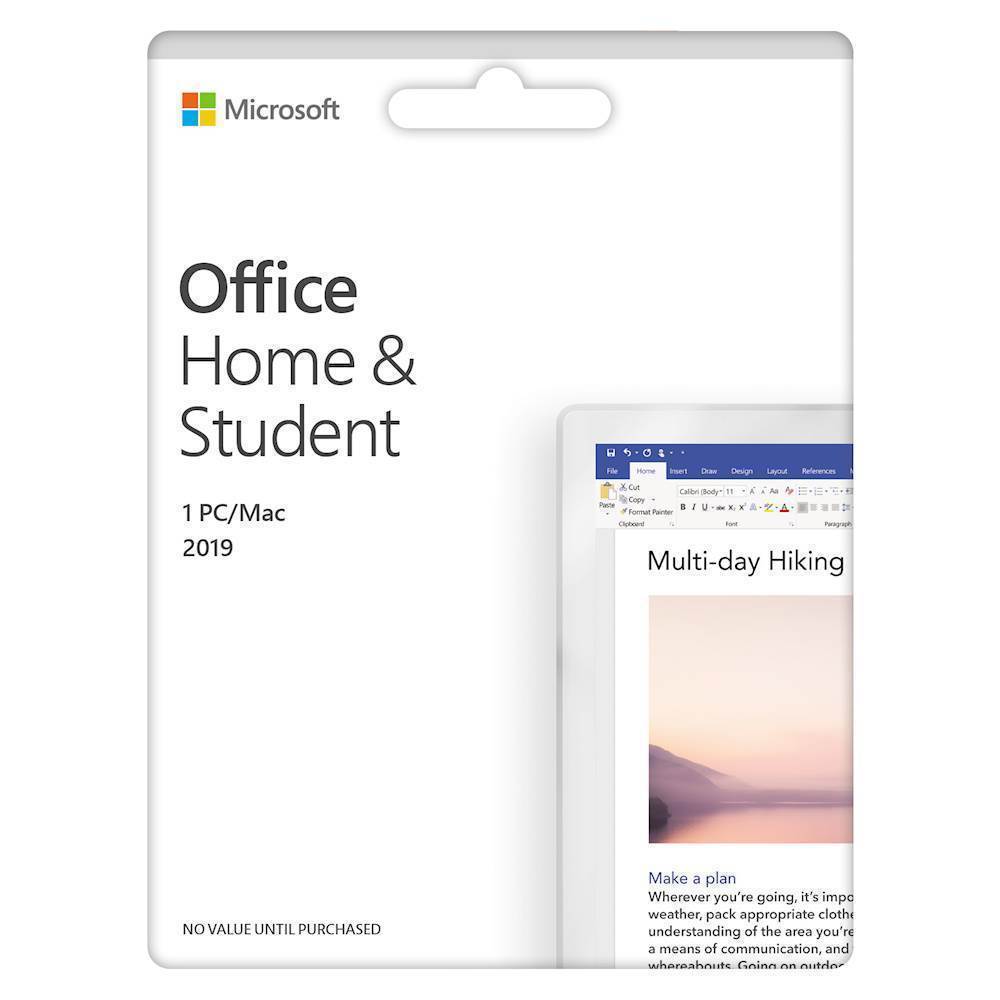
A:AnswerThank you for your question. Office Home & Student 2019, which is a one-time purchase designed for one person/one device, is $149.99. If you are asking about a one-year subscription to Microsoft 365 Personal, it is available for $69.99. Please go here for more information: https://www.bestbuy.com/site/microsoft-365-personal-1-person-12-month-subscription-digital-auto-renewal/6258027.p?skuId=6258027
A:AnswerThank you for your question. One-time Office 2019 products include technical support for 60 days via chat or phone. After this period ends our agents can help you decide between upgrading to a newer product or paying a one-time support charge. For more information, go here: https://support.microsoft.com/en-us/office/microsoft-365-and-office-customer-support-96162163-b3aa-498b-bbbb-5e757b0f31da
A:AnswerThank you for your question. Your Microsoft account should have been associated with Office Home and Student 2019 during initial installation, allowing you to reinstall on the same device. For more information, please go here: https://support.microsoft.com/en-us/office/download-and-install-or-reinstall-microsoft-365-or-office-2019-on-a-pc-or-mac-4414eaaf-0478-48be-9c42-23adc4716658
If that doesn't help, please reach out to Microsoft Support directly.
A:AnswerOn Microsoft’s Office site it lists as Office 2019 Home and Student as one copy for PC or Mac. It cannot be installed tablet of any OS. Office 365, which is subscription based app, can be used on PC, Mac, and any OS tablets.
A:AnswerYou can check system requirements here: https://www.microsoft.com/en-us/microsoft-365/microsoft-365-and-office-resources?ms.officeurl=systemrequirements%3fms.officeurl%3dsystemrequirements&rtc=1