A:AnswerHopefully someone can chime in with recommendations. We do not have a database of cooling systems that work in this model. The fan configuration currently in this model has been chosen specifically to ensure that you would have no issue with the equipment already installed.
A:AnswerHP still has not come out with a liquid cooler for this computer.
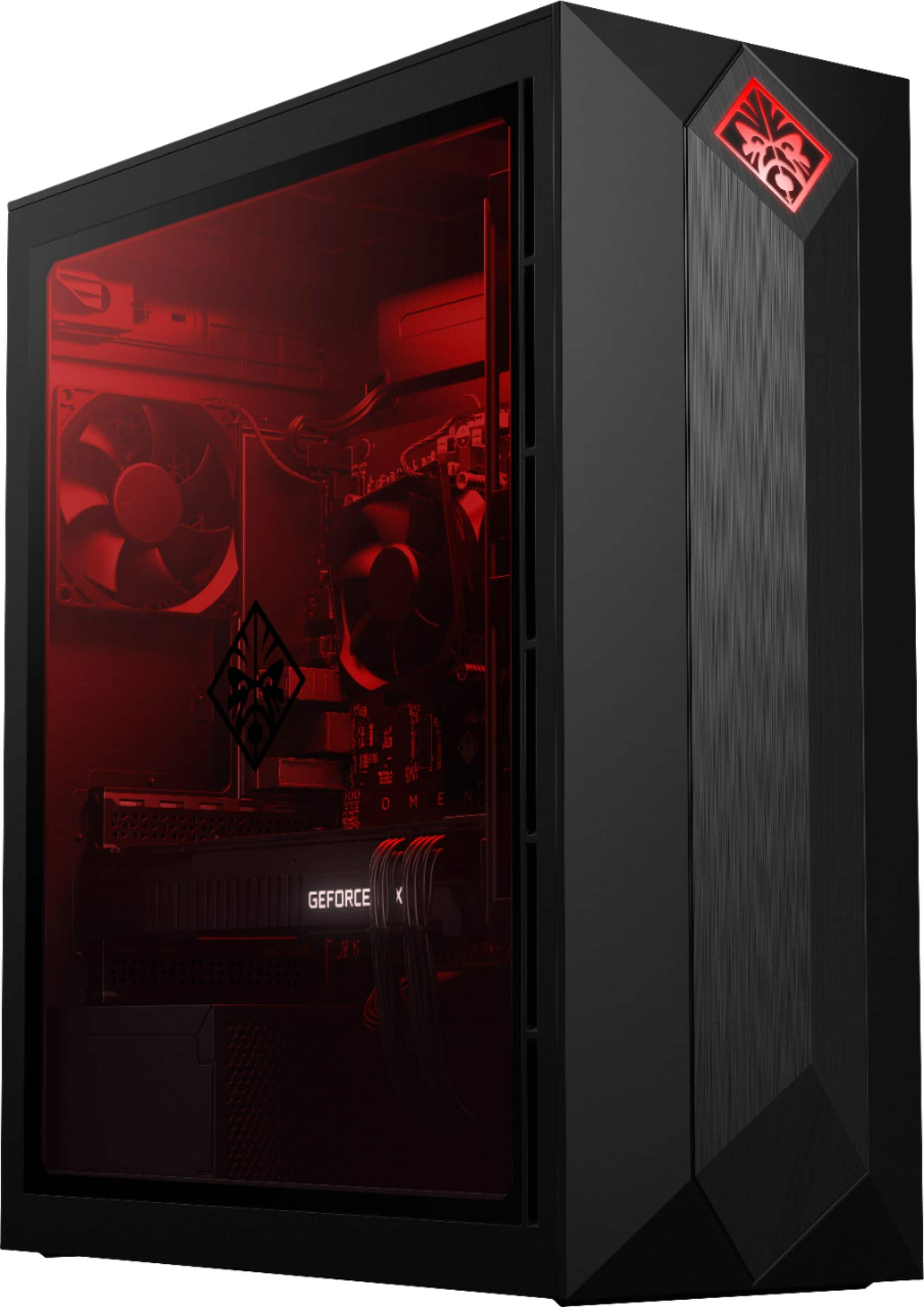
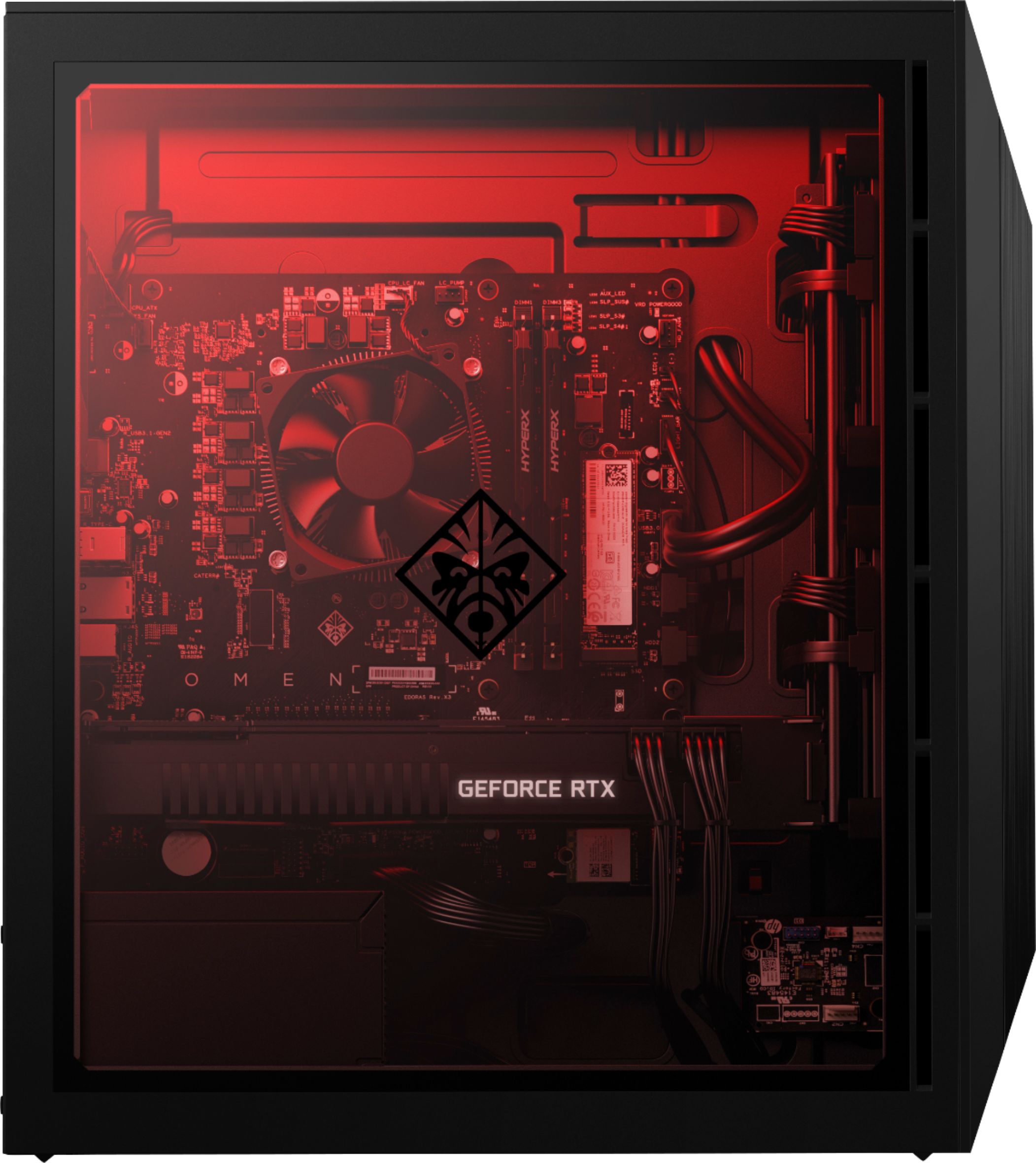
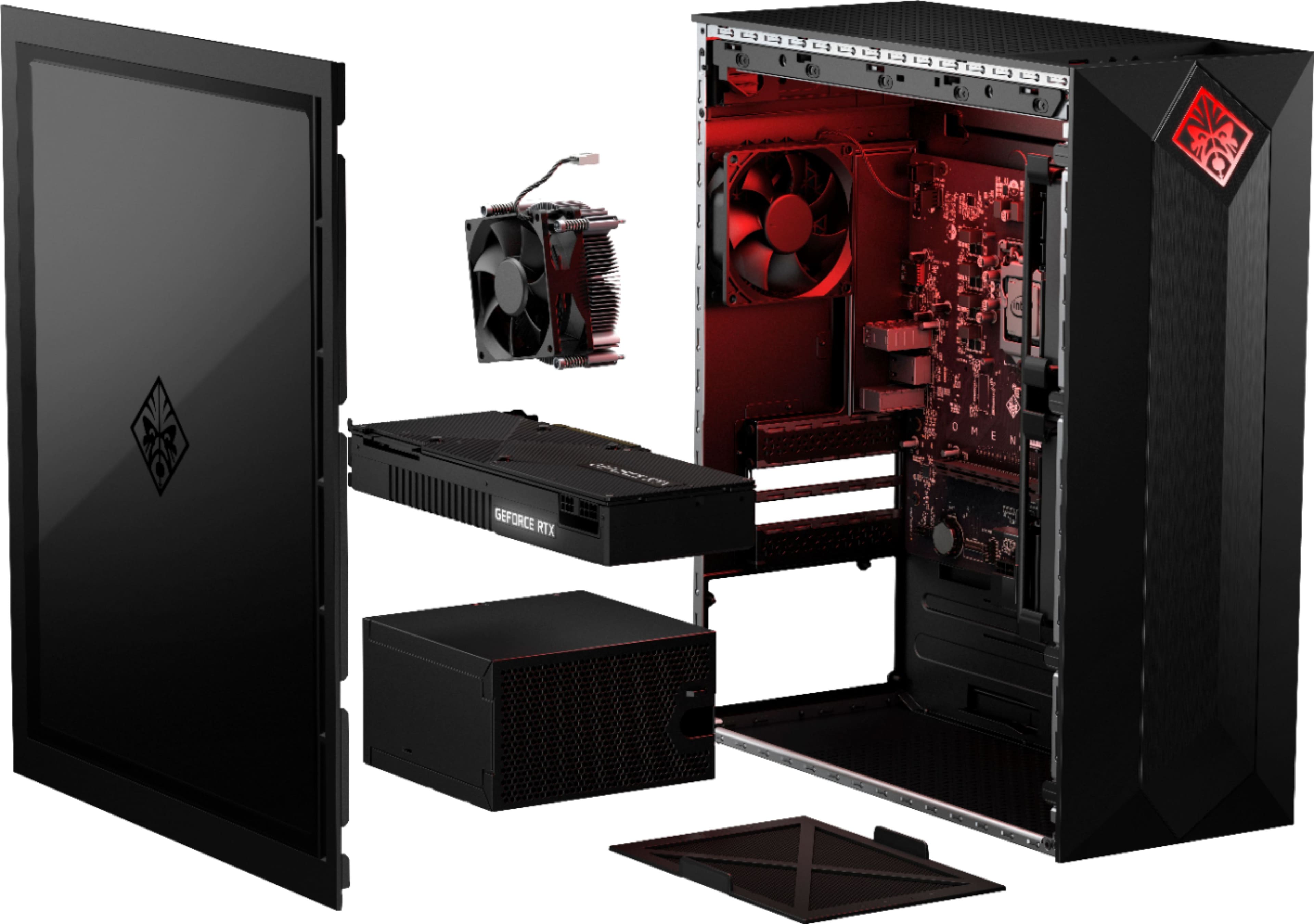
Inside the top of this computer is a mounting plate for the fan and radiator. It is held to the computer with 4 Phillips head screws. Mount the fan and radiator first then the cooler on the CPU.
Intel BXTS13X Water/Liquid Cooling Thermal Solution
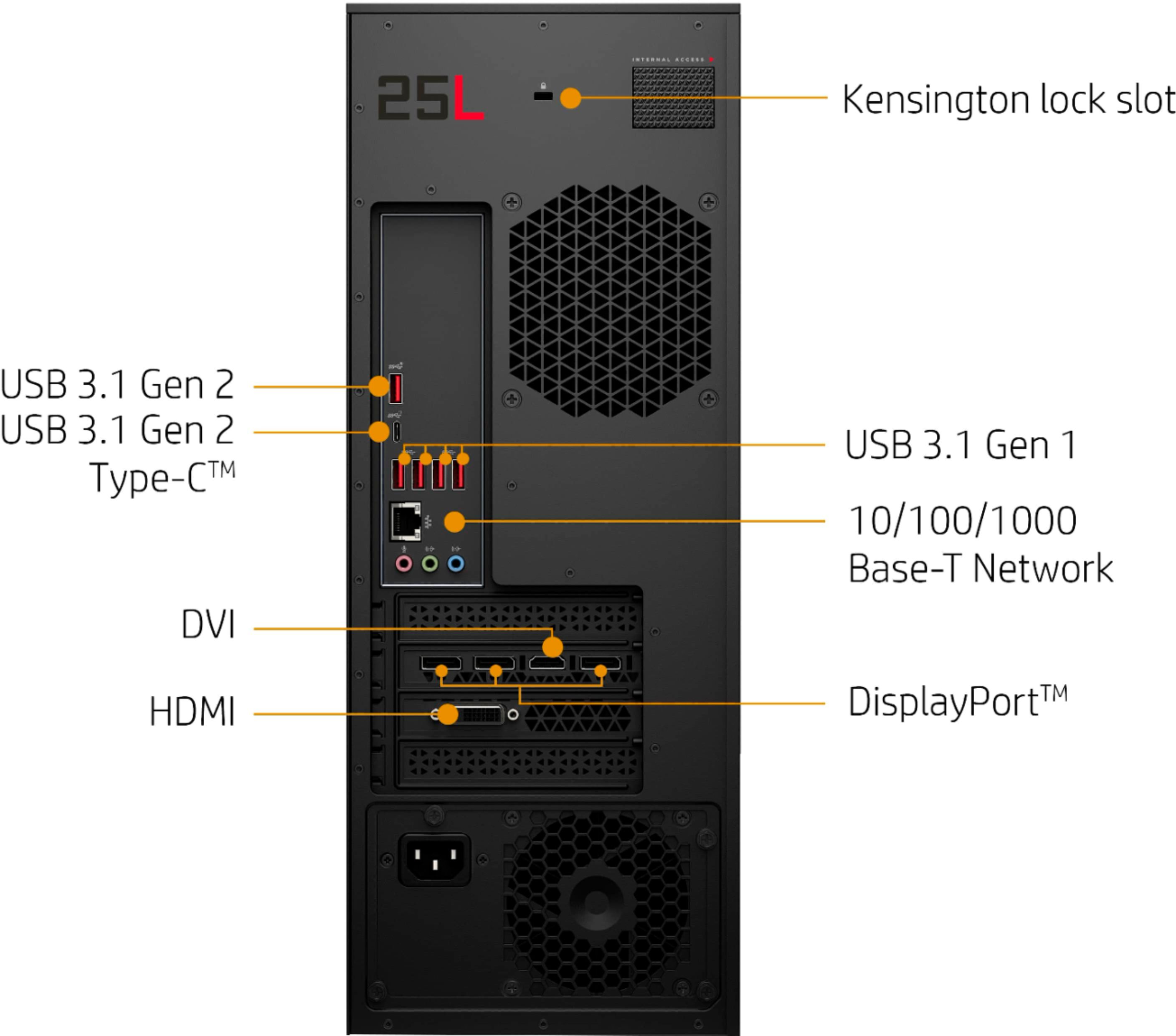
This is the only one I could find that had a four pin power connector. The mother board has a dedicated 4 pin plug for liquid cooler.
A:AnswerThank you for reaching out! That motherboard would be compatible. Do note that the warranty does not cover the parts you add, only the original equipment.
A:AnswerHP still has not come out with a liquid cooler for this computer.
Inside the top of this computer is a mounting plate for the fan and radiator. It is held to the computer with 4 Phillips head screws. Mount the fan and radiator first then the cooler on the CPU.
Intel BXTS13X Water/Liquid Cooling Thermal Solution
This is the only one I could find that had a four pin power connector. The mother board has a dedicated 4 pin plug for liquid cooler.
A:AnswerI am glad you are checking out this HP Omen desktop. It is a lot of power at a very competitive price! The processor in this computer is not the K model and is not supported by the motherboard. As for the RAM, it supports up to 32gb of PC4-21300 (DDR4-2666).
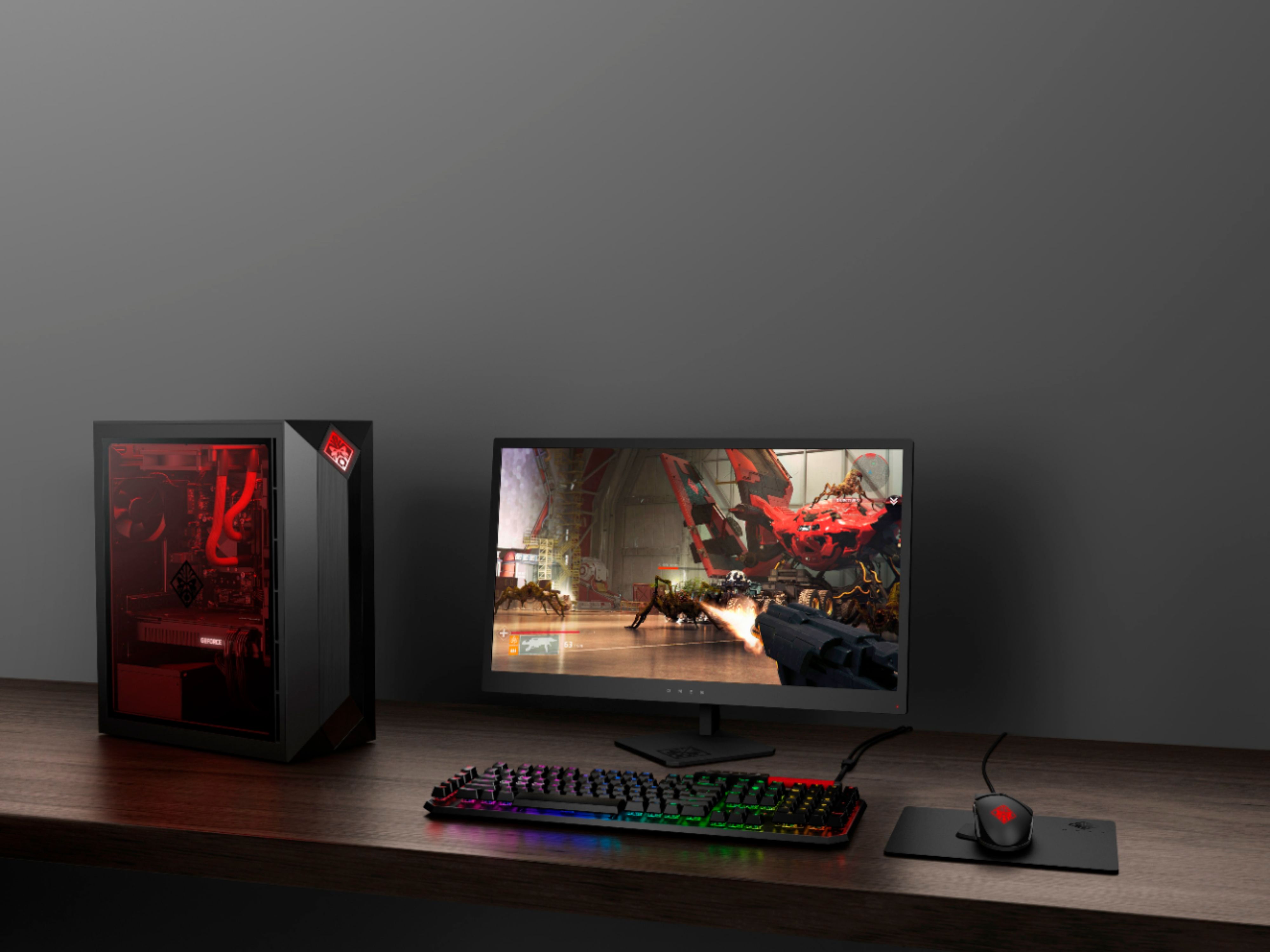
A:AnswerAccording to benchmarks, this will play Seige at better than High settings. Ultra on 1440p 160-200fps, ultra on 4k 90-100fps. Both results are more than acceptable. This computer and gpu combo is a beast!