Black Friday is hereShop new DoorbustersShop now

Main Content

Questions & Answers

Page Showing 1-20 of 86 questions
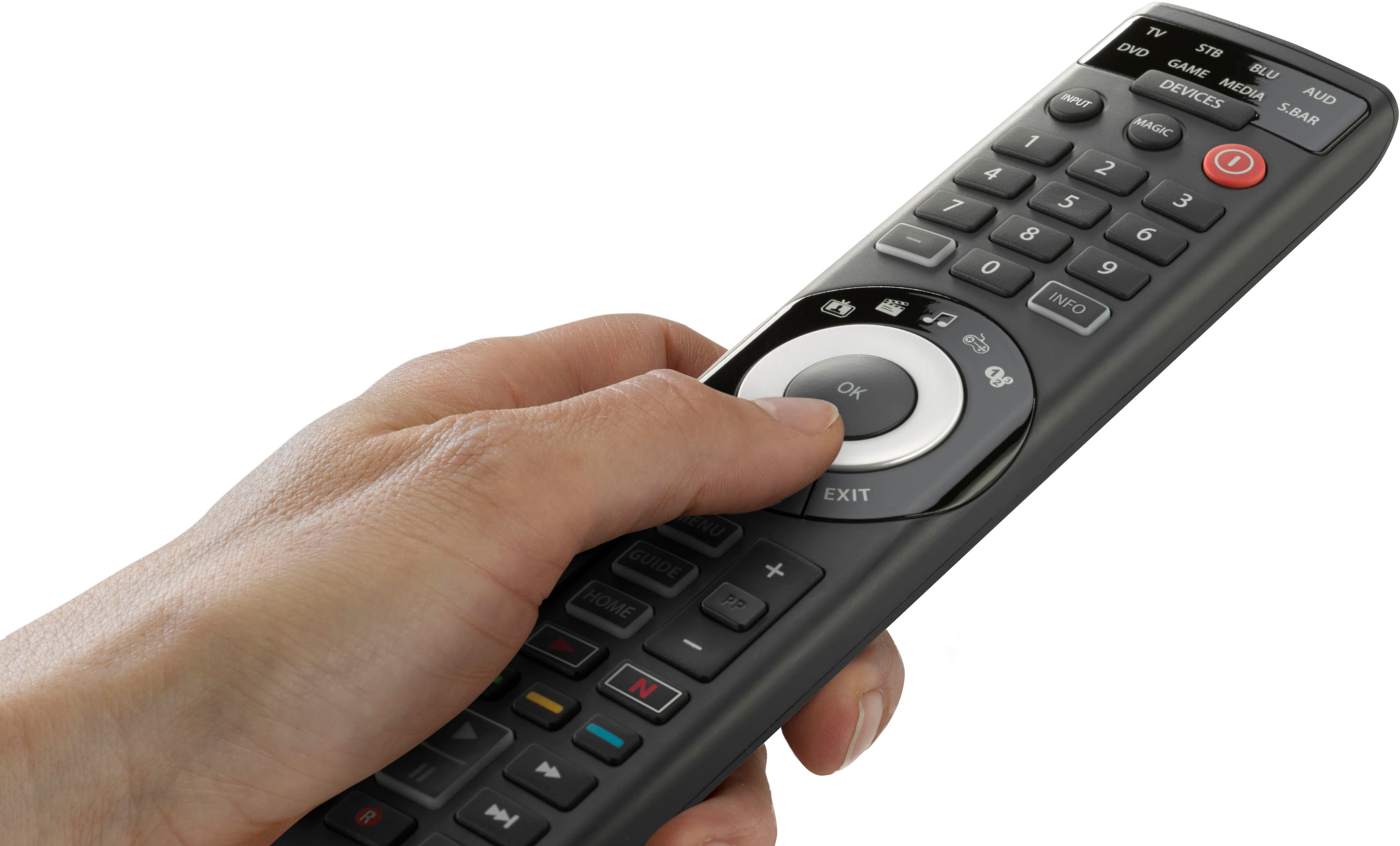
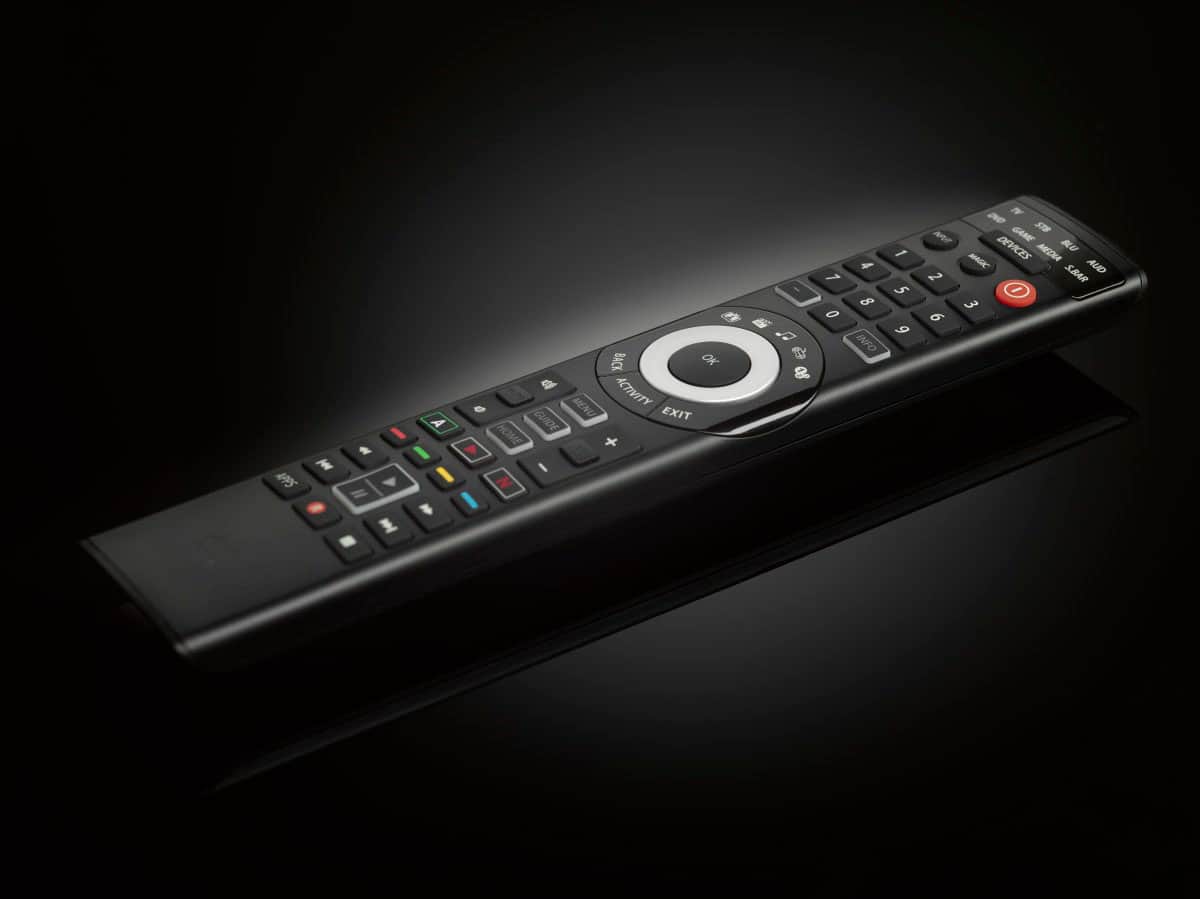
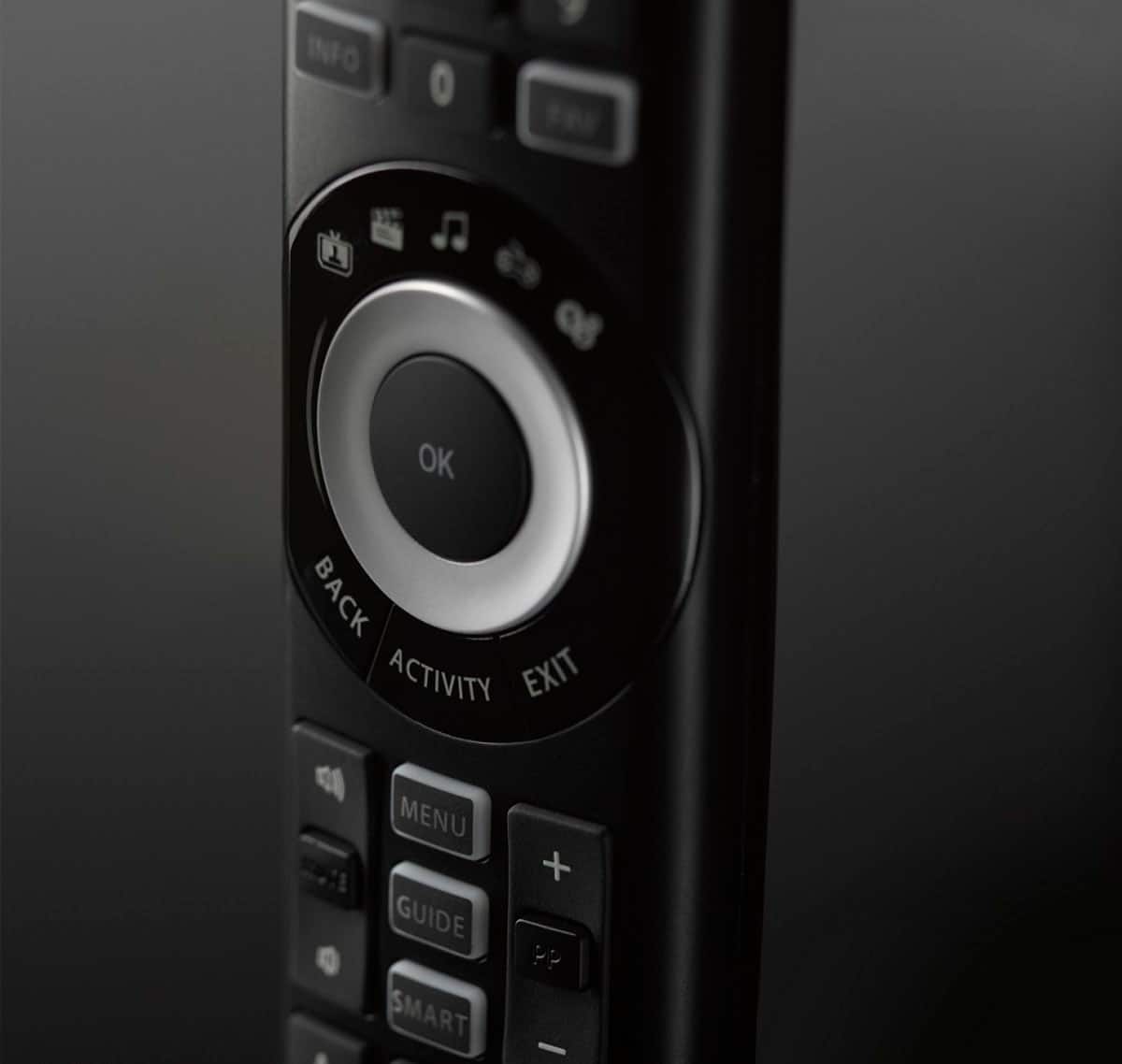
  • QuestionWhat is the benefit of the 5 activity keys on the remote?

    • Answer The 5 activity keys allow you to control multiple devices together without needing to switch between device types.
    This question and answer was generated by AI based on customer and product data.
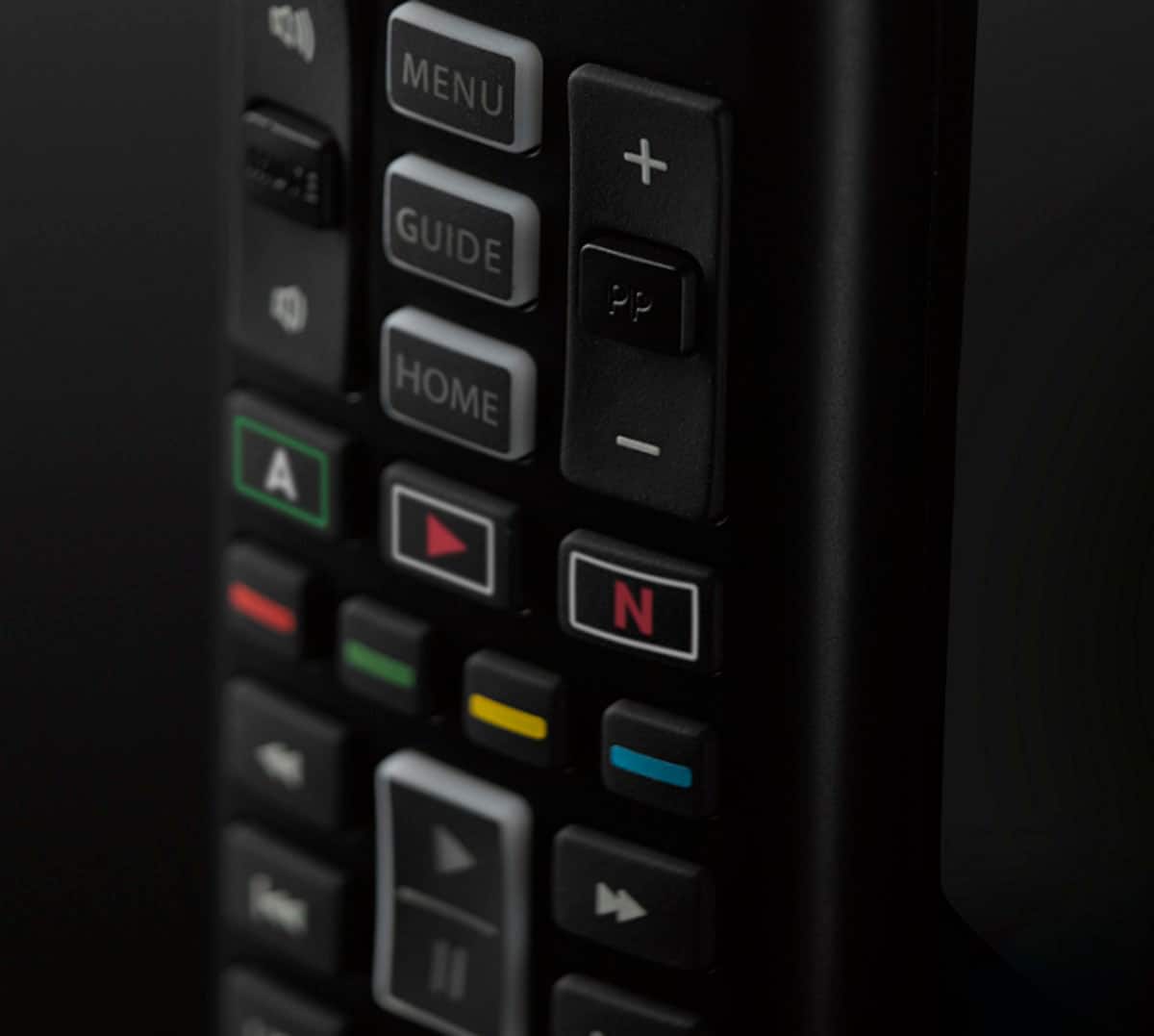
  • QuestionDoes this remote have any quick access buttons for streaming services?

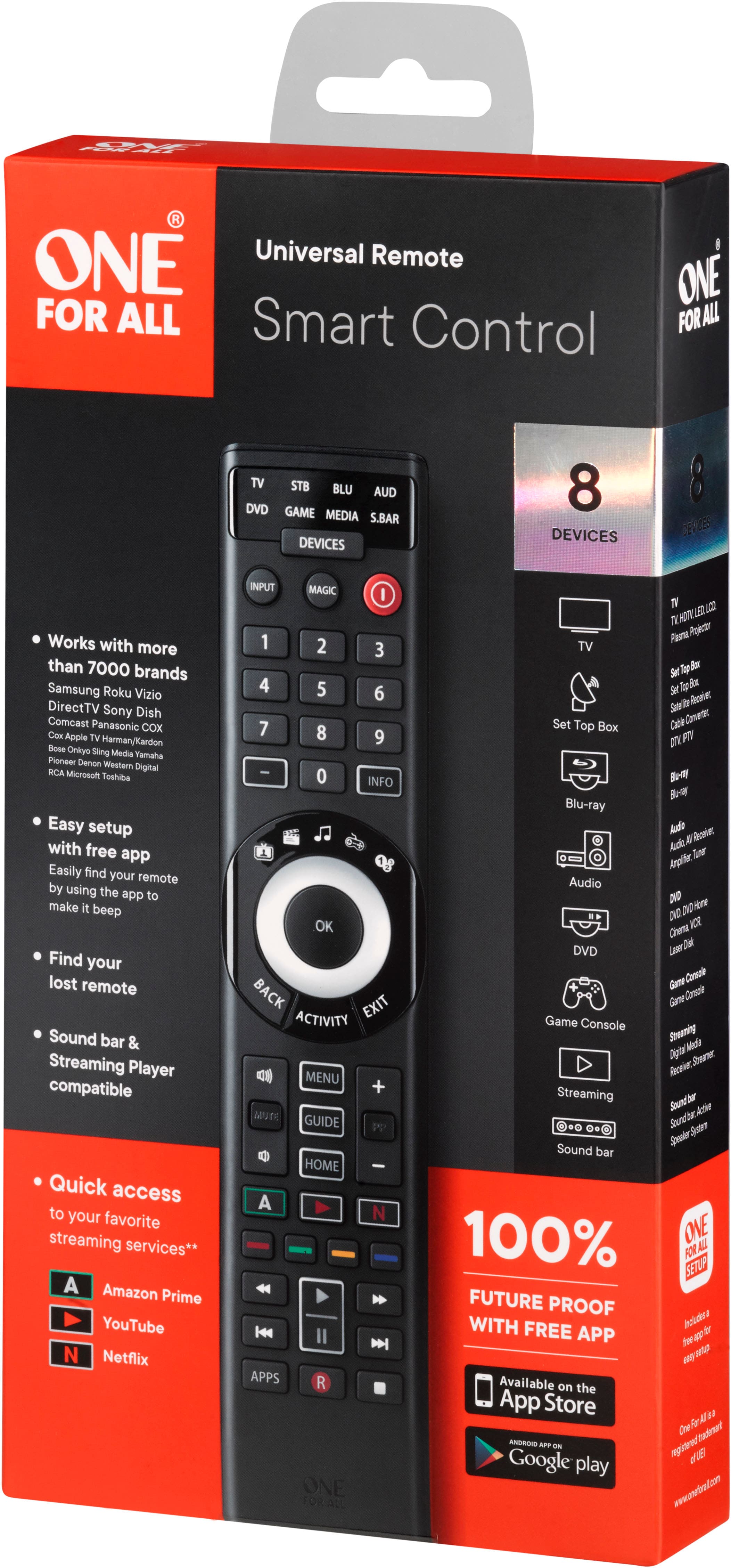
    • Answer Yes, it has 3 dedicated buttons for streaming services to quickly access Amazon Prime, YouTube, Netflix, or other online applications.
    This question and answer was generated by AI based on customer and product data.
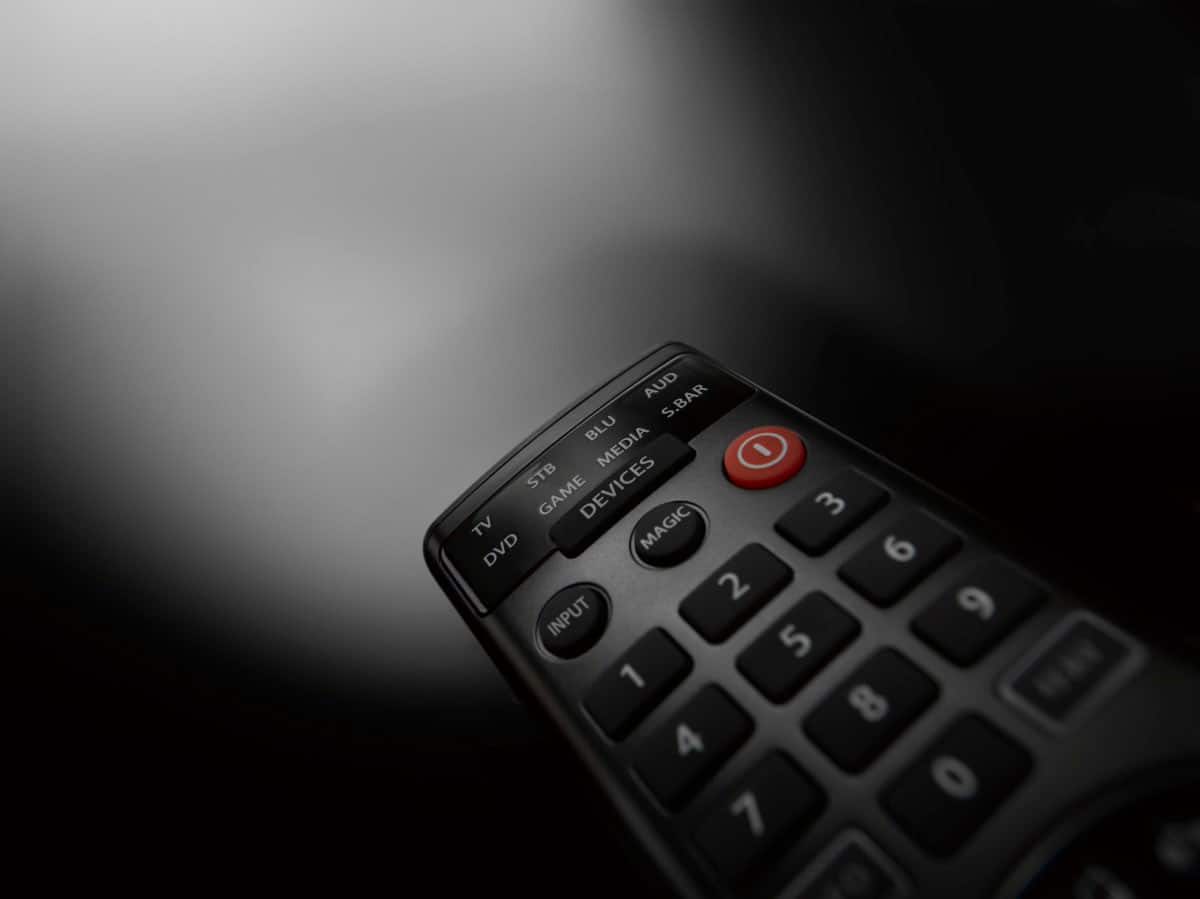
  • QuestionHow many devices can this remote control?

    • Answer This remote can control up to 8 different devices.
    This question and answer was generated by AI based on customer and product data.
  • QuestionIs this remote compatible with all brands of TVs and devices?

    • Answer It is compatible with over 7,000 brands and 930,000 device models.
    This question and answer was generated by AI based on customer and product data.
  • QuestionWhat kind of batteries does the remote use?

    • Answer The remote requires 4 AAA batteries.
    This question and answer was generated by AI based on customer and product data.
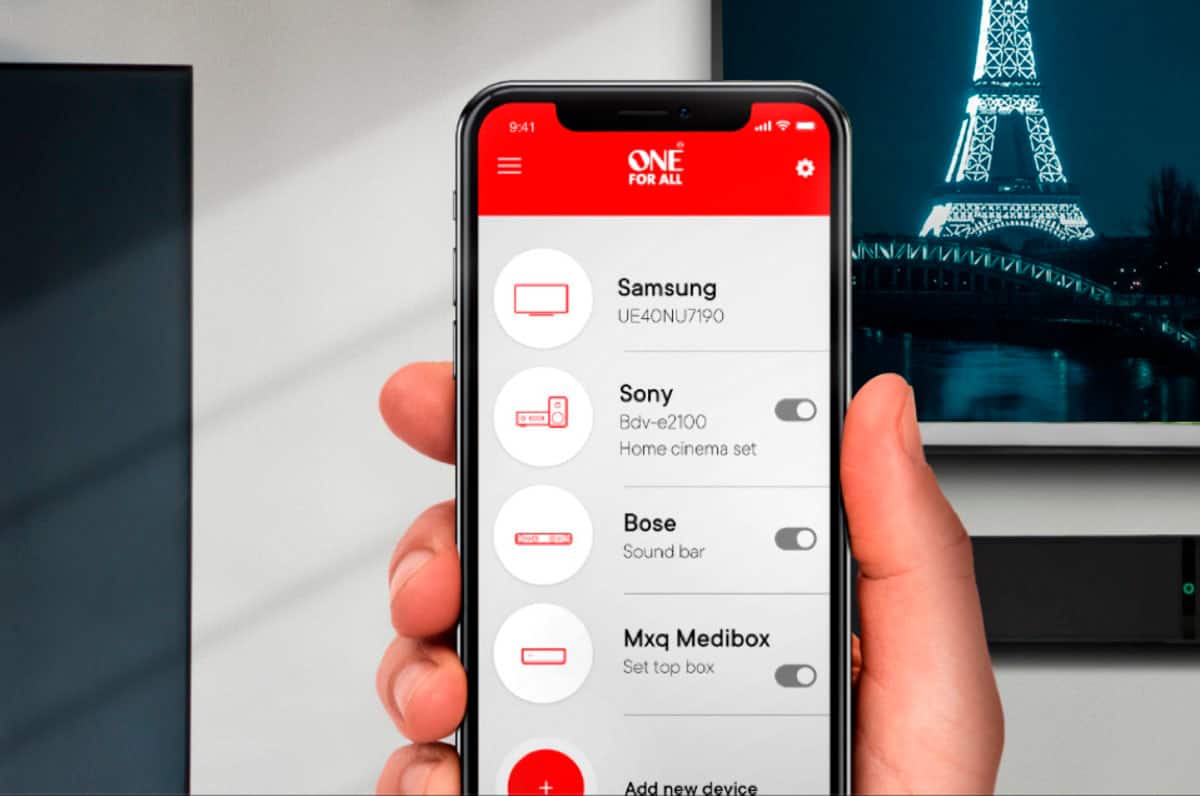
  • QuestionCan I set up this remote without using the app?

    • Answer Yes, the remote can be fully set up without using the app.
    This question and answer was generated by AI based on customer and product data.
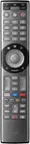
  • QuestionWill this remote turn off and turn on the Roku, the Vizio TV, AND the Sony Soundbar?

    Asked by Jim.

    • Answer IT HAS CODES FOR ROKU, VIZIO AND SONY. I HAVE A SONY TV, SAMSUNG SOUNDBAR AND VERIZON CABLE AND IT CONTROLS "EVERY" FUNCTION ON ALL 3.

      Answered by NEOGAZZ

  • QuestionI am a tech savvy person. I bought this because it said it was so easy to program. Baloney! I have now spent hours trying to get it to work. It will turn on and go to the Roku I set up in "Media," but then I can’t get it to go back to TV. Grrrr.

    Asked by Annoyed.

    • Answer I agree with you. Im tech saavy too and this remote is very frustrating. I cant even get soundbar and roku to work with it and only get to the roku main screen with the screen saver but no streaming channels and no way to search for any. This is def a bunch of baloney!! Im going back to my old simplistic set up. I will have 3 remotes but ill organize them and at least it will worko. This remote can't handle it.

      Answered by Starlite

  • QuestionDoes this work on Magnavox TV

    Asked by Deedre.

    • Answer Hi Deedre, Thank you for contacting us about the remote URC7880. This remote is compatible with Magnavox TV, to help you program the remote, please contact us, to the following link: https://www.oneforall.us/webform. I hope I have answered your query. Regards. CF Your One For All team.

      Answered by One For All

  • QuestionWill this remote work with Tivo?

    Asked by Calvin.

    • Answer Hi Bob, thanks for your interest in our URC 7880. This remote model is compatible with TiVo devices. To be sure you can control all functions of your device or if you have any further questions you can always contact us via the following link: https://www.oneforall.com/en-us/webform or via Facebook messenger. Best regards, Your One For All team.

      Answered by One For All

  • QuestionIs the remote backlit ?

    Asked by Louie.

    • Answer No it's not

      Answered by DonB

  • QuestionIs this unit Netflix compatible?

    Asked by Sony.

    • Answer Hi Sony, Thank you for contacting us in regard the URC7880. The One For All remote, will work in the same way your original remote worked, meaning that if your original remote had Netflix, then the One For All controller will also work with Netflix. If you still have more question, please contact us in the following link: https://www.oneforall.us/webform. I hope I have answered your query. Regards Carolina

      Answered by One For All

  • QuestionWill this remote work with ATT U-verse boxes?

    Asked by Bert.

    • Answer Dear Bert, thanks for your interest in our URC 7880. This remote is compatible with AT&T U-verse boxes. However, to double check that you can control all functions we would need more information on the exact model. Please, feel free to contact us directly via our webform https://www.oneforall.com/en-us/webform or via Facebook messenger. Best regards, Your One For All Team

      Answered by One For All

  • QuestionIs this remote compatible with TC1 TV?

    Asked by Kristin.

    • Answer Dear Kristin, thanks for your interest in our URC 7880. This remote has full access to our database via the One For All Setup App and therefor to all setup codes. We would love to help you find the right setup code for your TV. To do so, please feel free to contact us via the following link: https://www.oneforall.us/webform or via Facebook messenger. Best regards, Viktor, Your One For All team

      Answered by One For All

  • QuestionWill this remote work with a LG TV that is IR and a SONOS sound bar that is RF ? Thanks.

    Asked by Scott.

    • Answer Dear Scott, thanks for your interest in our URC 7880. This remote is only compatible with IR devices. That means it is compatible with your LG TV, but not with your Sonos soundbar. If the soundbar is connected to your TV via HDMI you might be able to control it via CEC function with your TV remote. In that case, it will also be possible with our URC 7880. If you have further questions, do not hesitate to contact us via the following link: https://www.oneforall.us/webform or Facebook messenger. Best regards, Viktor, Your One For All team

      Answered by One For All

  • QuestionWill this remote work with Roku Stick

    Asked by gwilliams45.

    • Answer Dear BestBuy customer, thanks for your in interest in our URC 7966. Unfortunately, this remote will not be bale to control your Roku Stick directly as it can only control devices via IR. If you have any further questions, you can always contact us directly via https://www.oneforall.com/en-us/webform or via Facebook Messenger. Best regards, Your One For All Team

      Answered by One For All

  • QuestionI have devices that are wired and not bluetooth such as my receiver/amplifier. Can this remote be used to connect to wired devices as well?

    Asked by RayM.

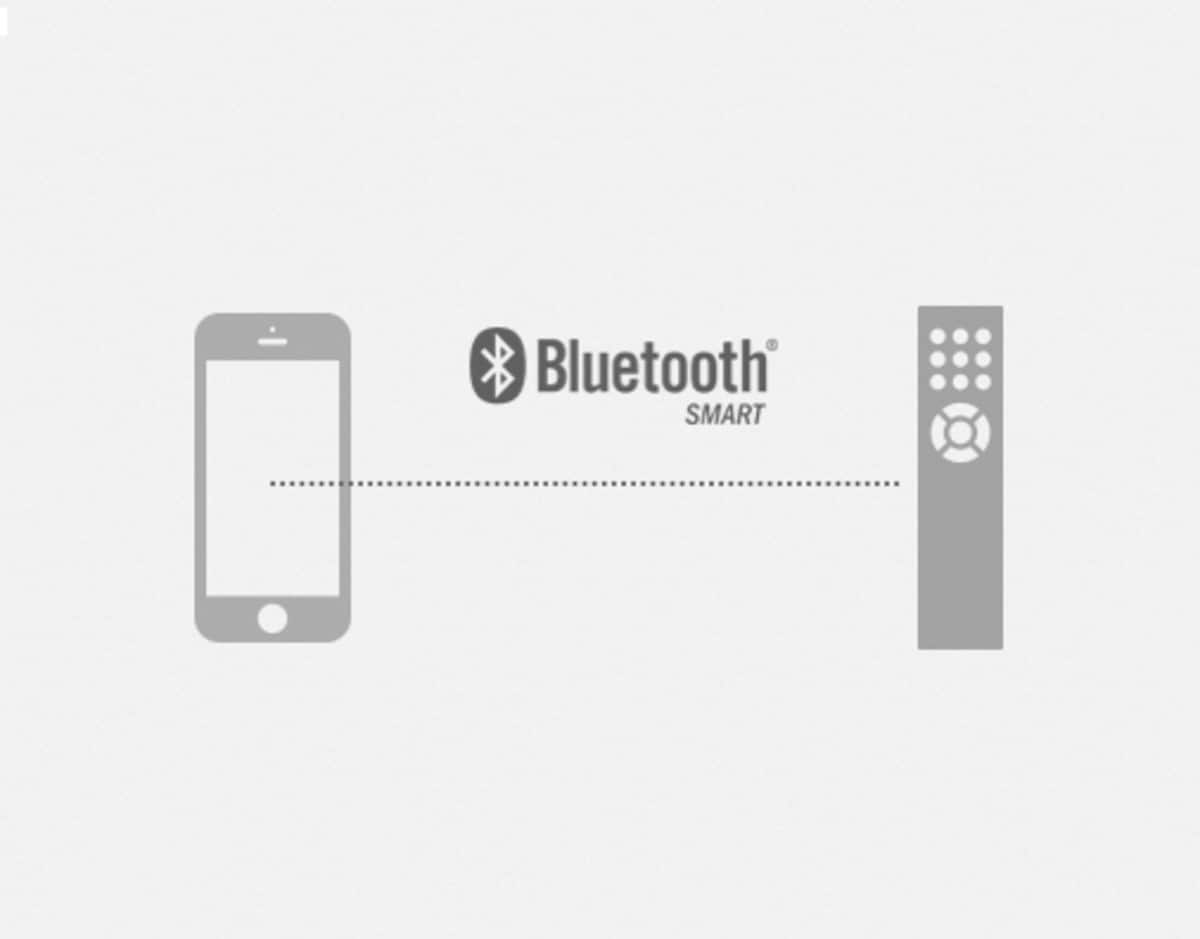
    • Answer Dear Ray, thanks for your questions regarding our URC 7880. This remote can control all of your IR controlled devices. It cannot control any devices via Bluetooth. If you have any further questions or need help during the setup, you can always contact us via https://www.oneforall.com/en-us/webform or via Facebook Messenger. Best regards, Your One For All Team

      Answered by One For All

  • QuestionIs it rechargeable and are the buttons illuminated?

    Asked by ekaterinihanson.

    • Answer Dear BestBuy customer, thanks for your interest in out URC 7880. This remote is powered by four AAA batteries. Only the device modes and activities are illuminated the buttons are not. If you have any further questions, feel free to contact us directly via https://www.oneforall.com/en-us/webform or via Facebook Messenger. Best regards, Your One For All Team

      Answered by One For All

  • QuestionWlii this control a Peachtree Nova 220SE?

    Asked by JayC.

    • Answer Dear BestBuy customer, thanks for your interest in our URC 7880. This remote can control all IR based devices. We would be happy to double check the compatibility with your device. To do so, please contact us directly by using this link https://www.oneforall.com/en-us/webform or via Facebook Messenger. Best regards, Your One For All Team

      Answered by One For All

  • QuestionDoes this remote control a fire stick?

    Asked by Anonymous.

    • Answer Dear BestBuy Customer, thanks for your interest in our URC 7880. This remote can only control devices via IR signals. The Fire Stick requires a BT connection. It would only be possible via HDMI CEC connection if supported by your TV. If you have any follow up questions, please contact our support via: https://www.oneforall.com/en-us/webform or via Facebook Messenger. Best regards, Your One For All Team

      Answered by One For All