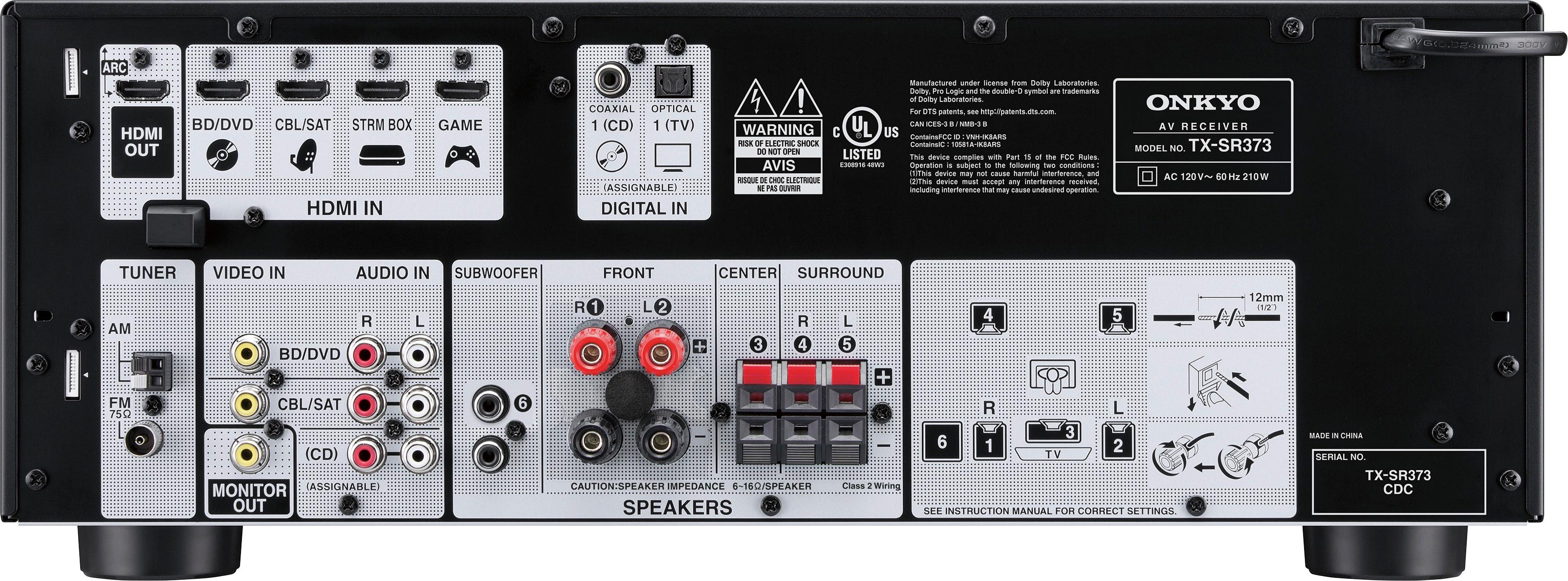
A:AnswerI was having a similar problem and reconnected all connections. This may sound weird but I had to first turn on receiver and wait to hear the unit click in and then turn on cable box or any other unit connections. Since I have followed this same procedure each time; I have not had a problem
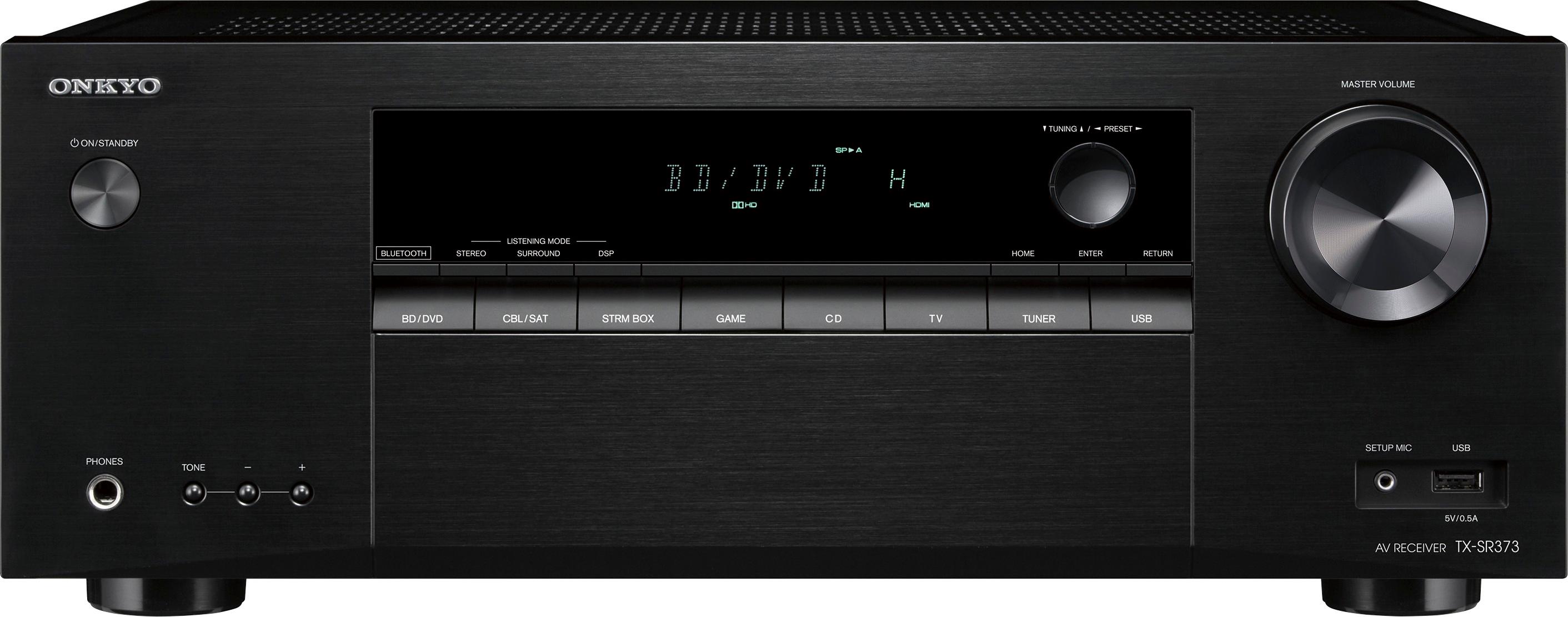
A:AnswerI'm sure you tried this but using the remote I simply changed input to TV and then pressed the setup button (gear icon near enter and directional arrows) and a setup up screen displayed allowing me to run AccuEQ for example.
A:AnswerYou could transfer some of your music files to a USB stick and play them that way. If your laptop can stream via BlueTooth that could be another option.
A:AnswerIf you have your Cable/SatTV connected directly to your TV then the answer could be yes but typically you connect the cable/SatTV HDMI cable to the receiver and then an HDMI cable from the receiver to the TV. This way you can have many devices connected to the receiver while only having 1 HMDI and 1 Optical cable between the TV and the receiver.
A:AnswerYour unit probably is overheating from dust. Take it to the Geek Squad for a cleaning. Maybe the heat sinks are not doing it’s job. Don’t let it go too long or you will need major repairs like I did. Note, this was a problem with older units.
A:AnswerOnkyo receivers have always required that you turn the volume up to between 40-50 for even moderate listening levels. Just turn it up, you have 150 watts RMS with 1% harmonic distortion.