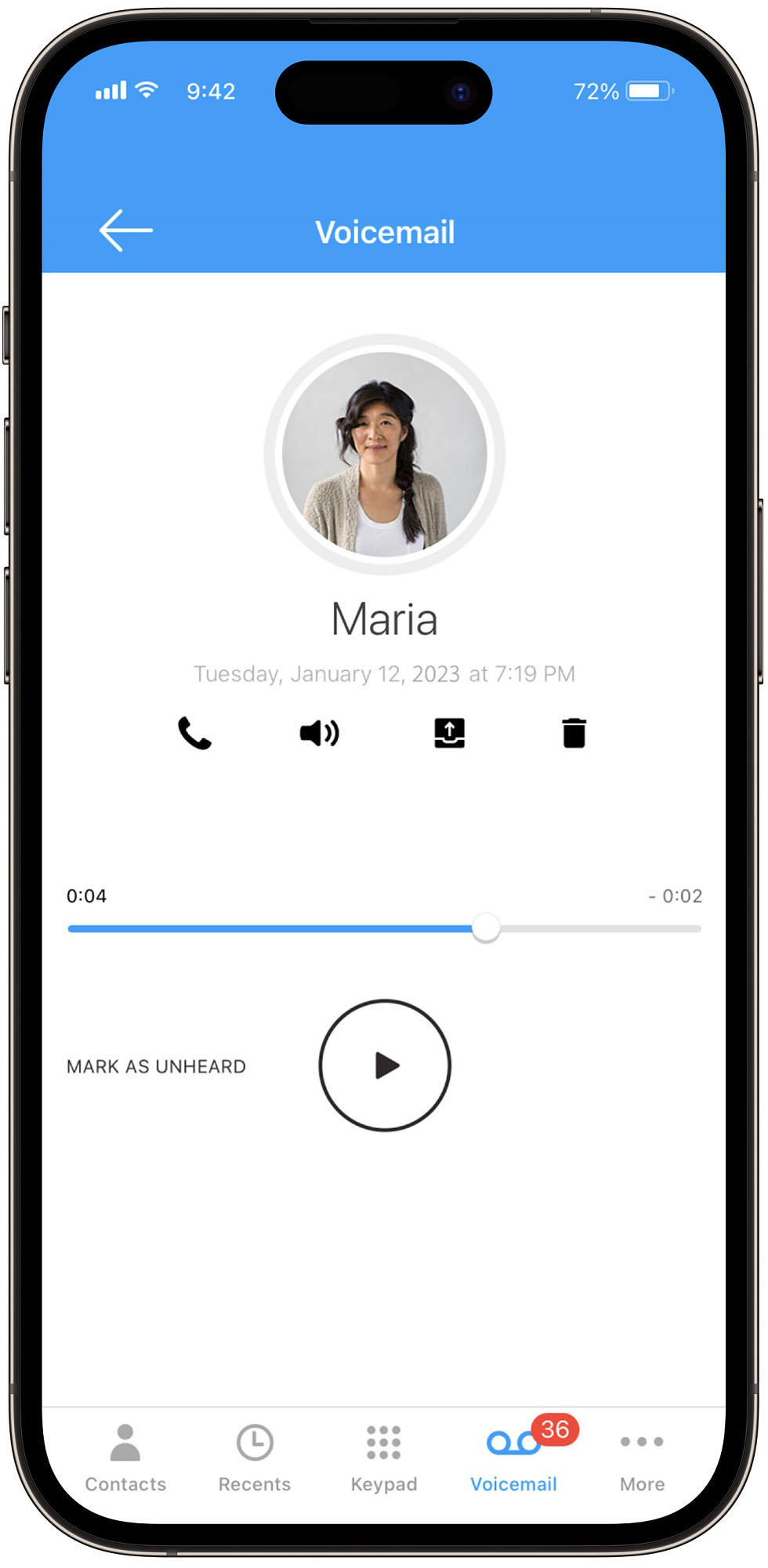
A:AnswerWhen we started Ooma premium service we used our old answering machine for a while and it worked fine. Eventually we switched to Ooma voice mail and are very happy with it. So you can go either way.
A:AnswerI bought mine at a physical store and it was definitely new. Package was unopened and there were no signs of previous use. I guess it's possible to get one that's been returned by a customer, so check the packaging to make sure it hasn't already been opened. Can't speak for online orders.
A:AnswerYou can link the Ooma Telo to your cell phone service and receive calls from the Ooma system on your cell phone, but this will not improve the signal on the cell service your provider has in your area.
A:AnswerYou should be able to customize from the Ooma web site. Login with your account and go to Preferences > Call Blocking. You can block by number or name.
You can also work with Ooma support as well over chat.
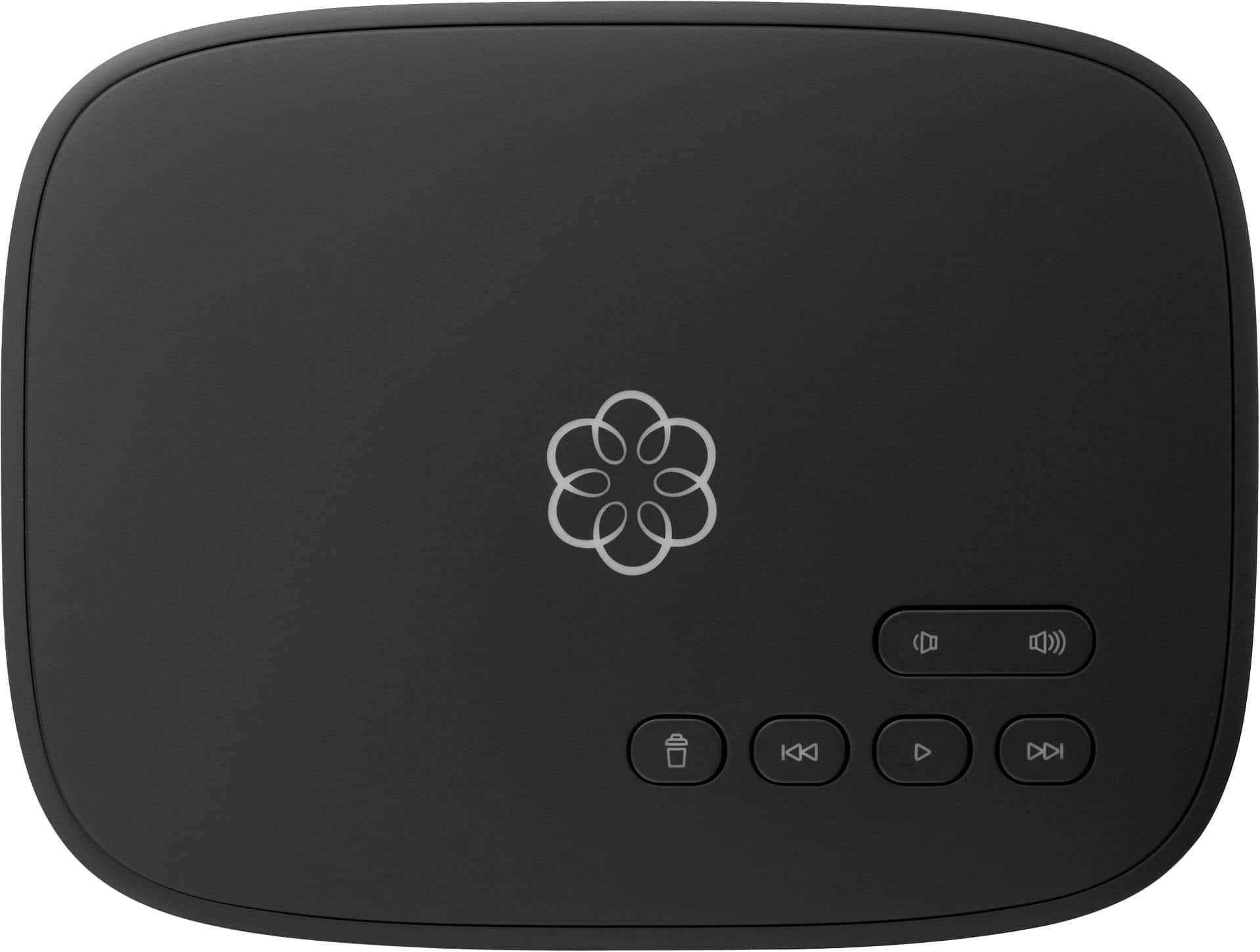
A:AnswerYou need to have some form of internet service. OOMA is voice over internet protocol (VoIP) and there are several companies that offer this service. OOMA will give you a phone # when you sign up.
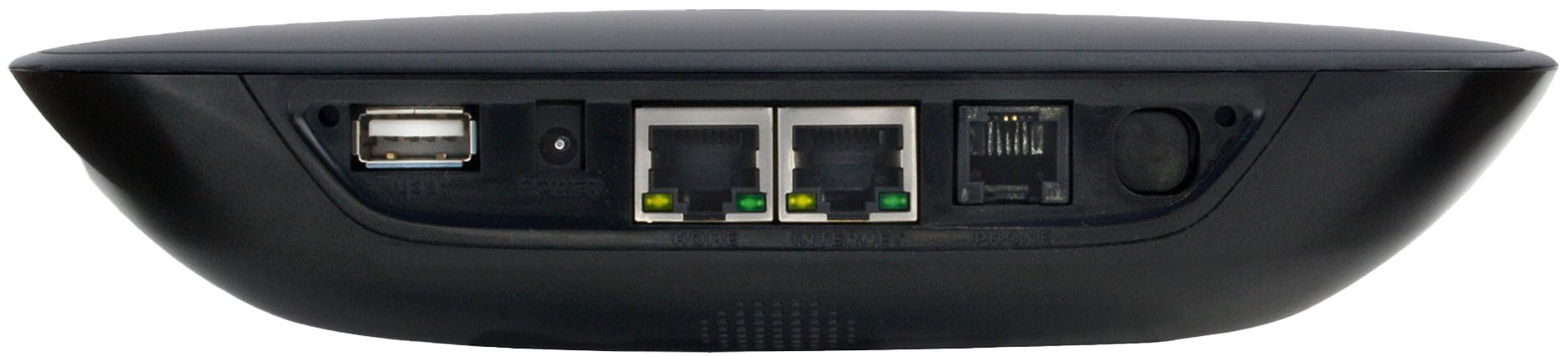
A:AnswerYou can continue using your current WiFi setup after connecting your basic Ooma Telo. The Telo has an ethernet feed-through jack into which you can plug your existing wifi router.
A:AnswerYou will have to pay for the Ooma service, and they will provide you with a list of phone numbers you can use with the new service, at no additional cost. If you have an existing number, you will need to pay a onetime fee to port this number and make it the one that will work with the new service.
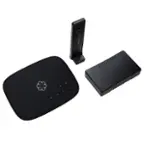
A:AnswerIt comes with the power plug and the ethernet cable to plug into your router. I believe you have to provide your own phone cord to plug into it.
A:AnswerHello,
Gordon from Ooma here.
This particular device must be used with a hardwired Ethernet connection only. The WiFi base model is the Ooma Telo Air. If you need further assistance, please reach out to us at [email protected]
A:AnswerYes & No. This requires internet and power where a home phone is powered through the phone line even when there is a power failure. Hope this helps.
A:AnswerIt may be possible to do that, you need to call tech support and check with them. I have the Ooma app in my cell phone and it allows me to make and receive calls from my cell phone. The line that I have at home is linked to my cell phone so if I'm not home, I can answer the call in my cell phone.
A:AnswerThe Ooma box comes with all the cables you will need. If you plan to keep you existing phone number do not cancel your present phone service until Ooma has transfered your number. If you don't mind getting a new phone number this is easier than waiting for your old number to be ported over to Ooma.
A:AnswerNo. This model connects to your router or in-wall Ethernet jack (etc., etc.) using the provided ethernet cable.
The Tel line out (on the Ooma) would simply plug into your compatible landline phone of choice, OR via the pre-existing telephone wiring/jacks in your home (that have been decommissioned by the TelCo, including the TelCo access point from the utility pole).**
**Note: That’s assuming it isn’t a birdsnest of splices in the walls/attic, and assuring it will not exceed the Ooma’s limits/specs.
Hope that makes sense and helps.