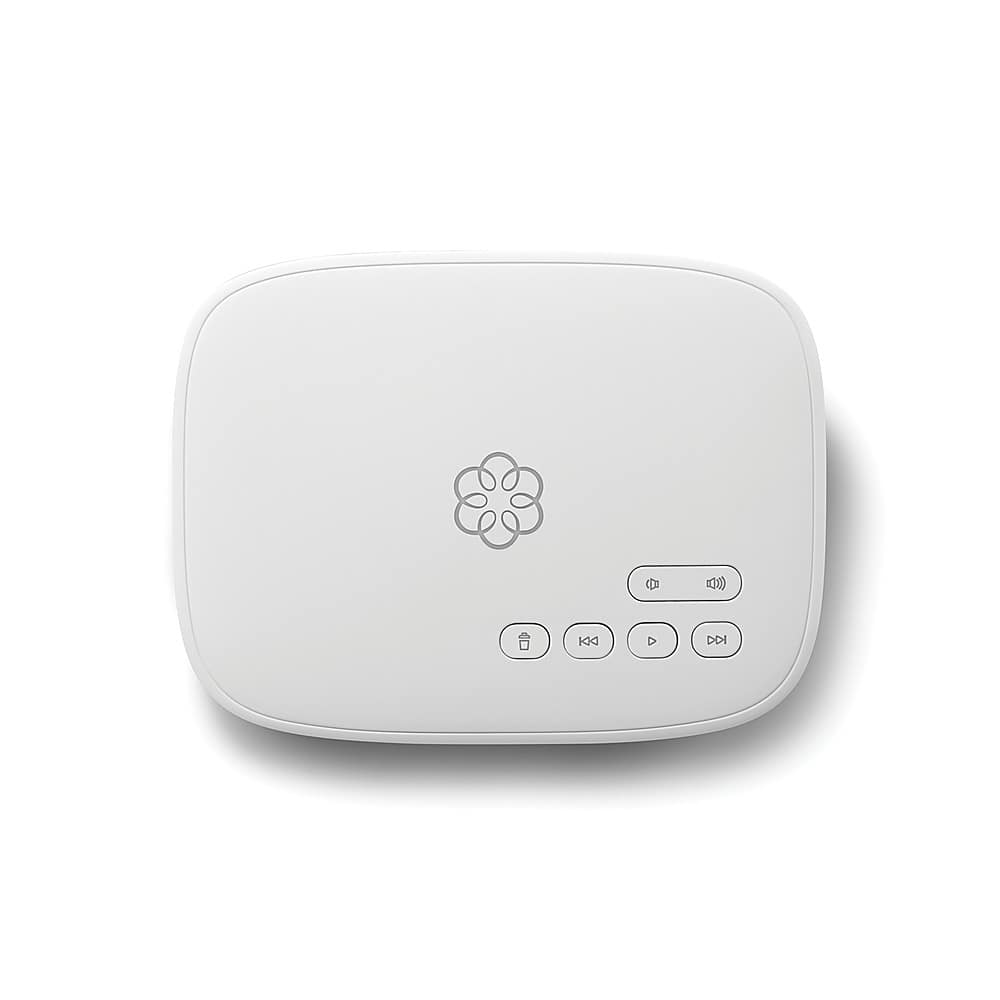
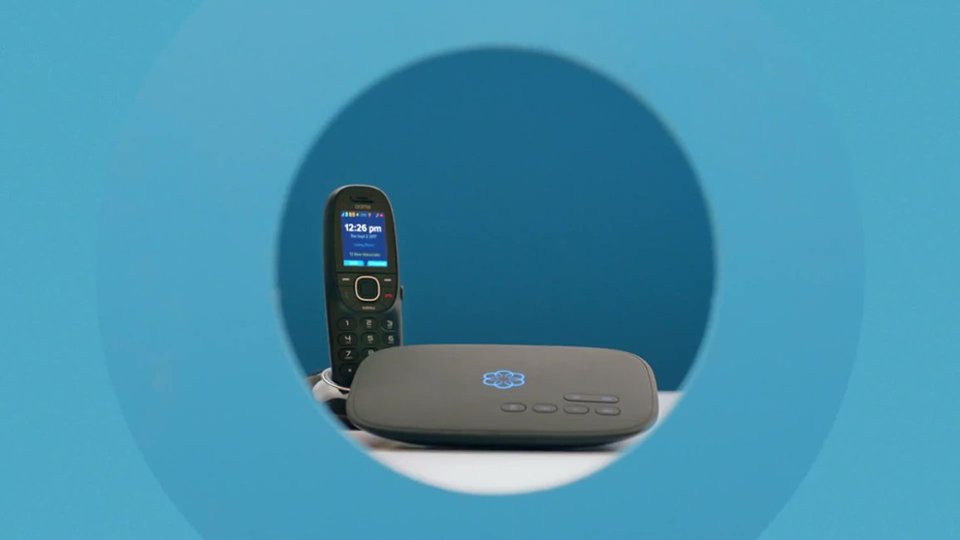
A:Answer Not all that much, really. You obviously need internet service and the ability to get online to activate and register your device & select a temporary number (provided by Ooma) to use while your own number is being "ported." You'll need an available Ethernet port on your router (or, if you have a separate modem and router - pretty rare these days - an available Ethernet port on both modem and router). An Ethernet cable is provided in the Ooma package. If you need a second cable, you can easily get one at BB or any outlet that sells computer-related equipment. About the only things left to do are to connect everything together (including your phone, preferably directly into the device), power up and make your first call (the Ooma device may need a 5-10 minute software update before you can use it, but that happens automatically after you power up.)
If you're hesitating about buying an Ooma b/c you think it may be too hard to set up - don't. The setup is VERY simple and easy, and the Quick Start Guide (included in the box with the device) is very clear and easy to follow (the online registration also guides you through setup). It even shows how to do the alternate separate modem/router setup, if needed.
So, good luck, not that you'll need much of it.