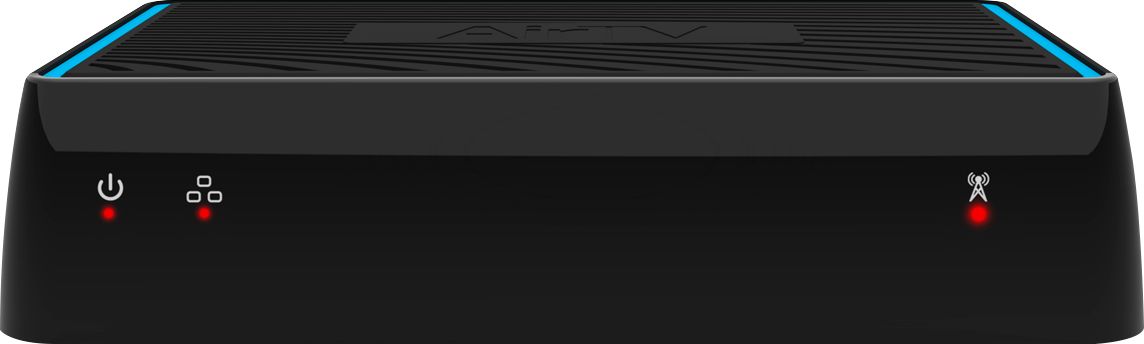
A:AnswerI have never lost any of the recorded content from my DVR if the AirTV box was powered down. There are several other problems with AirTV's system, but this isn't one of them.
A:AnswerYes- but you may need more gear than just the Sling Box depending on your cable box equipment in FL. Also the Sling app is not supported on Roku so you should check what you plan to stream on in Conn. and ensure you can get the app.
A:AnswerBasically the same tech but this only takes an OTA antenna signal. Your 500 model can grab a video signal from other hardware. The Airtv also uses a different app.
A:AnswerYou cannot watch the local channels on Xbox one. It’s frustrating for me too. I just hooked up an amazon fire stick to that tv and watch the locals on that.
A:AnswerThis may be an issue resulting from the direction the signal and location of your antenna. Have you checked out any signal maps? This might be useful - https://www.fcc.gov/media/engineering/dtvmaps?kbid=110656 or https://www.antennaweb.org
A:AnswerAs long as it’s 2 TB and below, I don’t see why it wouldn’t work. You plug it in to a USB, the hard drive that I have is a western digital 1 TB hard drive. It works just fine.
A:AnswerShort answer no, the channel must be recording first. However if you want to pause or rewind a live program you can just hit record and then immediately play it back from the DVR selection, since it does let you watch a program from the DVR currently being recorded.
A:AnswerI don’t know about Dolby digital sound, but it does play on my surround sound. It sounds as good as my Cable box and my Satellite did. It also could be my surroundsound which is a Bose, but my Samsung surroundsound sounds good through it.