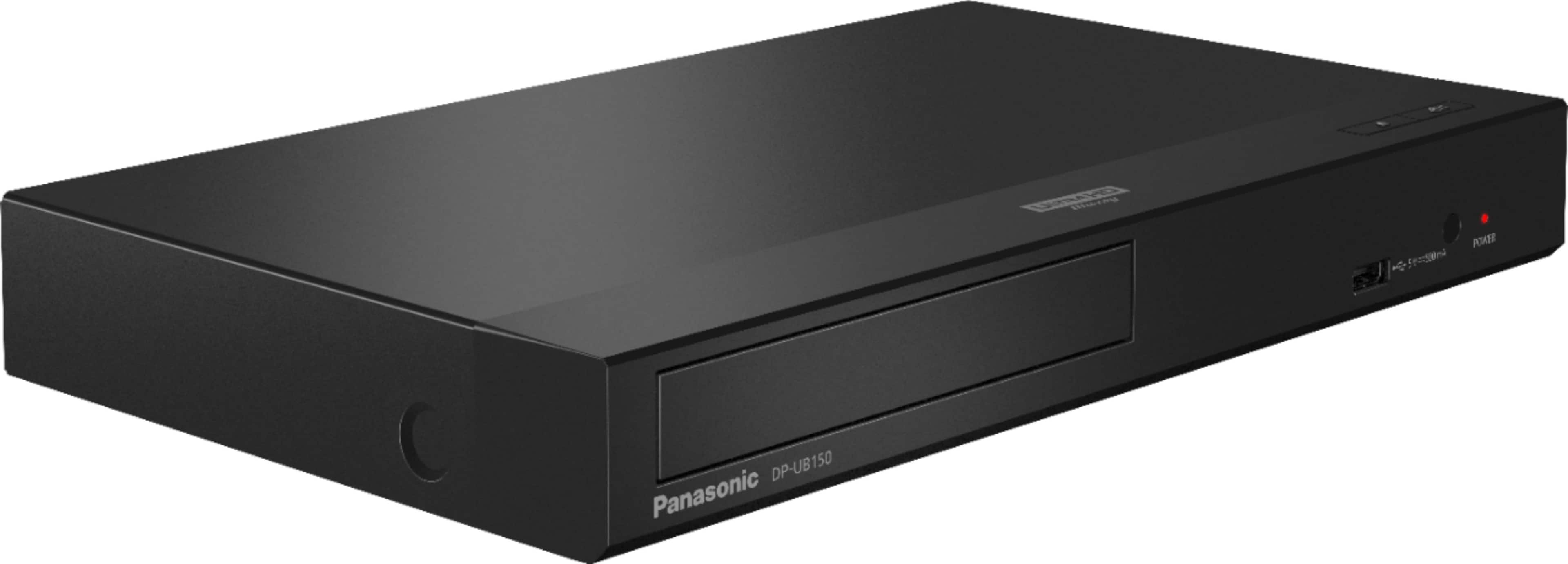
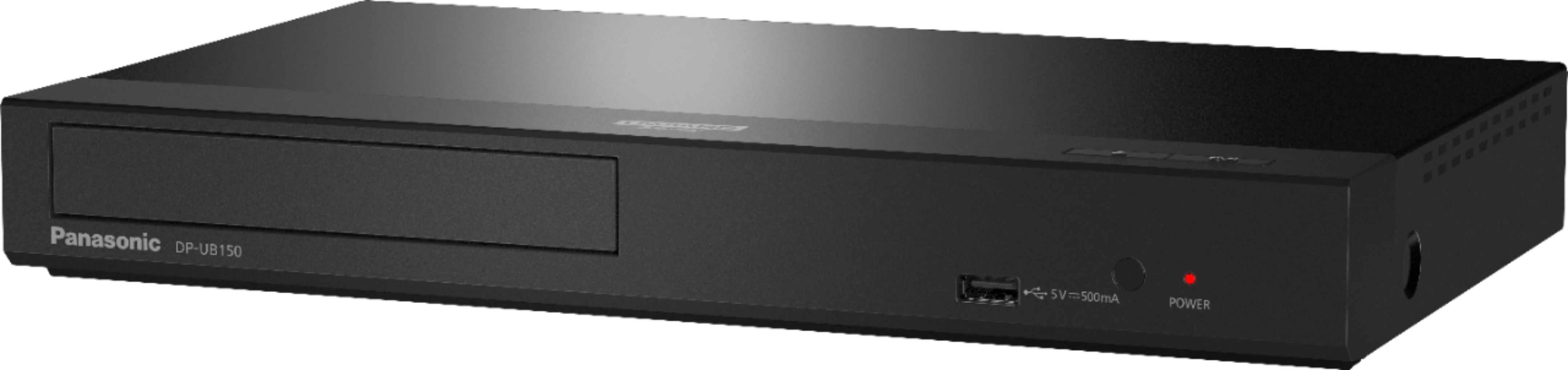
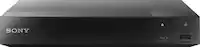
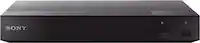
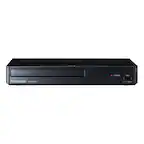
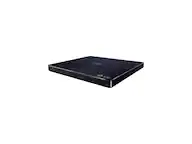
A:AnswerThank you for reaching out. Please check our DMR models on the Panasonic Website. You can find the specifications listed and also the Operating Instructions for each model. You can choose between the models to establish which one would fit better your needs:
https://shop.panasonic.com/search?q=dmr
If you require further assistance please contact Us: shop.panasonic.com/contactus Mon-Fri, 9am-5pm EST
A:AnswerHi Perry! The player will not stream media from the internet when connecting to an Ethernet cable. When connecting the player to the internet via a cable, you will only be able to update the firmware. -G
A:AnswerYou only need to connect to the TV, using an HDMI cable. The sound will automatically come out of the sound bar you already have in place with your TV.
A:AnswerMy soundbar is connected to my TV and plays all audio from any device attached to the TV. The Blu Ray player only has one AV output in the back (HDMI) and I haven't seen any options for wireless connections during my reviews of the features. So I would say the soundbar does not connect to the Blu-Ray, but the audio will play through a soundbar connected to the TV.
A:AnswerHi, thank you for your question! Yes, you can play CDs on this unit. The formats supported will be for CD-R and CD-RW: MKV, MP4, MPEG2, JPEG, MPO, AAC, AIFF, ALAC, FLAC, MP3, Music [CD-DA],
WAV, WMA. -A
A:AnswerUmm, you do need an 18 GBPS HDMI cable to enable the 4K video to transfer from the player to your 4K TV successfully.
That 18 GBPS cable, paired with this player, has greatly improved the audio quality sent, from blue-rays, DVDs, and CDs, to our TV (our TV is NOT 4K).
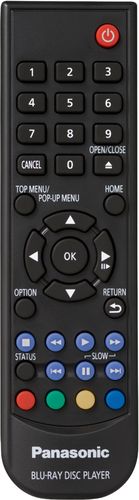
A:AnswerIt does not have a remote control input jack, but you still may be able to control it with your AV receiver because it does respond to HDMI CEC protocol. So if your AV receiver can pass HDMI CEC commands to the player it may be able to control it.