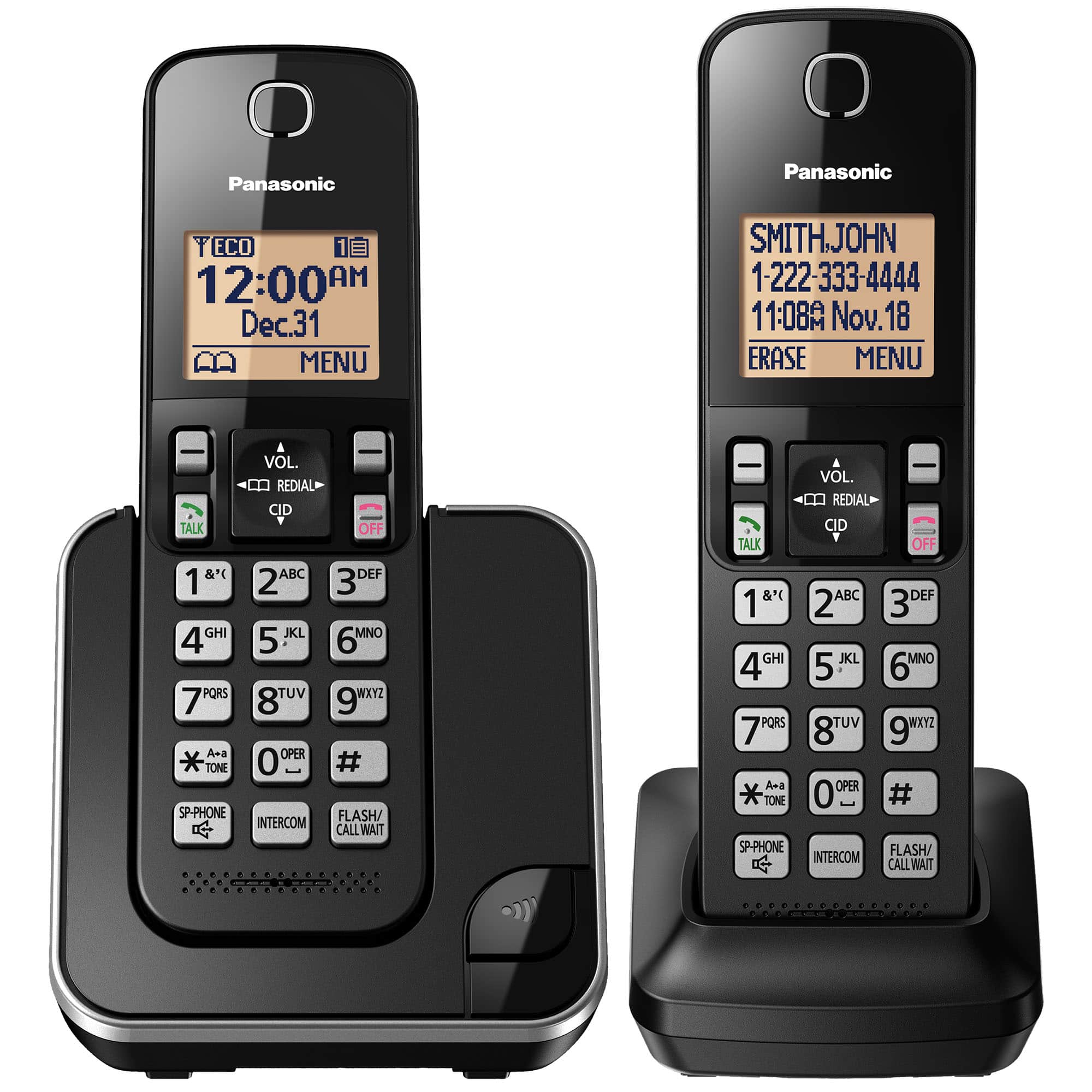
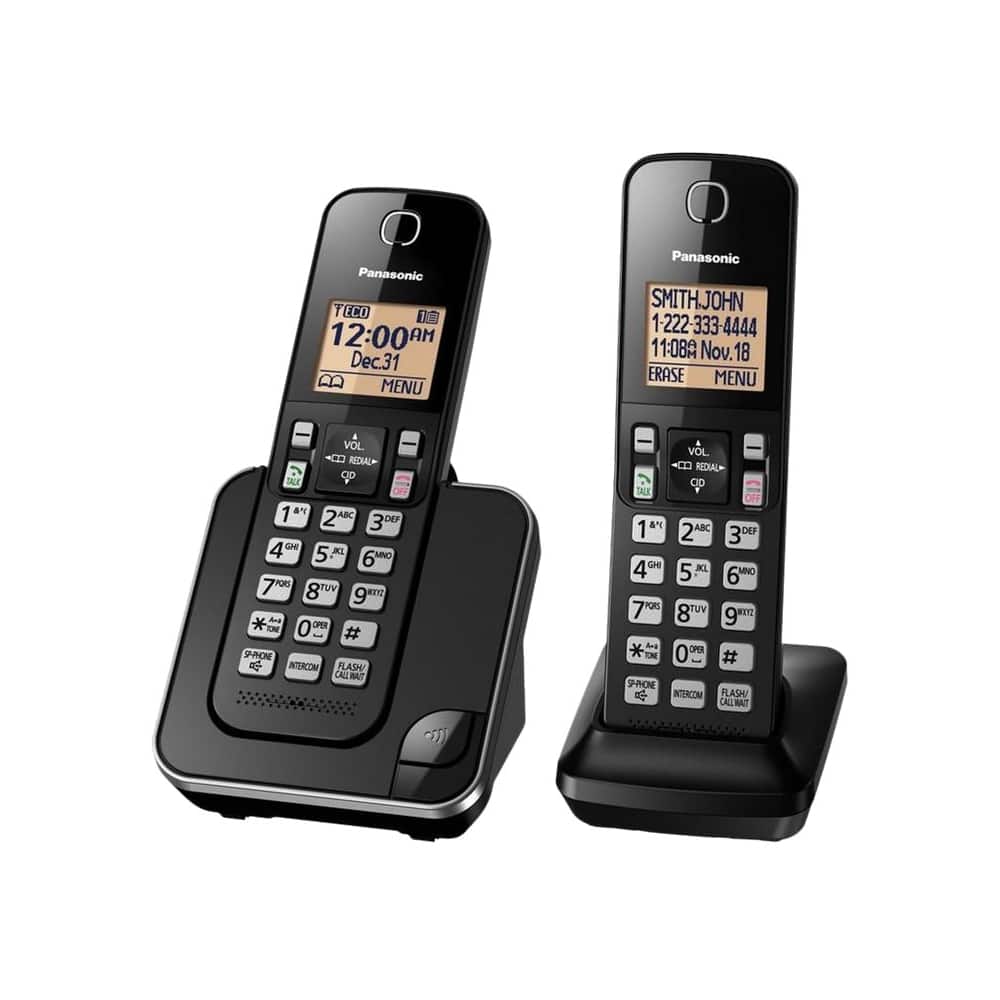
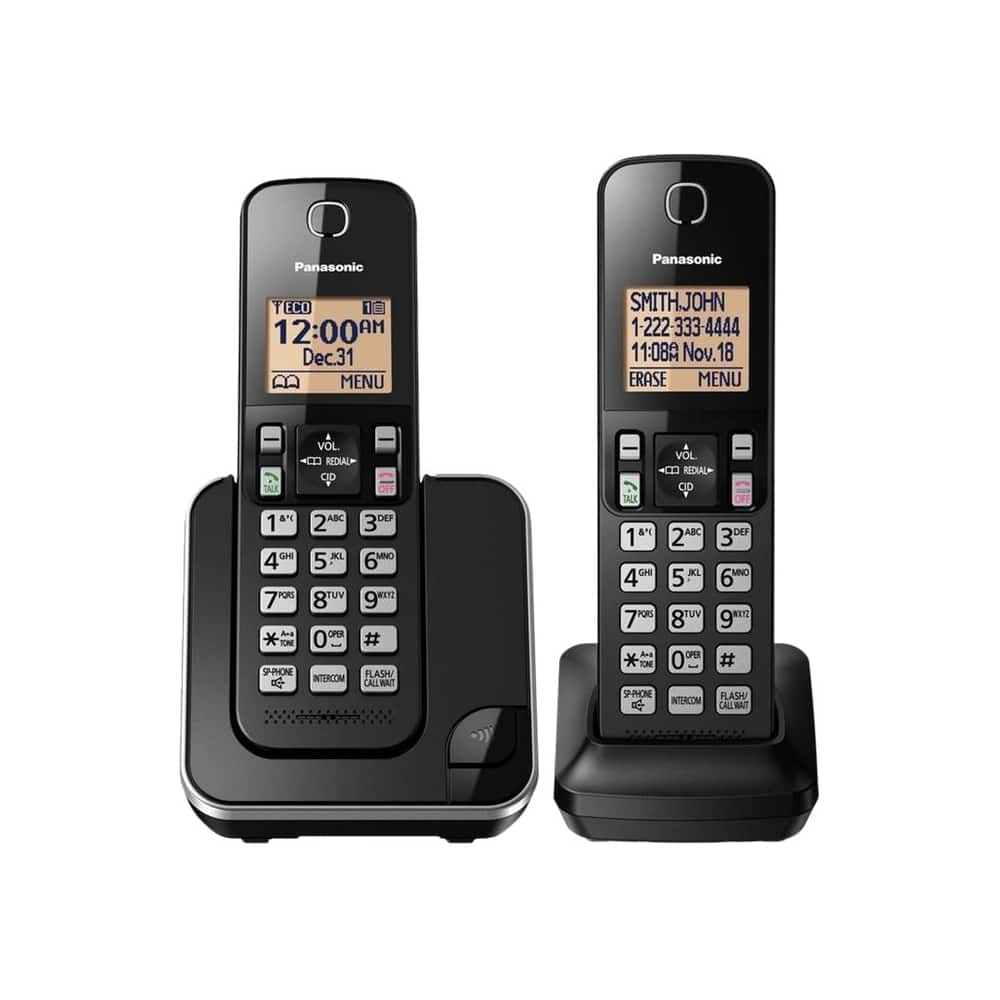
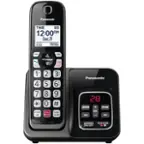
A:Answer Hi! You can change the number of times the phone rings before the unit answers calls. You can select 2 to 7 rings, or “Toll saver”. With Toll saver, the unit’s answering system answers at the end of the second ring when new messages have been recorded, or at the end of the fifth ring when there are no new messages. For this, press MENU, then the key # and enter code 211. Choose the desired setting, press SAVE and OFF. If you require further assistance, please contact the Support Team via Live Chat on the Panasonic Website, Contact Us option, Mon-Fri, 9am-5pm EST. -C