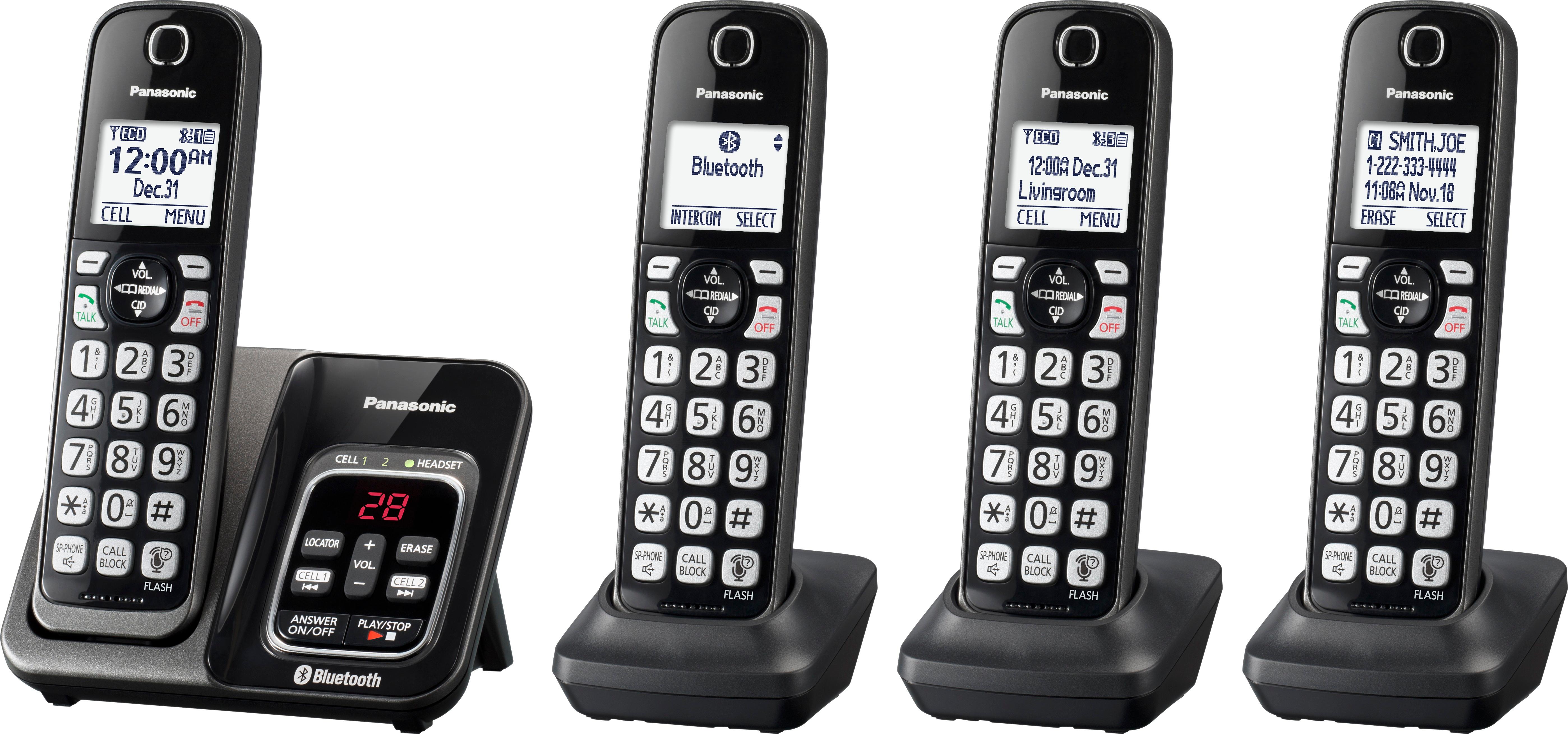
A:AnswerYes, you can access the messaging system remotely by dialing your number and entering a 3 digit code, which you have to set up in advance. Remember to change your code occasionally to prevent unauthorized access.
A:AnswerThis cordless phone system has the best range of any of the FCC approved cordless phone systems due to its use of DECT 1.9 GHz. The exact range at your location will vary depending on obstructions between the handset and the base as well as potential interference. DECT systems are less subject to interference. Mine works to my mailbox with the base unit placed in the clear in a central location of the first floor of my home.
A:AnswerThe best answer I can give is that bluetooth class 1 is the range that the bluetooth will reach and that is about 70-100 ft. That's as far away as your cell phone can be from the telephone base for it to answer your cell phone calls. Hope that helps.
A:AnswerThis could be something simple - like procedural. Have you ever been able to dial out and now it just quit working, or have you been unable to dial out ever since you installed the system? On the simple side, I had to discover the hard way that you have to dial the entire outbound number and then hit the TALK button. You don't get a dial tone. After you hit TALK you will hear a couple of beeps to signal call progress and then the other party answers (or not). But you never hear a dial tone. That threw me for a while.
On the more complex side it may be a problem with Bluetooth Pairing the handset to a smart phone. This assumes you are linking the cordless system to your cell phone. Before you start, be sure you know how to initiate pairing mode on your cell phone. On the cordless phone Base Unit, press and hold CELL 1 (or CELL 2) for five seconds. You now have five minutes to complete the remaining steps.
Initiate pairing mode on your cell phone. The default PIN number is "0000". If the cellphone asks you to confirm the passkey, press OK
Back to the cordless Base Unit, just wait for a long beep. It may take ten to fifteen seconds to complete the pairing. When they two units are properly paired, the Base Unit's cell indicator should glow steady. I had to walk thru this twice to get it to work.
Good luck
A:AnswerThank you for reaching out! We do not recommend using a battery more powerful than 750 mAh. The compatible part number for the batteries is HHR-4DPA.
A:AnswerDear customer, thank you for your feedback. We are sorry to hear about your bad experience with our unit. If the reception breaks in and out, this might be caused by a transmission or electric interference, noise can also come from the phone lines, it would be best to locate the source of the interference. We recommend you to check with the provider and to try to relocate or plug the Panasonic phone to a different area where there is less interference. If you are subscribing to DSL/ADSL service, it is recommended to use a DSL filter. Most DSL/ADSL service providers would have the filters available for their subscribers, you may also check out your local electronic stores for availability. For further information you can check our FaQ website or you can reach out to us via Live Chat on the Panasonic Website, Contact Us option, Mon-Fri, 9am-5pm EST.
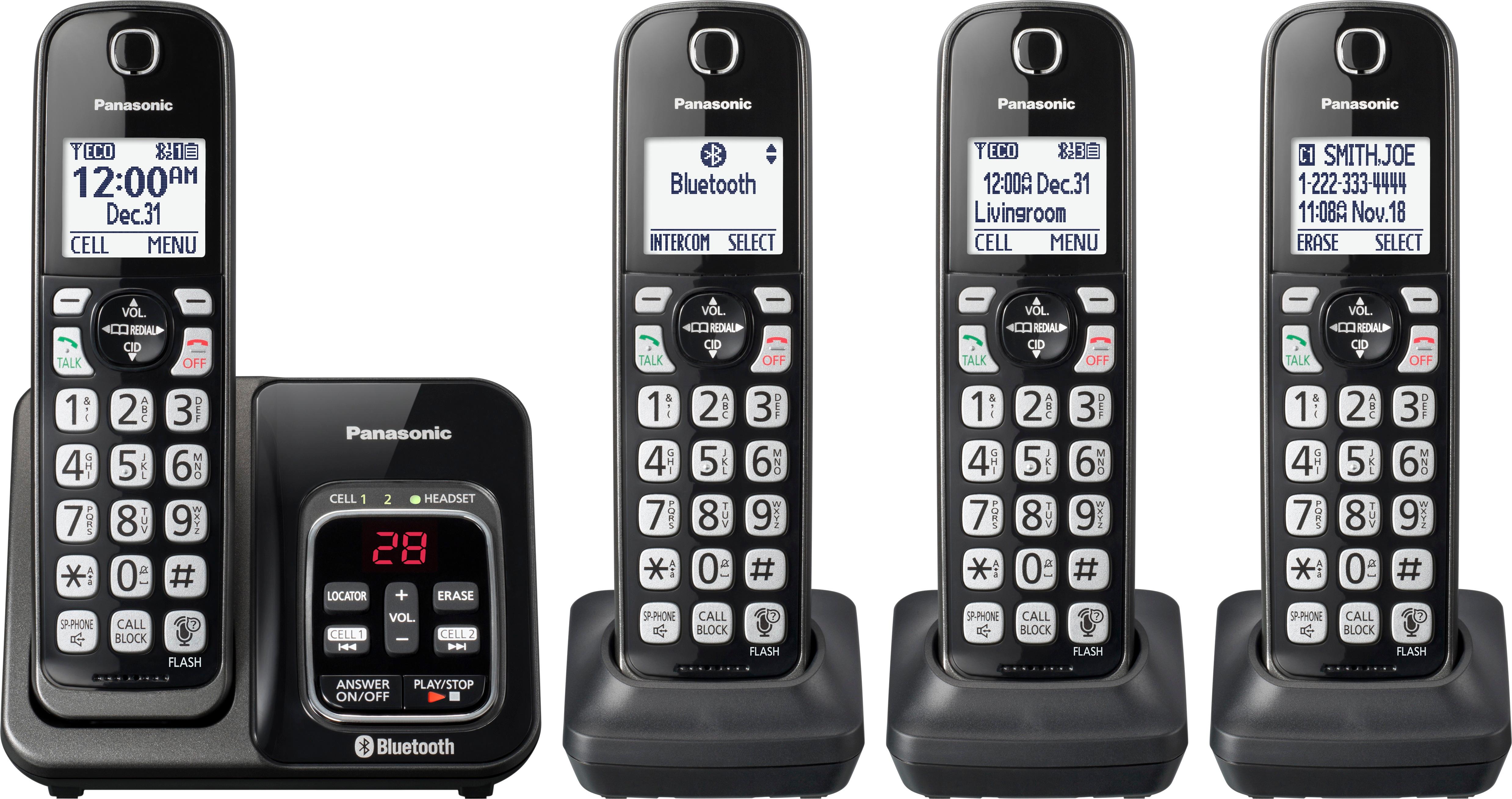
A:AnswerIf the handsets are paired to the base unit, then yes. Base unit handles the Phonebook, if you register phone numbers to it and the all the handsets are paired, then the phonebook list will be shown on each handset.
A:AnswerDear customer, thank you for your question. You will have to press #162 then off. If you need further assistance please reach out to our online tech support: https://shop.panasonic.com/contactus Mon-Fri, 9am-5pm EST
A:AnswerFor the Answering System, when new messages have been recorded, the message indicator on the base unit flashes. For voicemail there will be written on the screen "voicemail via phone co."