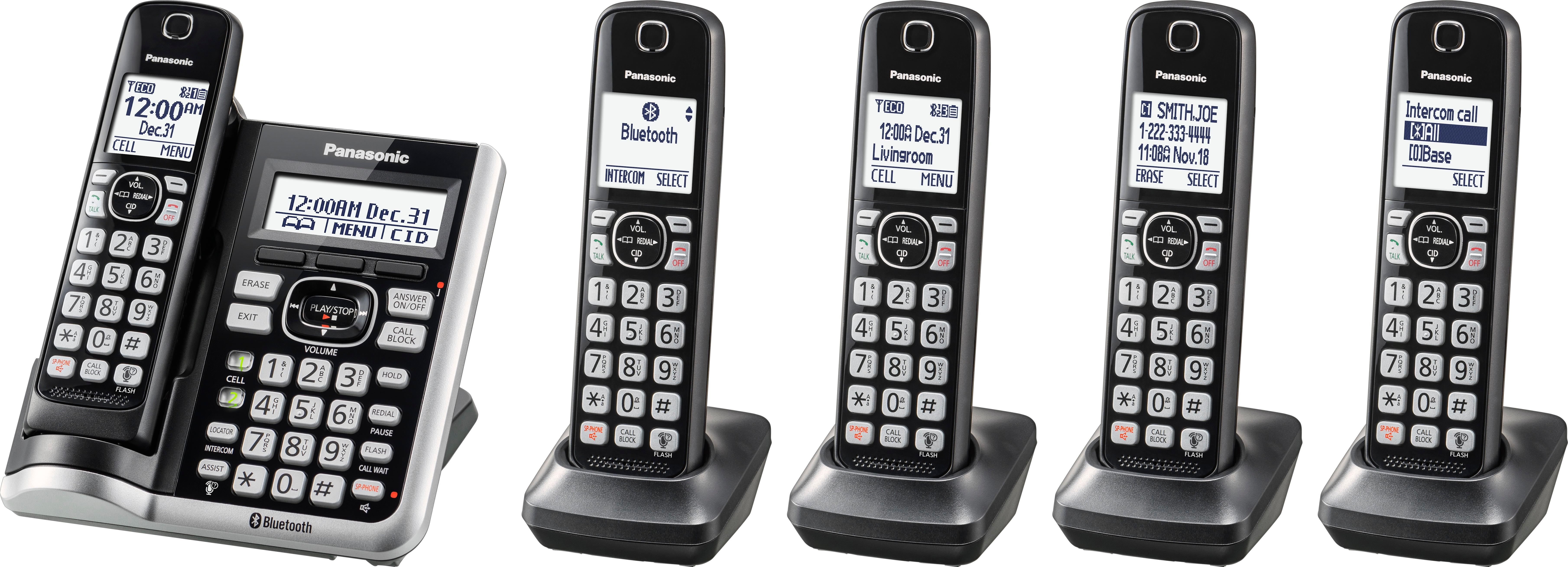
A:AnswerHi Judy, you may use this link https://panasoniccustomercommunity.force.com/default/s/article/Telephone-Call-Blocking
If you need further assistance contact our tech support team at shop.panasonic.com/contactus
A:AnswerSync Two Smartphones
The simple push of a button links up to two smartphones to make and take cell calls routed through your Link2Cell handsets. Advanced Class 1 Bluetooth extends calling range to 330 ft. to easily handle calling from both cell lines simultaneously.
A:AnswerThank you for contacting us regarding your phone system. Voice mail is an subscribed service through your phone company. You will have to contact them for assistance with this functionality.
A:AnswerYes this system is very good for that. You can call any individual phone or all 4 that you aren't using yourself. The baby monitor feature is also handy even if you don't have a baby, such as for listening for the door bell of a delivery person while you are out of earshot, like outside in the back.
A:AnswerHi Lynn, thank you for contacting us regarding the issue with echoing on your phone. Perhaps this will be helpful to you. If you need additional assistance contact our chat team https://shop.panasonic.com/contactus
This is normal. When you first use your phone, there may be a slight echo because the microphone is being calibrated. This will occur again if the base is disconnected from the power outlet, or after a power outage. If echo continues for several days try to reset the handset by removing the batteries from the
unit for a few seconds.
If you are using the handset or base unit in an area with high electrical interference. Re-position the base unit and use the handset away from sources of interference. Try moving closer to the base unit.
If you have multiple handsets verify that you are getting echo, distortion or static on all handsets. Try to change the telephone cord that connects the base unit to the wall to resolve. Contact your Telephone Service Provider if all handsets are affected as the issue may with your telephone line.
If you have your telephone connected to your modem then you may experience static, echo or distortion. Contact your Telephone Service Provider for a DSL Filter. The DSL filter prevents interference between telephones and digital subscriber line (DSL) service connected to the same line.
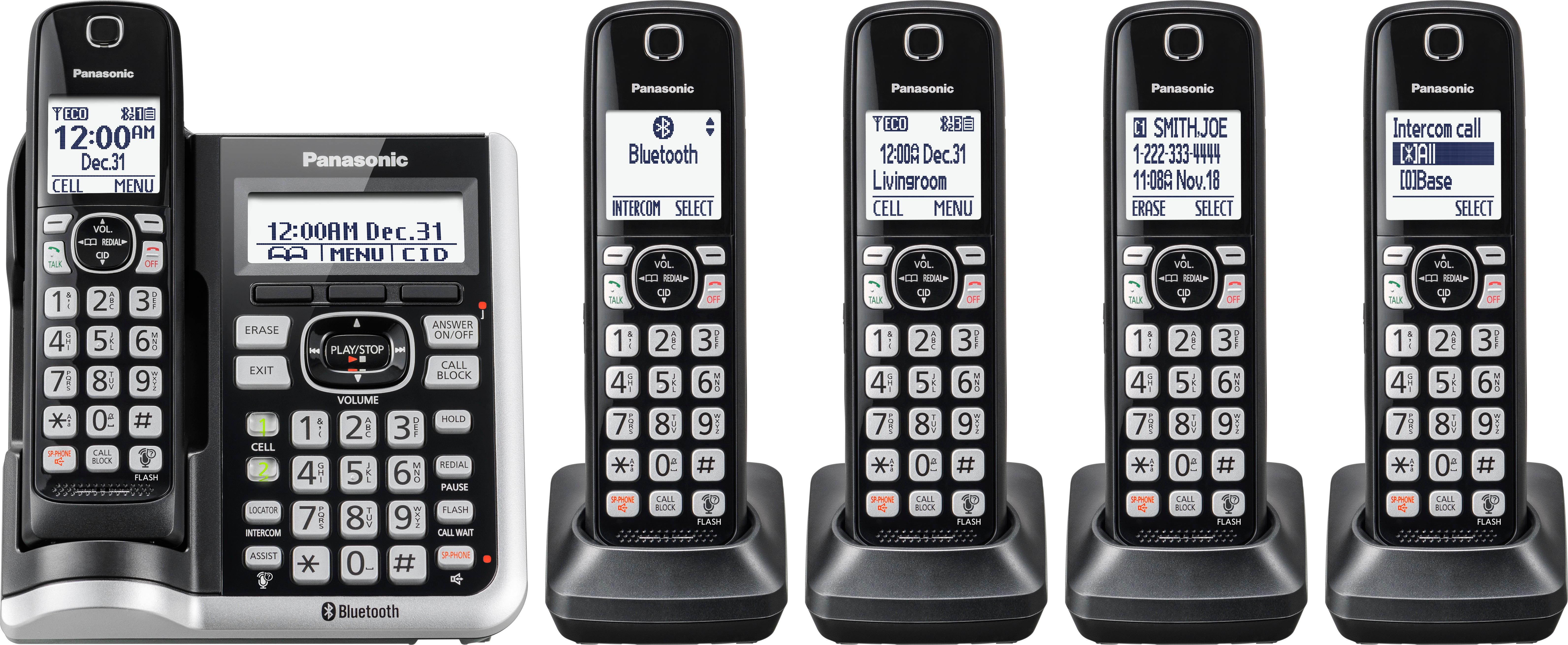
A:AnswerJust one land line. Using the Link2Cell feature, it can connect to two mobile (cell) numbers to allow you to use the Panasonic handsets to answer mobile calls, etc.
A:AnswerYes it has phone to phone intercom that works like a walkie talkie. You can page any phone from any other phone and talk. It is not the same as voice messaging. Each phone has a number associated with it, and you can page that particular phone or all of them as an intercom.