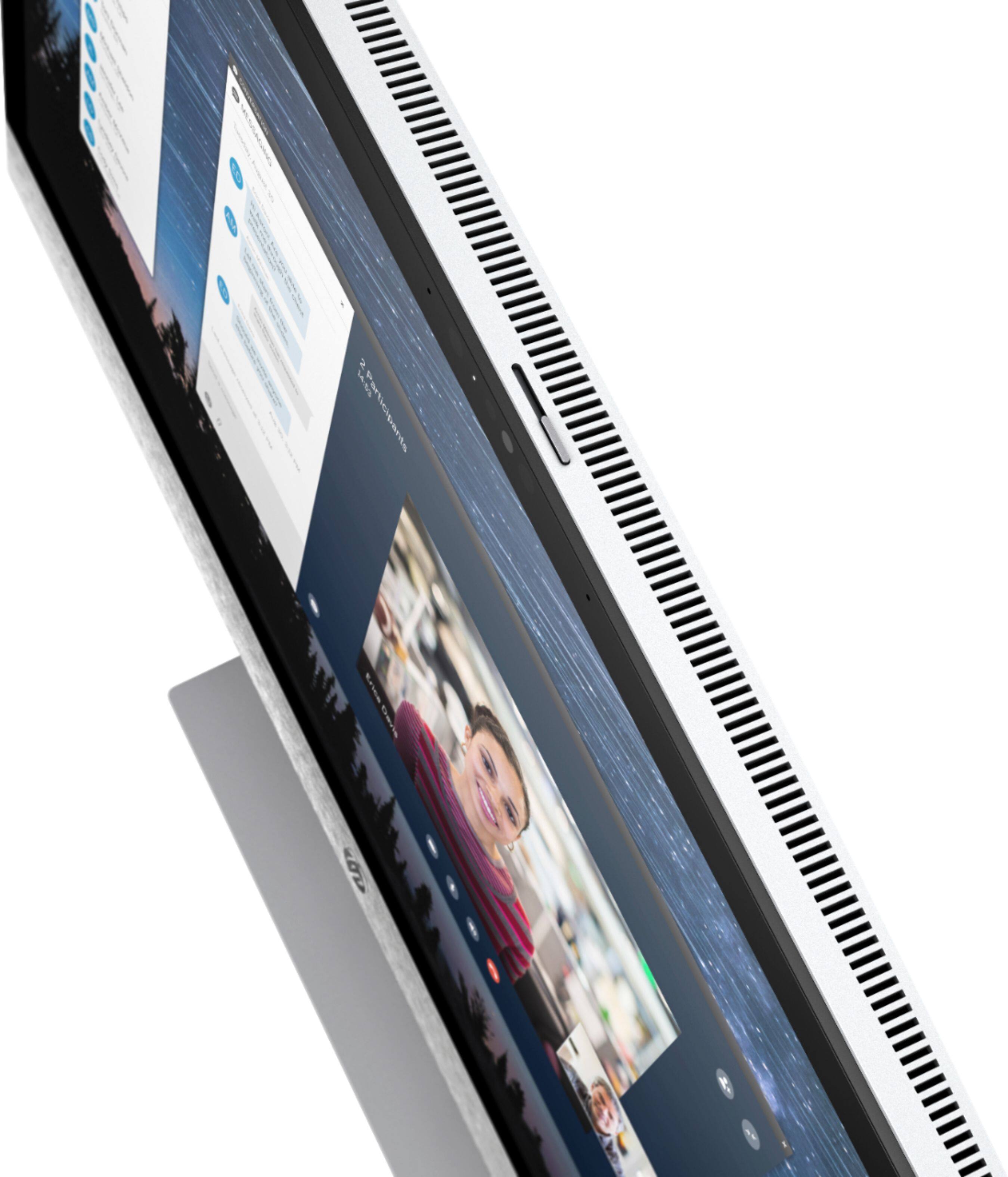
A:AnswerMake sure the proper output device is selected. You can do this from the bottom right next to the clock. Click the volume icon and click on the listed output. It will show all that are available. If you have any issues reach out to HP Support or the Best Buy Geek Squad to better assist you.
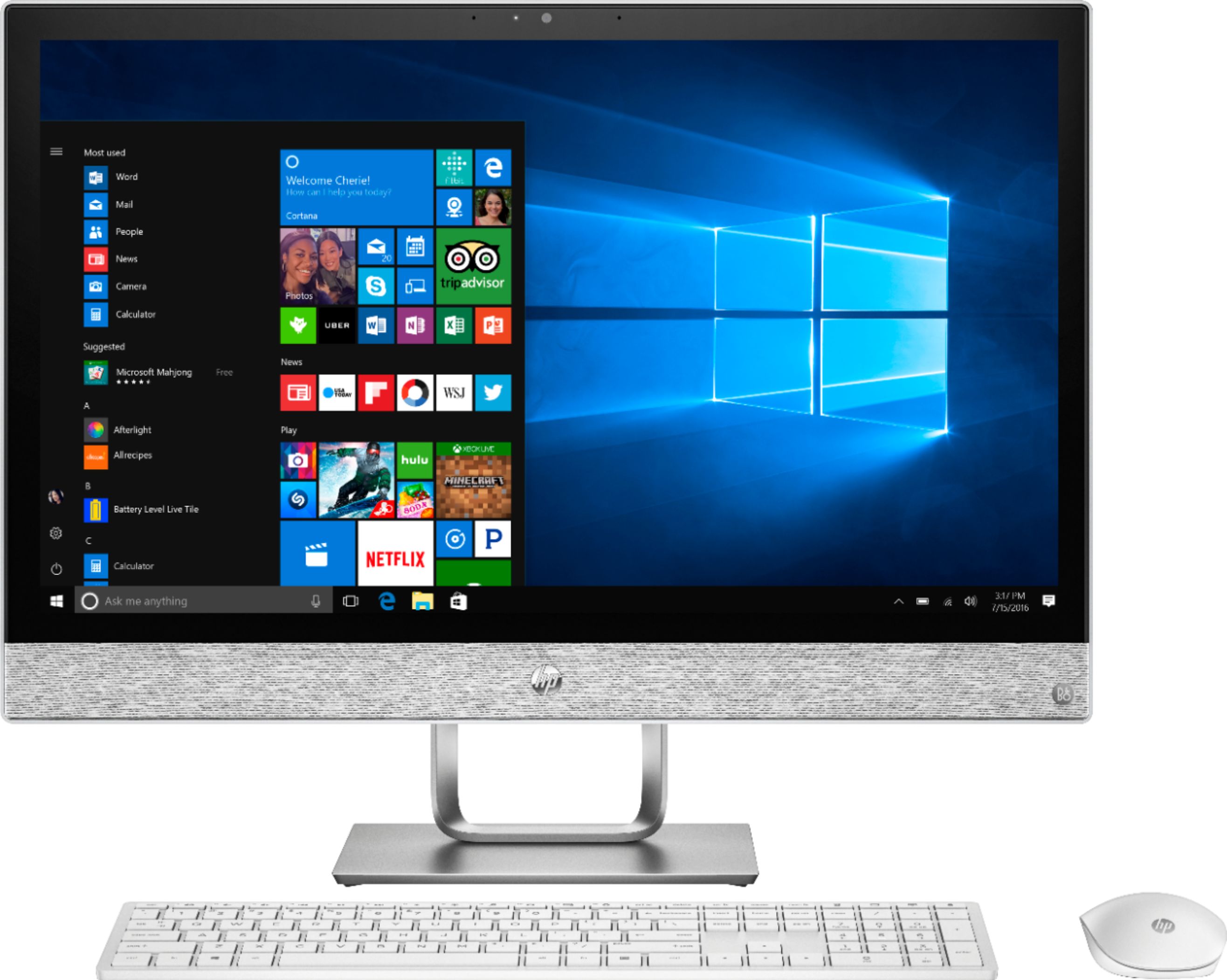
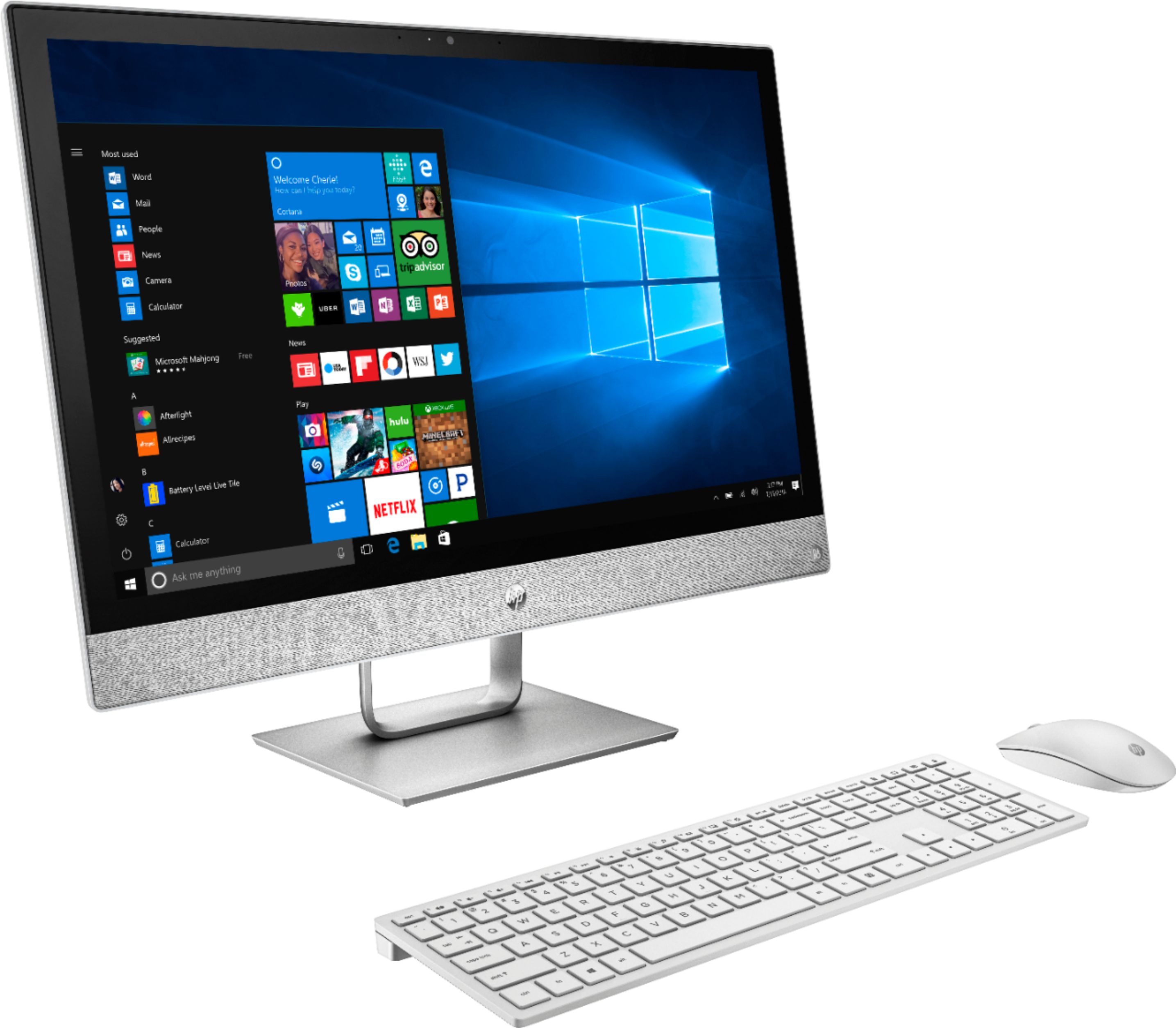
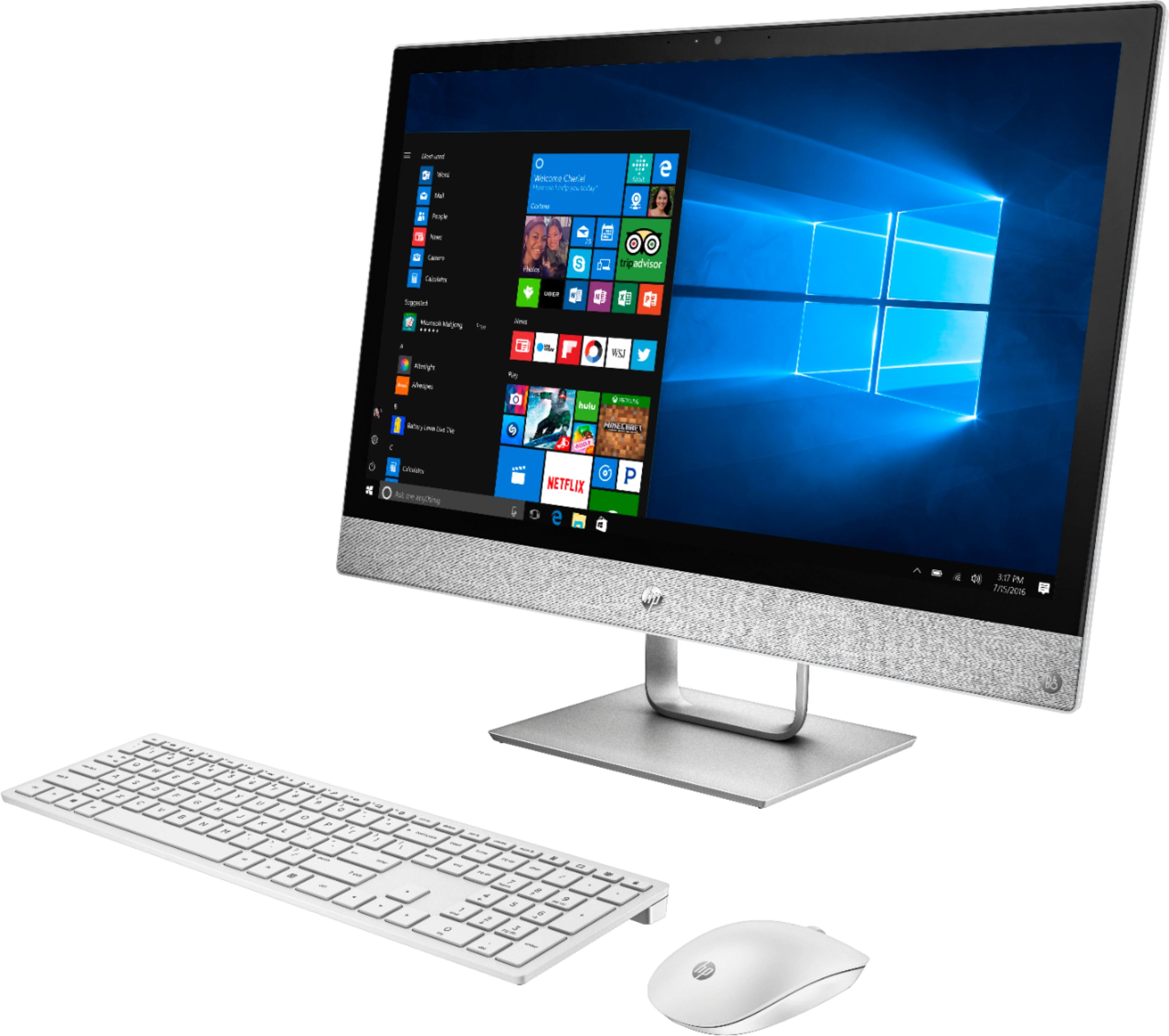
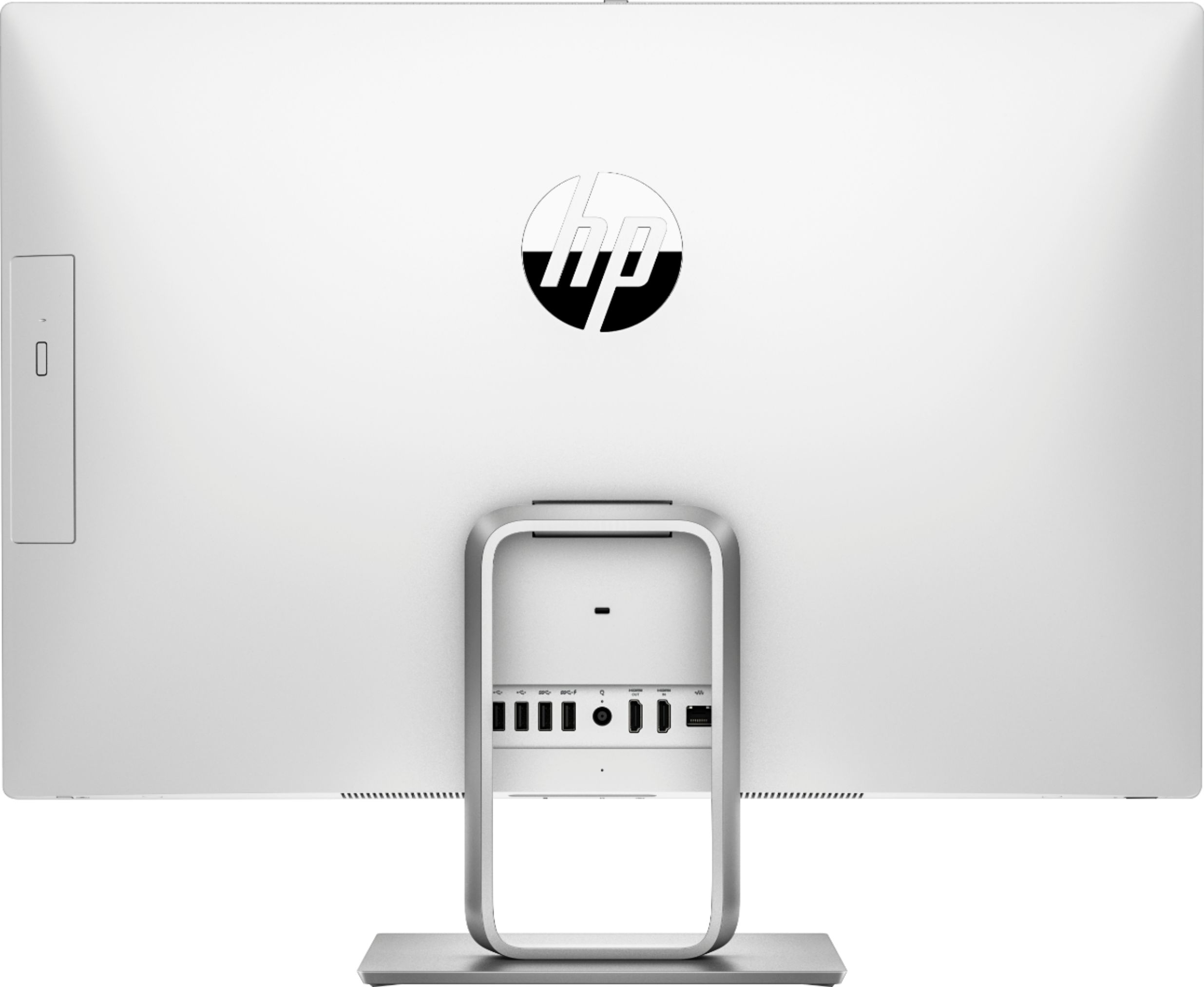
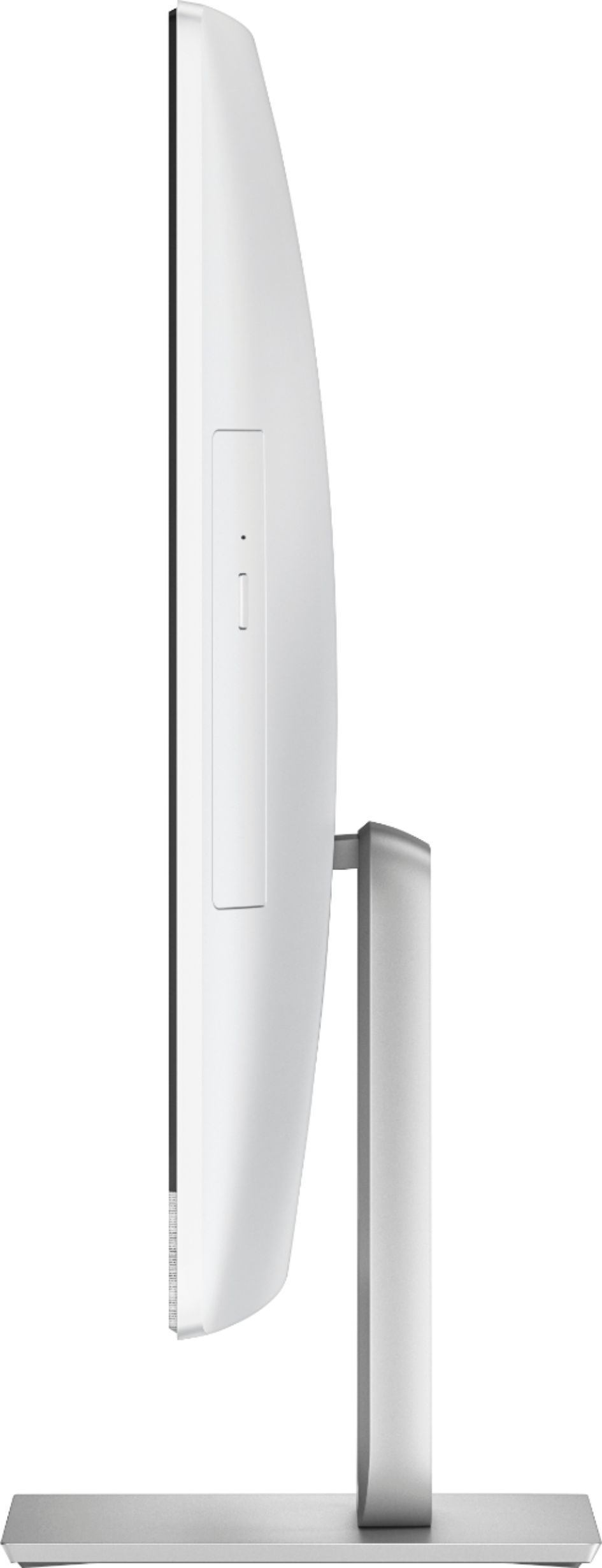
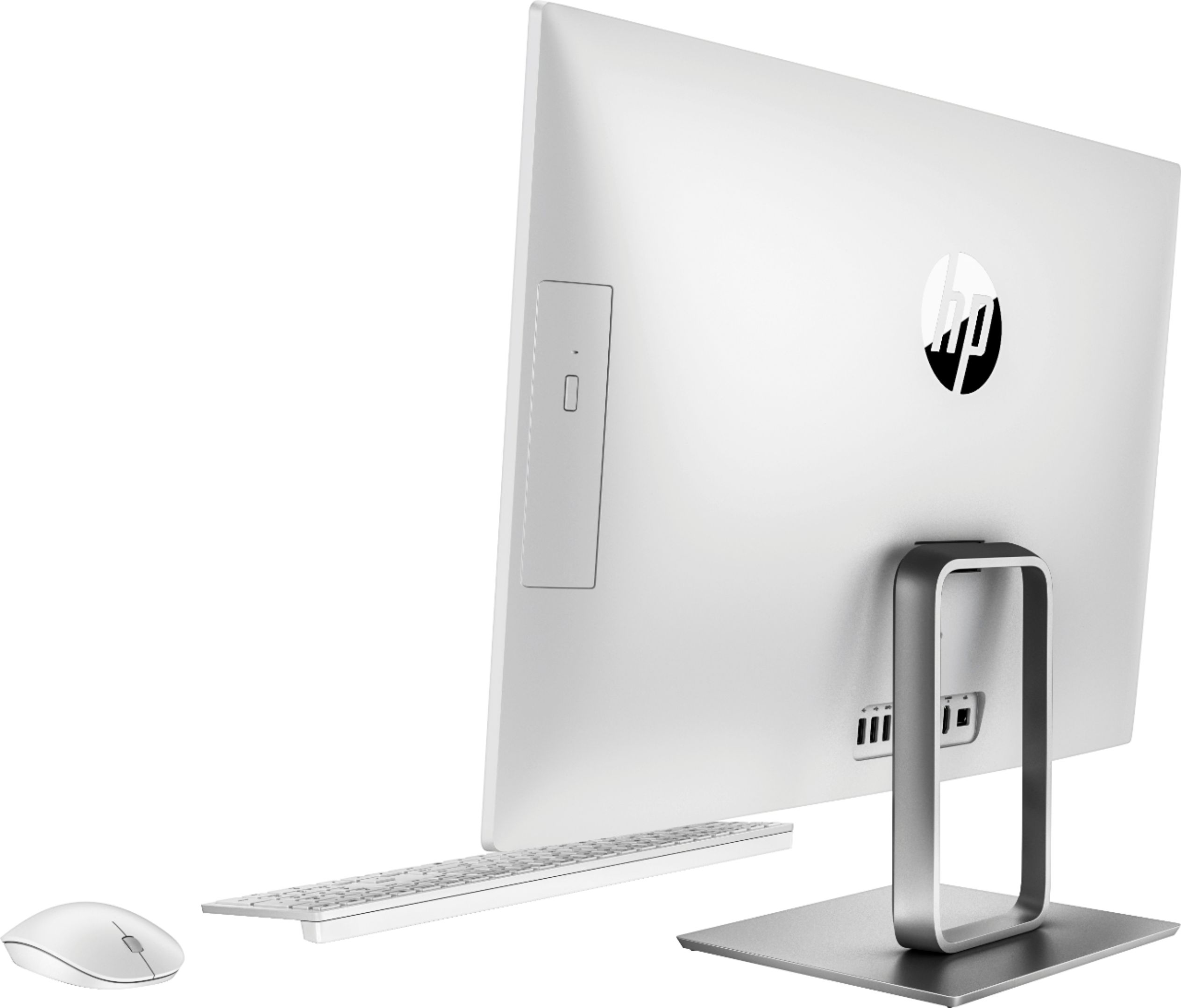
A:AnswerHi there! The dimensions for this model are Height: 18.0 in, Width: 22.5 in, Depth: 6.7 in, and it weighs 17.20 lbs unpackaged. Here is the support documentation: https://support.hp.com/in-en/document/c05987221
A:AnswerThe speed of the fan is determined by the load on the system. If your fan is very loud I would look into what programs are running in the background. If you believe there is an issue I would reach out to the HP support team or take your computer to your Local Geek Squad to check that it is operating as intended.