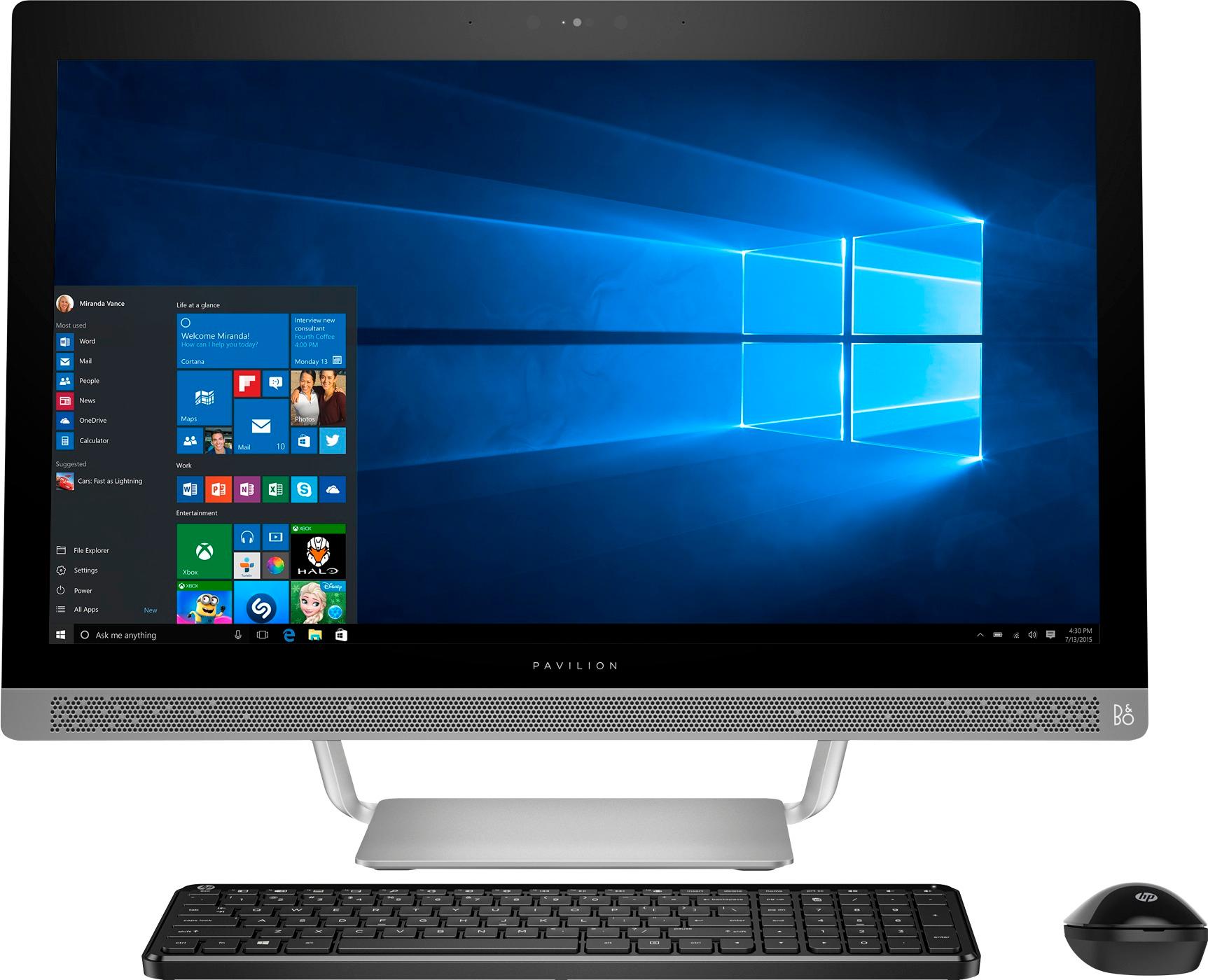
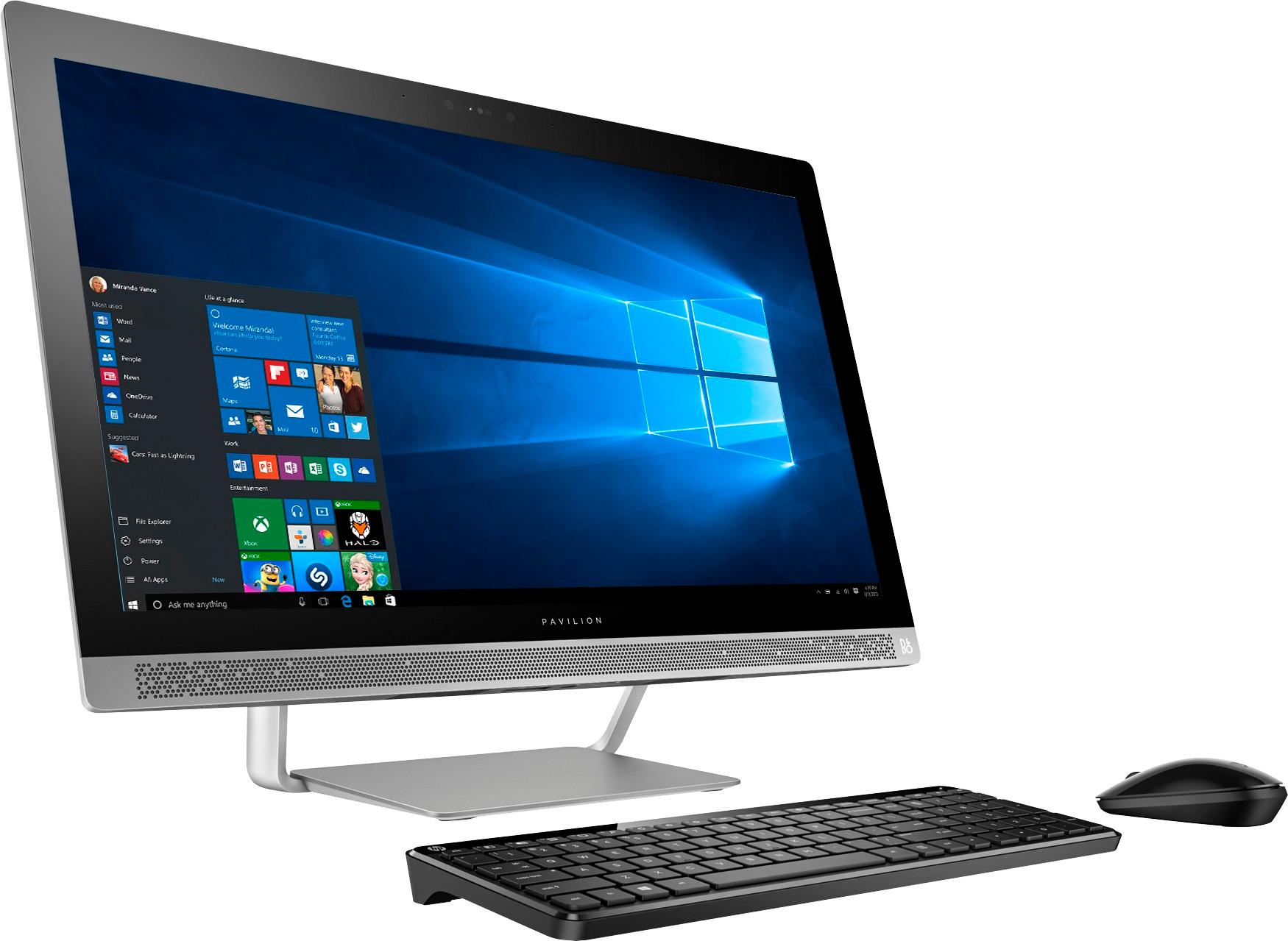
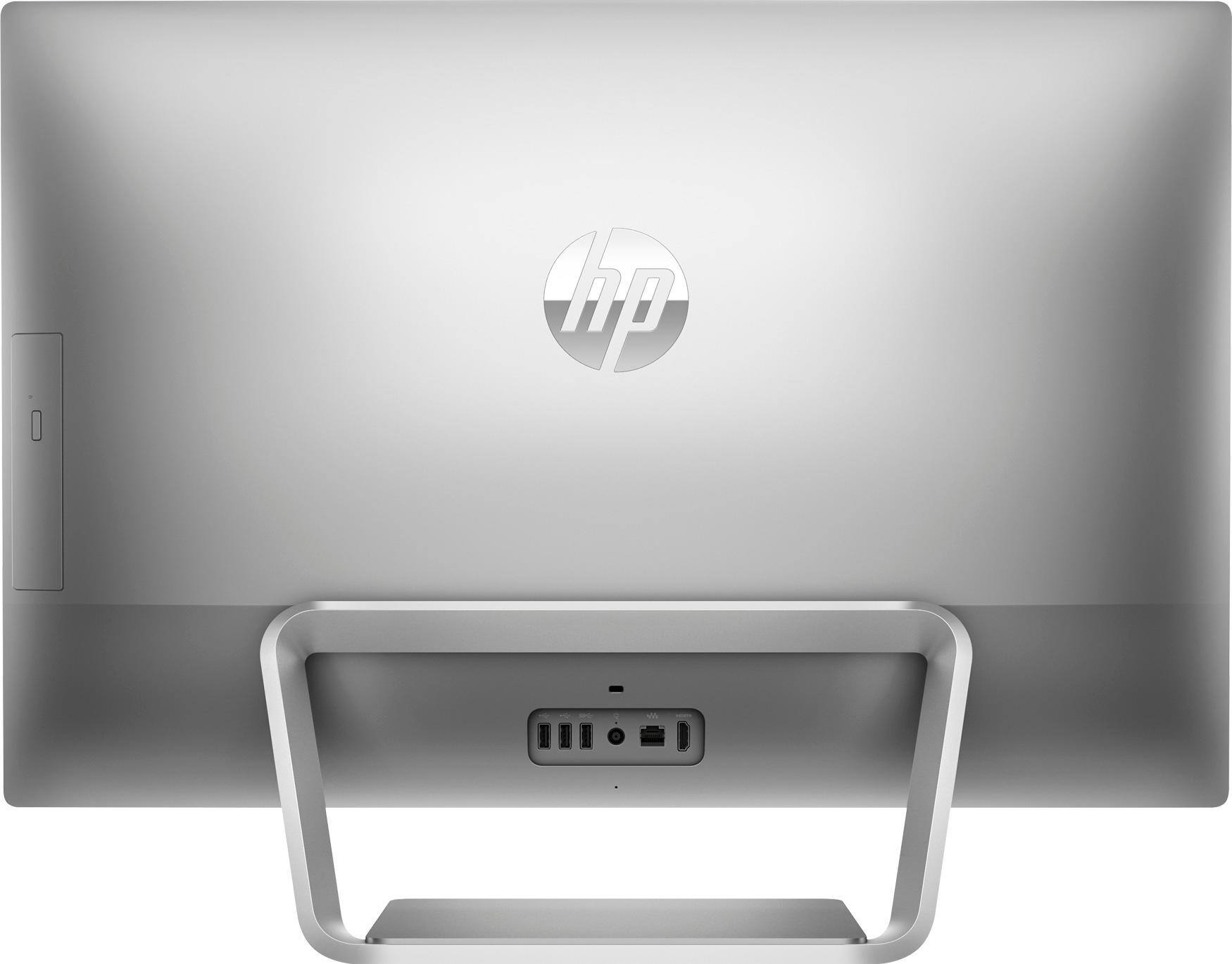
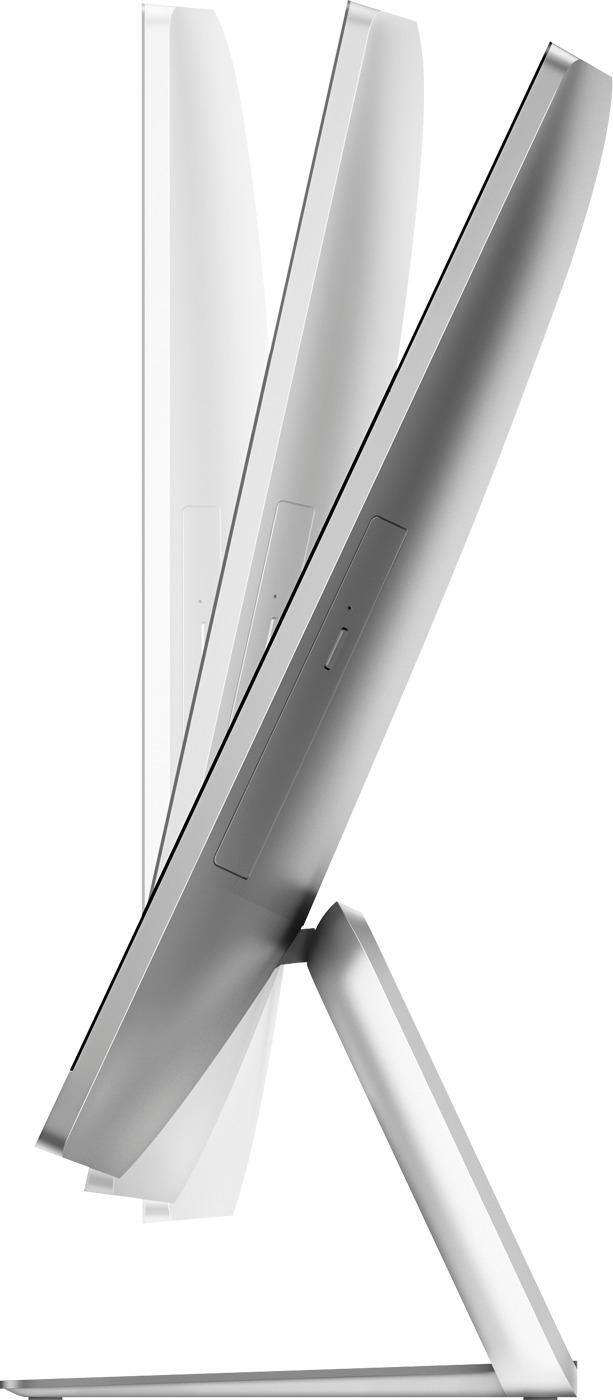
A:AnswerThe USB port is under the screen frame - in front. I had to tilt the screen back to use a flash drive in the port. I attached a (4 port extension) by plugging into the USB port and using Velcro to attached the extension to the bottom of the frame. Eliminates the tilting and able to use the ports directly in front. Otherwise I love the unit.
A:AnswerOn the HP Pavilion 27 inch All in One PC with the Intel Core i7 processor, the installed 12GB RAM can be increased to 16GB and Windows 10 is 64 bit.
A:AnswerCheck out the model I bought (HP 27/27 IN/INTEL I7-7700T/12GB/1TB 720). Does all you're looking for. I pleased with my choice and have no hesitation recommending it to you.
A:AnswerI use the creative cloud suite including photoshop, ai, and I design as well as others. The computer handles these fine although it would be nice if the stand would allow the monitor to have more slant when using the touch screen attributes.