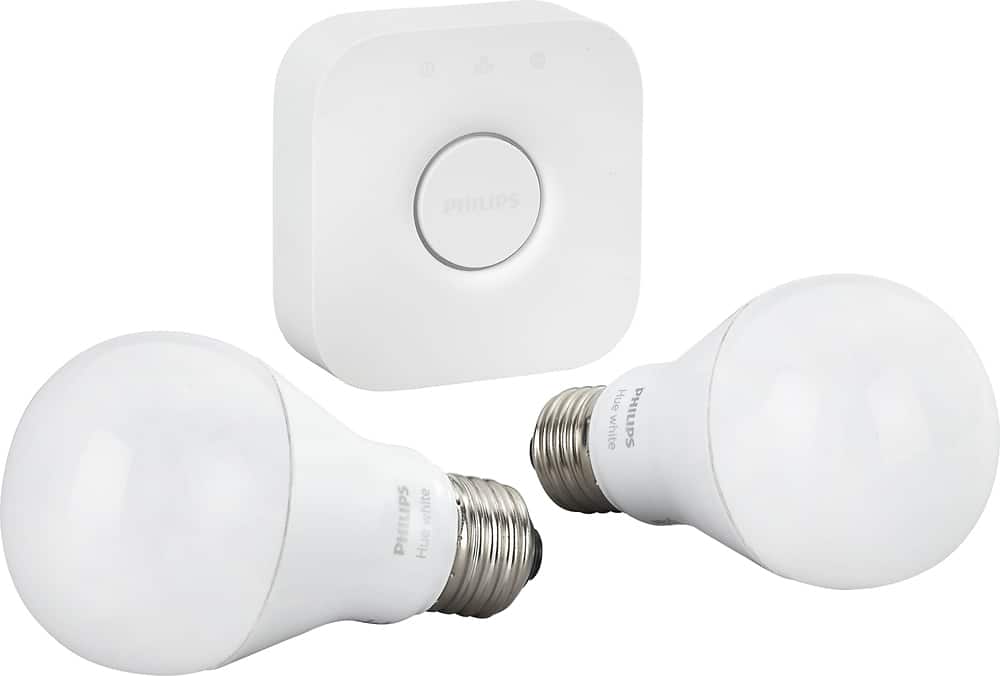
A:AnswerI have 1 hub and so far it controls 3 bulbs. I have 2 set up to work together in my living room and 1 in my hall way. They all work off the same hub, which is in a different room all together.
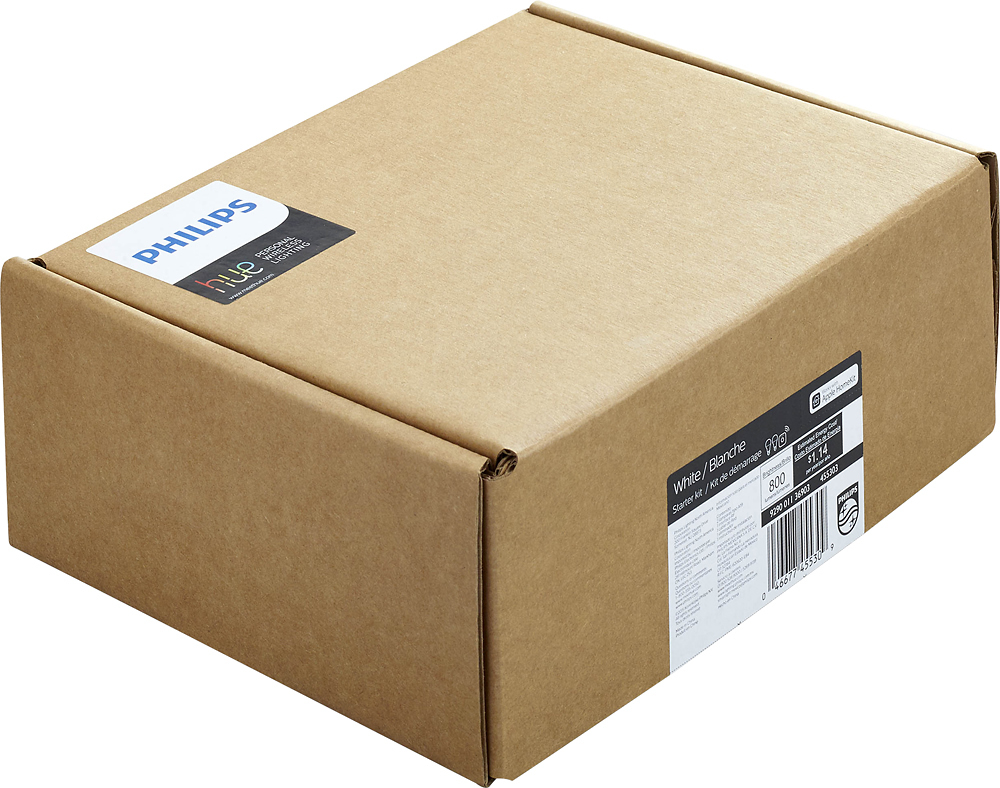
A:AnswerThis is the same product except with frustration free packaging. Meaning the product comes packaged in only a brown cardboard box with no retail markings on the outside. I would definitely recommmend picking up this version and saving the cash as there is nothing else different.
A:AnswerThe Bridge is the same, the only difference in the packaging and the bulbs that come in the kit. You can mix LED strips, or color changing bulbs with this bridge. According to the Philips site, a single bridge can support up to 50 bulbs.
A:AnswerYes, they do. You can name them in the app then say things like, "Hey Google, turn on the living room lights", etc... You will have to connect them to your Google account thru the Google Home App.
A:AnswerYes it will and here are the instructions on how to connect the system (Philips Hue) to Jibo https://support.jibo.com/jibo/articles/en_US/FAQ/How-do-I-connect-my-Hue-system-to-Jibo
A:AnswerYes, you can control your lights away from home as long as you have Internet connection. However, a free account is required and you have to be signed into your account in order to control your lights remotely. Be sure to connect your bridge with your Hue account.