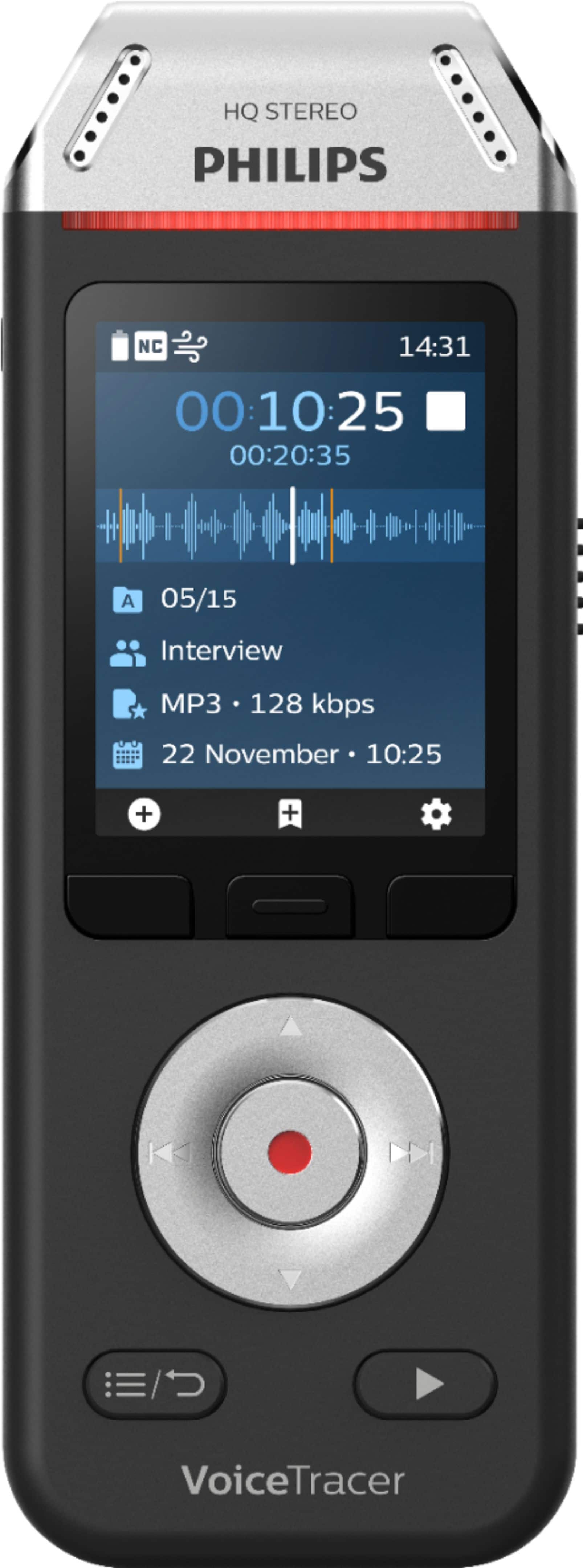
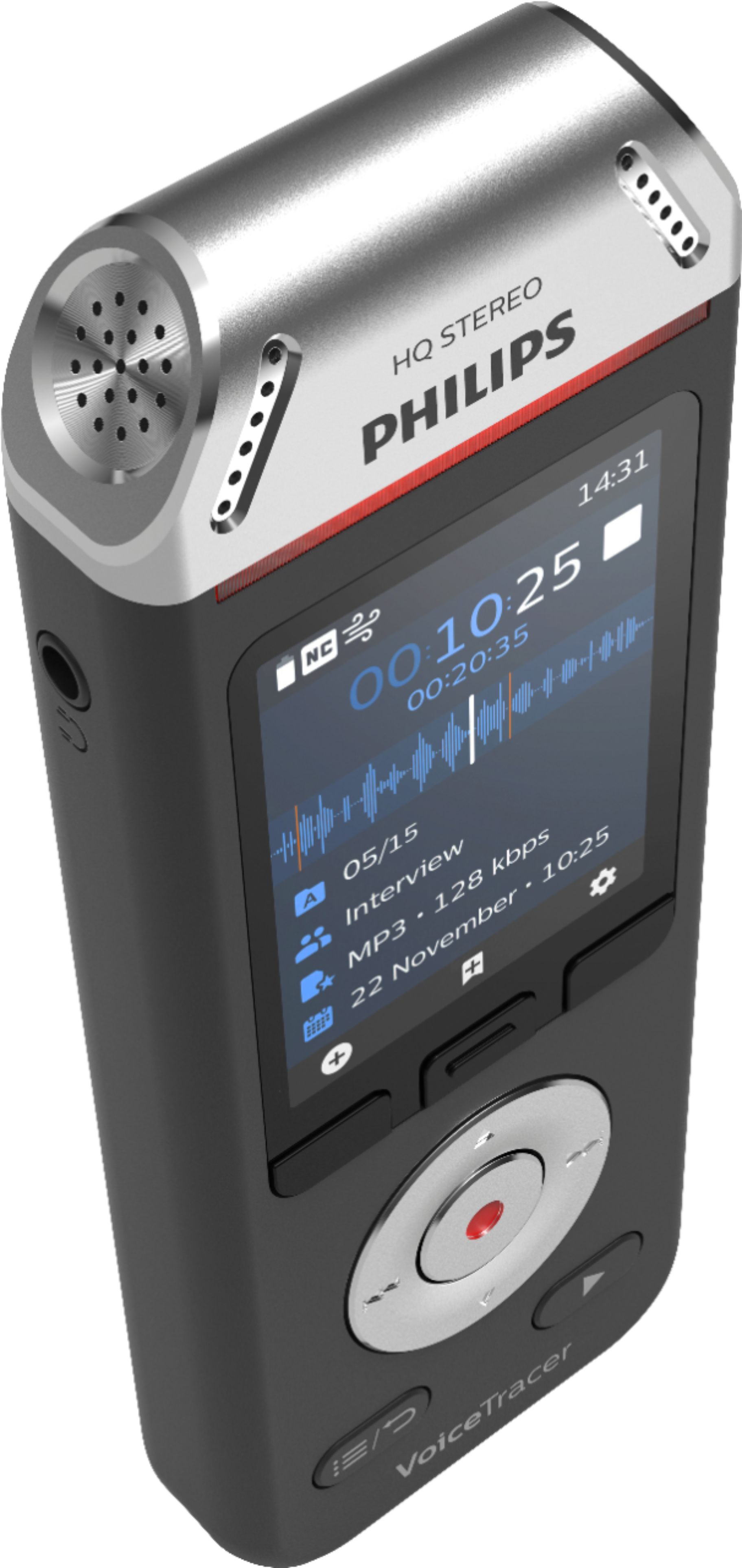
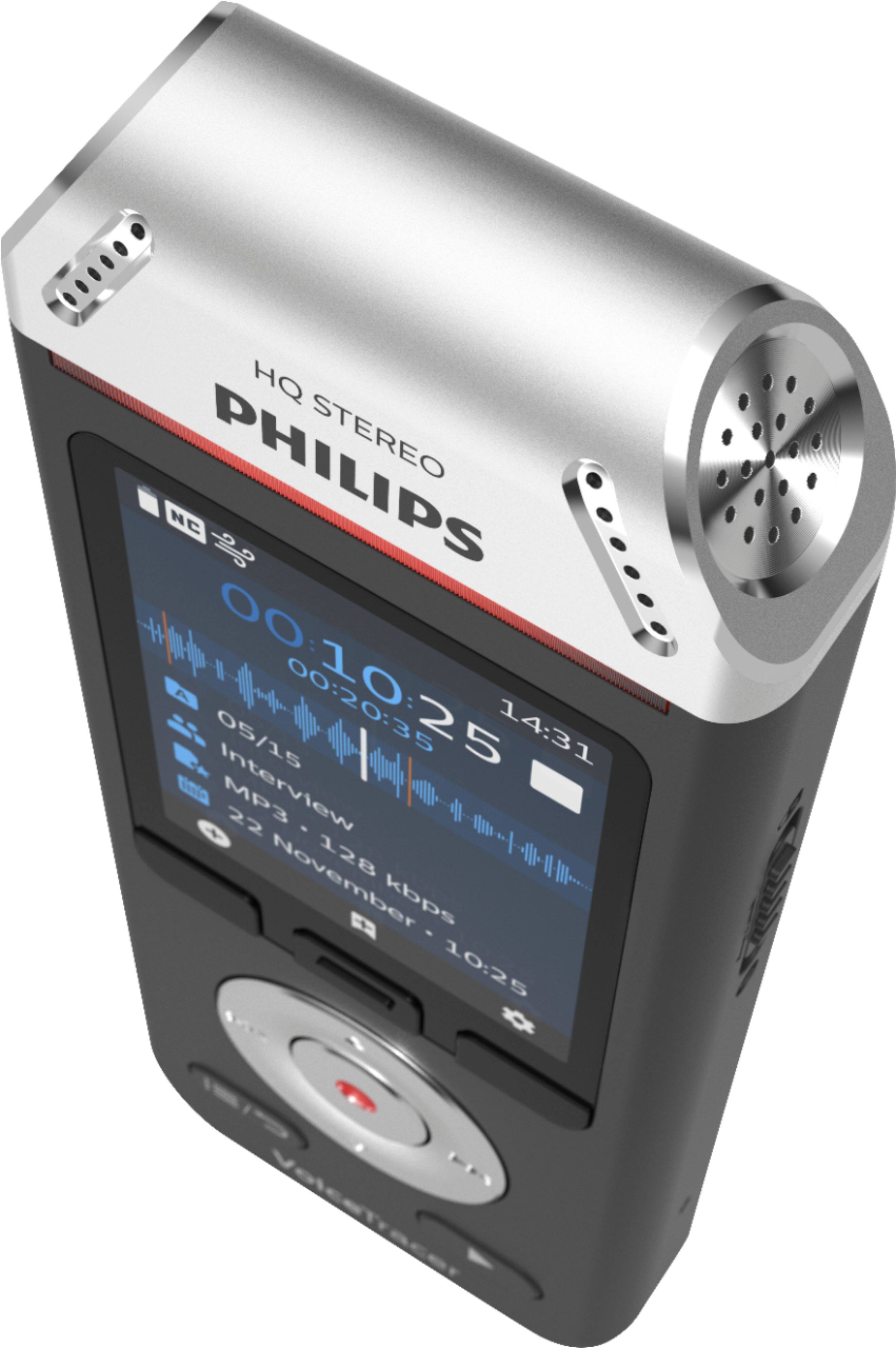
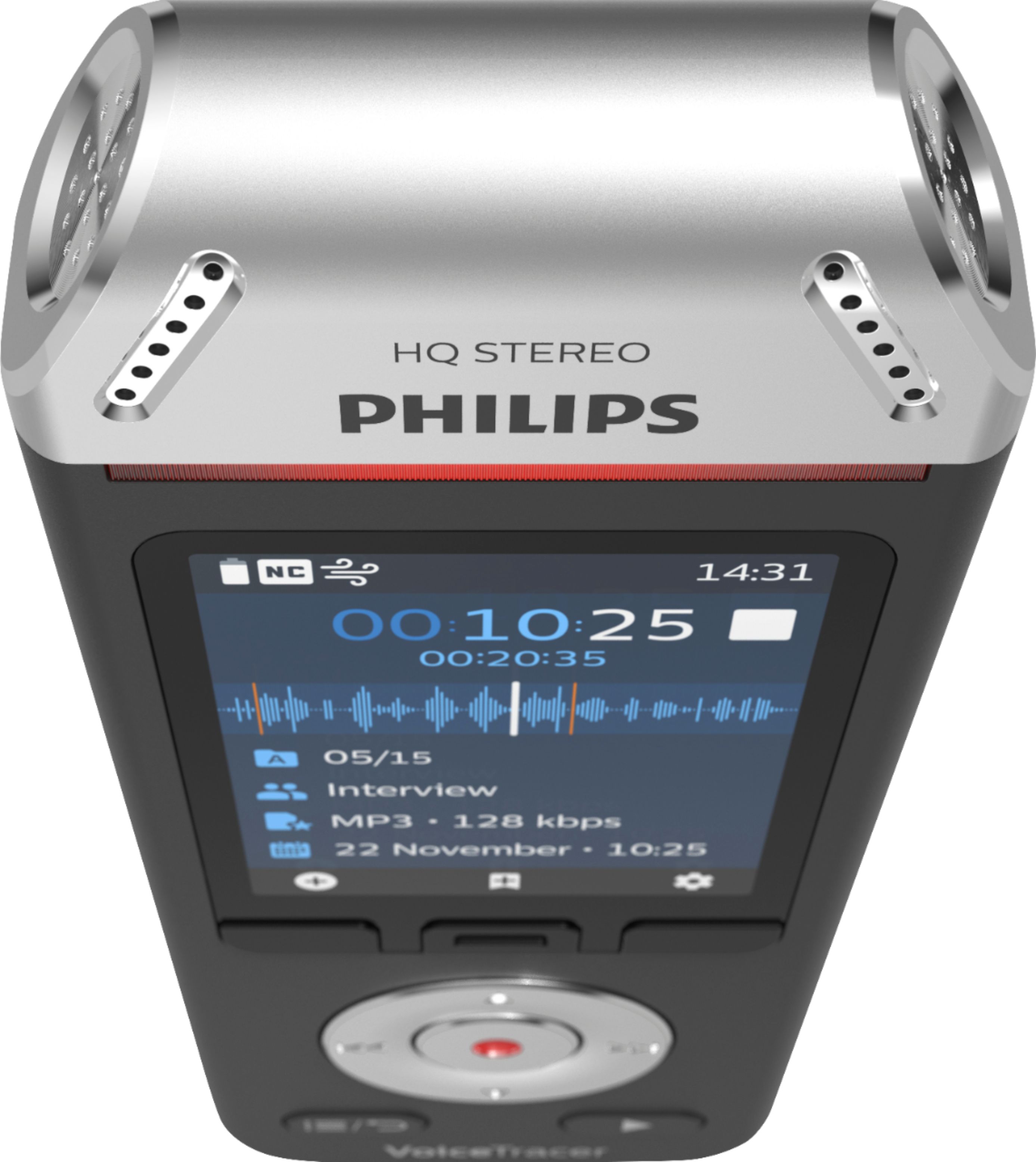
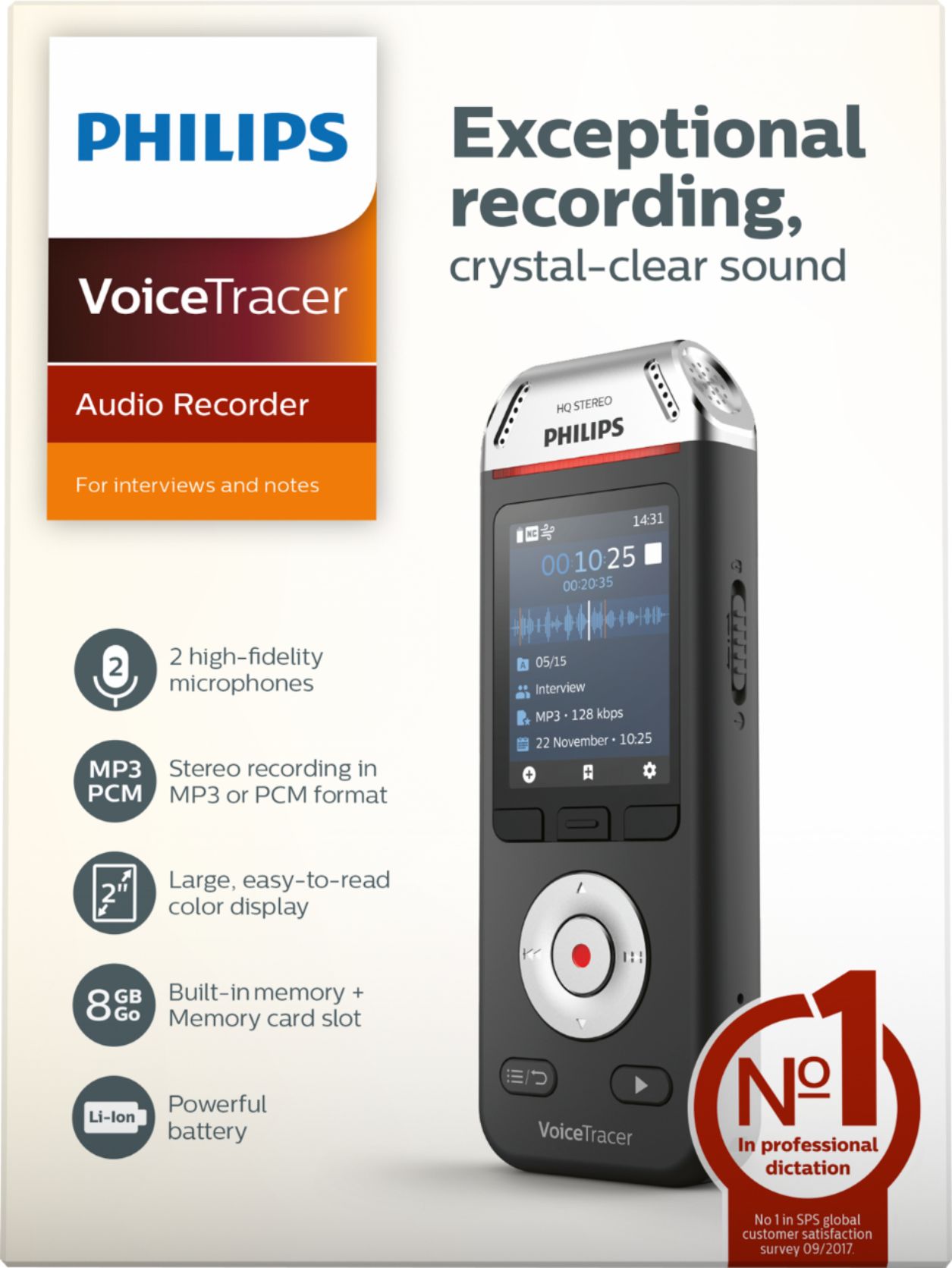
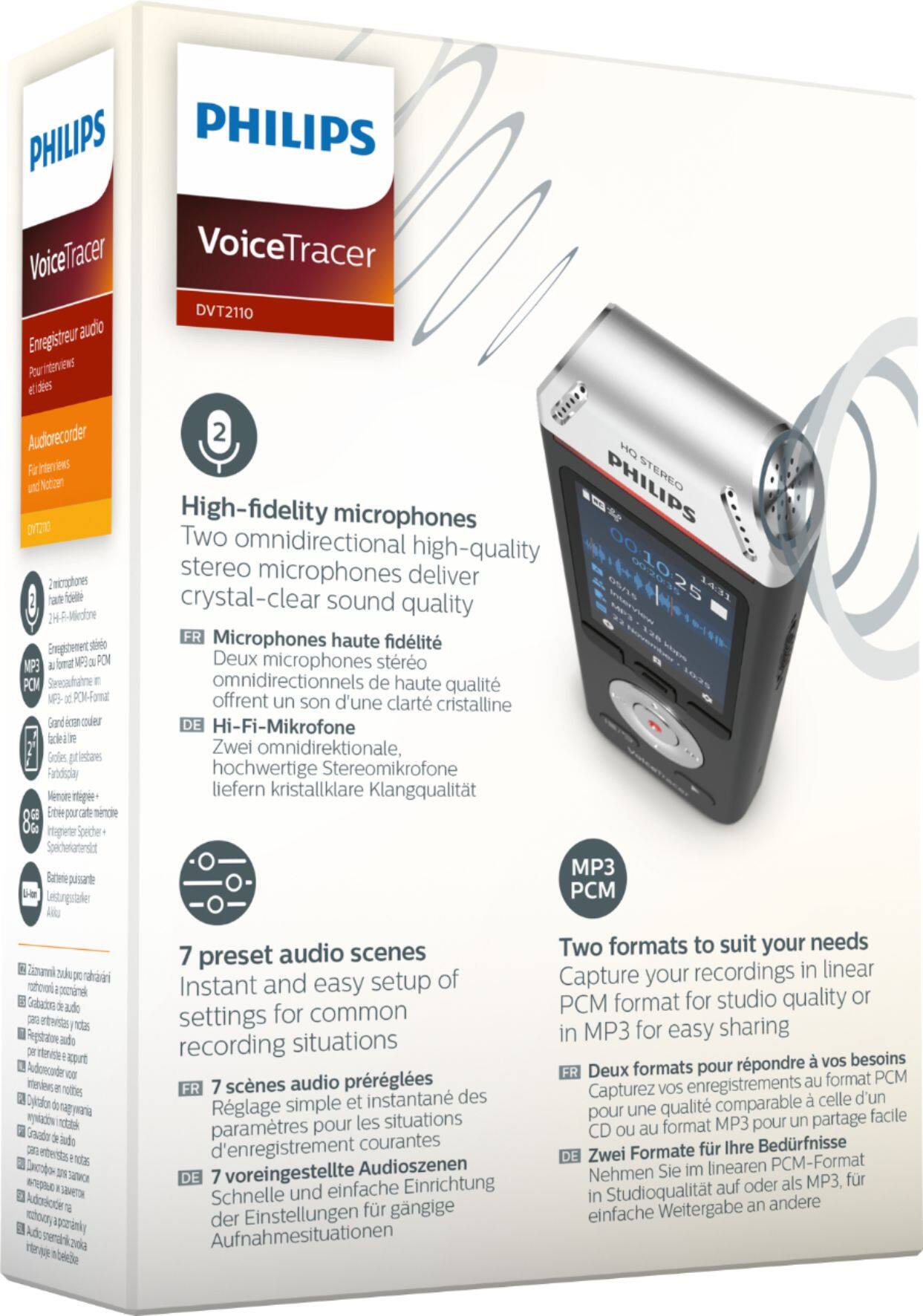
A:AnswerYou should be able to with proper microphone selection- boom or 360 surround. Sensitivity is very good. Experimentation might be needed to get best quality.
A:AnswerYes. With the mic automatically set to start recording when it hears sound. Battery will only last a day or so though. Wasn't ideal but I did the very same thing. Glued some batteries to the back and found a nice spot under the seat where it would stay put easily. Good luck.
A:AnswerYes, you can append without overwriting an existing recording.
To append a recording part:
In stop mode of an existing file, press the Record button.
• If the cursor of the audio progress bar is at the end of the recording:
X The recording screen is displayed and a new recording part is added at the end of your file.
• If the cursor of the audio progress bar is at the beginning of the recording:
X The editing panel opens.
X Press the Up/Down buttons to select Append and then
press the Record button to confirm your selection.
X The recording screen is displayed and a new recording
part is added at the end of your file.
A:AnswerConnecting a VoiceTracer to iPad for purposes of file download is not supported at this time. For best results, download to your laptop (Mac or PC) or phone via iOS or Android App.
A:AnswerYes, the permanent internal battery is rechargeable. Otherwise you would need to throw away the recorder after the battery became discharged for the first time.
A:AnswerThe recorder itself does not create text transcriptions. You can record audio files on this device, then transfer the files to your computer, then buy and install transcription software on your computer.