A:Answer Actually, yes - you can. You can literally add a dot to ANY receiver on the planet...
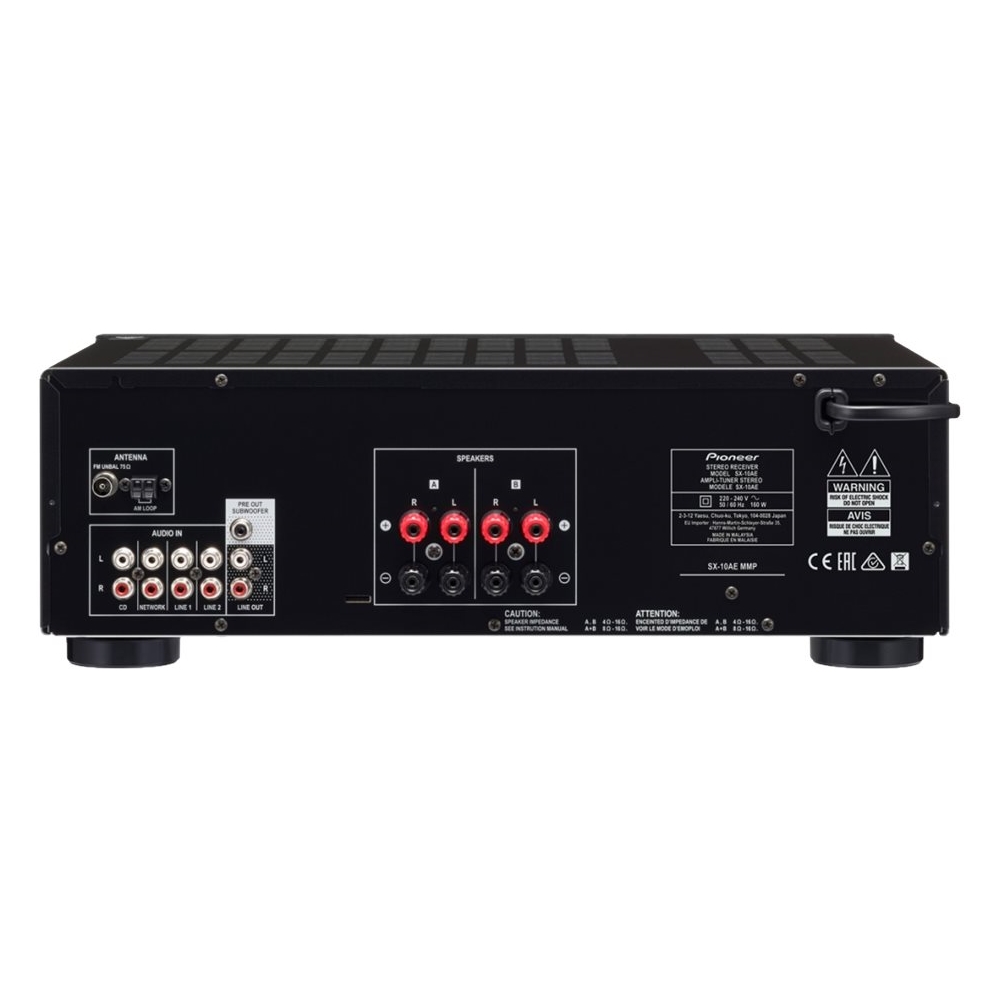
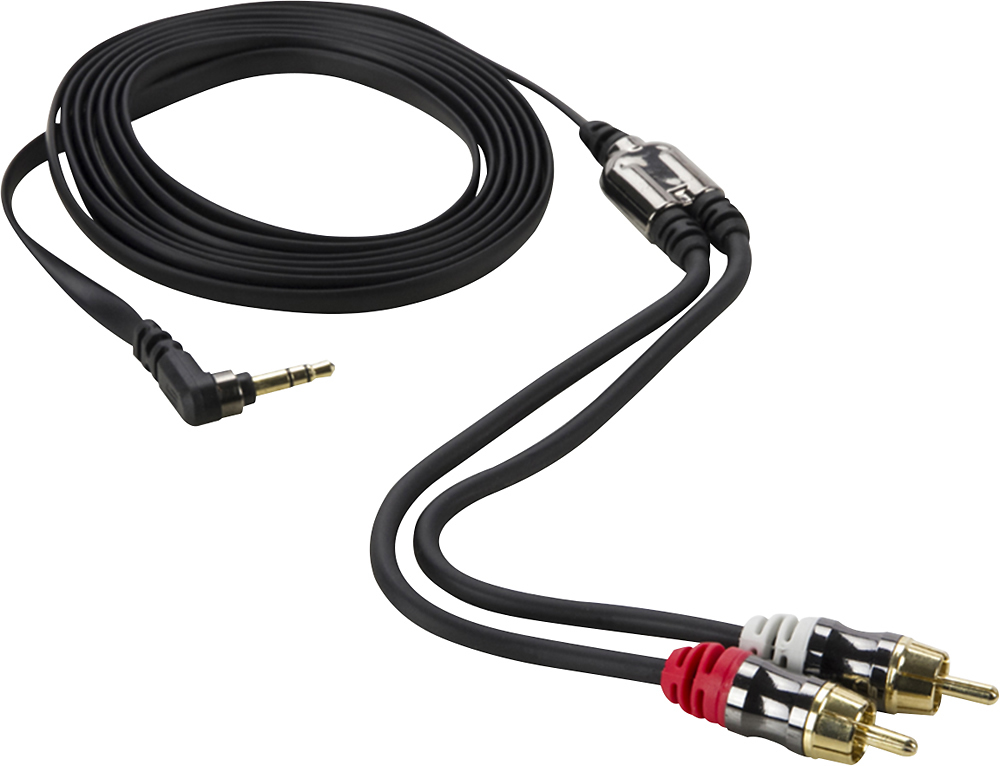
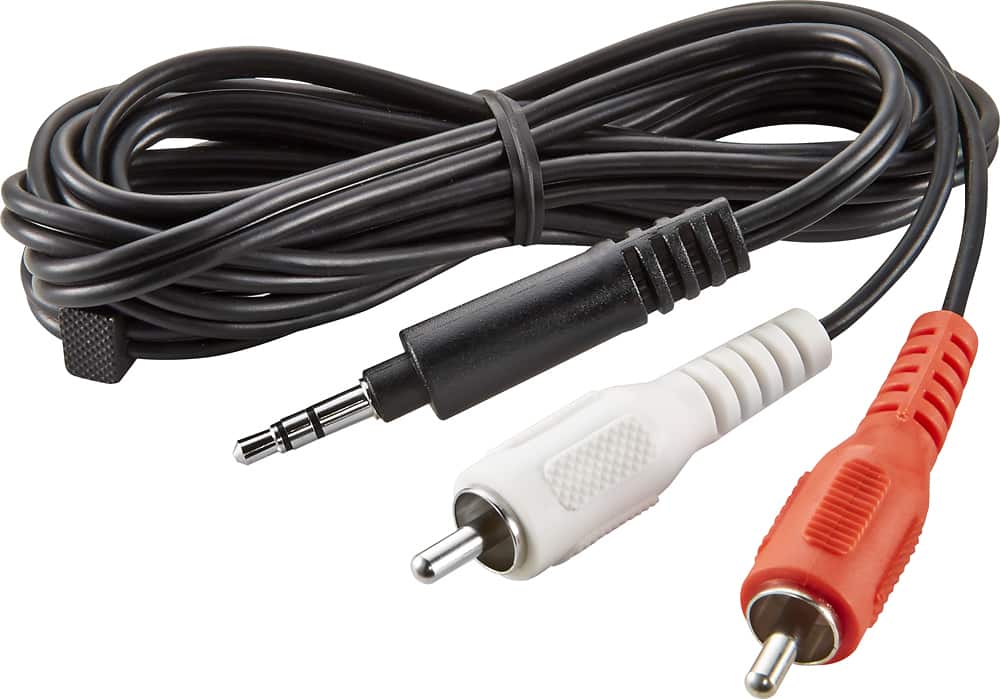
Just use a cord that is a 3.5mm (headphone jack) to a "2-Male RCA" adapter cable. Paste this into google or Amazon search: ' AmazonBasics 3.5mm to 2-Male RCA Adapter Audio Stereo Cable '.
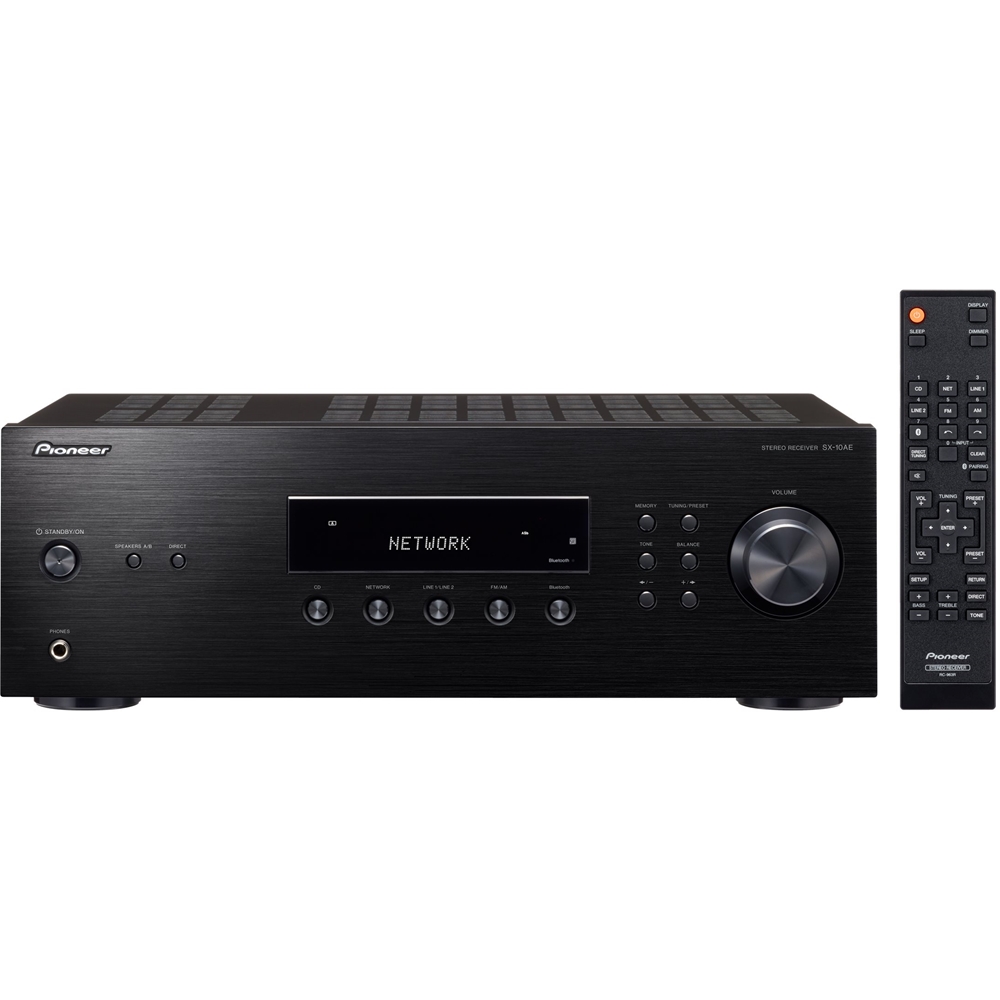
Then just connect the 3.5mm output of the Alexa Dot to the Network (or CD) input (as they are the same - tech spec speaking), but 'Network' is just more intuitive.
(WARNING: Be SURE your receiver is OFF when you set this all up - you can easily blow a speaker when plugging the 3.5mm into the dot.)
I do this, and then just leave my receiver on all of the time (turn off the 'auto standby' in the receiver settings), and I can just say "Alexa, play Nirvana", "Alexa, play the playlist, 'Sweet Songs'", etc...
It's a great way to deal with/play music - so easy. Set the receiver volume to a comfortable level at the Dot's level of 5 or 6, as you want that to be the same always, and then you can adjust volume with voice commands, or with your phone when using whatever music app you prefer.
P.S. - I use Spotify Premium, and then set that to my default streaming music in my Alexa App on my phone. Spotify is a no brainer...