A:AnswerHi! The best and faster way is after you connect the tv to the internet network wire or wifi.
1-sing in in your Amazon account and if you don’t have one, highly recommend to create one.
After that you just need to follow the step by step process.
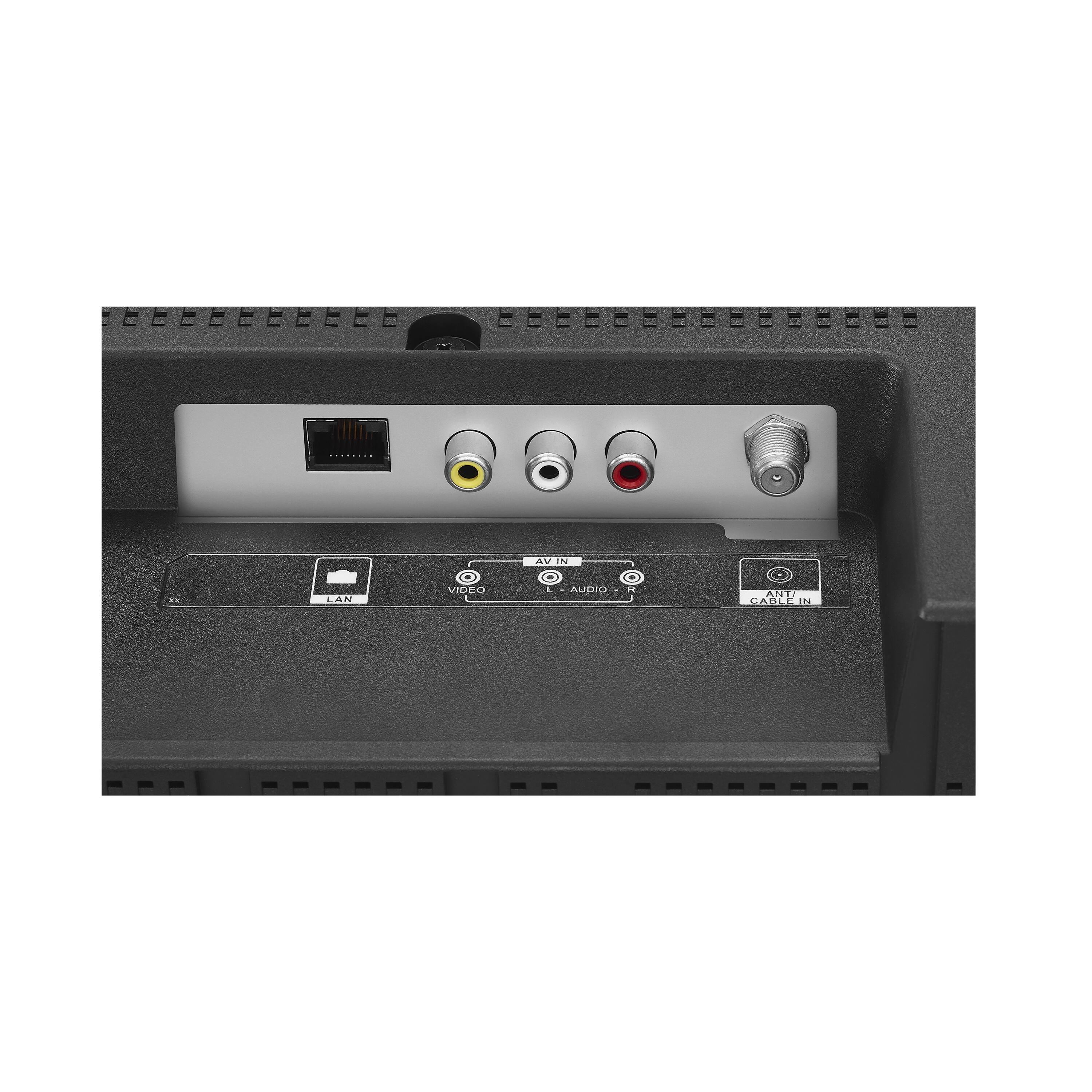
To set up the tv broadcast need to be connected to a digital antenna or you tv cable provider! And just scan the signal spectrum!
All the rest of the setting it is similar or almost identical to the fire tv stick .
Hope these tips can help you.
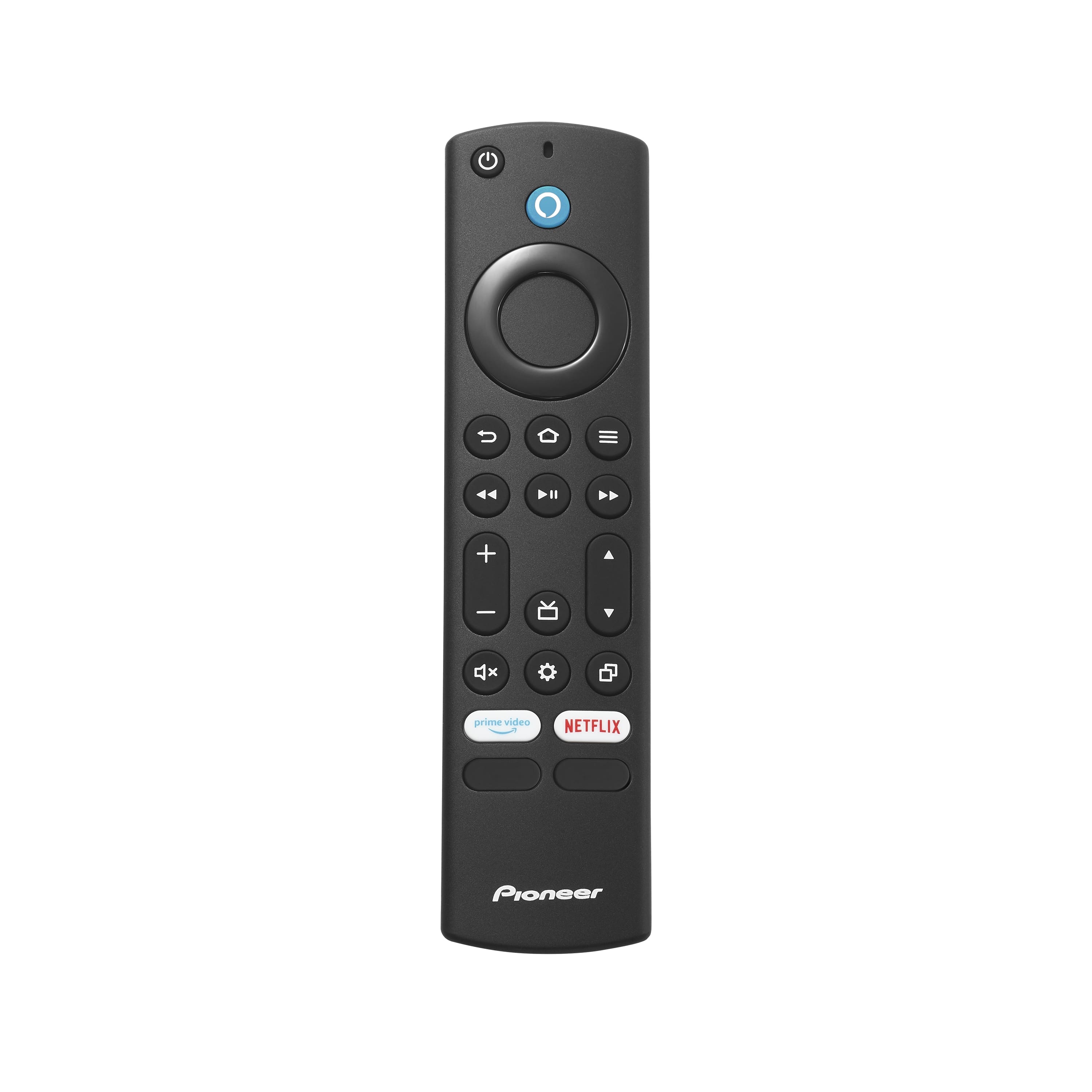
A:AnswerThis smart tv has a tv guide button on the remote that you can press for you see all the list of available channels and programs that you would like to watch.
A:AnswerHi there!
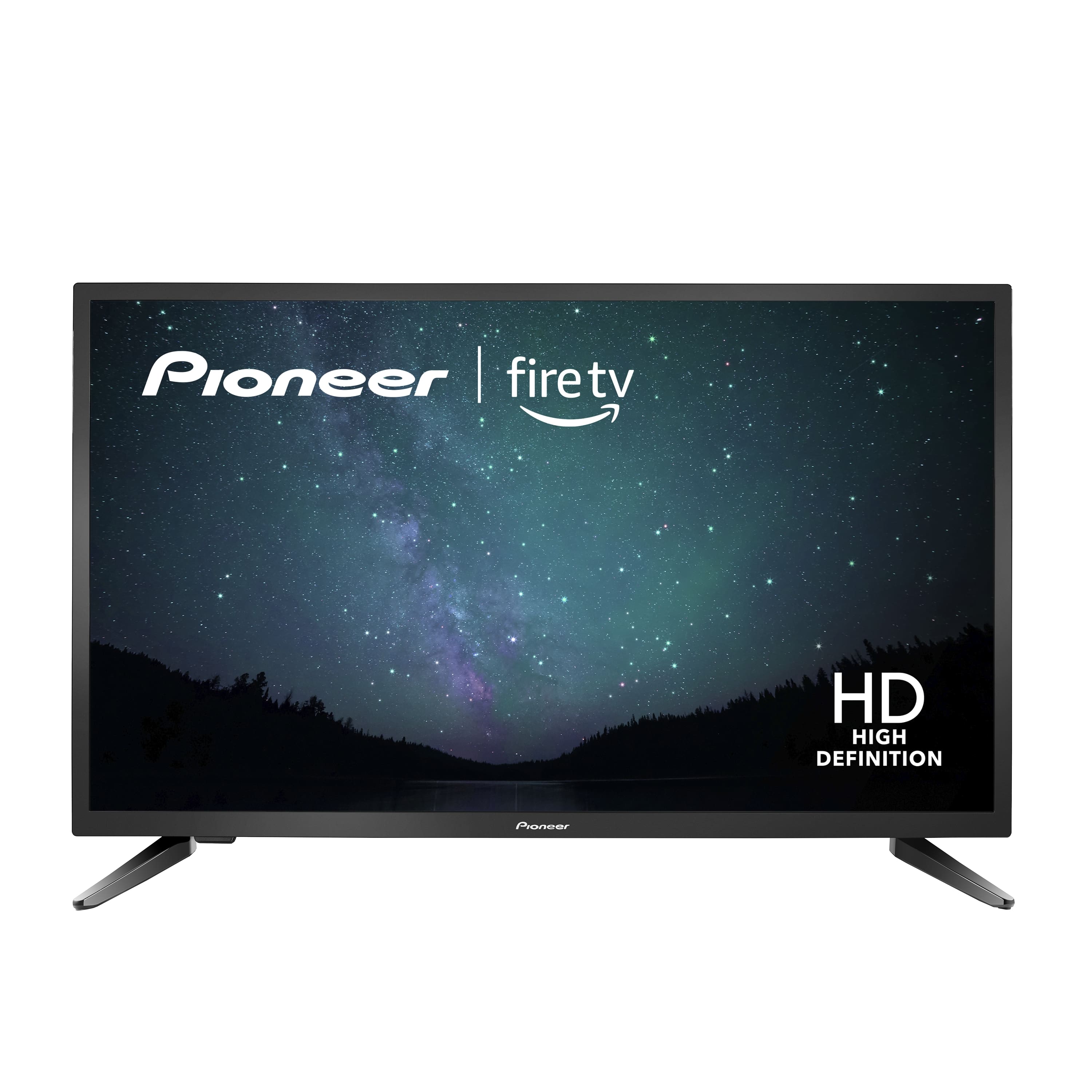
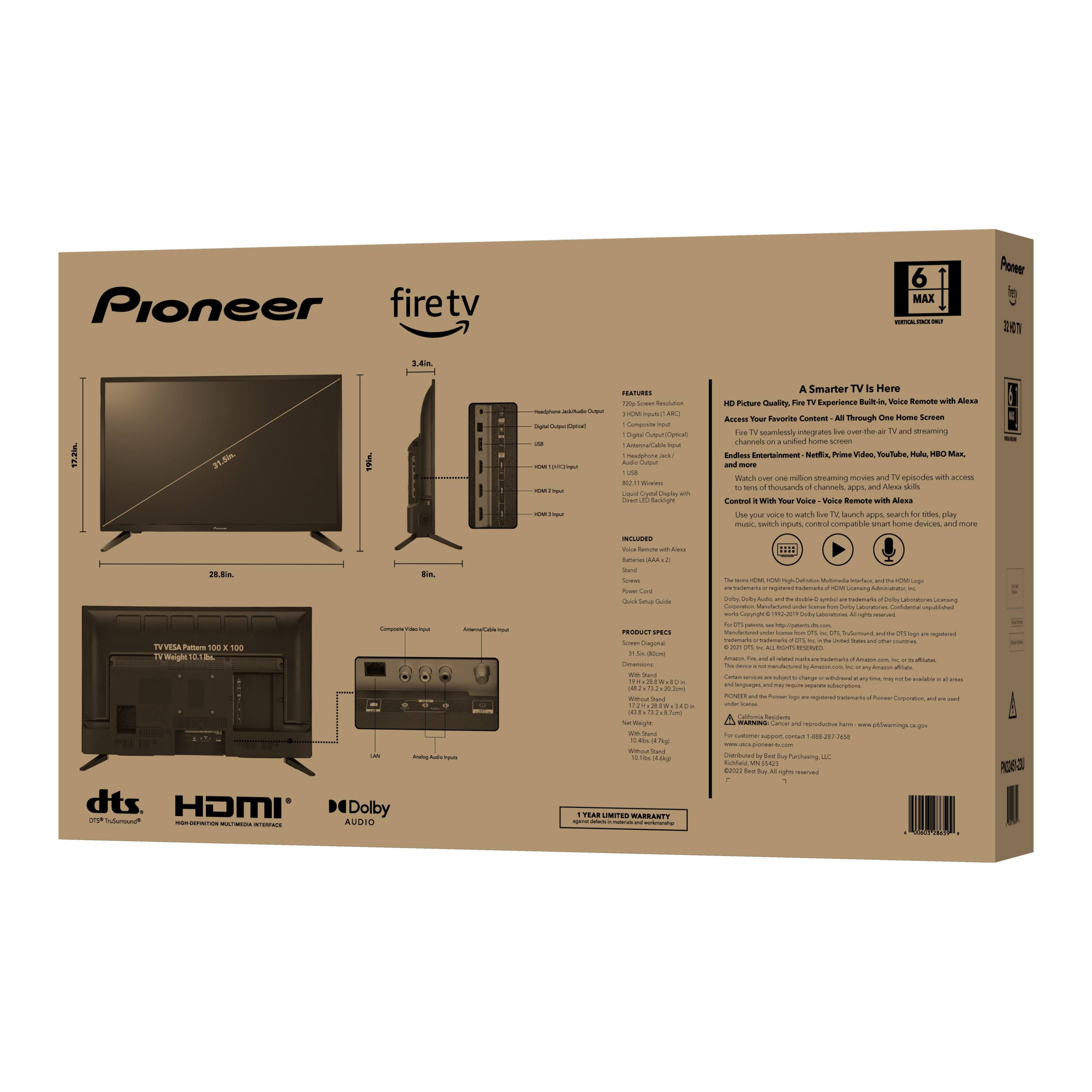
It is the Resolution that refers to the number of pixels, horizontally and vertically, used to display the video. The higher the resolution, the finer the detail will be. Yours is (720p).
A:AnswerPress and hold at the same time for 12 seconds the following 3 buttons: DPAD-left, back and menu (≡). Then, to pair again the remote press and hold the Home Button for about a minute.
If you need personalized assistance please call 1 (855) 527-2411 available from 8 am to 9 pm CT everyday.
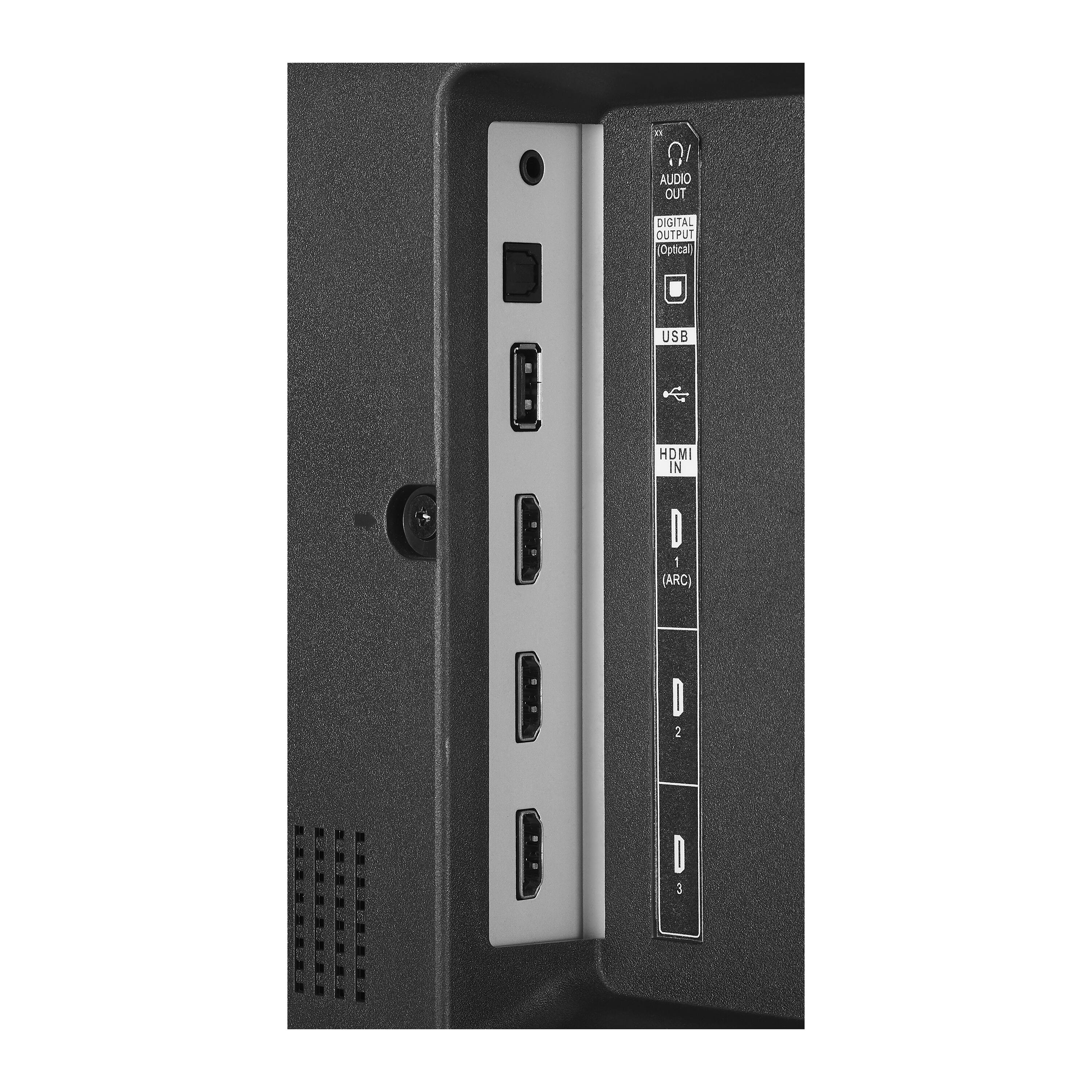
A:AnswerI really don't know , the tv does have a headphone jack and according to the Specifications:
Bluetooth Enabled
The device is capable of communicating with another device via Bluetooth, provided they are within the required range of each other. A Bluetooth-enabled device must also be the same Bluetooth version or higher than the accessory it is intended to pair with.
A:AnswerNo if you have the internet for streaming or/and a outdoor antenna.I have both and with the outdoor antenna I receive over 50 channels, with the streaming I down load the apps.
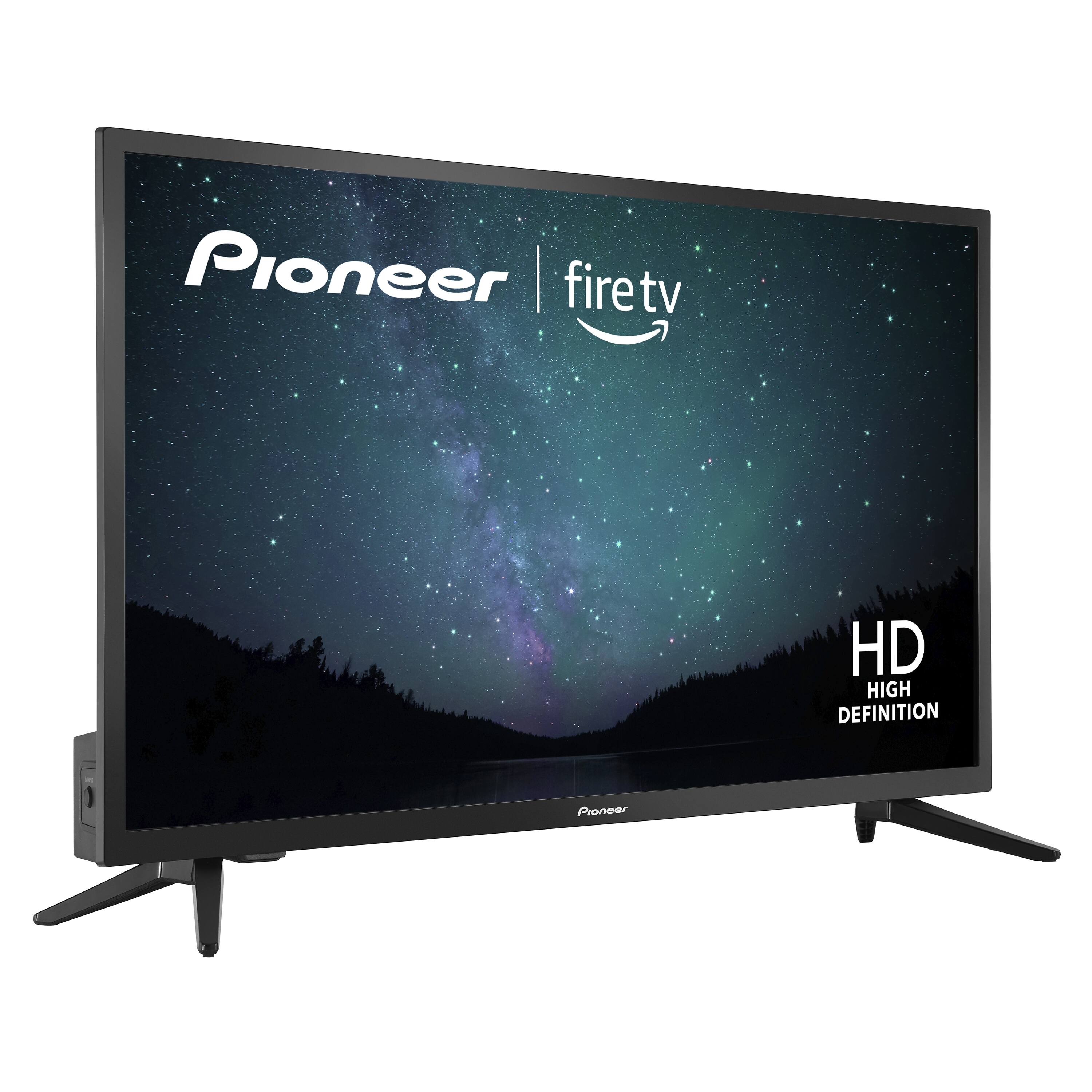
A:AnswerYou can connect an antenna (not included) to watch free over-the-air broadcasts from local channels. You can connect this TV for external sources (HDMI/CVBS).IF you have the internet, some apps (Pluto TV, Tubi TV, YouTube) offer free content.