Questions & Answers
- Model:
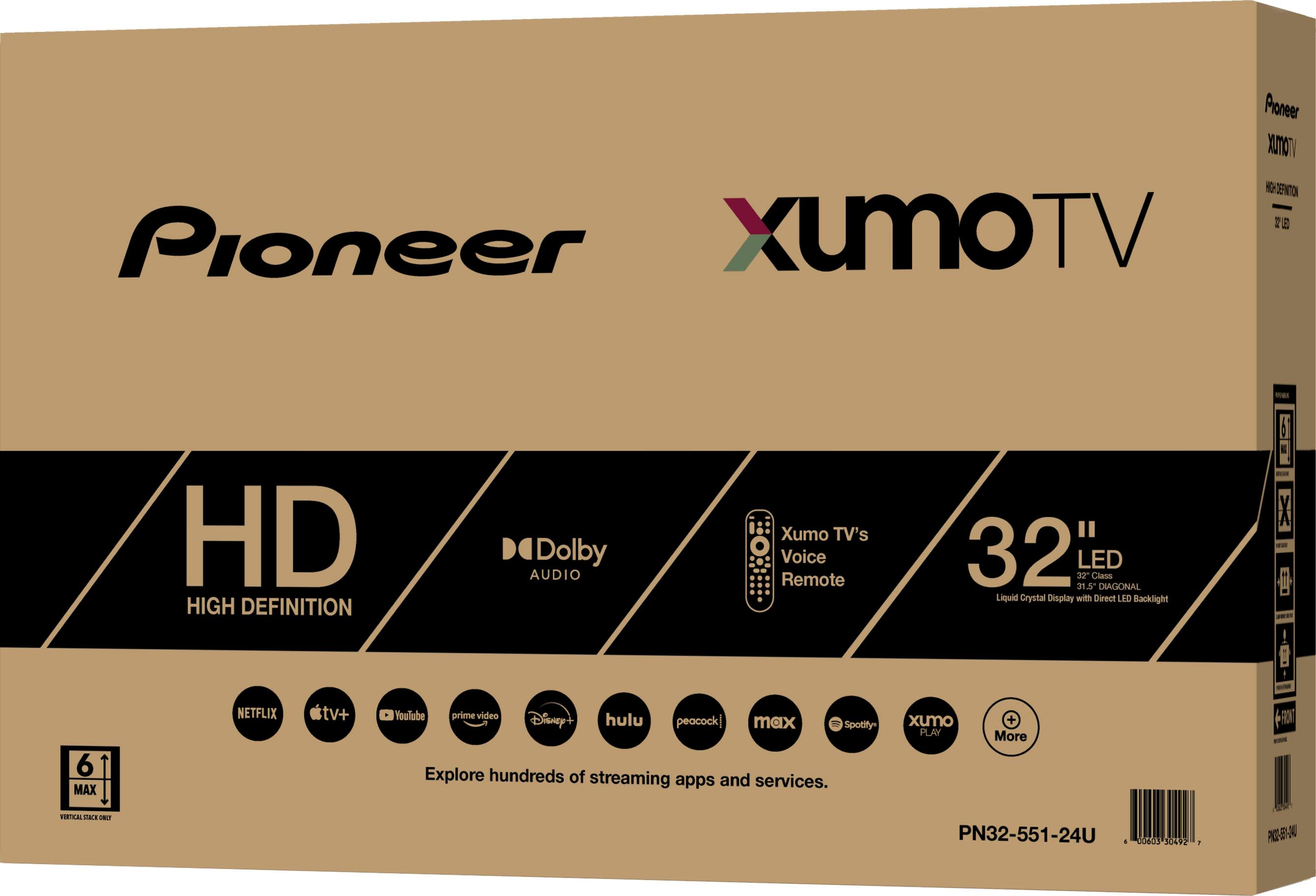
- PN32-551-24U
- |
- SKU:
- 6569962
Q: QuestionIs there a decent soundbar that can be attached to the tv?
Asked by Anonymous.
- A:Answer Hi there! Yes, the Pioneer 32” Class LED HD Smart Xumo TV supports Bluetooth connectivity, so you can attach a Bluetooth-enabled soundbar for better audio quality. Just make sure the soundbar is compatible with Bluetooth and follow the pairing instructions from both devices. For additional assistance, feel free to contact Pioneer Support at 800-421-1404. We are happy to help! - Shiela | Pioneer Support
Answered by PioneerCustomerSupport
Q: QuestionCan I hookup the tv from a cable provider, with just the coaxial cable cord and just program the channels ?
Asked by Elaine.
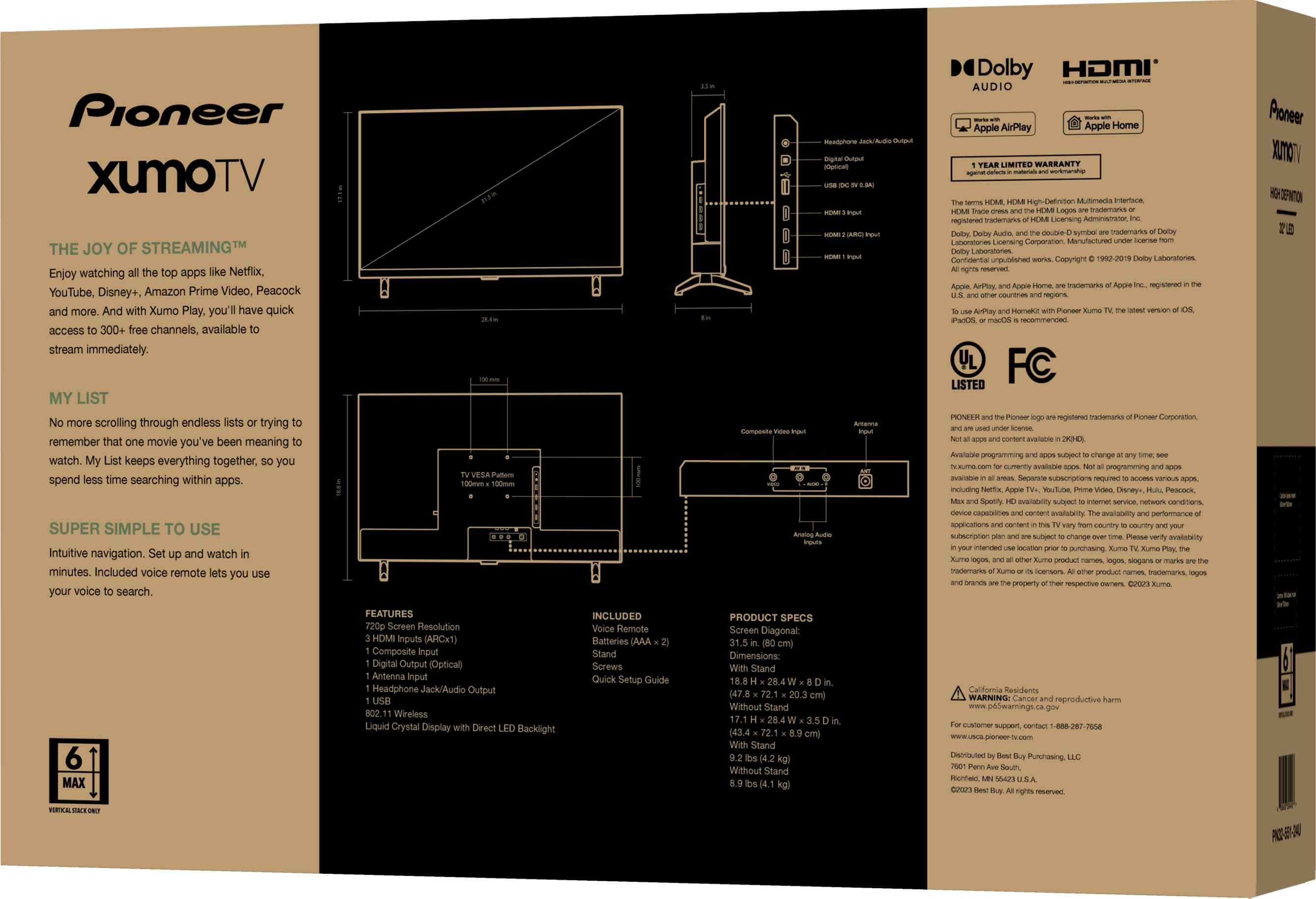
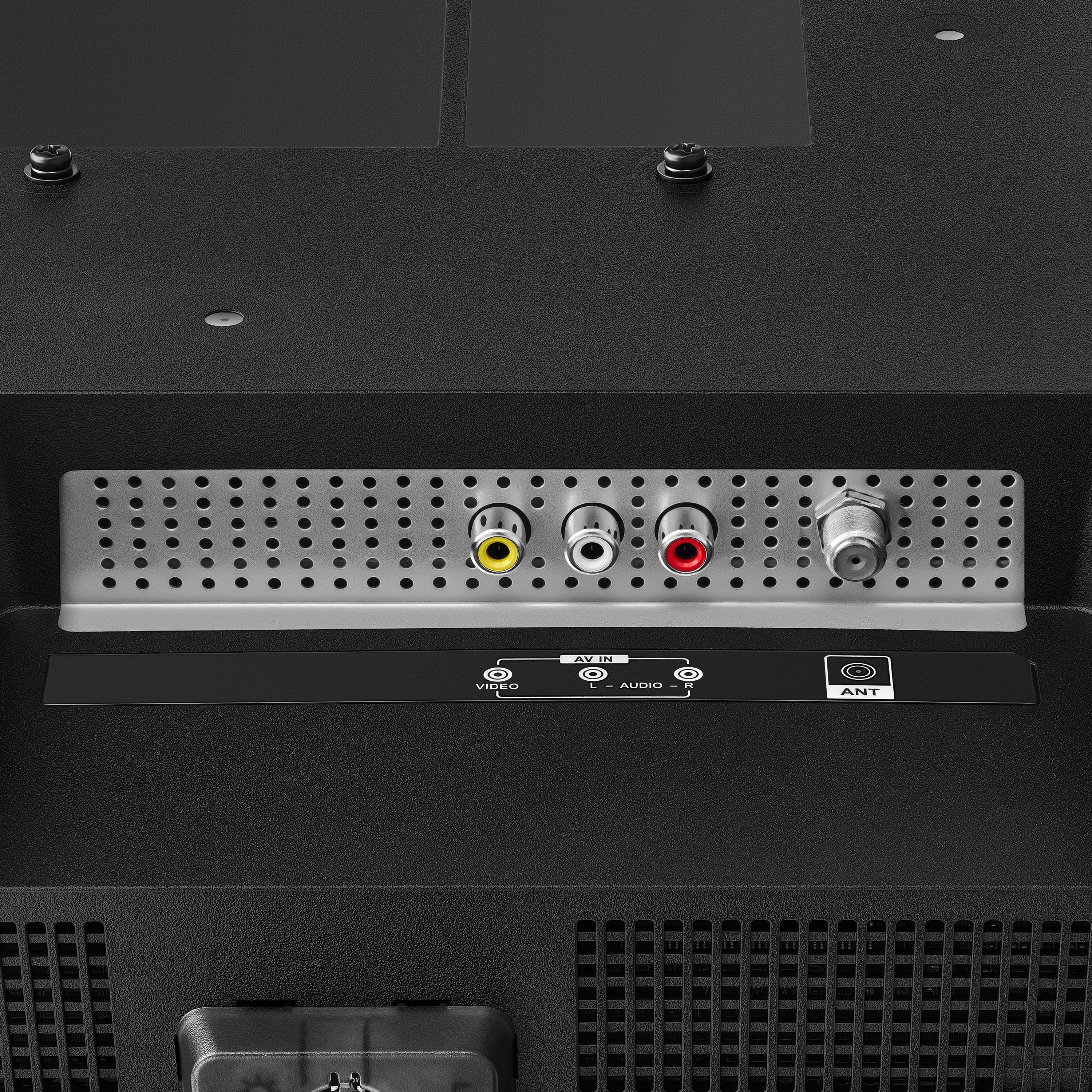
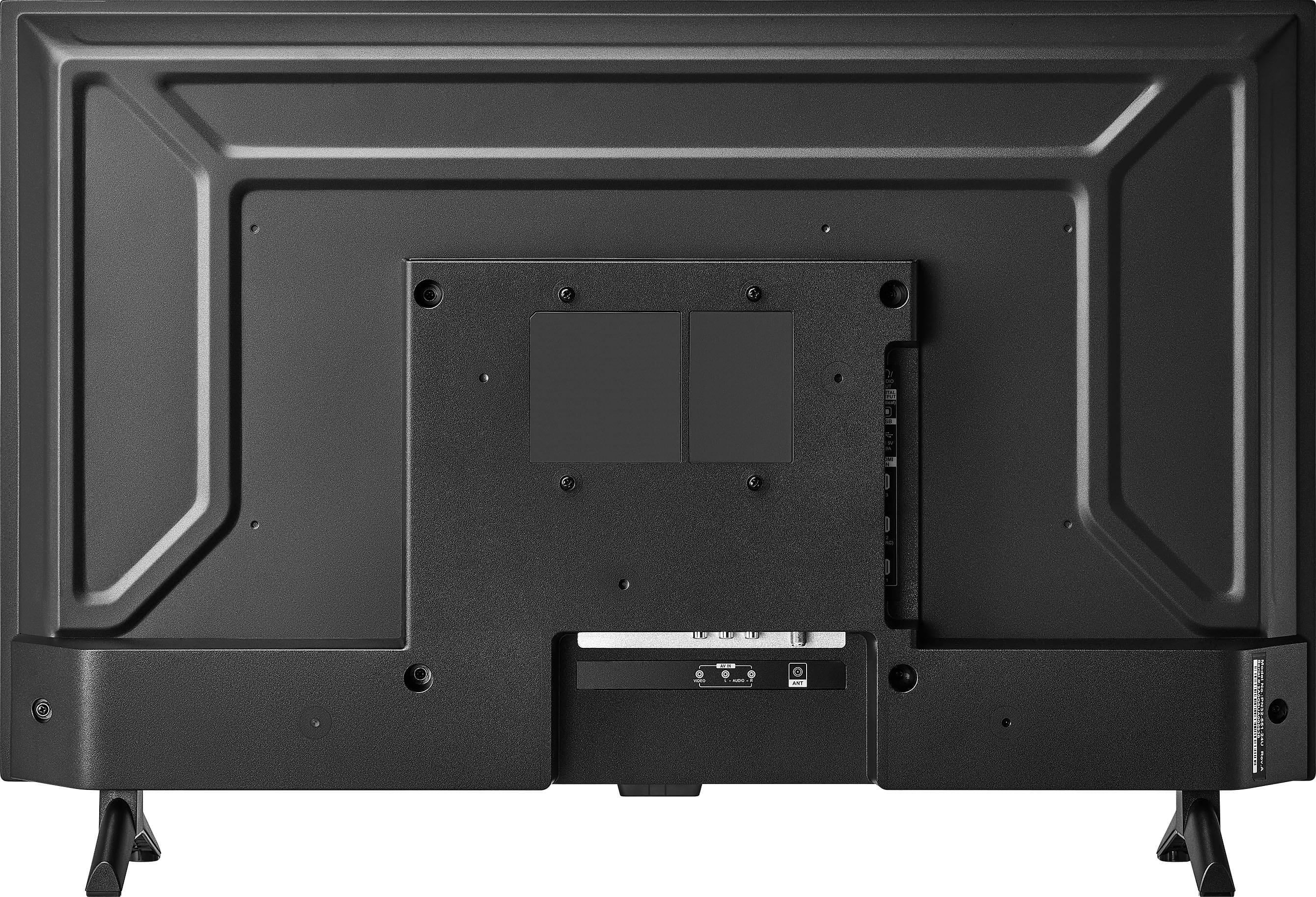
- A:Answer Hi Elaine, thanks for your question! The Pioneer 32" Xumo TV has a coaxial ANT/CABLE input, but it only supports antenna signals, not cable (QAM). To watch live TV, you’ll need to use an antenna. For more help, feel free to contact Pioneer Support at 800-421-1404. - Shiela | Pioneer Support
Answered by PioneerCustomerSupport
Q: QuestionCan this tv be used with wireless Bluetooth headphones?
Asked by Scooby.
- A:Answer Yes- under settings its very easy to pair
Answered by 503me
Q: Questioncan I hook this up to my cable box with no issues
Asked by cmmy.
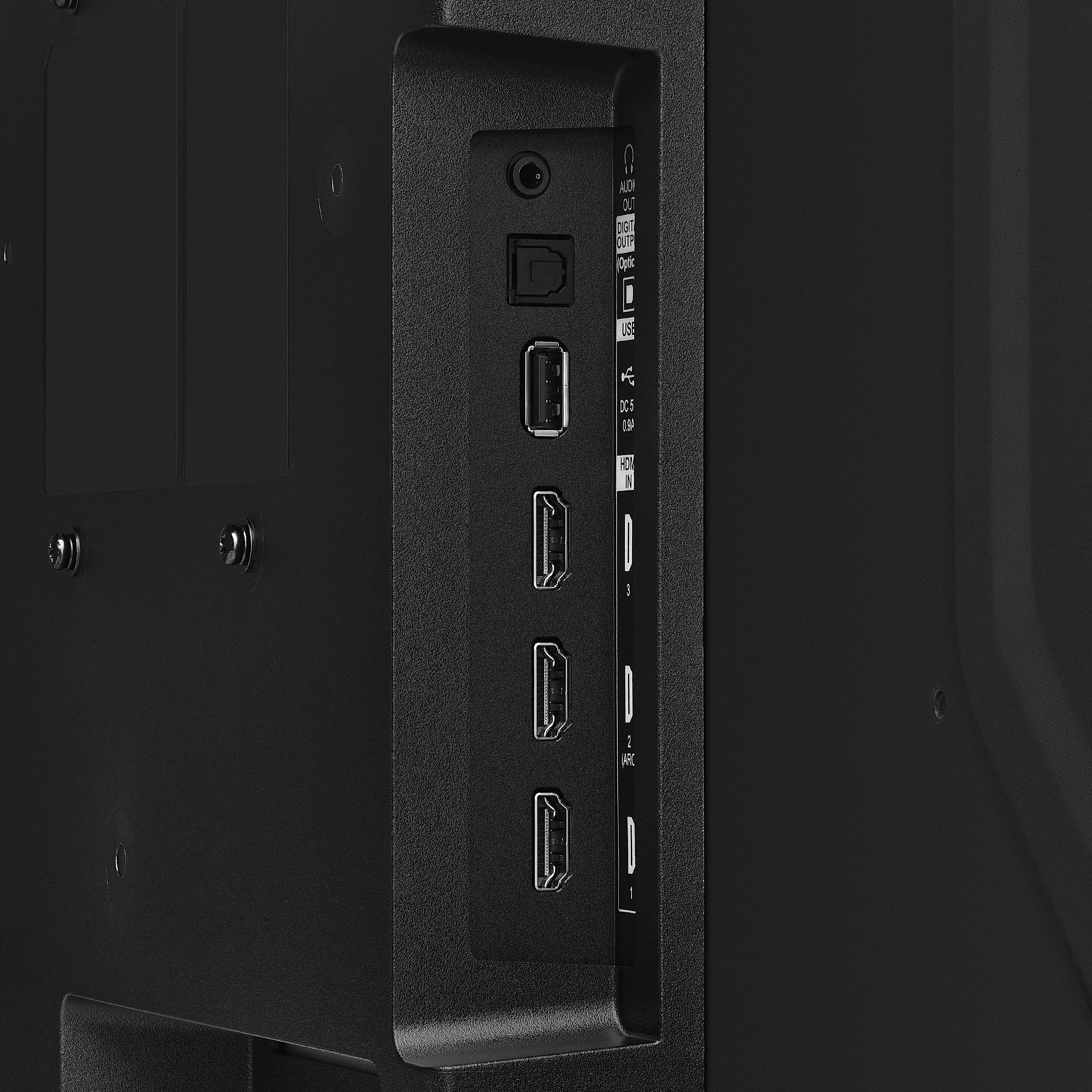
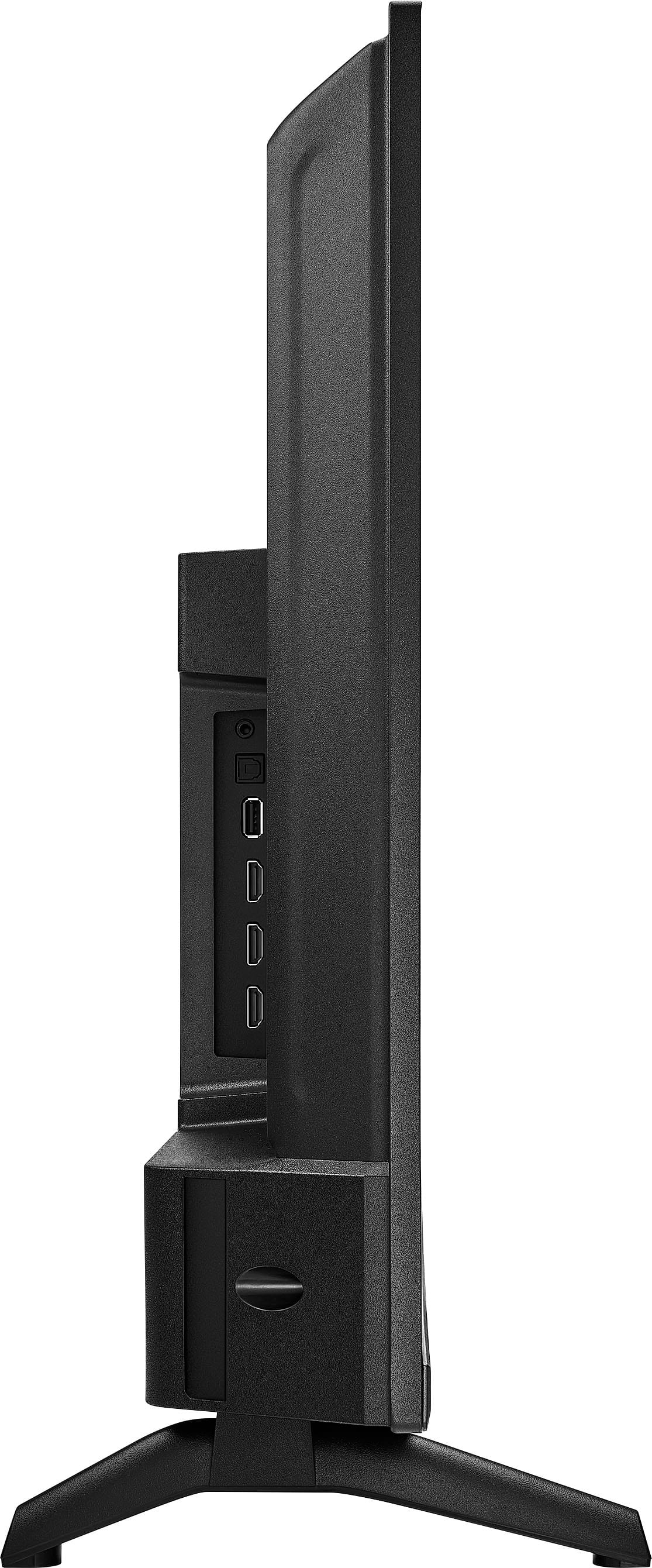
- A:Answer Hi there. Yes, you can absolutely hook up your cable box to the Pioneer 32” Class LED HD Smart Xumo TV with no issues. This TV comes equipped with multiple HDMI inputs, which is the standard connection for modern cable boxes. You'll just need an HDMI cable to connect your cable box to one of the HDMI ports on the TV. If you have any questions or need further assistance, please don't hesitate to reach out. Ivy | Pioneer Support
Answered by PioneerCustomerSupport
Q: QuestionDoes the 32 class have a standard off air input
Asked by Anonymous.
- A:Answer When connected to an antenna, via the coax input, you can get OTA signals.
Answered by JonB
Q: Questionwill this TV power up to an HDMI input?
Asked by greatorg.
- A:Answer Hi greatorg! Yes, the Pioneer 32” Class LED HD Smart Xumo TV can be configured to power on directly to an HDMI input by navigating to Settings > Antenna and Inputs on your TV, then selecting the Default Input setting. From there, you can choose your preferred startup input from the following options: Home, Last used input, Antenna, HDMI 1, HDMI 2, HDMI 3, or Composite. Please note that this setting will take effect the next time you turn on your TV after making the change. Jeth | Pioneer Support.
Answered by PioneerCustomerSupport
Q: QuestionCan I connect a speaker using Bluetooth for better sound?
Asked by Oregon.
- A:Answer Yes.
Answered by NASCARjunki
Q: QuestionWill MP3 music files play on a USB storage drive?
Asked by Bluefish9.
- A:Answer Yes, the Pioneer PN32-551-24U can play MP3 music files directly from a USB storage drive; just plug the USB into the port on the TV, navigate to the USB input using the remote, and select the MP3 files you want to play using the built-in media player. Jeth | Pioneer Support.
Answered by PioneerCustomerSupport
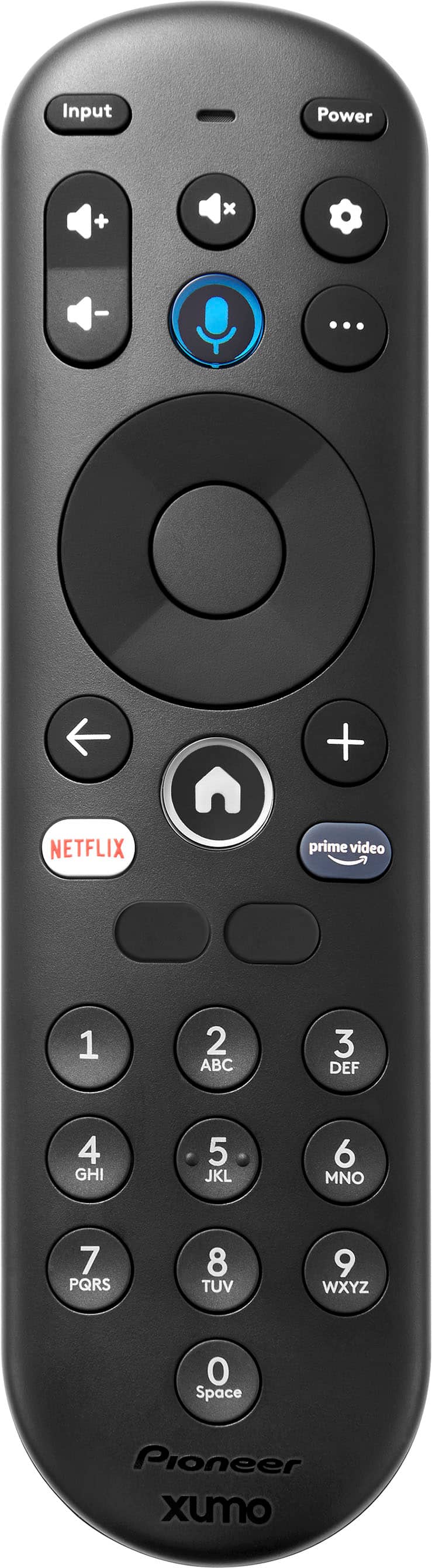
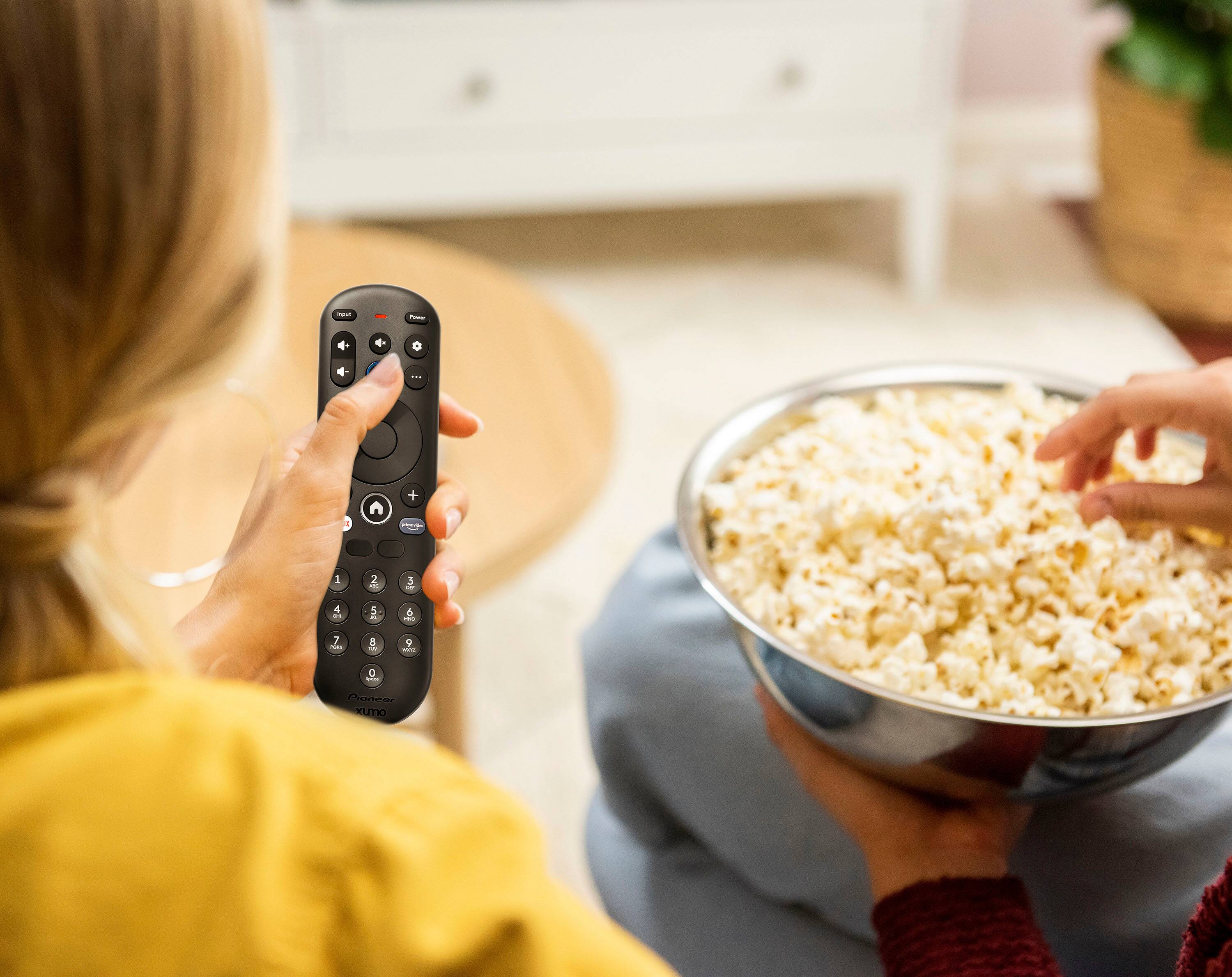
Q: Questiondoes this tv remote have numbers on it
Asked by sue.
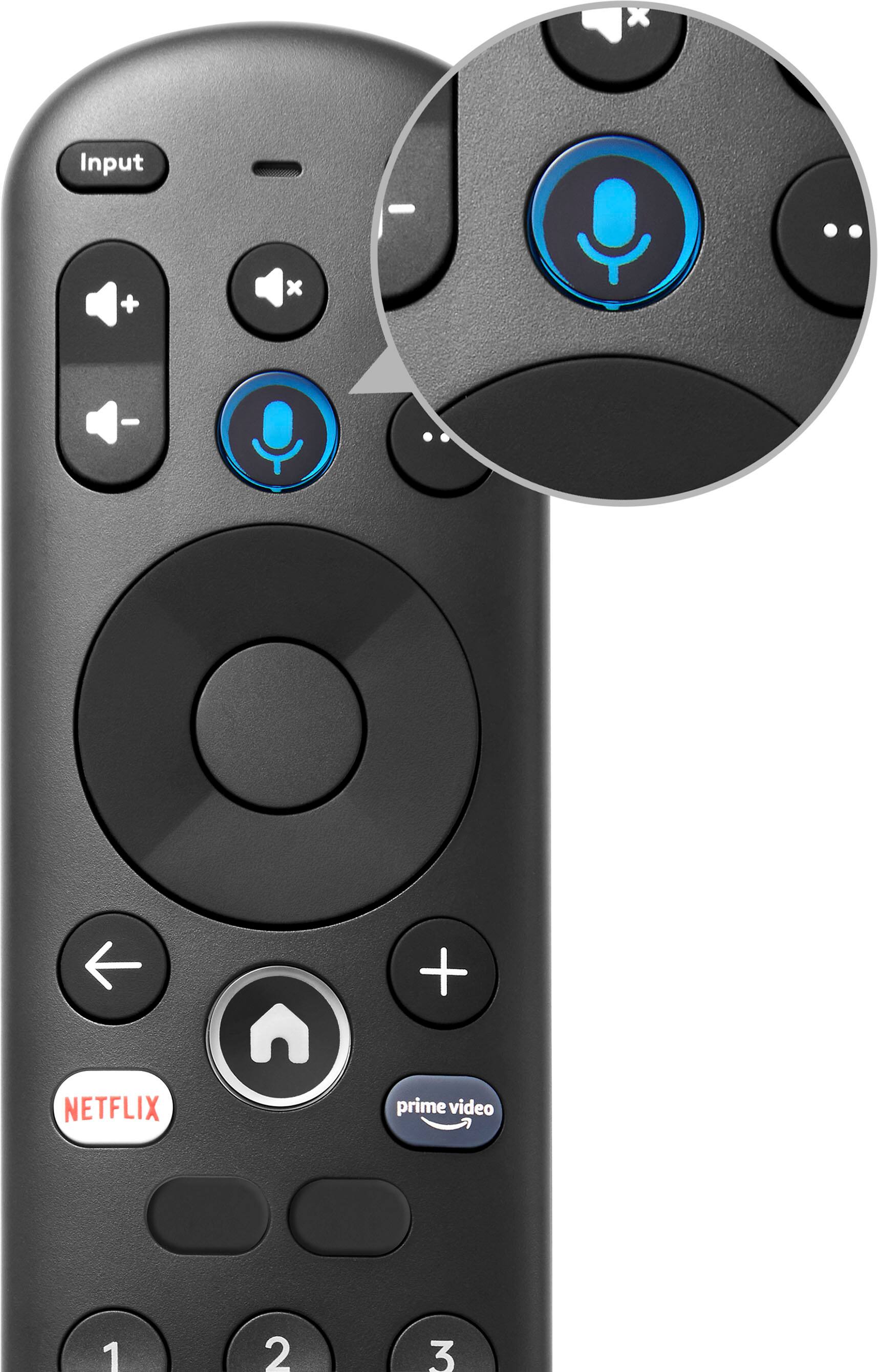
- A:Answer Yes it does
Answered by TVBUFF
Q: QuestionDoes it have a web browser?
Asked by L.
- A:Answer Hi L, I am so sorry to inform you that the web browser is not available on the Pioneer - 32” Class LED HD Smart Xumo TV, as it comes with preloaded apps only. Jeth | Pioneer Support.
Answered by PioneerCustomerSupport
Q: QuestionCan It be connected to my mobile hotspot?I need a tv that does.we camp a lot and no cable in woods
Asked by Helpplease.
- A:Answer Hello! Yes, the Pioneer 32” Class LED HD Smart Xumo TV can connect to your mobile hotspot. This TV supports Wi-Fi connectivity, which includes the ability to connect to a mobile hotspot just like it would to a home Wi-Fi network. Jeth | Pioneer Support.
Answered by PioneerCustomerSupport
Q: QuestionCan this TV be mounted to the wall?
Asked by Anonymous.
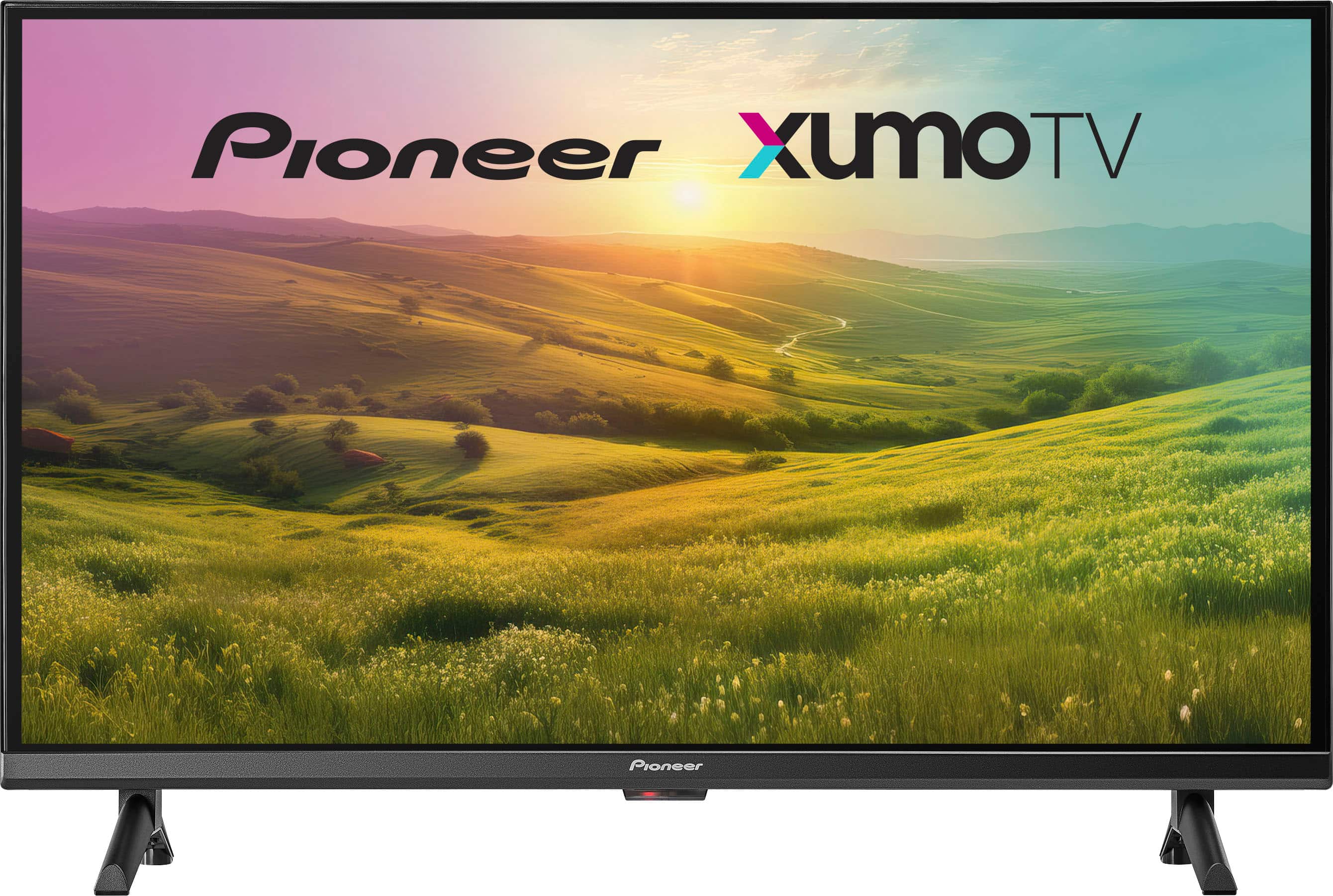
- A:Answer Hello! Yes, the Pioneer 32” Class LED HD Smart Xumo TV can be wall mounted. It supports the VESA wall mount standard of 100mm x 100mm. Jeth | Pioneer Support.

Answered by PioneerCustomerSupport
Q: QuestionDo you use your Roku device with this tv?
Asked by pcal1.
- A:Answer Hi Pgc! Yes, you can use a Roku device with the Pioneer 32” Class LED HD Smart Xumo TV, but not through a built-in Roku app. This TV does not come with Roku pre-installed, but you can connect a Roku streaming stick or set-top box via the HDMI port. Once connected, you can use Roku just like you would on any other TV. Jeth | Pioneer Support.
Answered by PioneerCustomerSupport
Q: QuestionCan I enter channel numbers directly into the remote or do I have to scroll thru a channel list? For example, if I'm on channel 11 and want to go to channel 21, can I just push "21" on the remote and it will switch to channel 21?
Asked by Kevin.
- A:Answer Yes number pad on remote works for streaming live tv.
Answered by Kallen67
Q: QuestionDoes this TV come with free channels like the LG
Asked by Anonymous.
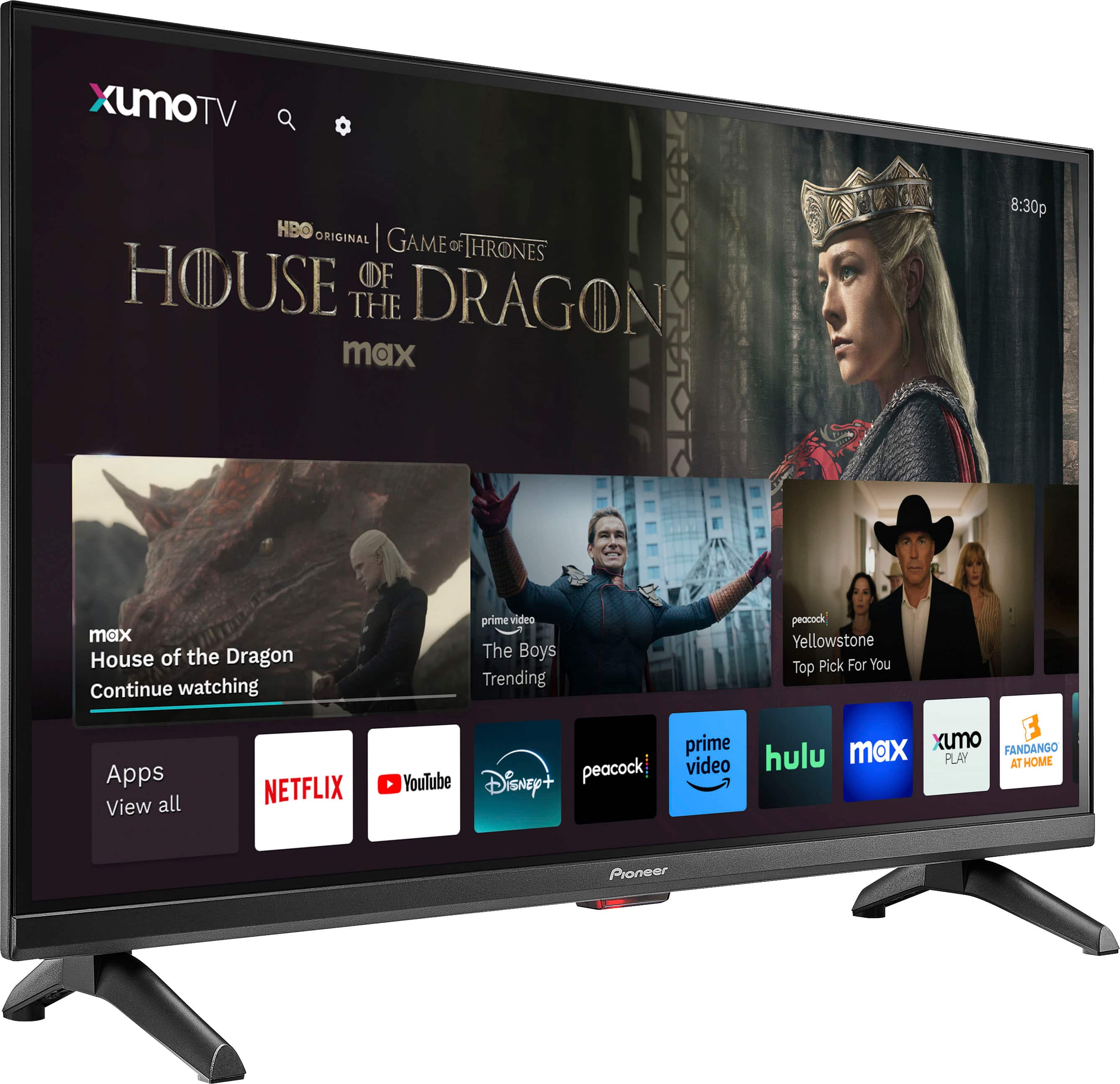
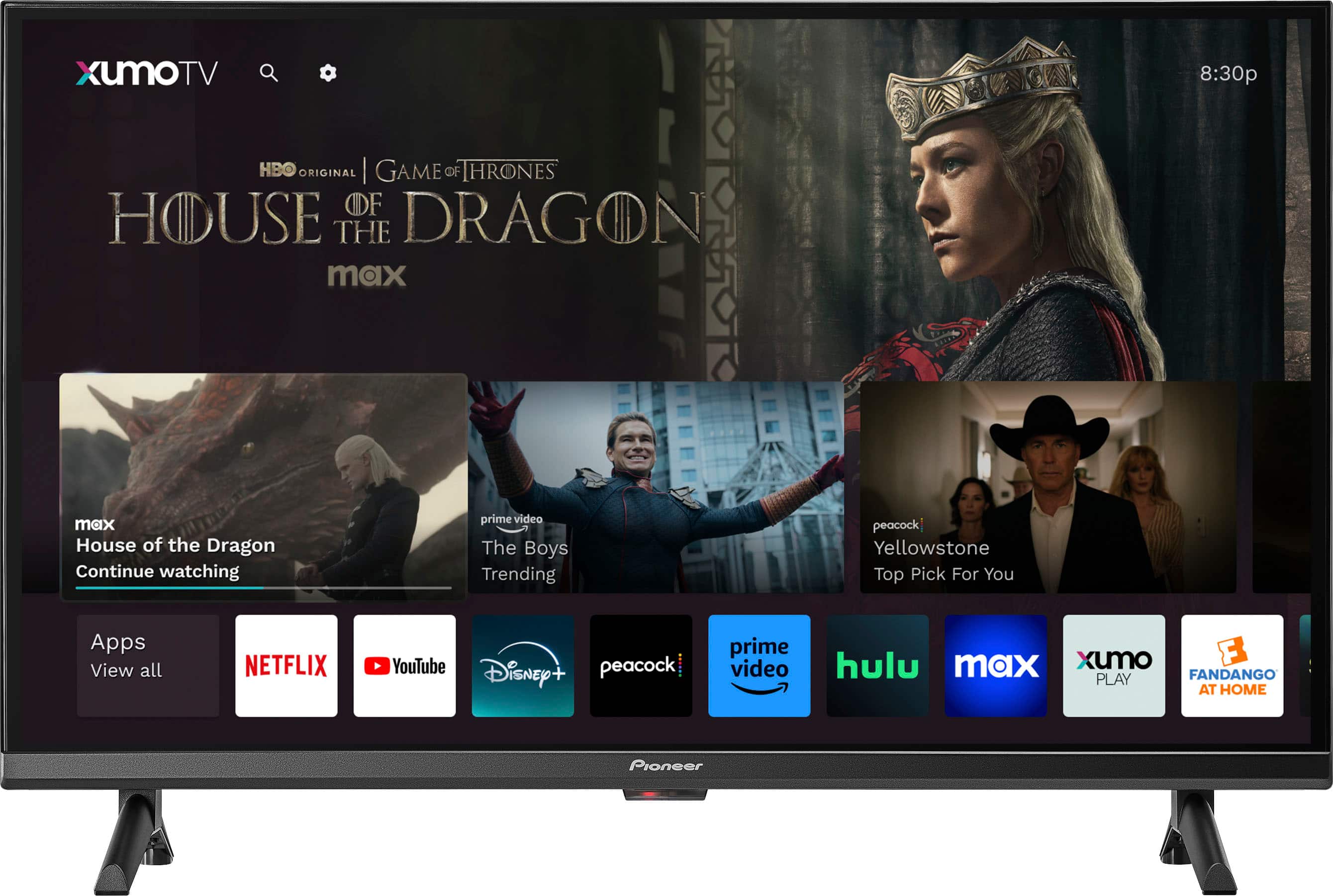
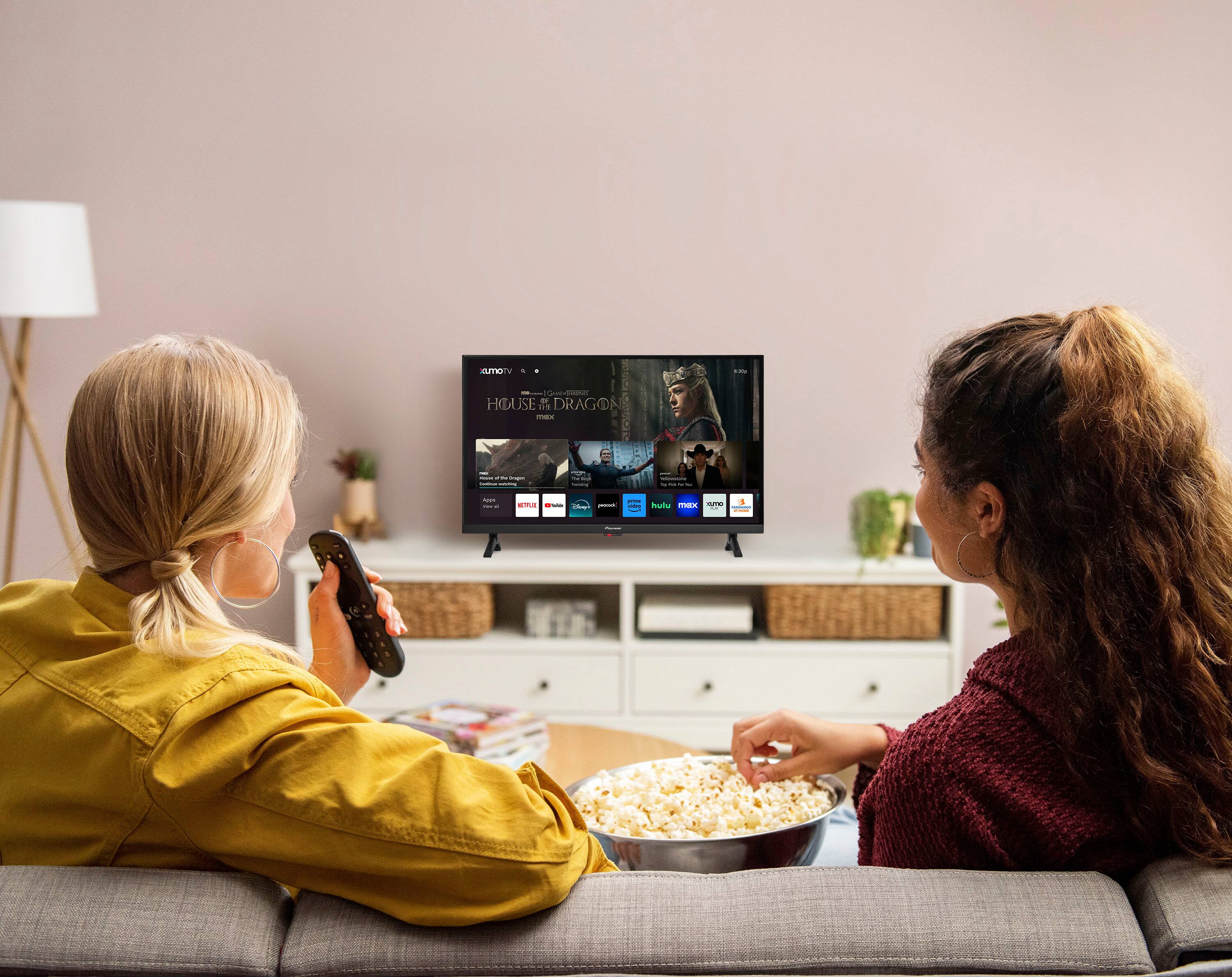
- A:Answer Hello! The Pioneer 32” Class LED HD Smart Xumo TV includes access to over 750 free live channels through platforms like Xumo Play, Tubi, and Pluto TV, along with a wide selection of on-demand content and more than 250 pre-loaded streaming apps such as Netflix, YouTube, and Disney+ (note that some apps may require a subscription), making it a great option for enjoying free entertainment right out of the box without a cable subscription. Jeth | Pioneer Support.
Answered by PioneerCustomerSupport
Q: Questiondoes it support rook streaming tv app do i have to download this app and do i have to add a id and pass word to get this app
Asked by denden.
- A:Answer Yes
Answered by JohnS
Q: QuestionMay I have a list of available apps already loaded on the TV? Thank you
Asked by Heleg.
- A:Answer Hi Heleg, you can find the list of available apps for the Pioneer 32” Class LED HD Smart Xumo TV on the Xumo website. Here is the link to the page with the information you need: https://www.xumo.com/products/xumo-tv#apps. Patricia | Pioneer Support
Answered by PioneerCustomerSupport
Q: QuestionIs it compatible with Amazon fire stick?
Asked by Anonymous.
- A:Answer yes
Answered by user662139
Top Rated
- Doorbuster$169.99Your price for this item is $169.99
- Black Friday Deal$999.99Your price for this item is $999.99
- Black Friday Deal$99.99Your price for this item is $99.99
- Black Friday Deal$349.99Your price for this item is $349.99
- Black Friday Deal$189.99Your price for this item is $189.99
- Black Friday Deal$399.99Your price for this item is $399.99
- Black Friday Deal$329.99Your price for this item is $329.99
- Black Friday Deal$899.99Your price for this item is $899.99
- Black Friday Deal$549.99Your price for this item is $549.99
- Black Friday Deal$499.99Your price for this item is $499.99
- Black Friday Deal$1,399.99Your price for this item is $1,399.99
- $549.99Your price for this item is $549.99$1,299.99The comparable value for this item is $1,299.99
- Black Friday Deal$379.99Your price for this item is $379.99
- $279.99Your price for this item is $279.99$399.99The comparable value for this item is $399.99
- Black Friday Deal$999.99Your price for this item is $999.99
- Black Friday Deal$329.99Your price for this item is $329.99
- Black Friday Deal$229.99Your price for this item is $229.99
- Black Friday Deal$129.99Your price for this item is $129.99
- $249.99Your price for this item is $249.99$379.99The comparable value for this item is $379.99
- Black Friday Deal$499.99Your price for this item is $499.99