Questions & Answers
- Model:
- PN43-751-24U
- |
- SKU:
- 6543645
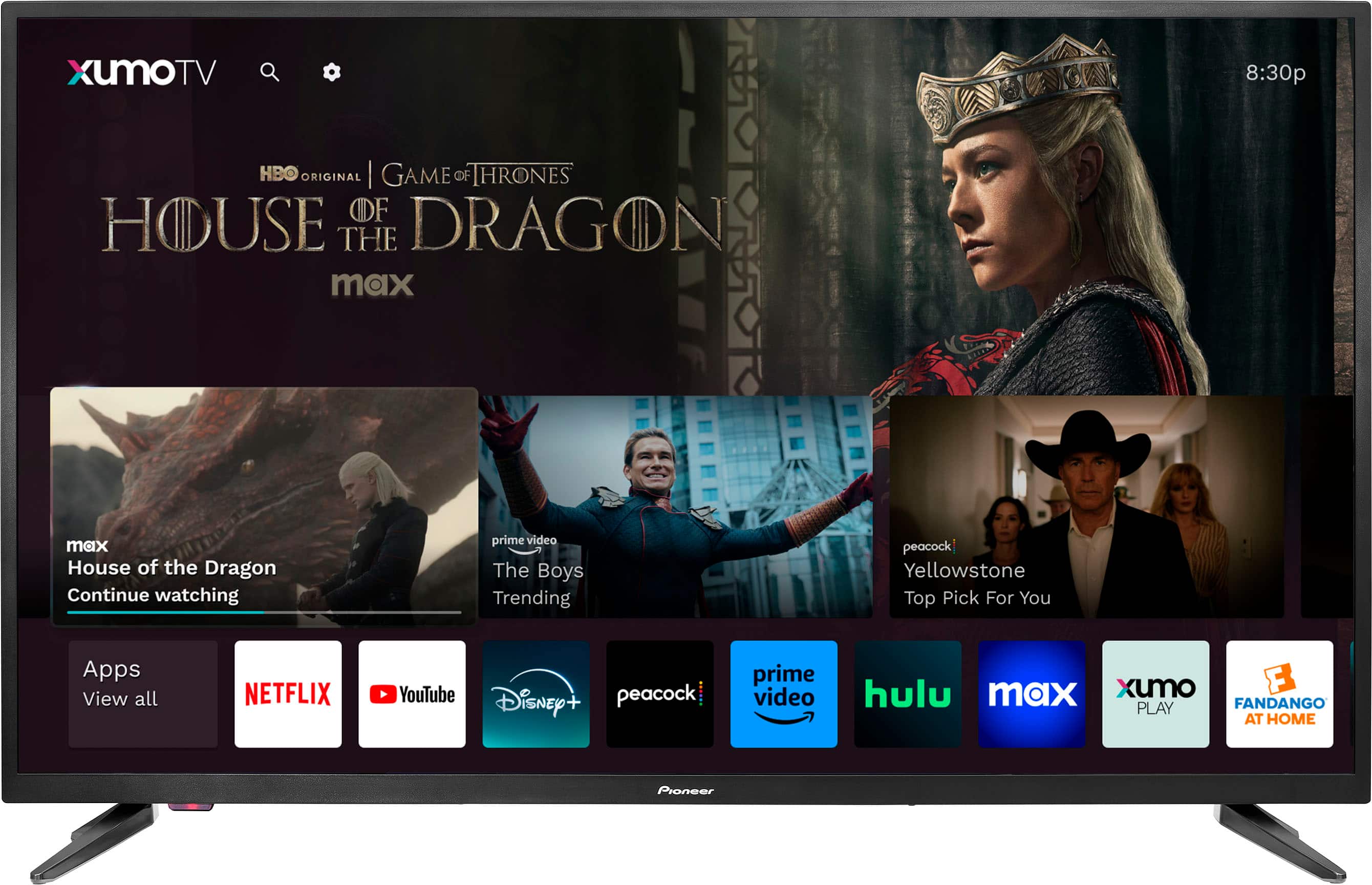
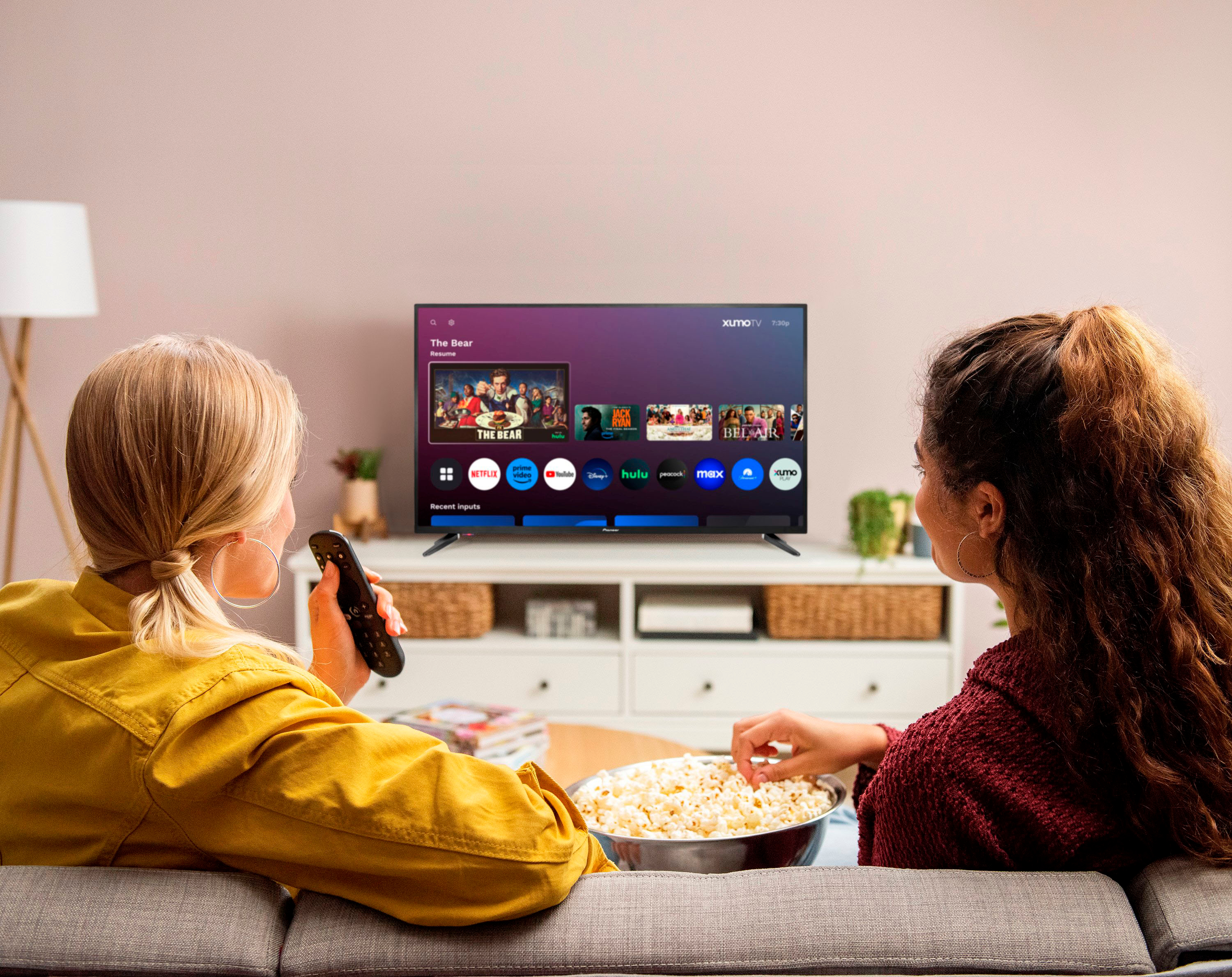
Q: QuestionIs there a way to put all of your favorite apps in one place and not show the apps that do not get used?
Asked by OOB.
- A:Answer Yes
Answered by KennedeeR
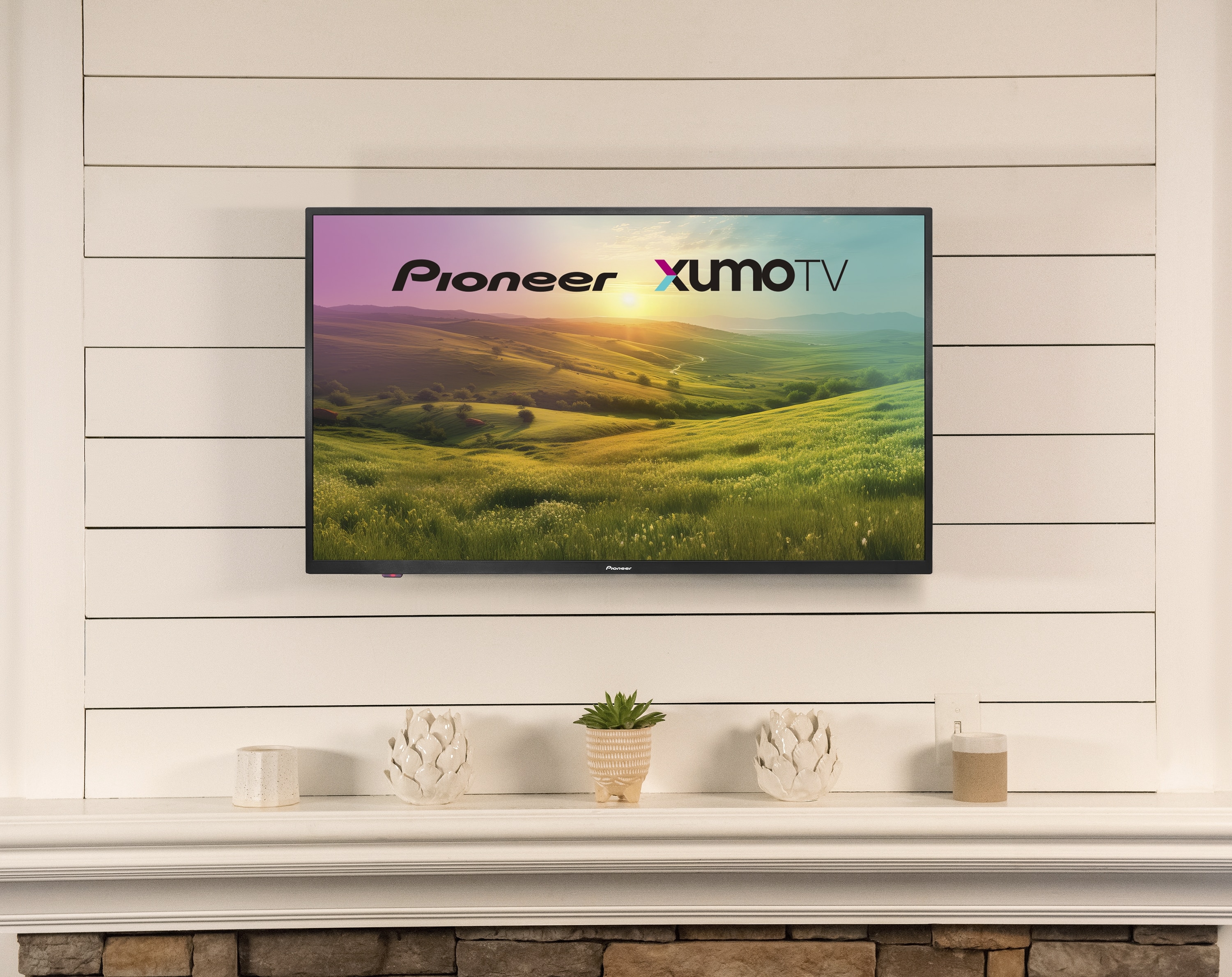
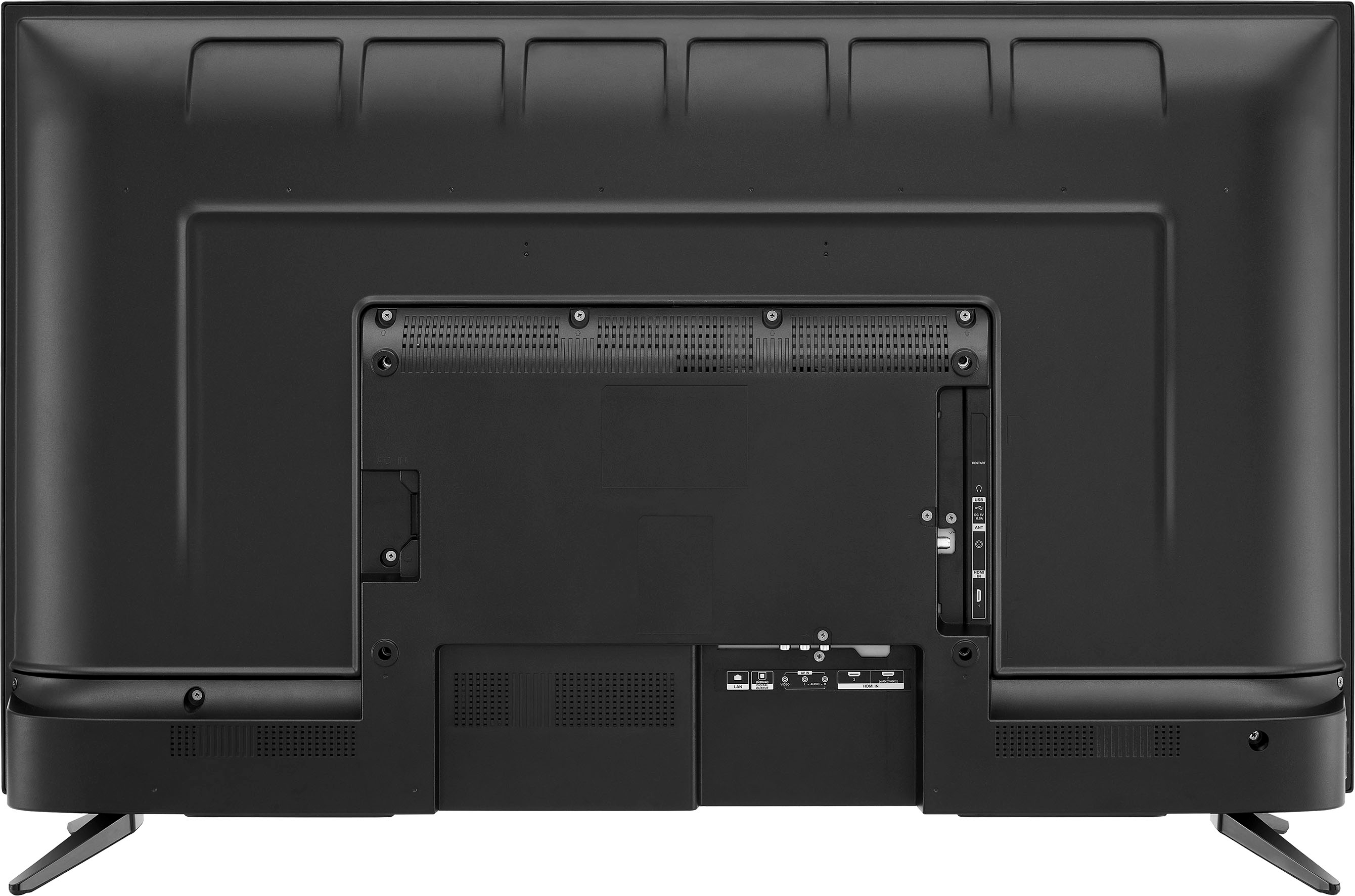
Q: Question43" xumo tv vesa mounts too small. What are the 4 bigger bolt holes for?
Asked by Jeff.
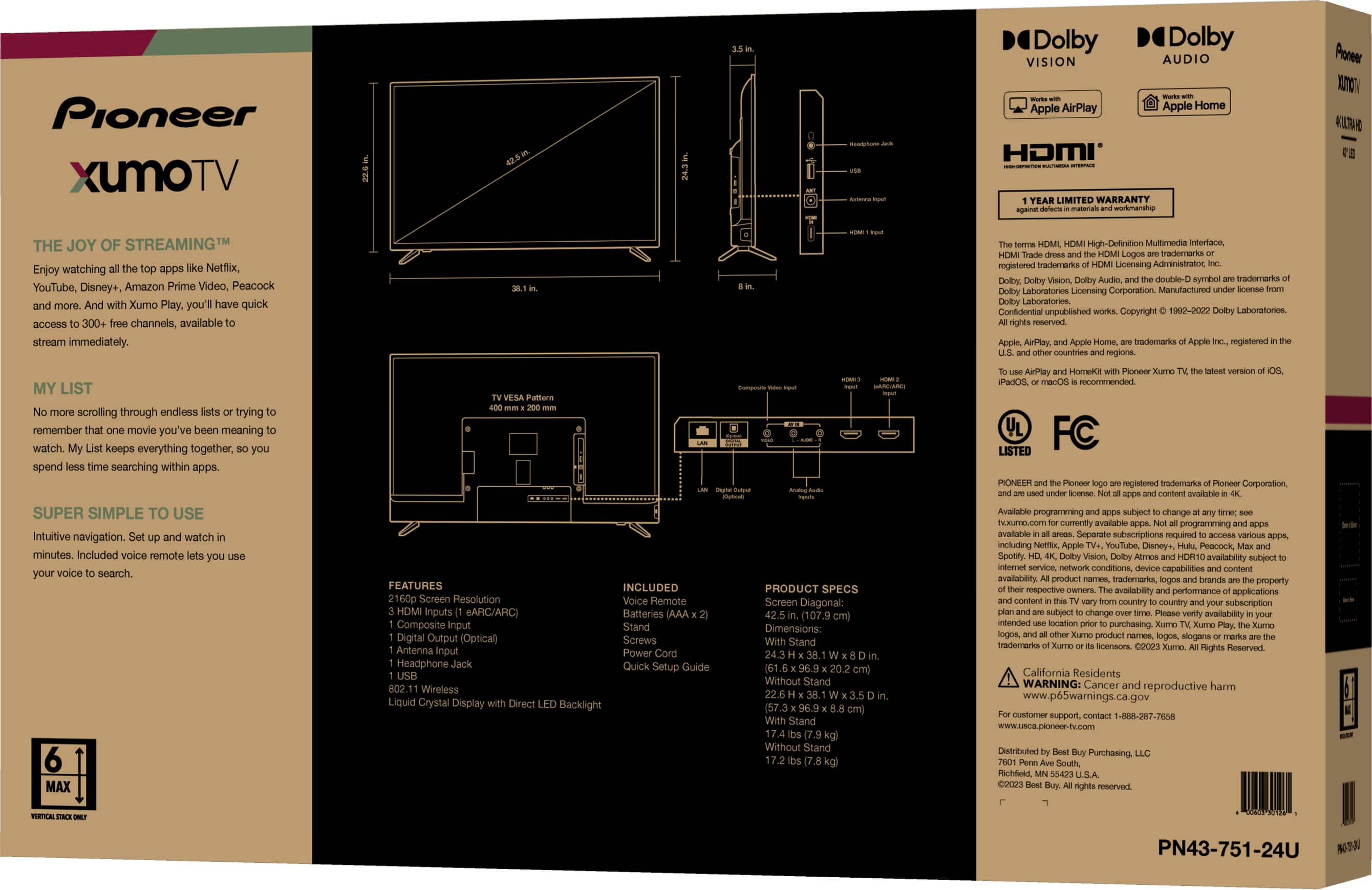
- A:Answer Thank you for your inquiry, Jeff! The Pioneer 43" Class LED 4K UHD Smart Xumo TV supports wall mounting using a 400mm x 200mm VESA pattern. This means you’ll need a compatible wall mount that fits this size. The correct screws for mounting are M6 × 35 mm, and you’ll need four of them. Some users have reported confusion because the smaller holes on the back of the TV seem to fit only M4 screws, but these are not the actual VESA mounting points. The four larger bolt holes are specifically designed for the M6 screws and are intended for securely attaching the TV to a wall mount. Additionally, it’s been noted that the top two screws may need to be slightly longer than the bottom ones, possibly due to the depth of the TV casing or bracket design. If your current mount’s bolts seem too small, double-check that you’re using the correct holes and screw size for proper installation. Keith | Pioneer Support
Answered by PioneerCustomerSupport
Q: QuestionIs Fubo tv one of the apps that is already installed?
Asked by Cathy.
- A:Answer Yes I believe I saw it on there already
Answered by CodyR
Q: QuestionI have to unplug my tv than wait and plug it back a few times before it works any suggestions
Asked by Cobra.
- A:Answer No. Is so very easy only push the button on and that’s it.
Answered by CarmenMAyala
Q: QuestionHow bright/many nits is it?
Asked by Judd94.
- A:Answer I'm a radiology technologist, and I know about contrast, dye, brightness, etc., because I studied and worked with them. I didn't have to fix anything with this equipment because it's crystal clear.
Answered by carmenmayala
Q: QuestionCan you download sling tv on this tv
Asked by Brenda.
- A:Answer Yes, Sling is included in the free apps
Answered by gdoug
Q: QuestionCan this tv be connected to a RV antenna?
Asked by Gumbo.
- A:Answer As in my previous comment, I am not connected to a Wi-Fi router and I am only using a regular antenna. If you see the photos, the images on all the scanned channels are perfect.
Answered by carmenmayala
Q: QuestionDOES IT HAVE THE OLDER COAXEL PLUG FOR CABLE TV
Asked by BUSTER.
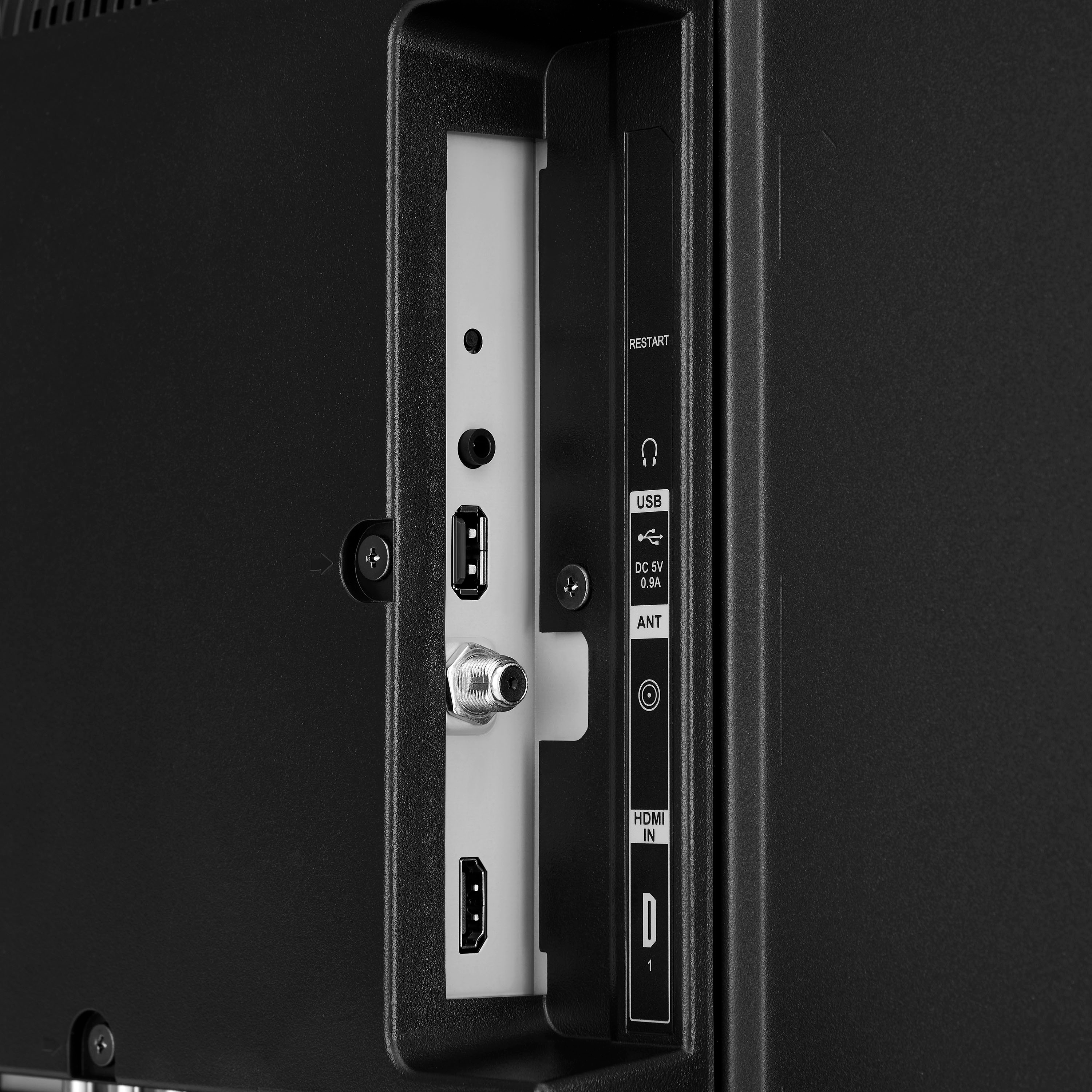
- A:Answer Yes, it has a coaxel input
Answered by gdoug
Q: QuestionWhat is the brightness of this TV for use in computer mode? Please answer in nits or Cd/m^2. Thank you!
Asked by TennisPlayer.
- A:Answer No estoy usando ningún otro equipo para ver, como mencioné solo una antena, pero si puedo usar alguna sé que será más fácil y perfecto para ver cualquier imagen.
Answered by carmenmayala
Q: QuestionIs this compatible with android devices?
Asked by Memee.
- A:Answer Maybe cause I don’t have the opportunity to have an android.
Answered by carmenmayala
Q: QuestionDoes cable tv program through the antenna coax port or the HDMI port?
Asked by Horace.
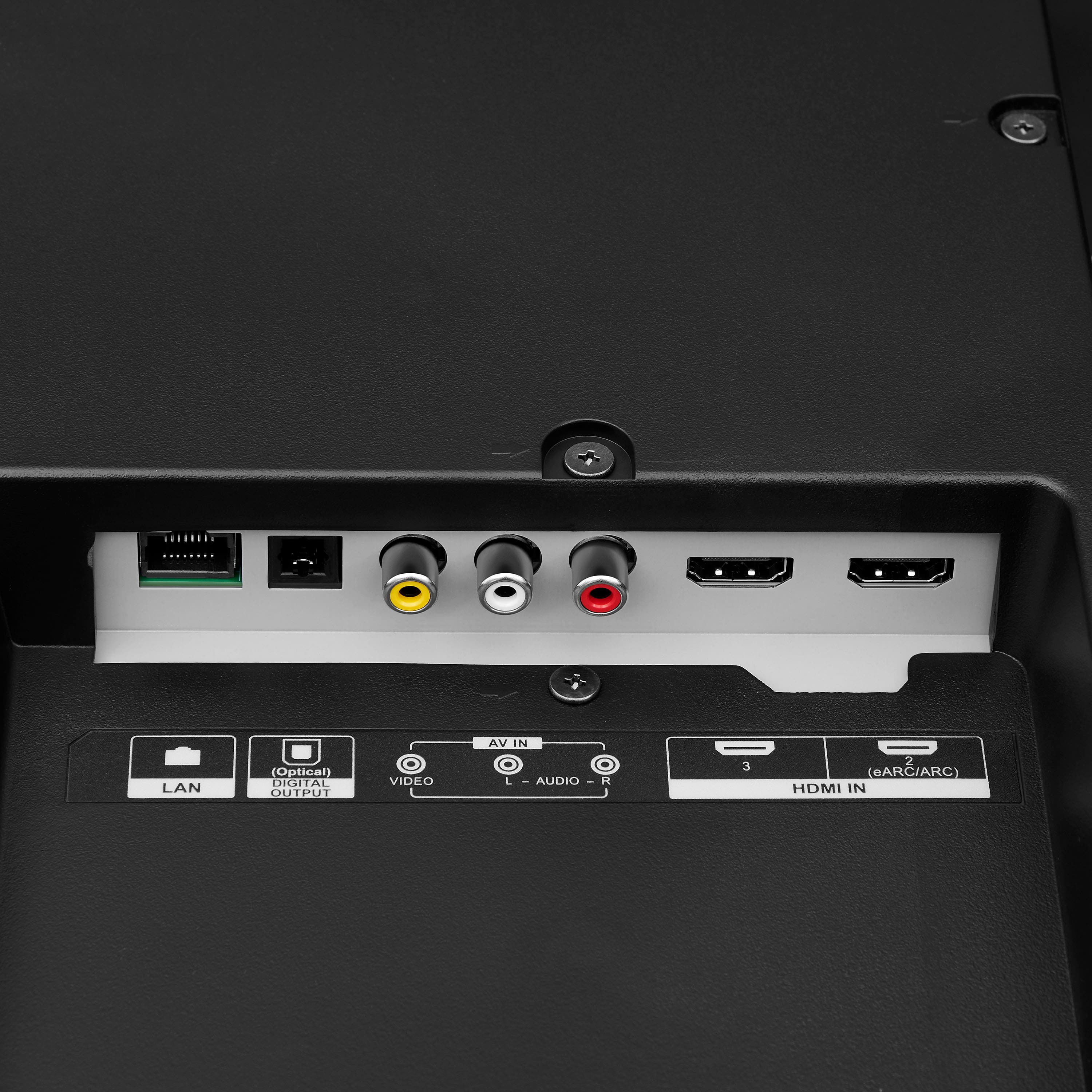
- A:Answer If you have a cable box, coax goes in there, then if there's an HDMI output on the cable box (very likely) that goes to tv for best picture and results imho. Doing that as opposed to cable in from cable box to tv solved formatting issues automatically for me.
Answered by Anonymous
Q: QuestionWhat is the warranty
Asked by Anonymous.
- A:Answer One year Parts and labor
Answered by KennethD
Q: QuestionI bought a Samsung tv at BEST buy but I have Verizon Fios which the tv does not support. Which tv brands do accept Verizon Fios signal?
Asked by Anonymous.
- A:Answer Just now seeing this; after researching on Google, there's high appreciation towards the TCL (with Roku). But essentially all brands should work; Samsung is aware of the issue that was previously written. Hope all is well! :)
Answered by Trae
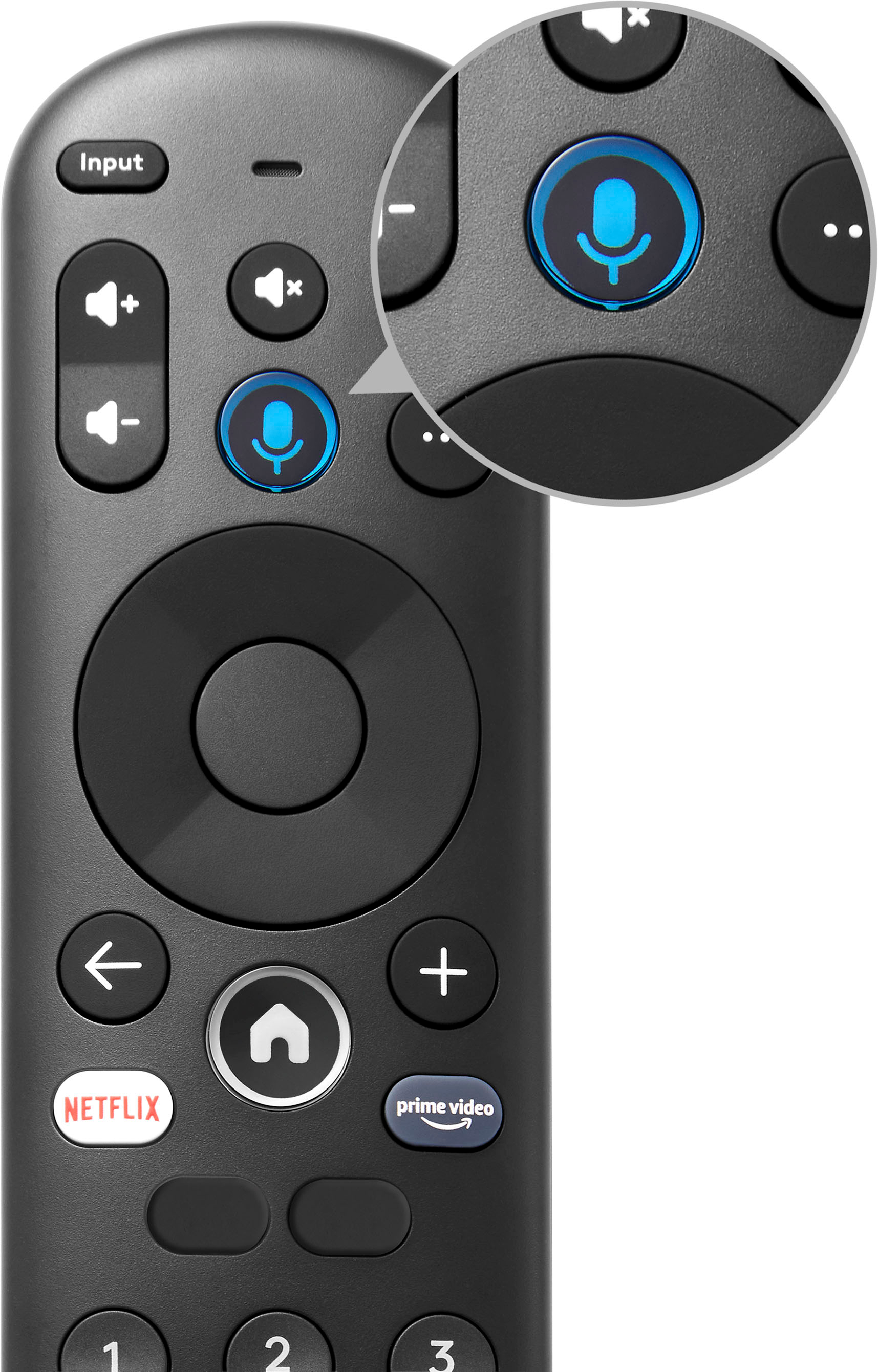
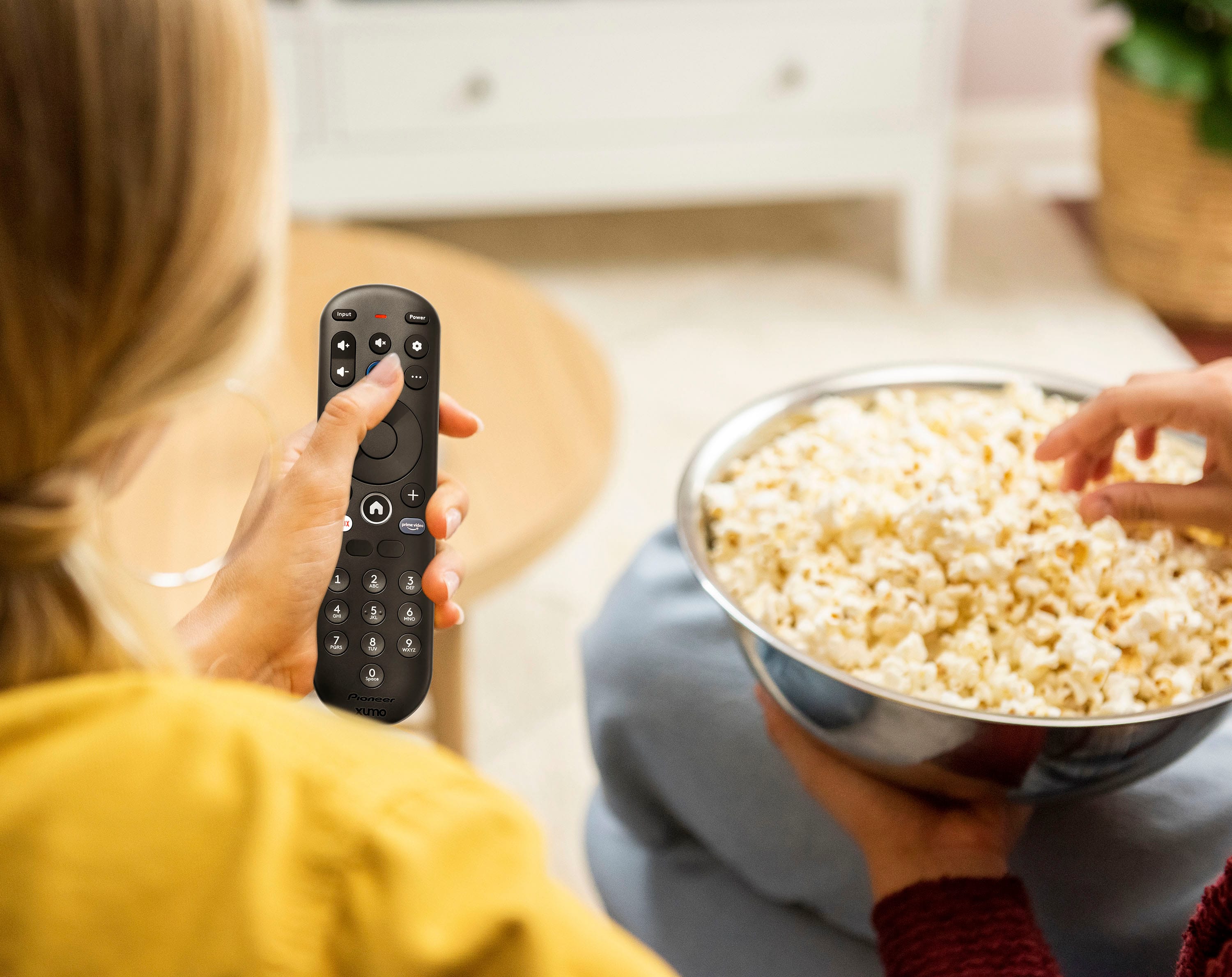
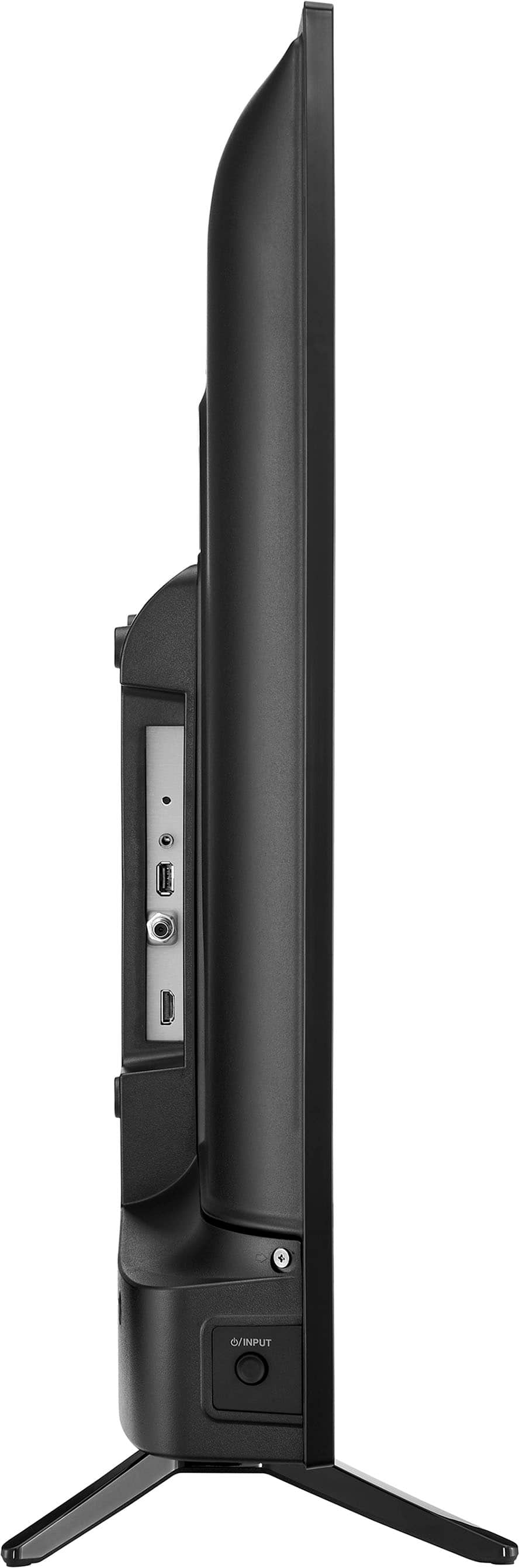
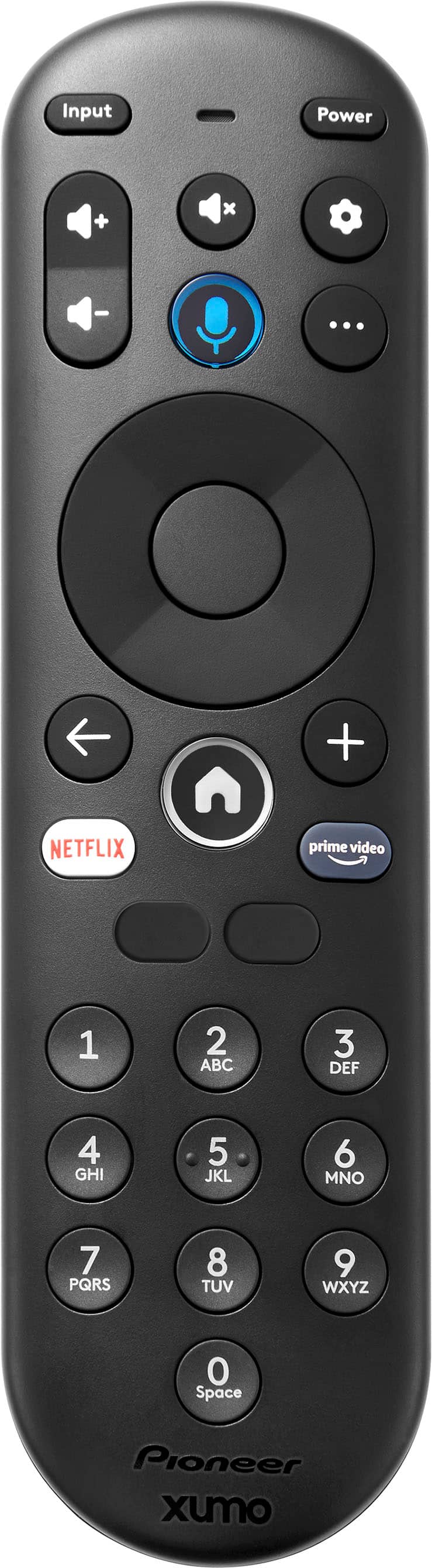
Q: QuestionWhere on the tv are the on off buttons? My remote will change channels but will not turn the volume up or down and it will not turn the tv on or off.
Asked by Twins.
- A:Answer Thank you for reaching out, Twins. The power button on your Pioneer 43" 4K Xumo TV is usually found underneath, on the right side. If your remote isn't controlling power or volume, start by replacing the remote's batteries, ensuring they're correctly placed. If that doesn't fix it, unplug your TV for a minute, then plug it back in to reset it. If the remote still doesn't work, try using the physical buttons on the TV itself. If the TV responds to these buttons but not the remote, the remote or the TV's sensor might be faulty. If you've tried these steps and still have problems, please contact our Pioneer customer support team (1-800-421-1404) for more help. - Mae | Pioneer Support
Answered by PioneerCustomerSupport
Q: Questionwhat is the mounting screw size
Asked by screw.
- A:Answer The Pioneer 43" Class LED 4K UHD Smart Xumo TV uses M6 screws for wall mounting. The recommended screw length is 35 mm. Patricia | Pioneer Support
Answered by PioneerCustomerSupport
Q: Questionany ideas of a sound bar that works?
Asked by Honis.
- A:Answer Thank you for your inquiry! Honis, when choosing a soundbar for your Pioneer 43" 4K Xumo TV, consider your budget and desired features. Options range from basic soundbars that enhance dialogue to more advanced systems with Dolby Atmos for immersive sound. For a simple upgrade, look at brands like TCL or Vizio, which offer affordable and reliable soundbars. If you want a more premium experience, consider brands like Sonos, Bose, or Samsung. Ensure the soundbar has the necessary connections, such as HDMI ARC or optical, to easily connect to your TV. Reading reviews and comparing specifications will help you find the best soundbar to meet your needs. If you have any other questions or need further assistance, feel free to ask! - Mae | Pioneer Support
Answered by PioneerCustomerSupport
Q: QuestionPrevious Q&A says this TV supports chromecast. owning TVs that do support it, I can say that if this TV supports chromecast we need a better answer than "yes it does"...Like specific link to pioneer forums or the full answer here please
Asked by UsuallyLikeRZMovies.
- A:Answer Generally, even if WiFi is disabled or turned off on a television, if your router is configured to allow WiFi and wired networks to act as a single network, you can connect to the device. I have a wired television and wired AVR and our internal home network is configured so access to the tv through WiFi is allowed. I also have a second, (guest) network that is active so visitors can access the television through their own phone/tablet WiFi, but not other devices in our house. Basically access is configured through the router (tv and AVR have static IP addresses). By using a wired network on the television it reduces traffic on WiFi so everything is smoother and WiFi bandwidth usage is reduced.
Answered by ChewBird
Q: QuestionDoes this tv require a cable connection or will WiFi suffice?
Asked by Anonymous.
- A:Answer It is enough via Wi-Fi.
Answered by LuisD
Q: QuestionI am looking for a tv that will be used for over the air only. Is this tv capable of this, and if so, can it simply be plugged in or are there settings that will need to be adjusted.
Asked by Johnl.
- A:Answer You have to set it up to use it only with an antenna, although it is a bit tedious, it's not impossible.
Answered by LuisD
Top Rated
- Doorbuster$169.99Your price for this item is $169.99
- Black Friday Deal$999.99Your price for this item is $999.99
- Black Friday Deal$99.99Your price for this item is $99.99
- Black Friday Deal$349.99Your price for this item is $349.99
- Black Friday Deal$899.99Your price for this item is $899.99
- Black Friday Deal$329.99Your price for this item is $329.99
- Black Friday Deal$399.99Your price for this item is $399.99
- $279.99Your price for this item is $279.99$399.99The comparable value for this item is $399.99
- Black Friday Deal$299.99Your price for this item is $299.99
- Black Friday Deal$999.99Your price for this item is $999.99
- Black Friday Deal$189.99Your price for this item is $189.99
- Black Friday Deal$1,399.99Your price for this item is $1,399.99
- Black Friday Deal$499.99Your price for this item is $499.99
- Black Friday Deal$549.99Your price for this item is $549.99
- $999.99Your price for this item is $999.99$2,199.99The comparable value for this item is $2,199.99
- $549.99Your price for this item is $549.99$1,299.99The comparable value for this item is $1,299.99
- Black Friday Deal$329.99Your price for this item is $329.99
- Black Friday Deal$379.99Your price for this item is $379.99
- Black Friday Deal$229.99Your price for this item is $229.99
- Black Friday Deal$449.99Your price for this item is $449.99