A:AnswerMost vehicles will require a dash adapter and/or a wiring harness adapter kit.
Please work with Best Buy’s Geek Squad. They will verify the fit and assist you with any additional accessories you may need.
A:AnswerHi Unclemike642! For a receiver with a 22 rms handling capacity, you would want to look for speakers that match or exceed that power rating. Some recommended options for speakers to pair with the Pioneer DM receiver could include:
1. Pioneer TS-A1670F 6.5" 3-Way Coaxial Speakers - These speakers have a power handling capacity of up to 320 watts peak power and 50 watts RMS, which would be a good match for the receiver.
2. Kenwood KFC-1666S 6.5" 2-Way Coaxial Car Speakers - These speakers have a power handling capacity of up to 300 watts peak power and 30 watts RMS, which would also be a good match for the receiver.
3. JBL Stage 9603 6" x 9" 3-Way Coaxial Speakers - These speakers have a power handling capacity of up to 210 watts peak power and 70 watts RMS, making them a good option for the receiver.
Ultimately, the best speaker choice will depend on your preferences for sound quality, brand preference, and budget. It's always a good idea to test out speakers in person if possible to see which ones sound the best to you in your specific vehicle.
JC | Pioneer Support https://www.bestbuy.com/site/pioneer-6-8-wireless-android-auto-and-apple-carplay-bluetooth-digital-media-dm-receiver-black/6514065.p?skuId=6514065
A:AnswerDepending on the car, it may be an installation issue.
Select an audio source, like the FM radio.
Go into the audio settings and fade it all the way to the rear.
If the audio goes away, you know it is the vehicle. Usually, a Jeep or Chrysler product. The easiest way to resolve this is to swap the front and rear speaker connections.
If needed, contact our Product Support at 1-800-421-1404, select option 1.
They will provide troubleshooting assistance.
A:AnswerMost vehicles will require a dash adapter and/or a wiring harness adapter kit.
Please work with Best Buy’s Geek Squad. They will verify the fit and assist you with any additional accessories you may need.
A:AnswerMost vehicles will require a dash adapter and/or a wiring harness adapter kit.
Please work with Best Buy’s Geek Squad. They will verify the fit and assist you with any additional accessories you may need.
A:AnswerThe USB can provide up to 1.5 amps, it does not support rapid charging.
In most cases, this is enough to maintain the charge while connected and performing Android Auto.
A:AnswerThe adapter kits will have support for OnStar. Same as your original radio, if you don't want to use it, you do not have to use it.
Please work with Best Buy’s Geek Squad. They will verify the fit and assist you with any additional accessories you may need.
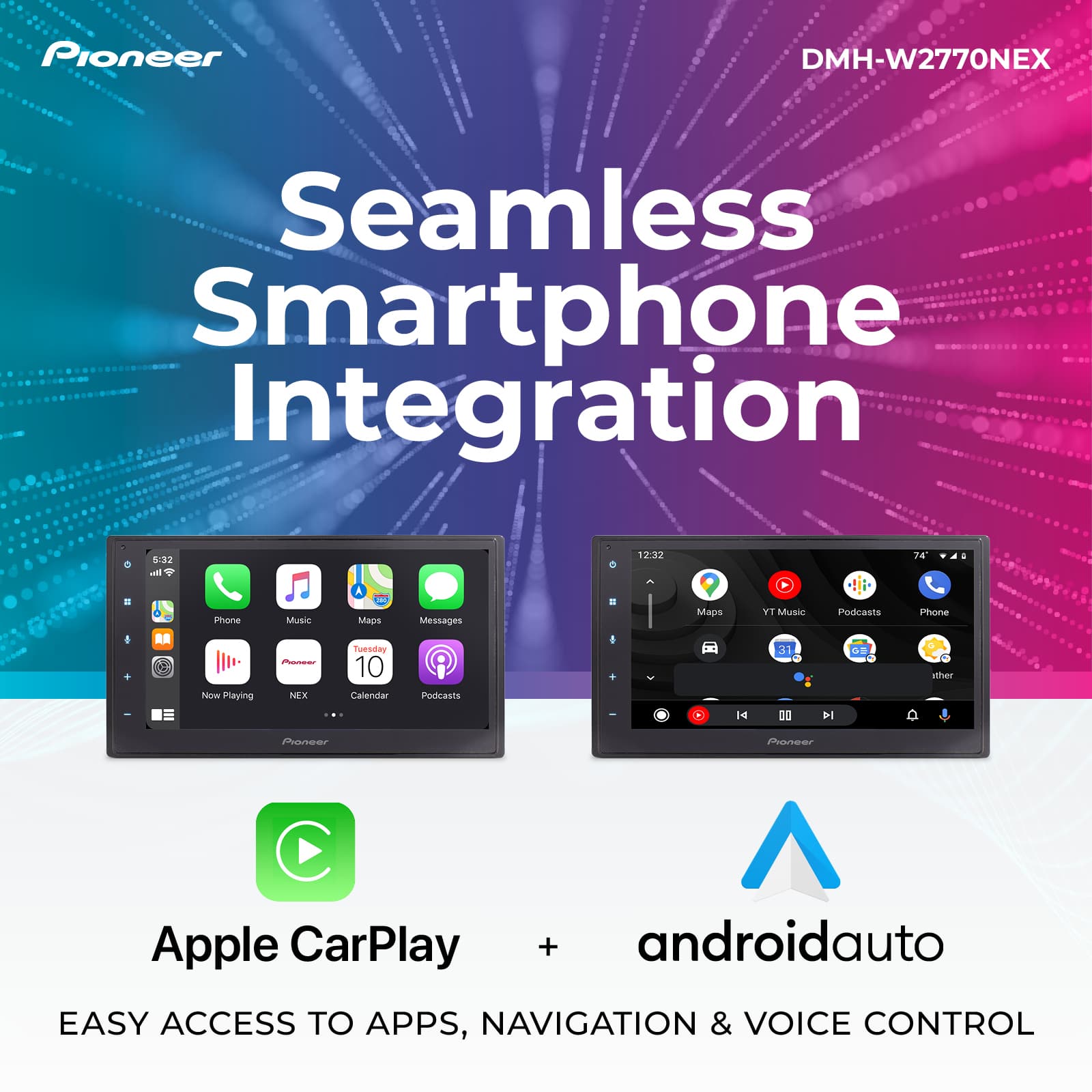
A:AnswerWireless Apple CarPlay will use Bluetooth and Wifi to connect.
Please contact our Product Support at 1-800-421-1404, select option 1.
You can also email us at www.pioneerelectronics.com/contactus.
They will provide further details.
A:AnswerMost vehicles will require a dash adapter and/or a wiring harness adapter kit.
Please work with Best Buy’s Geek Squad. They will verify the fit and assist you with any additional accessories you may need.
A:AnswerI would suspect a wire shorting or a bad speaker, causing it to go into a protect mode.
Please contact our Product Support at 1-800-421-1404, select option 1.
You can also email us at www.pioneerelectronics.com/contactus.
They will provide troubleshooting assistance.
A:AnswerMost vehicles will require a dash adapter and/or a wiring harness adapter kit.
Please work with Best Buy’s Geek Squad. They will verify the fit and assist you with any additional accessories you may need.
A:AnswerPlease contact Best Buy at 888-287-7658. They will try to assist you with verifying the fit and provide information on any adapter kits you may need.
You can also contact our Product Support at 1-800-421-1404, option #1. They can try to assist you too.
A:AnswerMost vehicles will require a dash adapter and/or a wiring harness adapter kit.
Please work with Best Buy’s Geek Squad. They will verify the fit and assist you with any additional accessories you may need.
A:AnswerPlease work with Best Buy’s Geek Squad. They will verify the fit and assist you with any additional accessories you may need to retain the factory camera.
A:AnswerAndroid Auto does not support video playback.
You can plug your Android phone in and use the WebLink to cast the video from the phone to the stereo.
If needed, please contact our Product Support at 1-800-421-1404, select option 1. They can walk you through the setup.