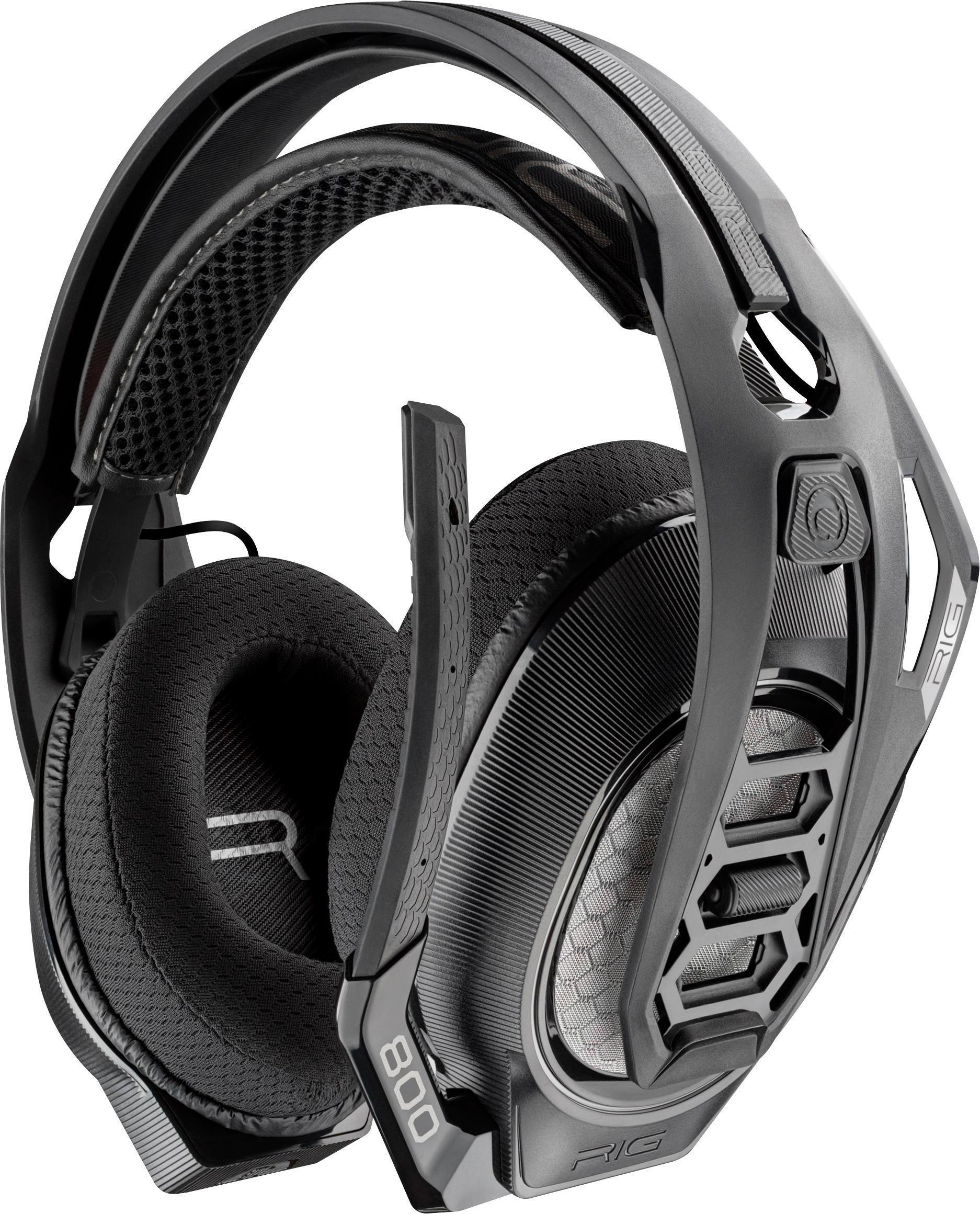
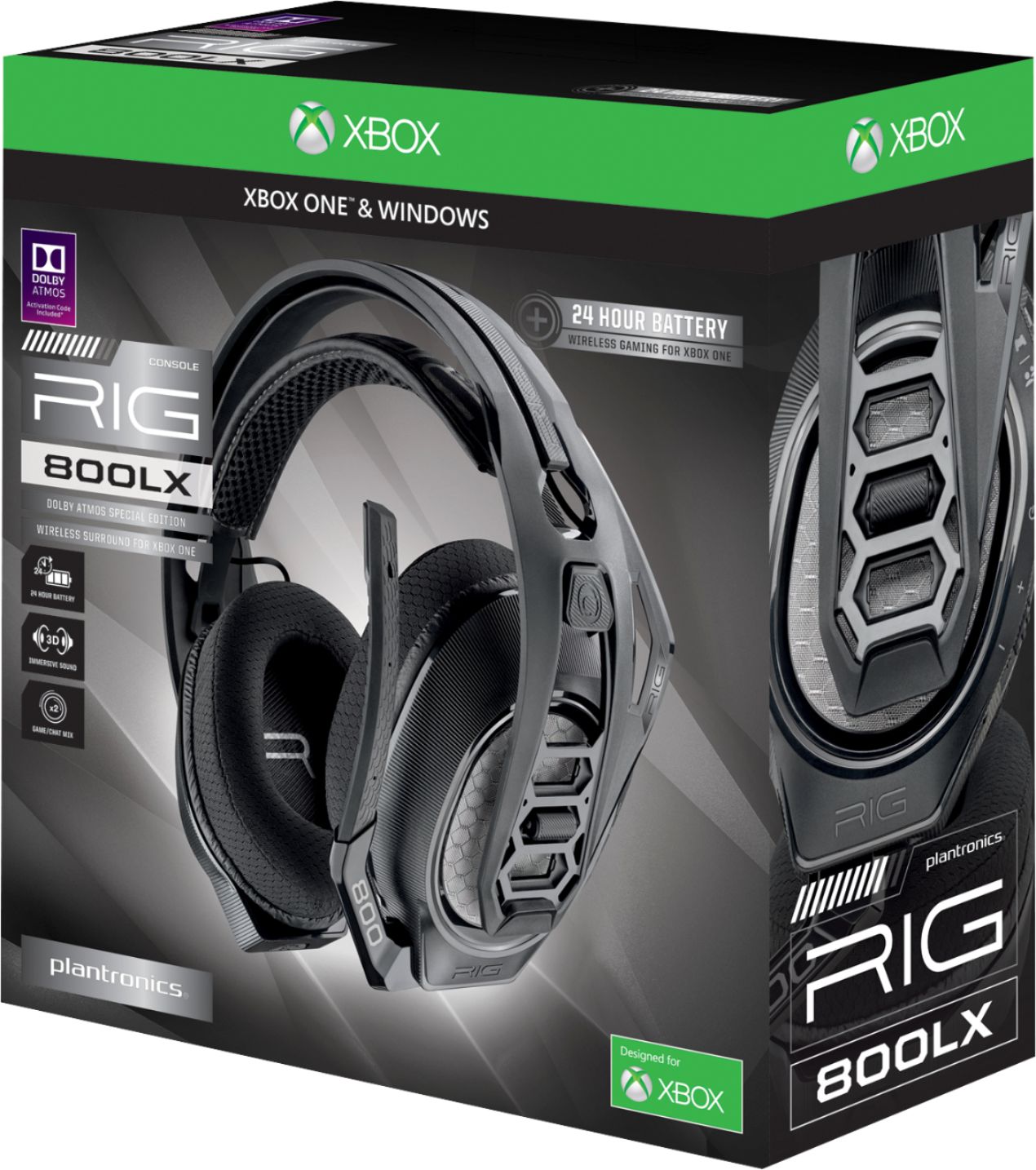
A:AnswerHey Rob! You can only use it on one device, either you use it on your Xbox One or your Windows 10 computer. If you have any further questions, please don't hesitate to contact our Customer Care Team at: 1-855-765-7878
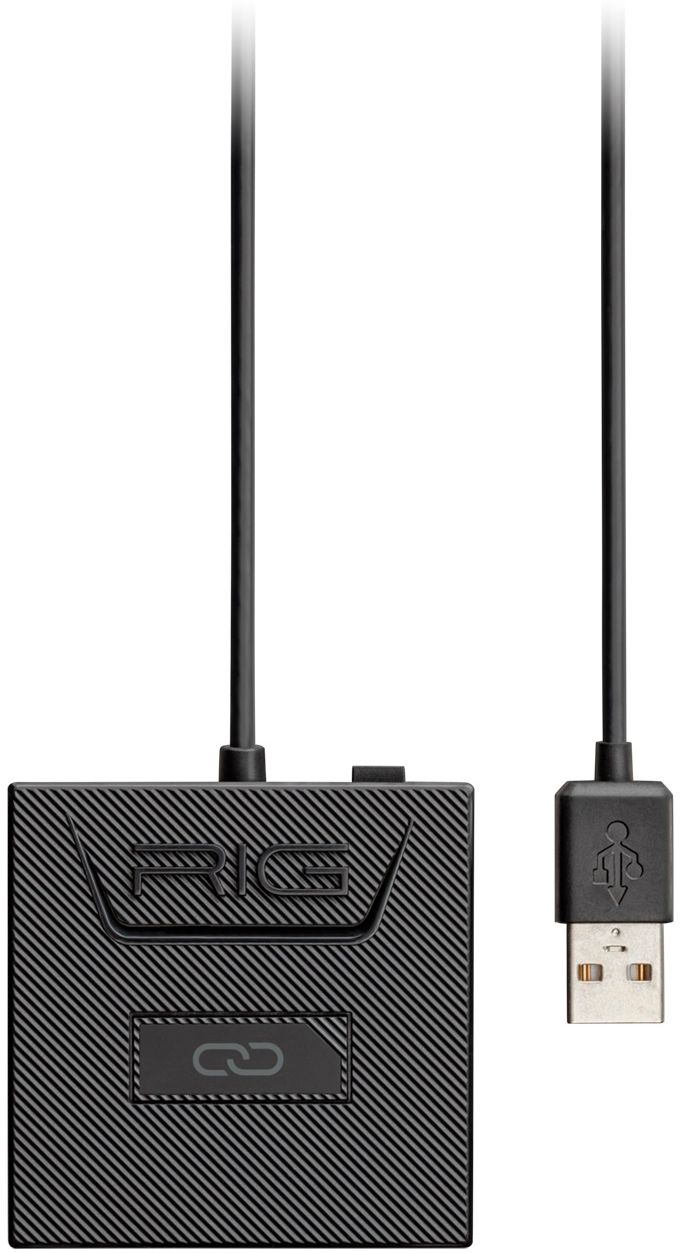
A:AnswerHello Tray! The USB transmitter is required for the RIG 800LX SE to work, because of this the headset is mainly for PC or Xbox. If you have any further questions feel free to contact our Customer Care group at: http://www.plantronics.com/us/support/contact/
A:AnswerYes, have asked those I've played with and they've had no problems hearing me. Plus the flip to mute is a great feature that I don't think I can go back from now.
A:AnswerIn short no, this does not have surround sound. This has Dolby atmos which is better than surround sound. Surround sound can travel 360° around you horizontally whereas atmos can travel 360° in any direction: up, down, left, right, in front, behind, upper left behind you, lower right in front, etc.
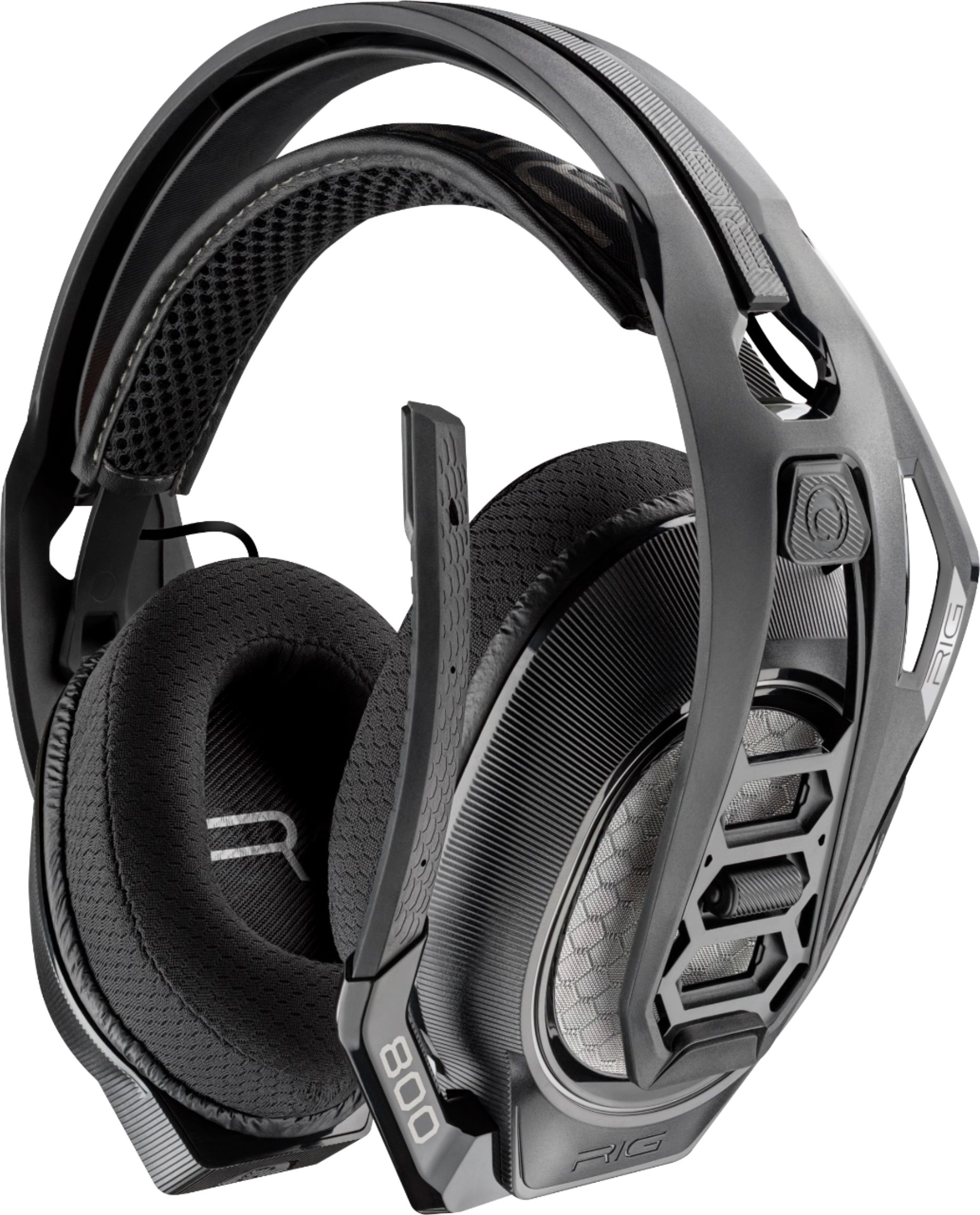
A:AnswerYes! This headset is compatible with the Xbox One and also with computers, just keep in mind that in order to use Dolby Atmos your computer must be running Windows 10 Creators Update or later.
A:AnswerThis will depend on the device you use the headset with. If your Xbox or PC has another surround sound audio processing engine it can use besides Dolby Atmos you might be able to use it with the headset but otherwise you will only hear stereo sound.
A:AnswerHi Blake,
That is correct. The game/chat balance feature from the headset will only work with Xbox consoles due to the lack of a Toslink/Optical cable port on the 800LX Xbox-specific wireless adapter. But there is the PC switch to enable audio use on a PC. To adjust the game/chat balance when using the RIG 800LX for PC gaming, use the audio settings on the PC. The typical way to do this is to right-click on the speaker icon in the PC toolbar and then open the volume mixer. There you can adjust each program running on your desktop individually. You can increase or decrease the voice app and the game to balance out the audio mix to your preference. Hope that helps...Thanks for your support of RIG Gaming products
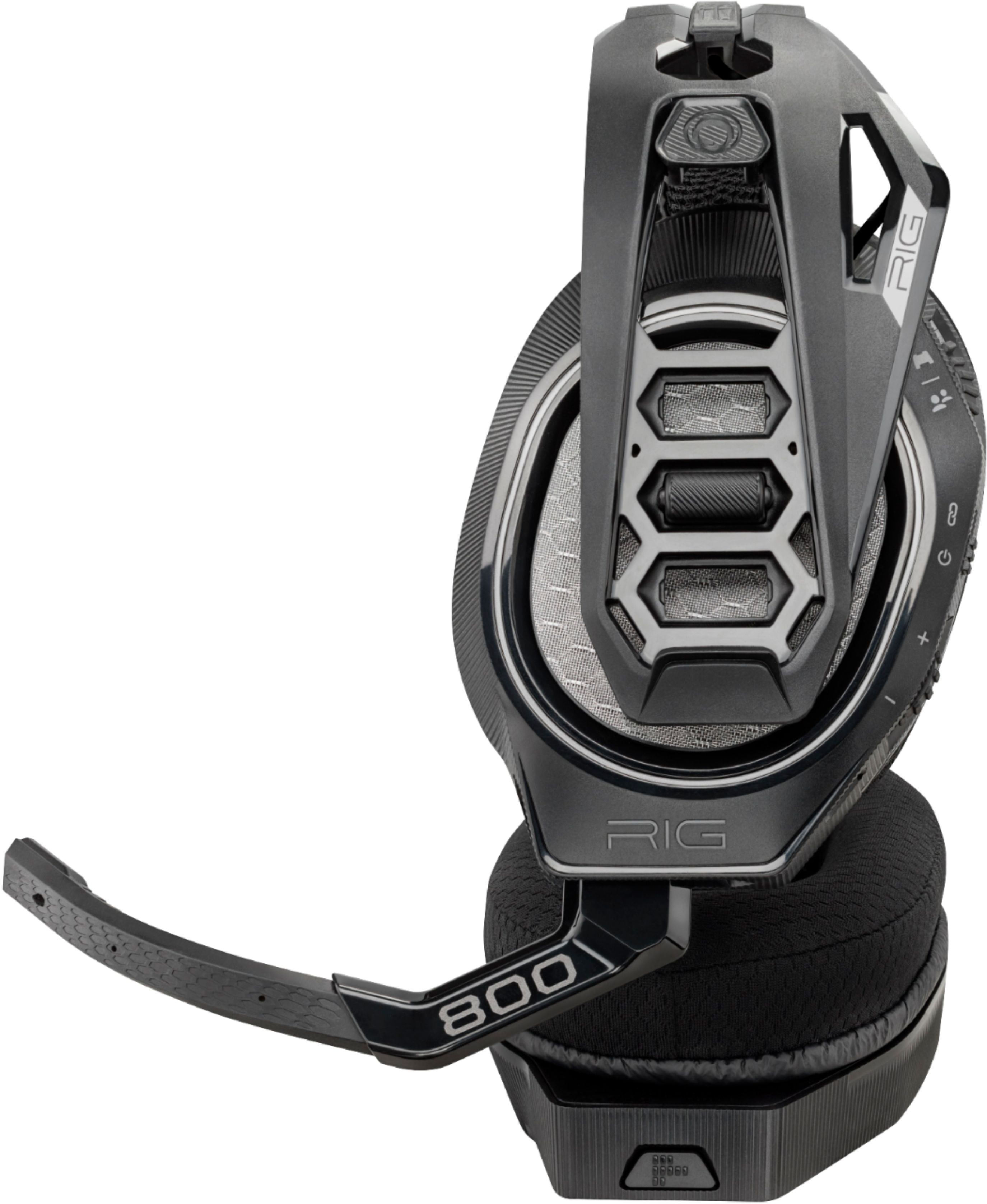
A:AnswerYes! It is a rubber microphone piece that can bend more than you would think. When I got mine, I had to bend it slightly away from my face cause it was already pretty close. I've had mine for 2 years and it's still as good of quality from when I bought it. I'd definitely recommend.
A:AnswerPlug in the dongle to the Xbox turn on the headphones and you’re ready to rock ‘n’ roll wait a couple seconds and if nothing happens press the button on the dongle and it should work
A:AnswerI use the RIG 800LX daily and I haven’t encountered I problem with the sound cutting out at all, so that could possibly be a connectivity issue. As for the sound being more quiet, the top wheel is the sound/mic mixer volume adjustment. The pronounced part on that wheel is the setting adjuster. Move it closer to the top and game sound is pronounced and moving it lower is the chat mixer where game sound is lower for game chat. Leave in the middle should be balanced between the two. Also there is a button below the right side ear that you long hold to also adjust mic monitoring sound levels. Adjust to your liking. Good luck. Hope that helps your issue.
Check your connectivity that is is close to the box so you don’t lose connection and you shouldn’t have issues with sound dropping out.
A:AnswerBro, thy don't get hot at all. The only thing you have to get used to if you haven't worn headsets before is the very slight pressure it puts on your ears orizontally, but def does not get hot.