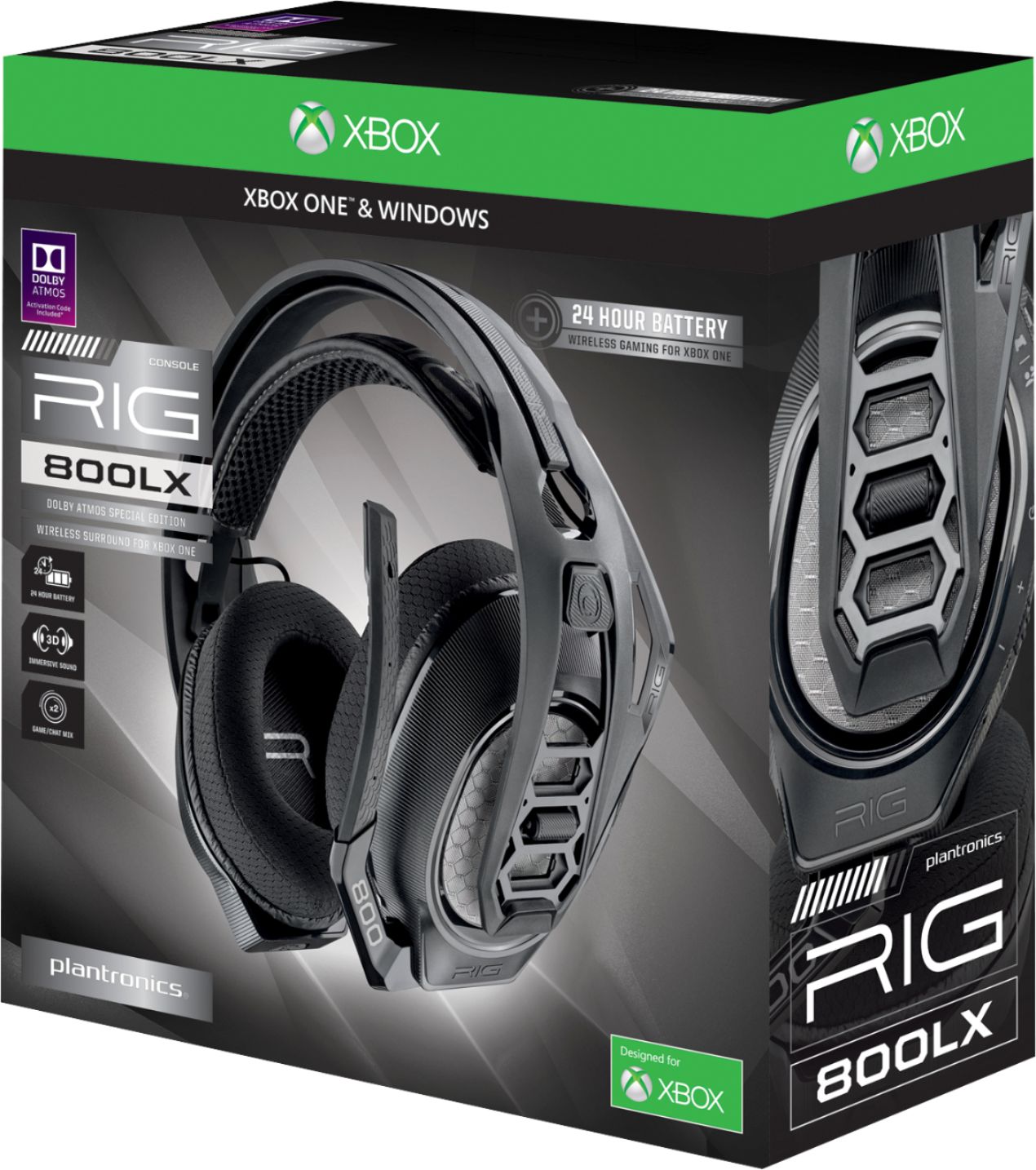
A:AnswerOutside the standard 90 manufacturer's thats on all electronics no, but the geek squad protection on items like this is worth it, they straight up just trade you out if it malfunctions or breaks, where as a manufacturer warranty has contingencies on whether the product will be covered or not. I believe the pertection on this particular item was about 15 or 20 dollars. I hope that helps. It is very comfortable, however if you have a big head like i do, i recommend putting it over something when not in use to wear in the head piece a bit so it doesnt put as much pressure on your head. Do that for a day or two and it should be good. Pressure from the headset was giving me headaches until I did that.
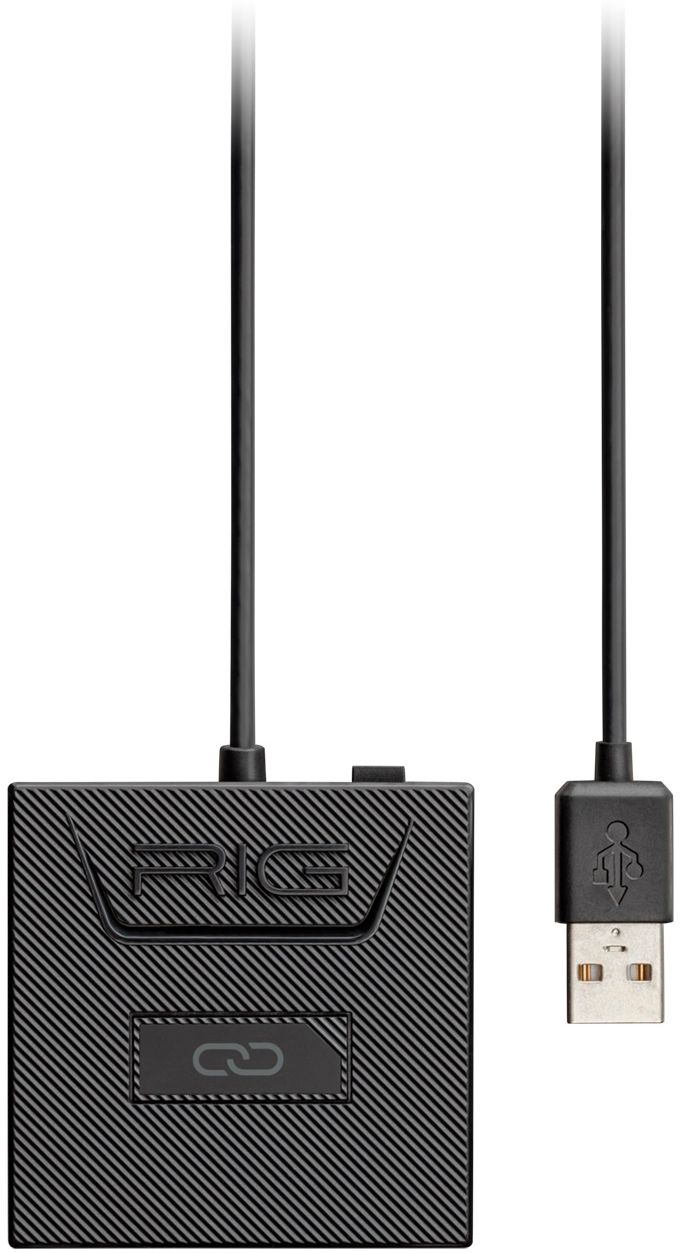
A:AnswerHi! Thank you for taking the time to share your feedback on our RIG 800LX headset, however we are sorry to hear about your experience.Whenever you power on the headset you will hear "power on" and the headset's LED will show blue for a couple of seconds and then it will go off. To make sure that the headset is connecting to your wireless adapter please try the following: 1. Press and hold down the linking button on your adapter until it starts flashing an alternative red and blue. 2. Once flashing red and blue please put your headset in pairing mode by pressing and holding the power switch towards the linking icon until it starts flashing red and blue as well. 3. Once the headset stops flashing and the LED light on the adapter is solid purple means they are successfully connected. Please don't hesitate to contact our Customer Care Team at 800-985-9815 if you require further assistance.
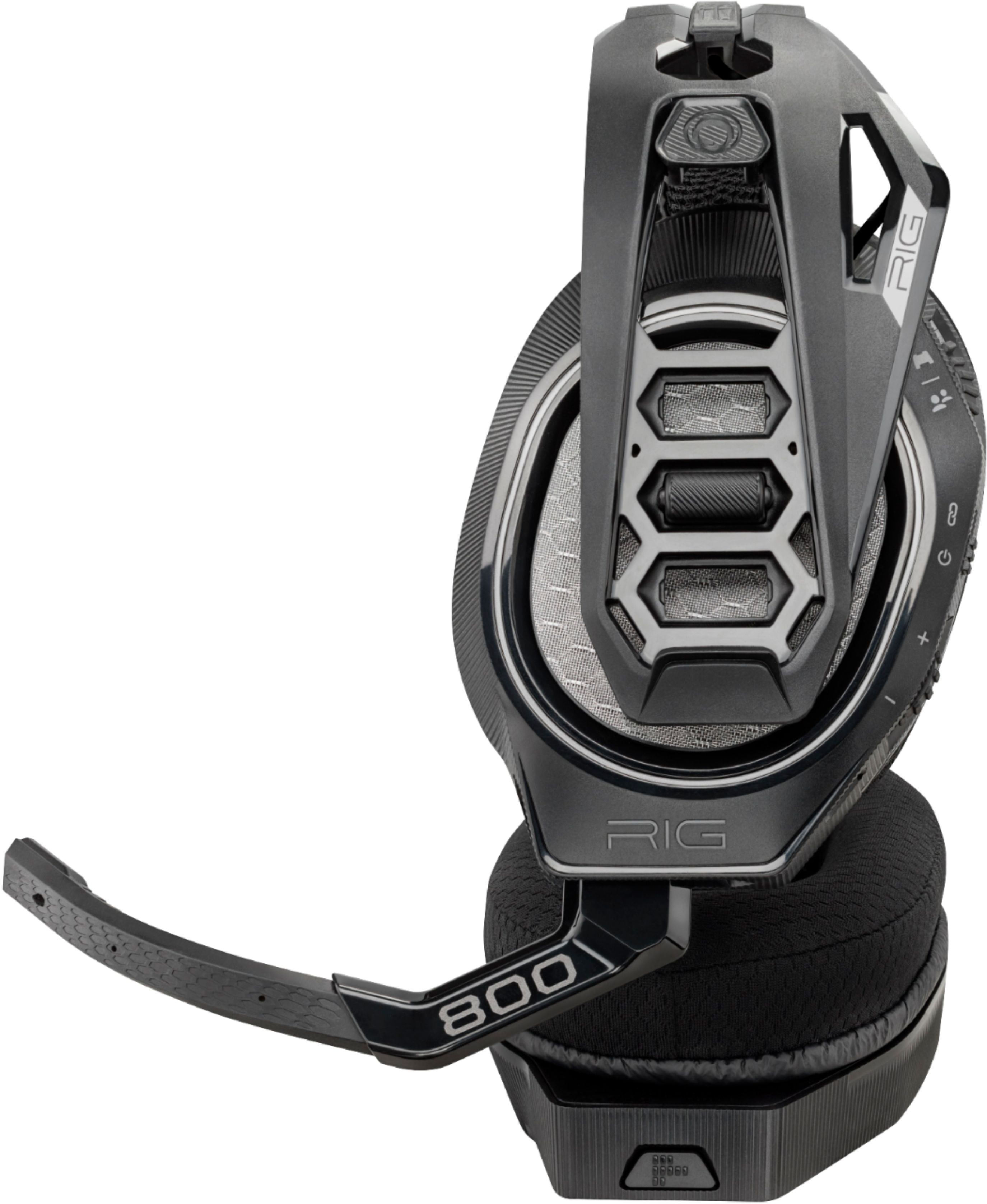
A:AnswerYou have to PAIR the headset. Push the power switch up past the on position hold it for a few seconds then let go. It will say paired in the headset when it’s complete.
A:AnswerOur RIG 800 series headsets do not have built-in sidetone, this depends on the device the headset is connected to and if your console or PC supports it you should also be able to use it on this and similar headset models.
A:AnswerNo, unfortunately not.
It’s compatible with Xbox One or a Windows PC.
I’m pretty sure the USB ports on the receivers are to play media files off of a flash drive, or possibly for service or firmware updates.
A:AnswerOnce you activate the code, it stays on your Xbox account. Only your xbox profile will have the atmos feature. Your profile will always have it after you activate the code.
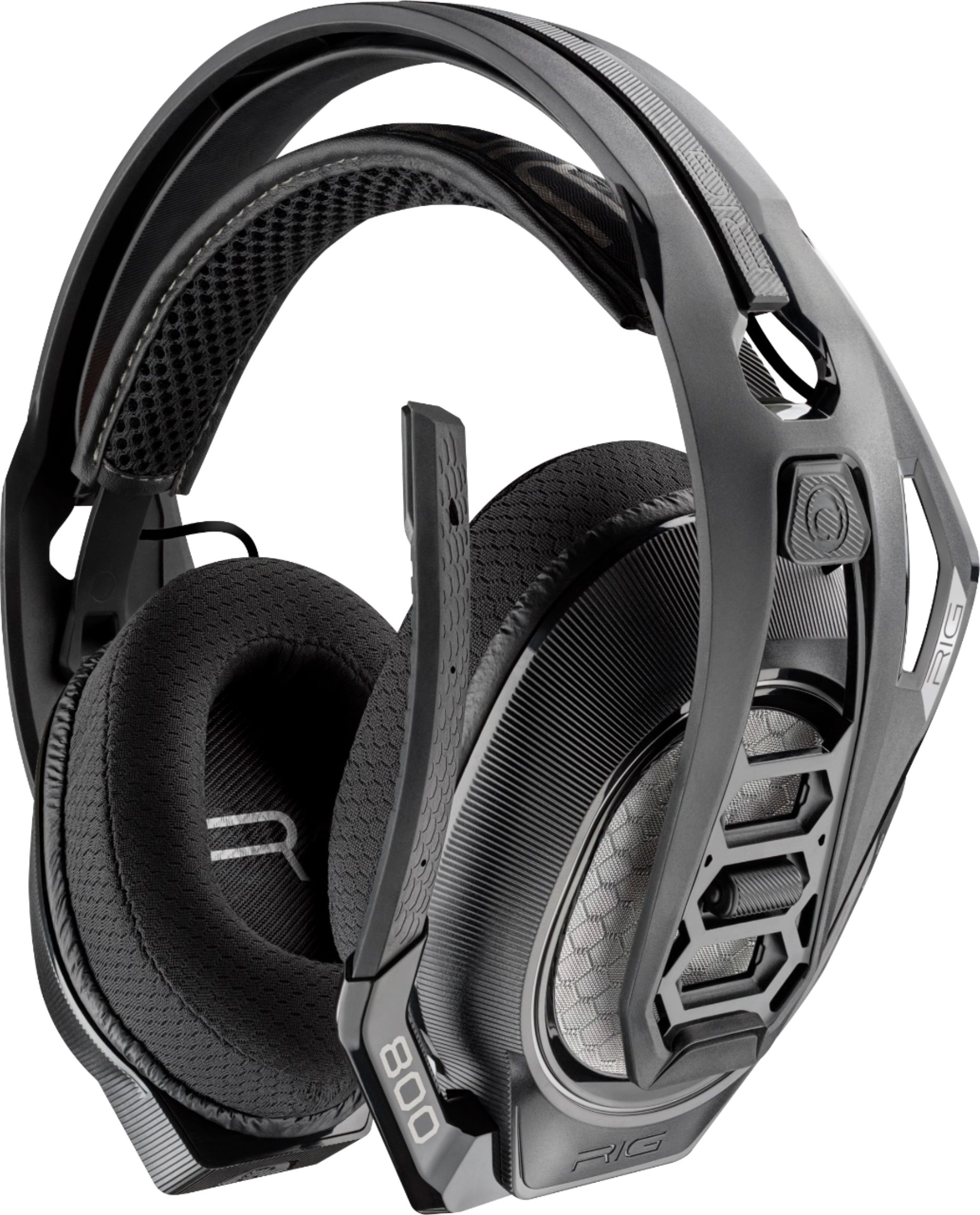
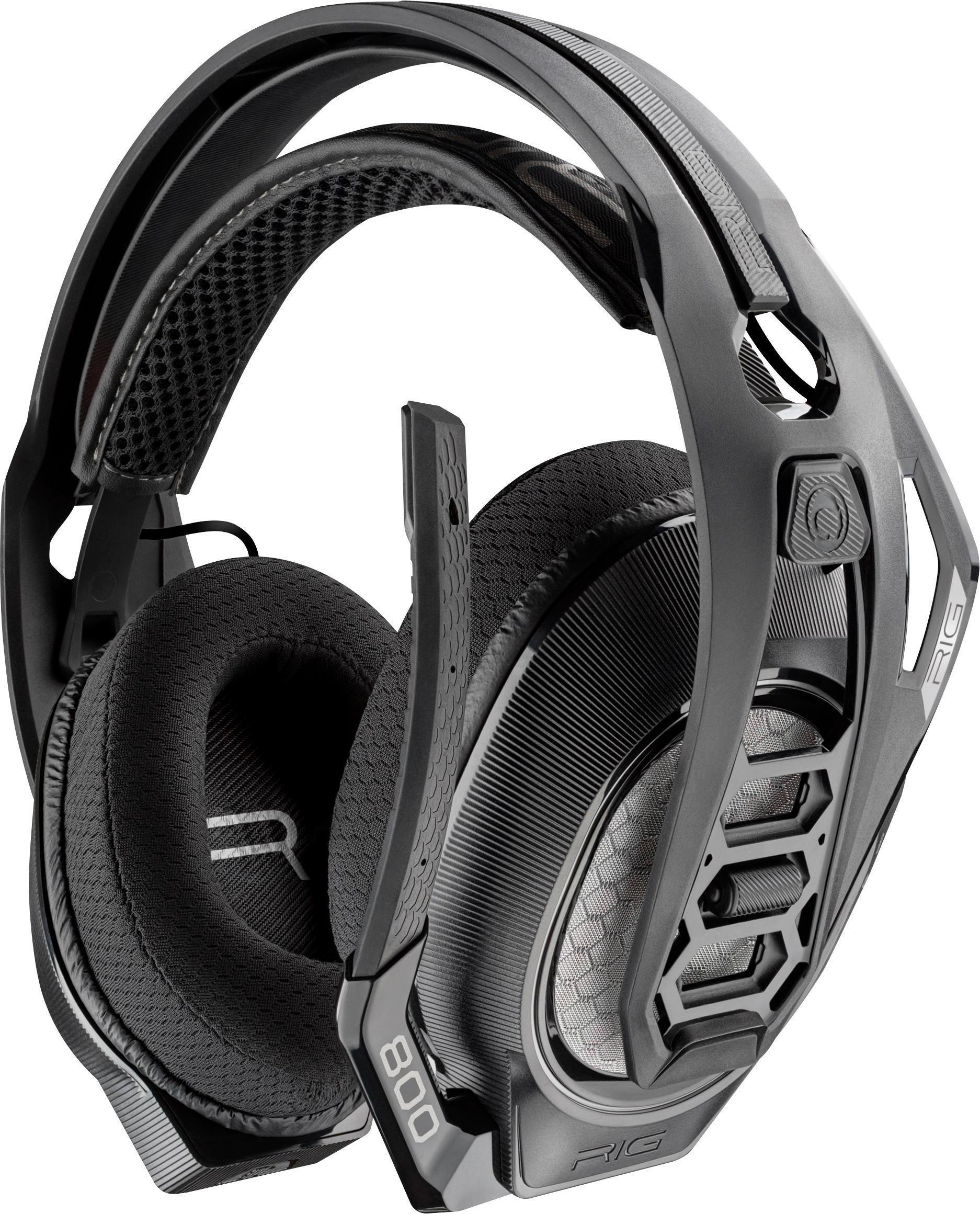
A:AnswerAlso, looks like a small color difference. The “honeycomb” panel on the earcups and the wire that runs from the top of each. Check the Plantronics website for pictures.
A:AnswerHello AuHunter78,
There is a few things you can tinker with here to see if you can get your audio settings just right. First off, on the headset, the top dial is game audio/chat audio balance. You may want to try adjusting this up and down to where the audio, on your end, sounds like a better mix of chat audio and game audio. At the same time, and within the Xbox console audio settings, there is a Party Chat level setting that you will need to adjust. Likely you need to increase this setting. Check out the RIG Wireless Headset Set-up for Xbox One or Xbox Series X|S videos on the RIG Gaming channel on YouTube for detailed info on this adjustment. Play around with it a bit adjusting both the on-headset levels and the console levels until you find the right balance to optimize your audio. If you are using this on a PC instead of Xbox, make sure your PC is using the RIG headset for the microphone and not the PC on-board mic which would make you sound far away. If you need additional assistance, you can reach RIG Customer Support via email at [email protected] or via phone at 1-833-622-6687. Thank you for using RIG Gaming products...