A:Answer More than likely, yes. If you are upgrading from 4GB.
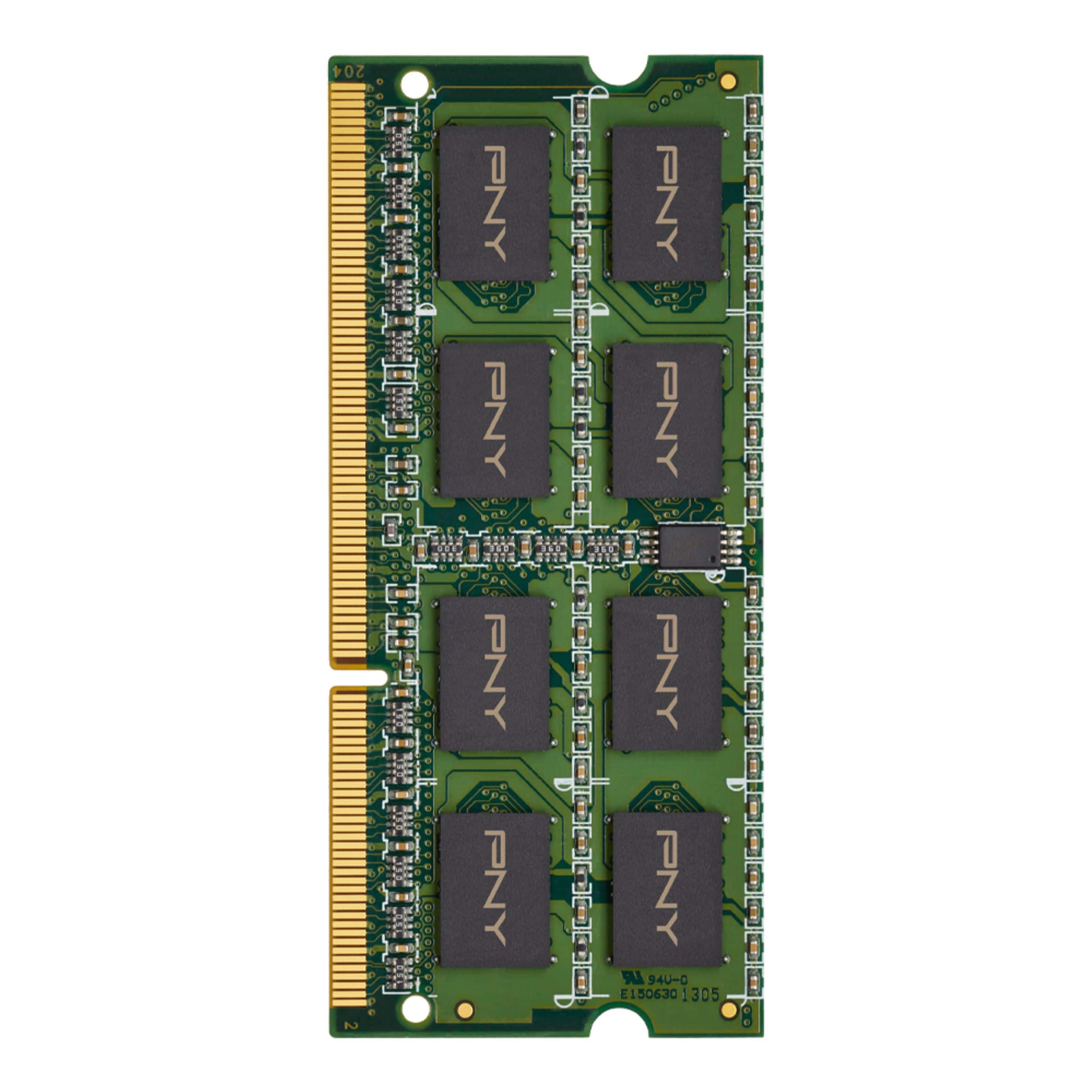
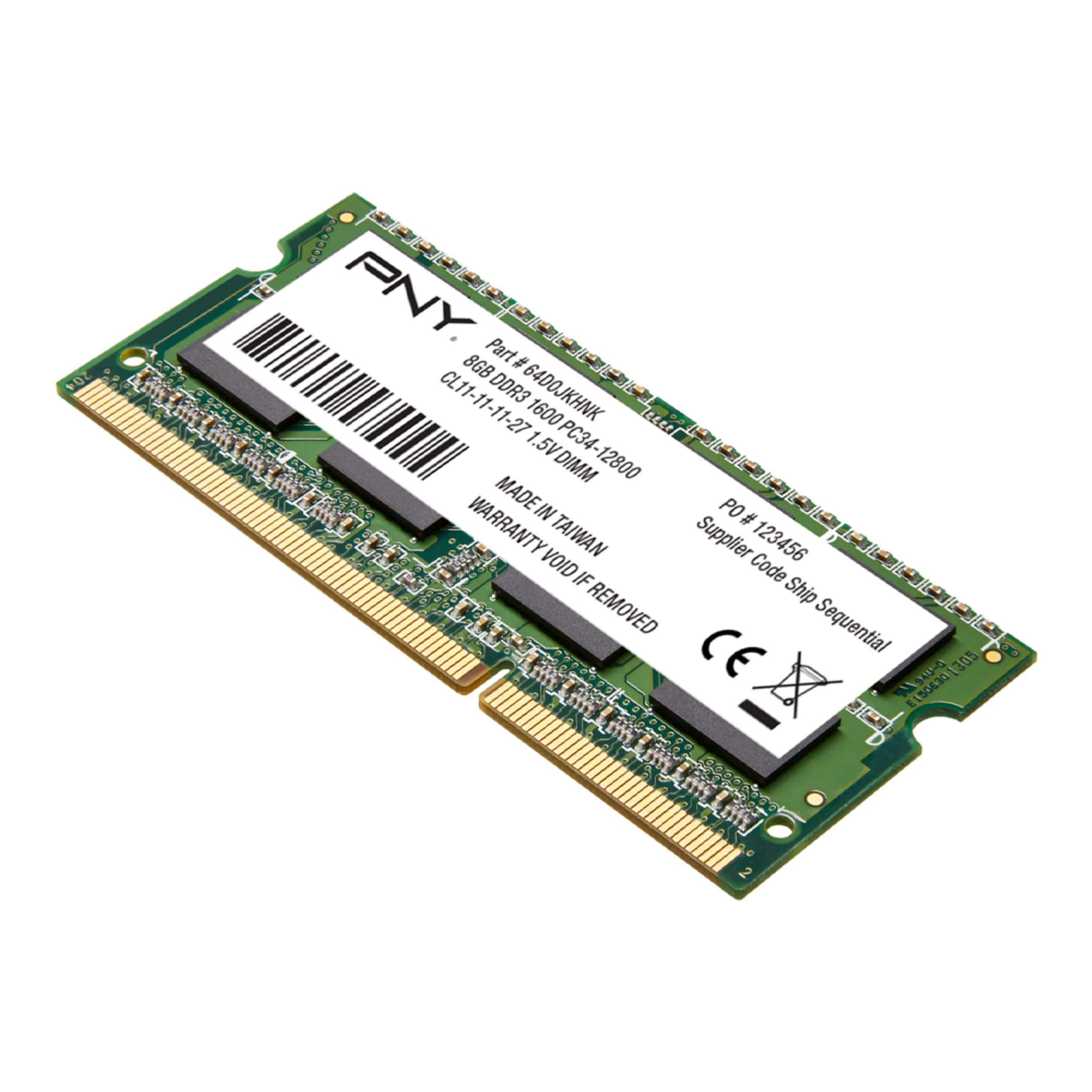
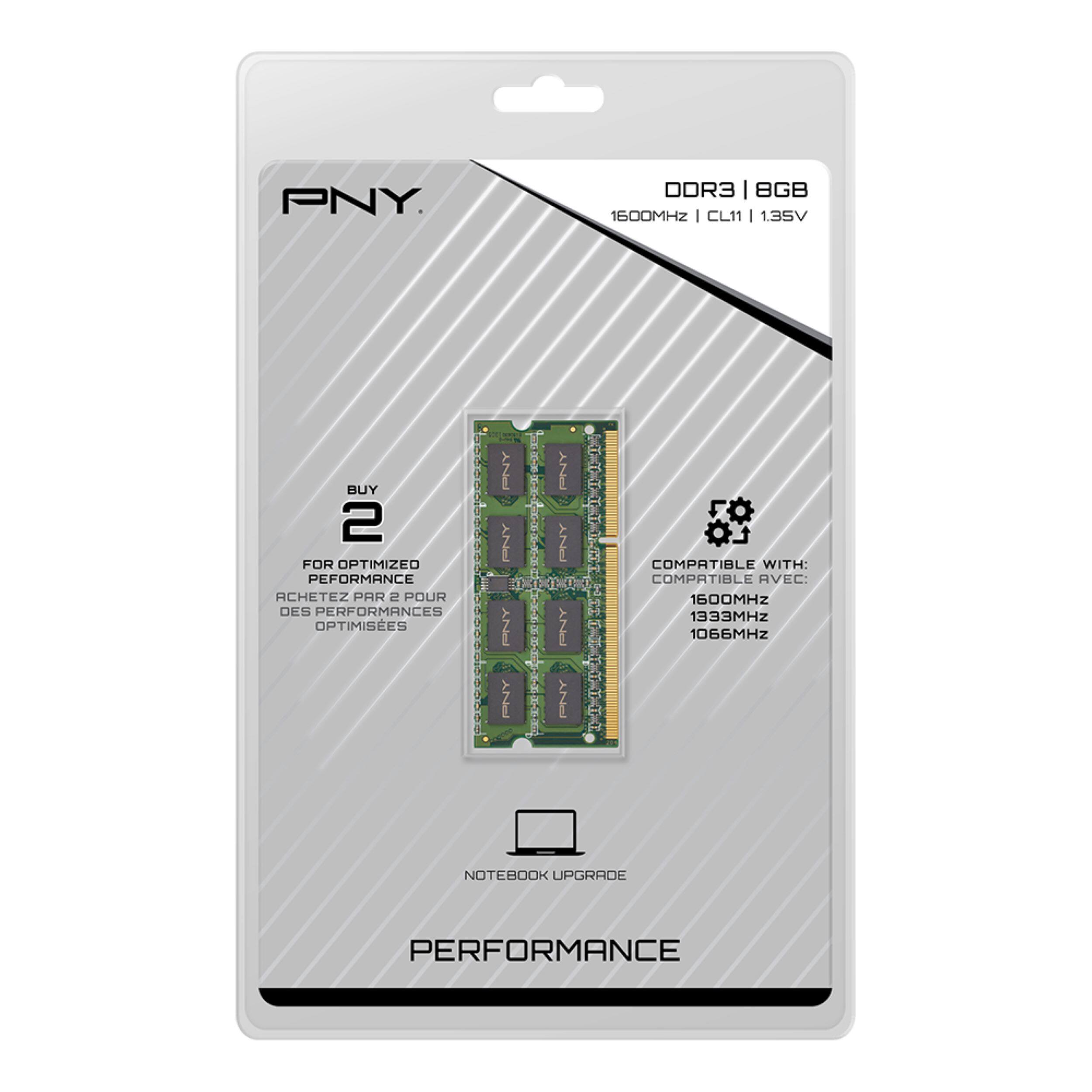
Max RAM as per product specification is 8GB.
Similar to the OEM specification from the hardware manual (page 26):
DDR3L-1600 MHz, SODIMM × 1 (max 8 GB) (Lenovo ideapad 110-15ACL/Lenovo ideapad 110 Touch-15ACL)
Tools may read out max ram that can be supported by the chipset (example icore i5-6200U) but as per whole system performance (considering other specification and devices), more than 8 GB may not be necessary or would it not be practical to get a 32GB or 16 GB expensive RAM.
8GB is the OEM recommendation certified for the machine as no upgrade more than 8GB was verified yet.
To those willing to try to test it, maybe with a spare or have a good return option before proceeding.
Hope this help answer your query.