A:AnswerSorry i don't really know, but i am sure BB will be able to tell you. My laptop is older too but is a Windows. Extra RAM really made a difference in performance though.
A:AnswerThis is laptop memory. I did use this on an All in One I purchased for my mother in law but this is laptop memory. it should work on most laptops. You may have to disassemble yours and make sure if you are worried. Jujst watch Youtube videos on your model of laptop, Youtube has bailed me out many times.
A:AnswerThat's exactly what I thought, that it is marked wrong. I need a DDR3L and the labeling DDR3 threw me off. I had to do a lot of digging to find out it is a DDR3L.
A:AnswerIf the model number you're referencing is G74SX, according to the compatibility checker on Crucial's website (crucial.com), this is *technically* compatible with your system...however, since the limit of your motherboard is either 8 or 16GB, this single 8GB module is overkill and may not work alone (some systems require pairs of memory modules).
If you have the dual-core version of the G74SX, it looks like the max supported RAM is 8GB (and there are two slots) and if you have the quad-core version of the G74SX, the max supported RAM is 16GB (and there are 4 slots).
In order to best use what is available, I would recommend purchasing the linked item (SKU: 2824528)....one pack if you have the dual-core G74SX, or two packs if you can and you have the quad-core G74SX. This will allow you to replace whatever is there and install the maximum amount of RAM possible.
Hope this helps!
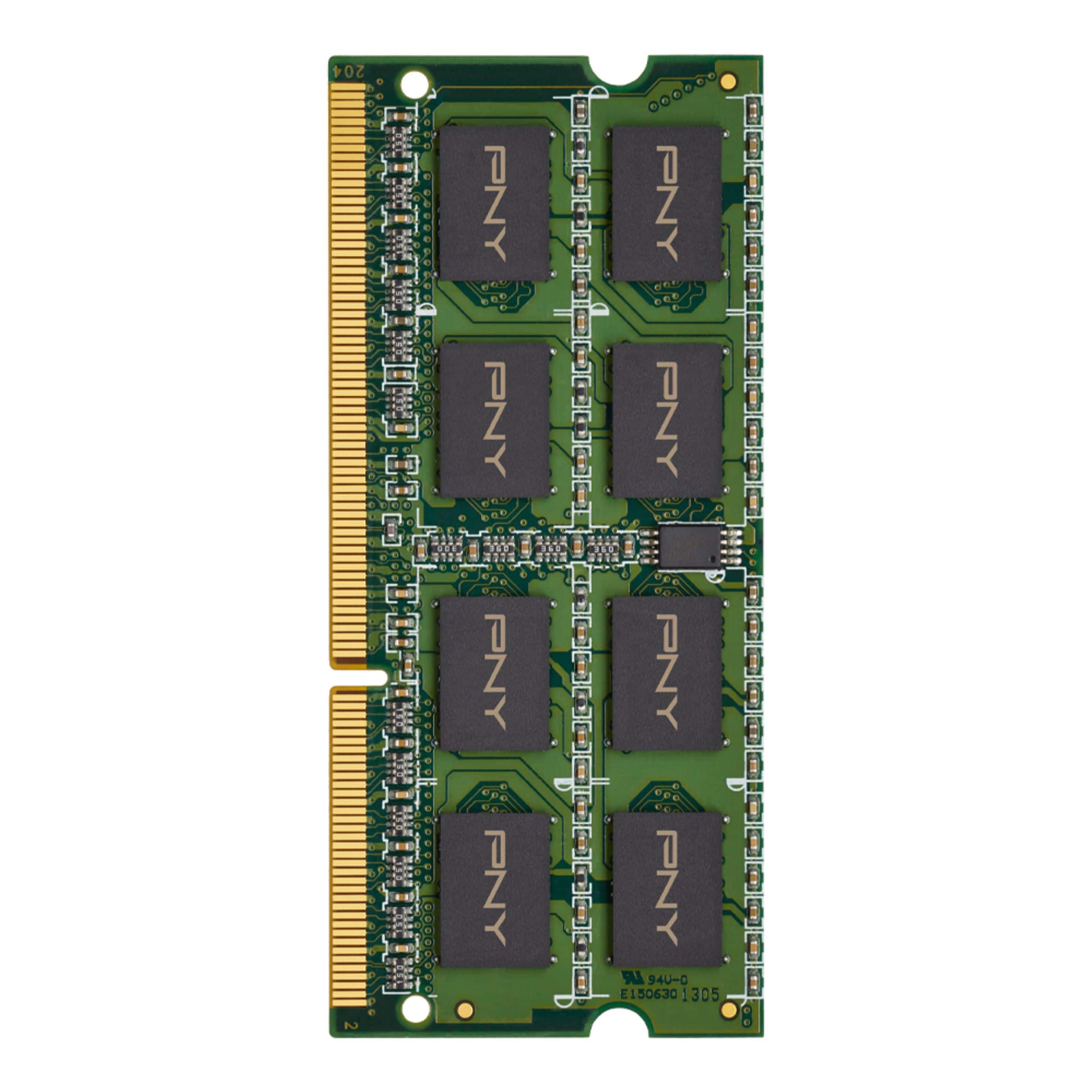
A:AnswerAccording to the memory compatibility checker on Crucial's website, it appears that this is compatible with your system.
The maximum supported memory for the Lenovo G400S is 16GB, and there are two memory slots, so you could buy two of these and replace whatever you have in order to obtain maximum performance.
Hope this helps.
A:AnswerThis is a DDR3 SoDimm module, if you bought your computer 5 to 7 years ago, it may be compatible, I don't know specifically about your computer, but it's not for the newer ones that use the DDR4 type.
A:AnswerNO!!!!
This memory will not work in the MSI sword 15. The Sword uses DDR4-3200 memory. The DDR3 will not work!!
DDR3 works with older laptops. The Sword is a late model laptop that has a generation 11 core i7 cpu which only works with DDR4 memory.
A:AnswerThis is a DDR3 SoDimm module, if you bought your computer 5 to 7 years ago, it may be compatible, I don't know specifically about your computer, but it's not for the newer ones that use the DDR4 type.
A:AnswerMy best suggestion is. Try going to the website crucial.com. There, you can, Type the make and model, After, it will display; what is compatible with your laptop.