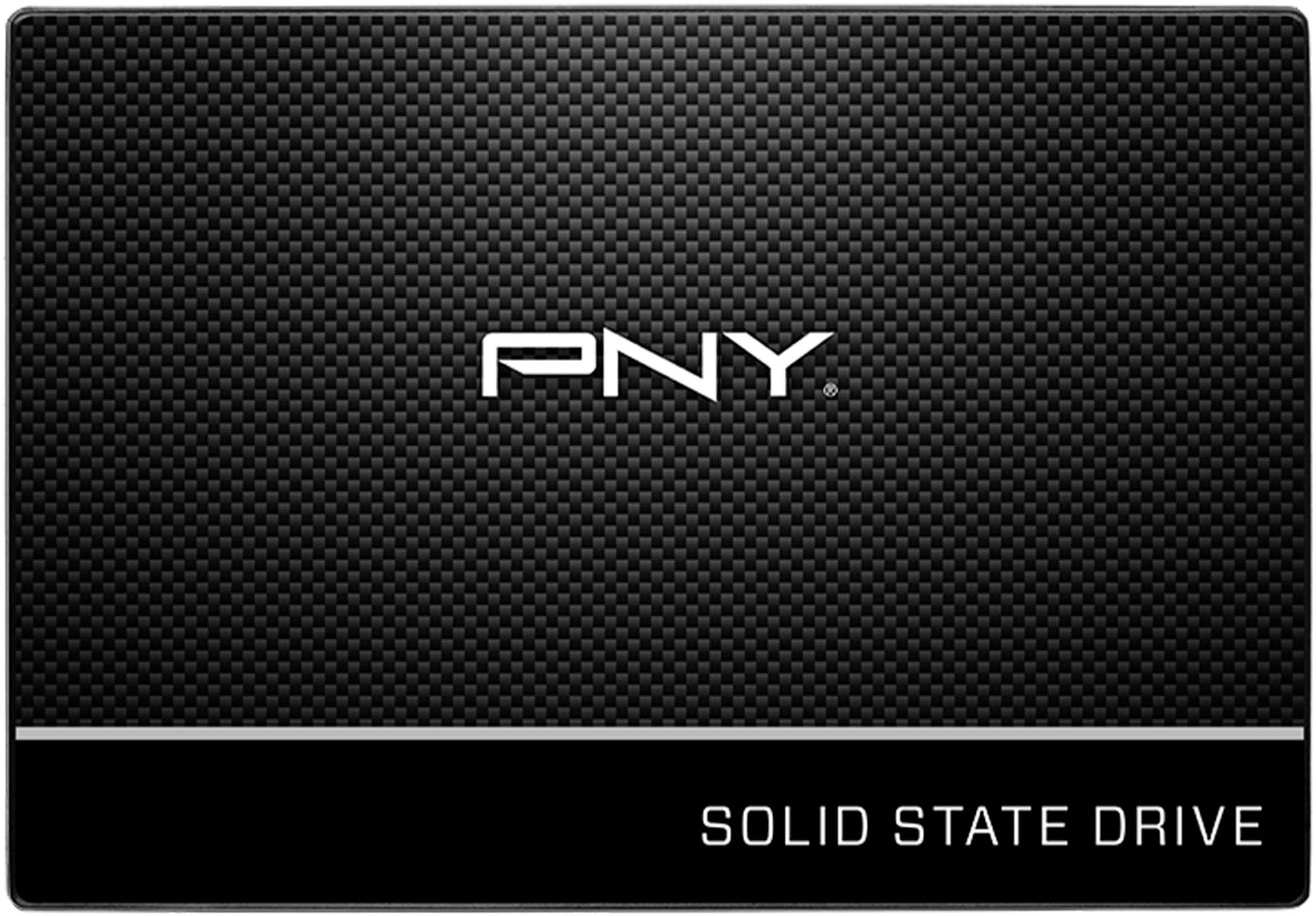
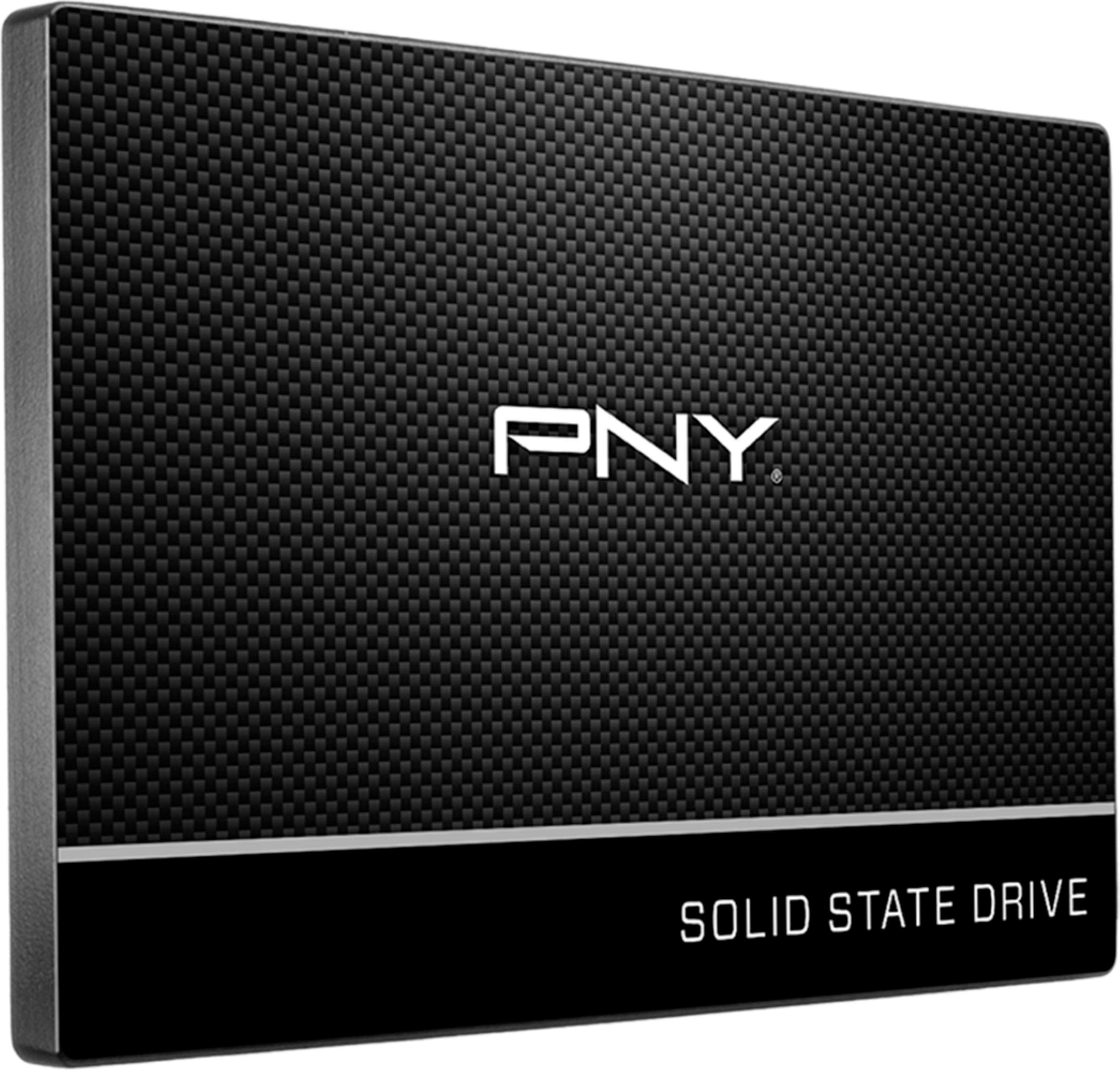
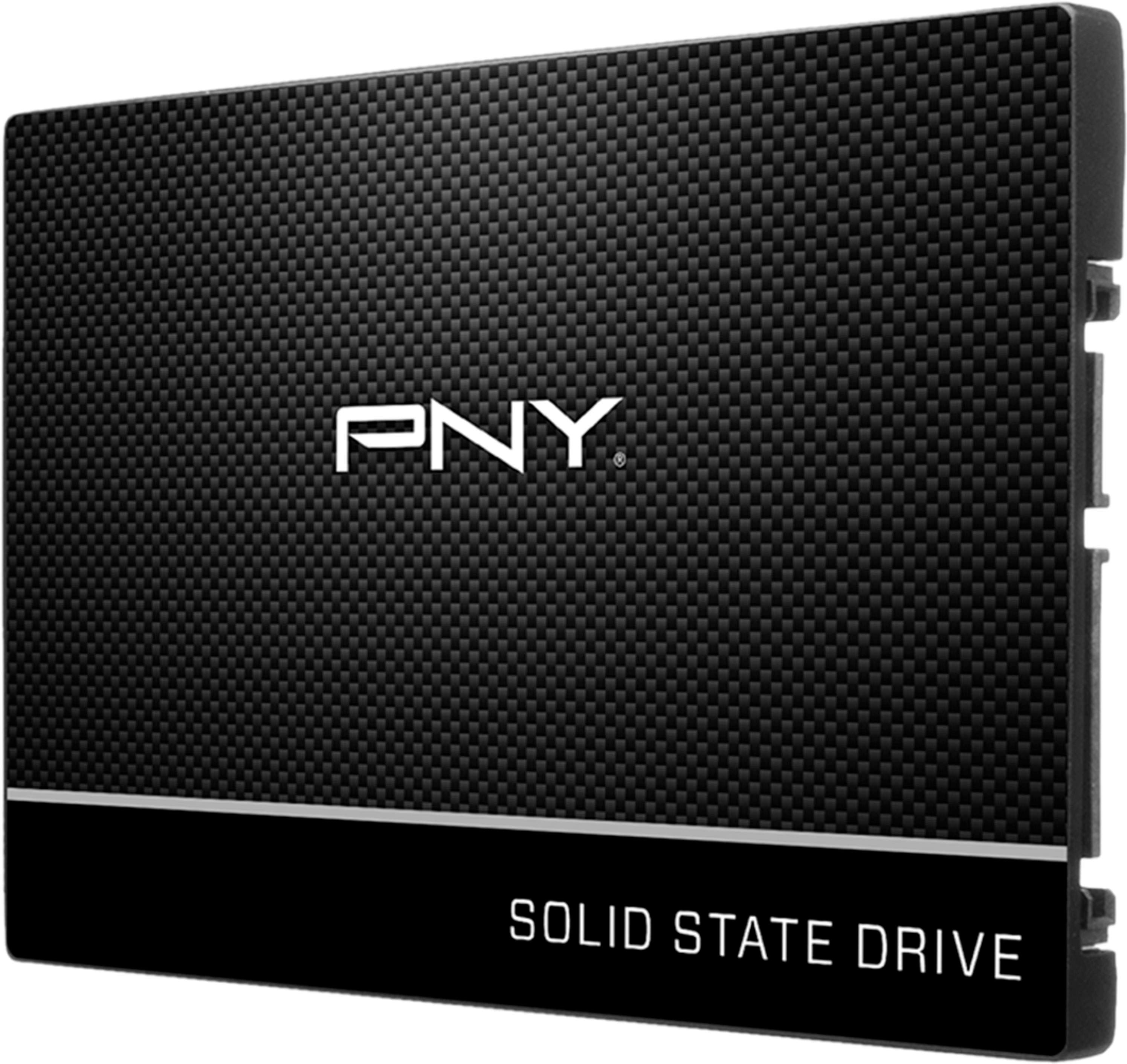
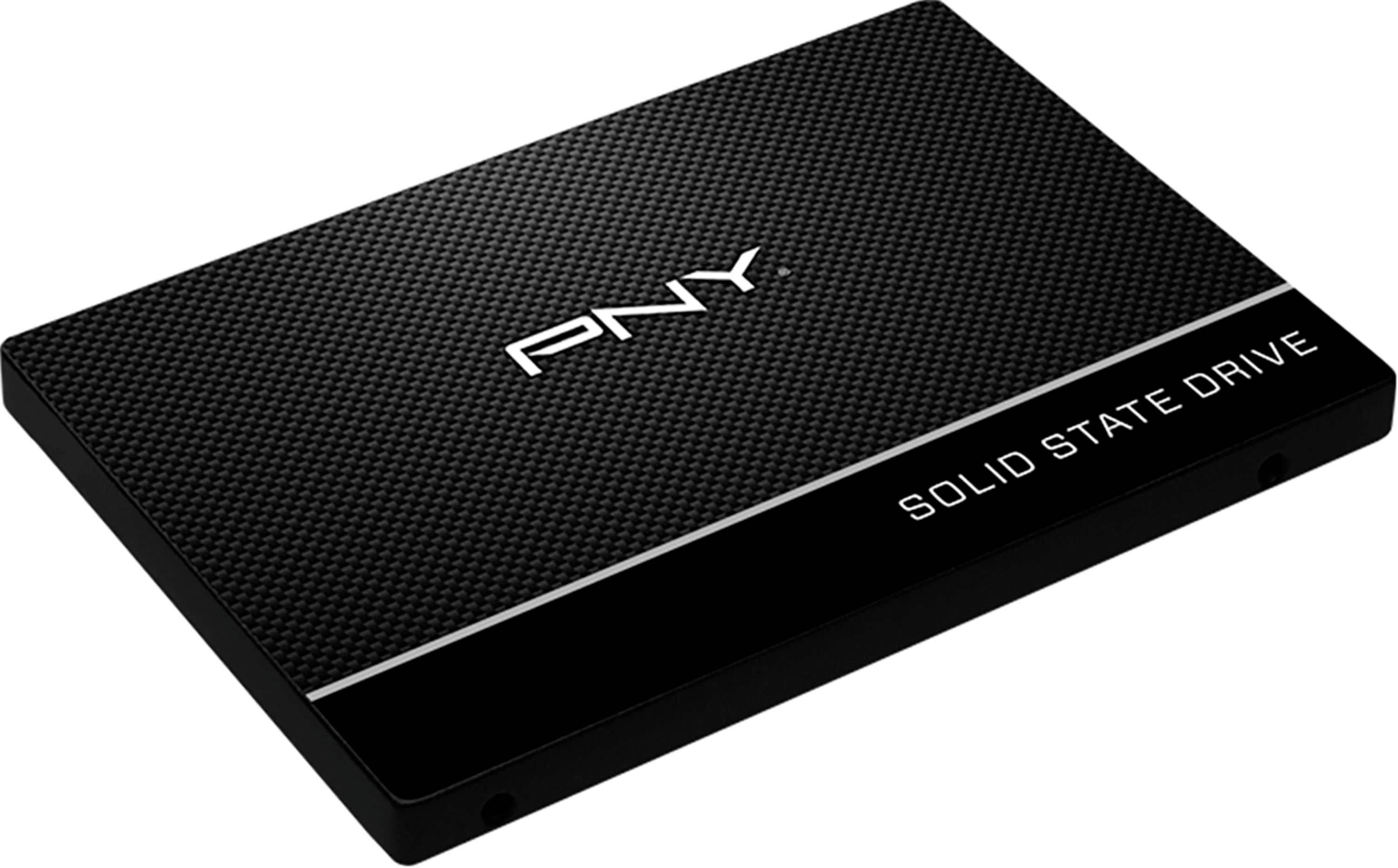
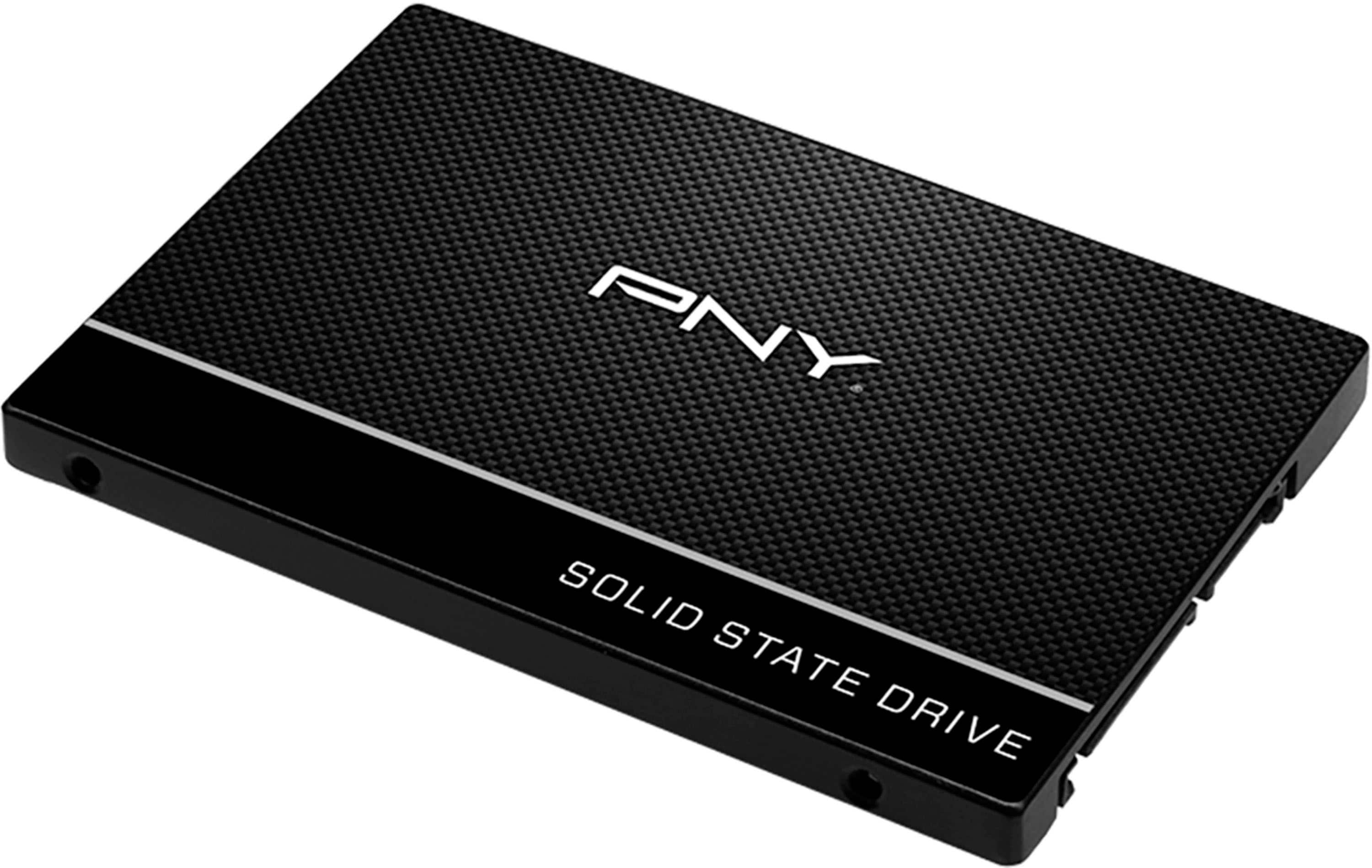
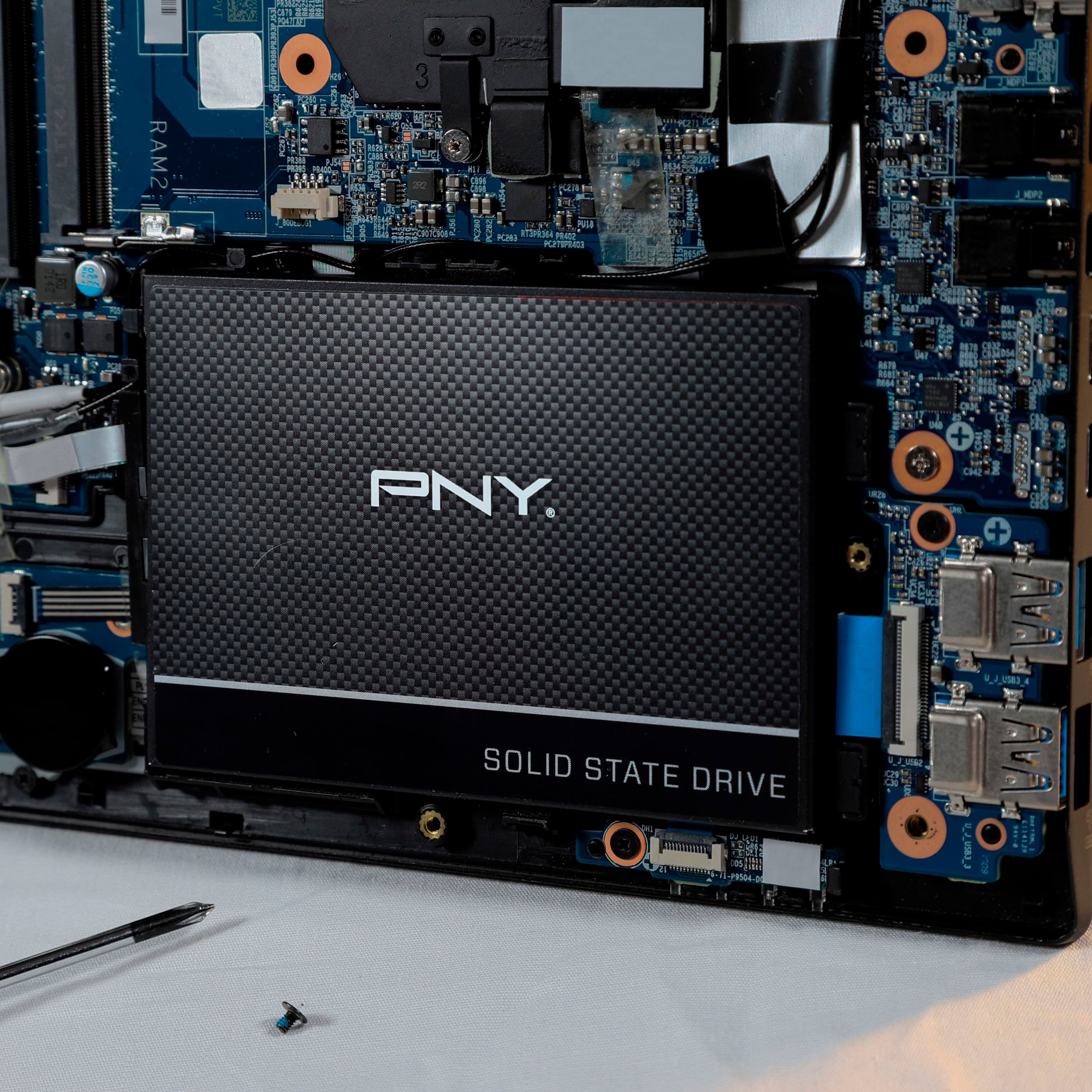
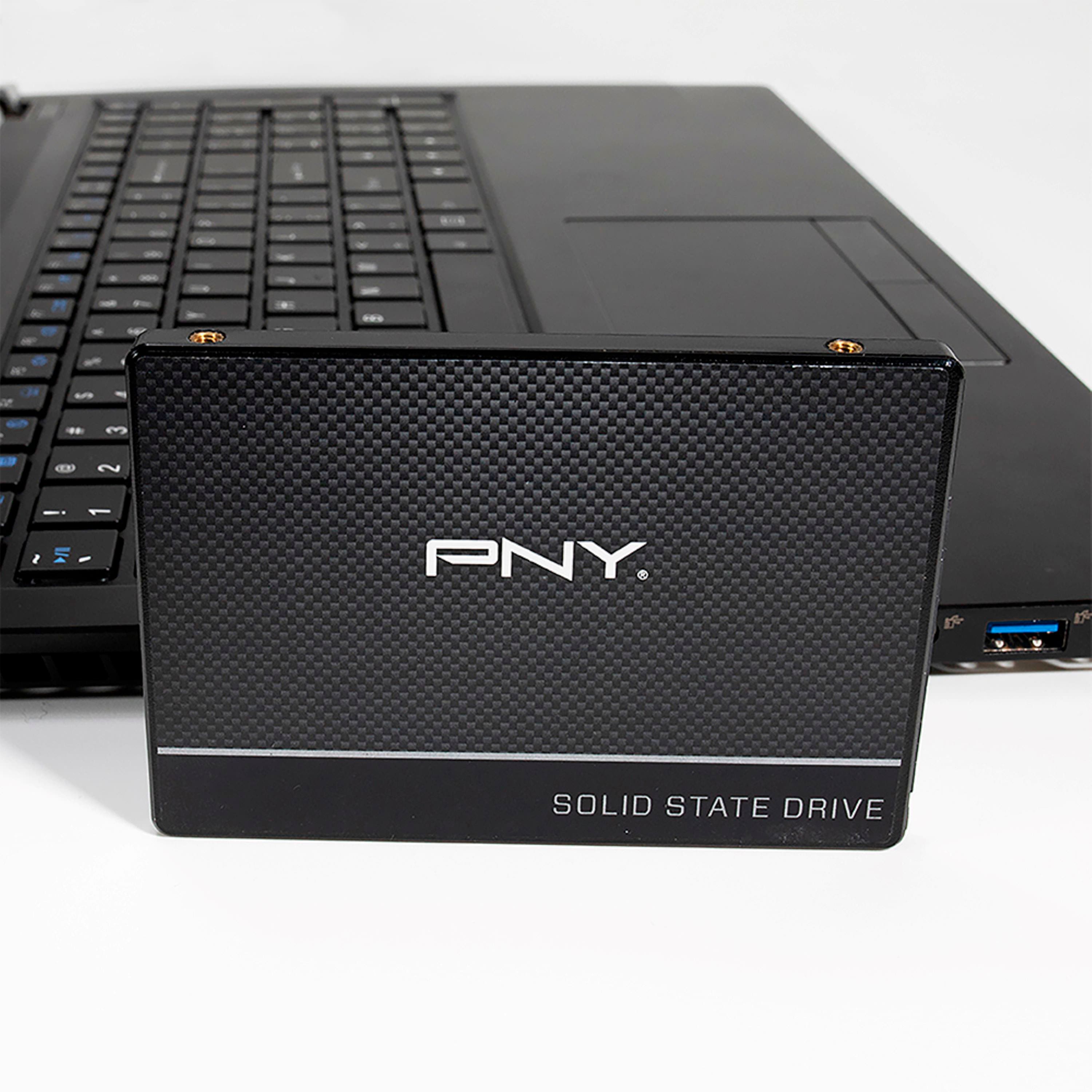
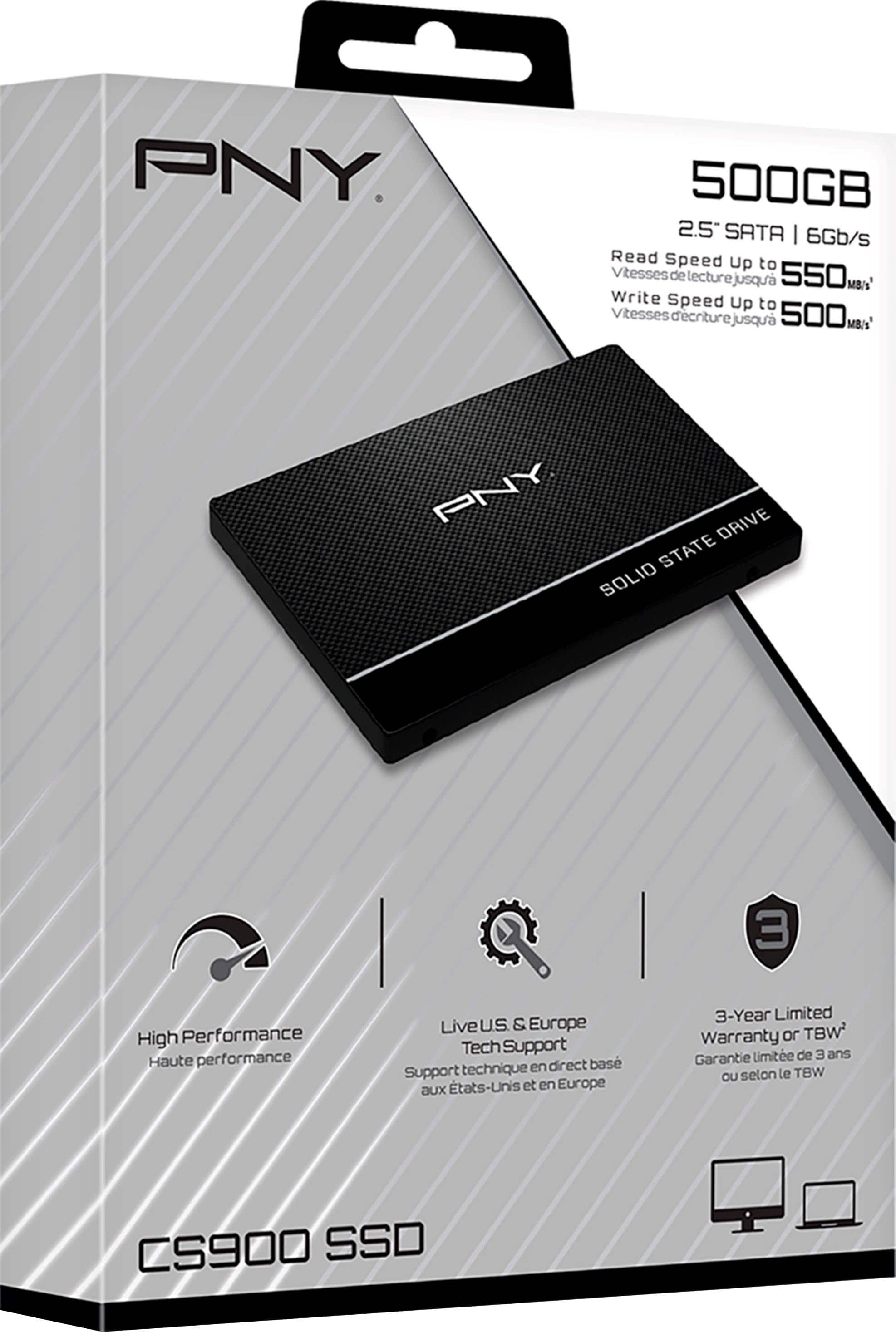
A:AnswerIt should work with any computer that has SATA connections. It does not come with anything other than the SSD. No cable, no mounting hardware, etc.
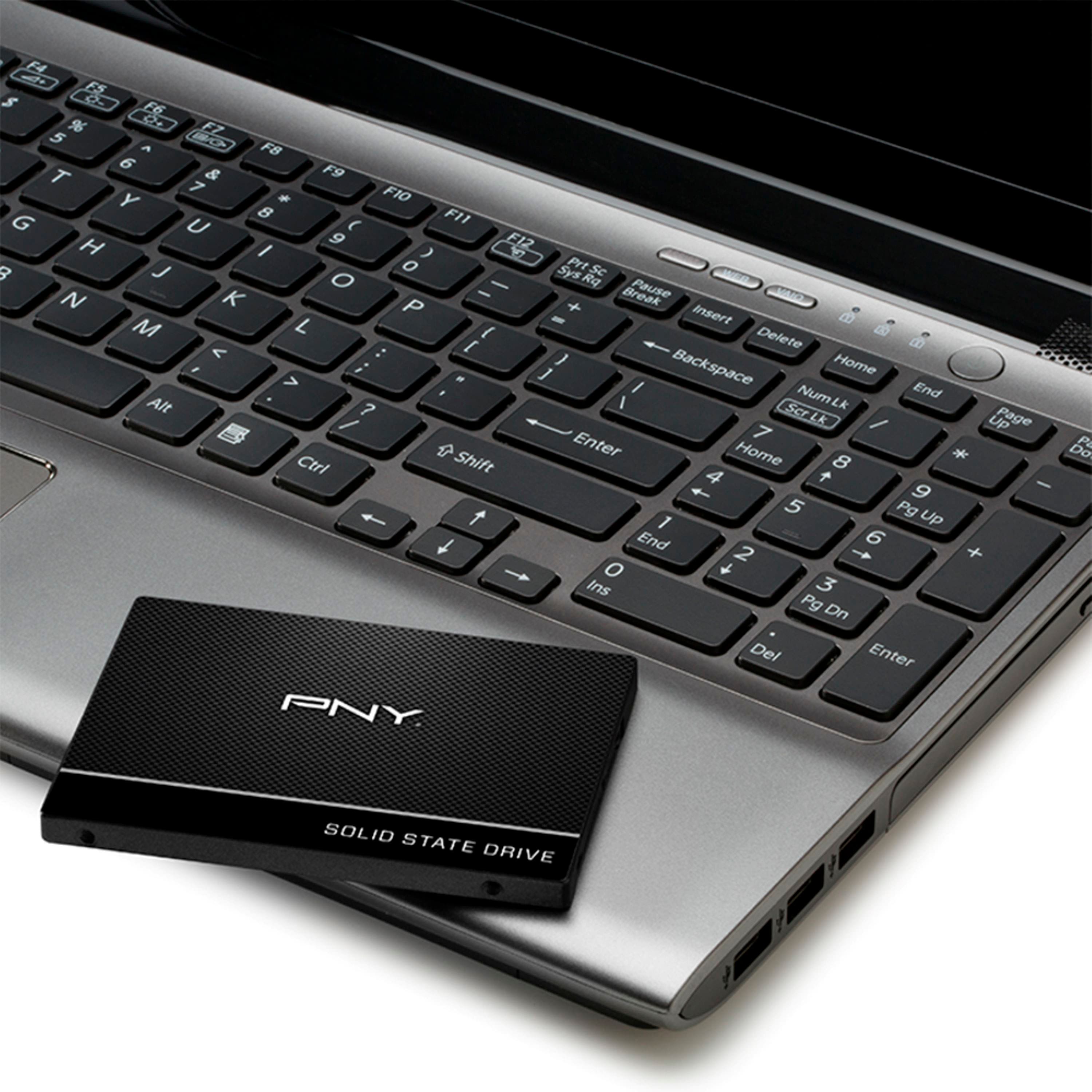
A:AnswerIf laptop, then this will fit with no issues. Desktop would likely need an adapter bracket. In either case it will be faster than an hdd, but obviously won't store as much data as your of drive.
A:AnswerIt should be, it was compatible with my Dell E5440! I have heard the Samsung's have issues with a couple of dells because of a weird bios quirk.
A:AnswerNot for the boot drive, your boot drive is a M.2 SATA. You should have a secondary storage drive (regular SATA) and you could use it there if you don't have one. You didn't give the whole model number so I can't look up what you have!!
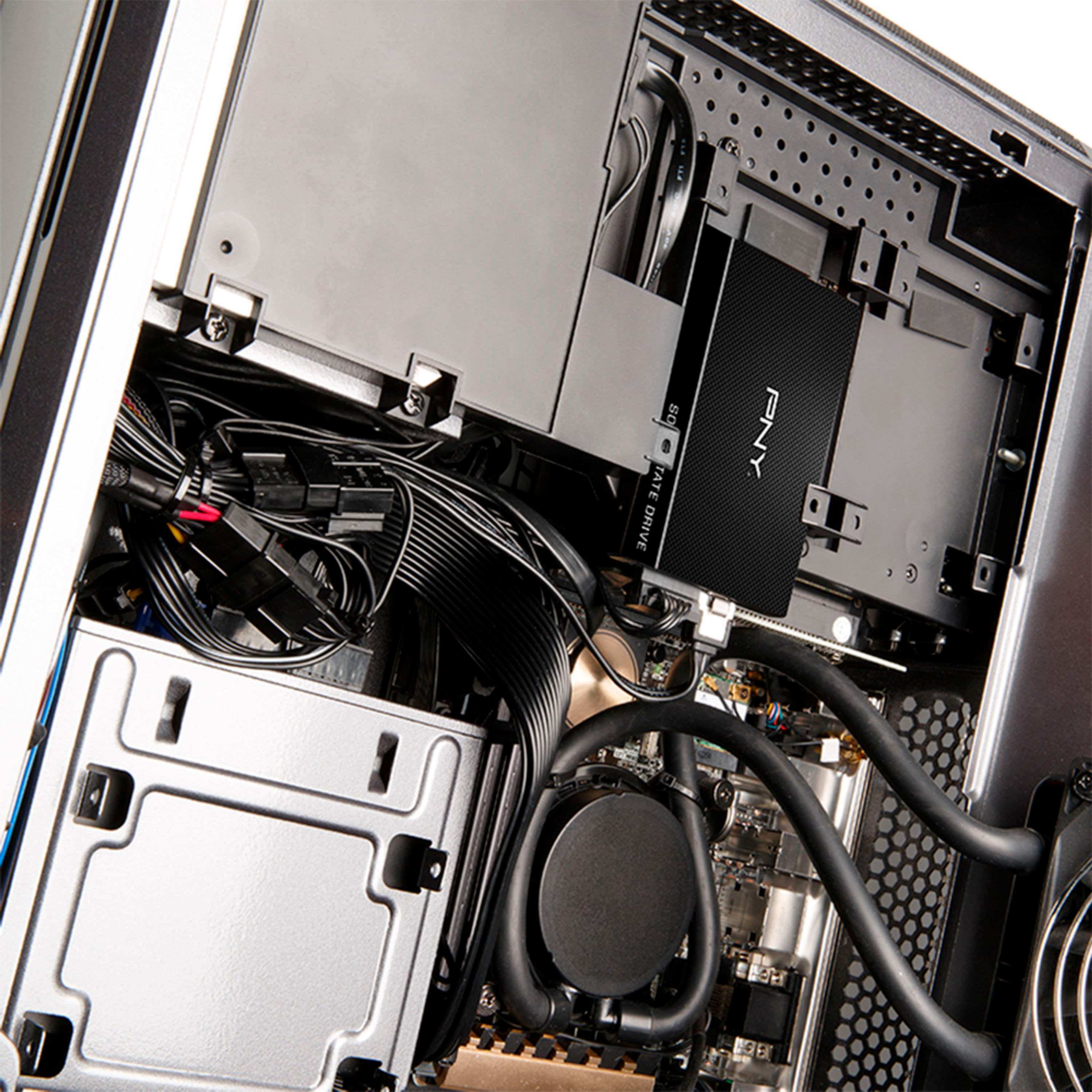
A:AnswerYes it will work but you may need to purchase a 2.5 SSD SATA to 3.5 Hard Drive Internal Drive Bay to secure it as the drives on desktop are 3.6 and this one is 2.5
A:AnswerIt should if the HD in your laptop is SATA, which from the factory specs seems to be. These drives are SATA only and with an adapter of any kind they probably won't fit in a laptop.
But let's assume that your computer isn't more than 12-15 years old, it probably has a sata drive so it's simply a swap out and transfer everything from your old drive to your new drive.
A:AnswerYes, but unless your laptop has a second hard drive bay, you'll have to replace your current hard drive with this one. I would recommend a larger SSD if it'll be your only drive