A:AnswerUnfortunately the screen shot is too small to read and the real issue is more you knowing if you have the following:
* Power Supply is at least 300 Watts (That you can't get from your screenshot, you have to look it up on your computer)
* Has a spare PCI-E Slot inside (You have to look inside your computer)
* Your computer is not a Small Form Factor computer
If your computer is at least 6 years old, it should have the correct version of the PCI-E slot, but also, some of the off the shelf computers like HP, don't necessarily come with a PCI-E slot, favoring the built in video card.
A:AnswerMost of the benchmarks say no.
The GTX 970 is better at handling most things than the GTX1050.
The 1050 is more of a cheaper, low powered card as it does not rely on the extra power connector that the GTX 970 does.
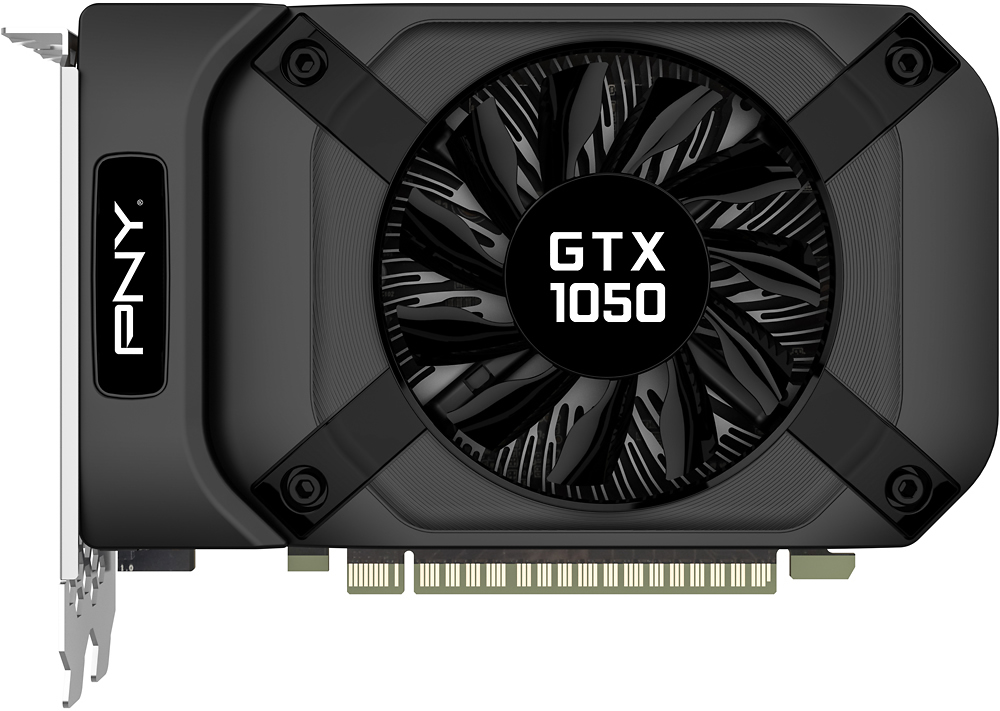
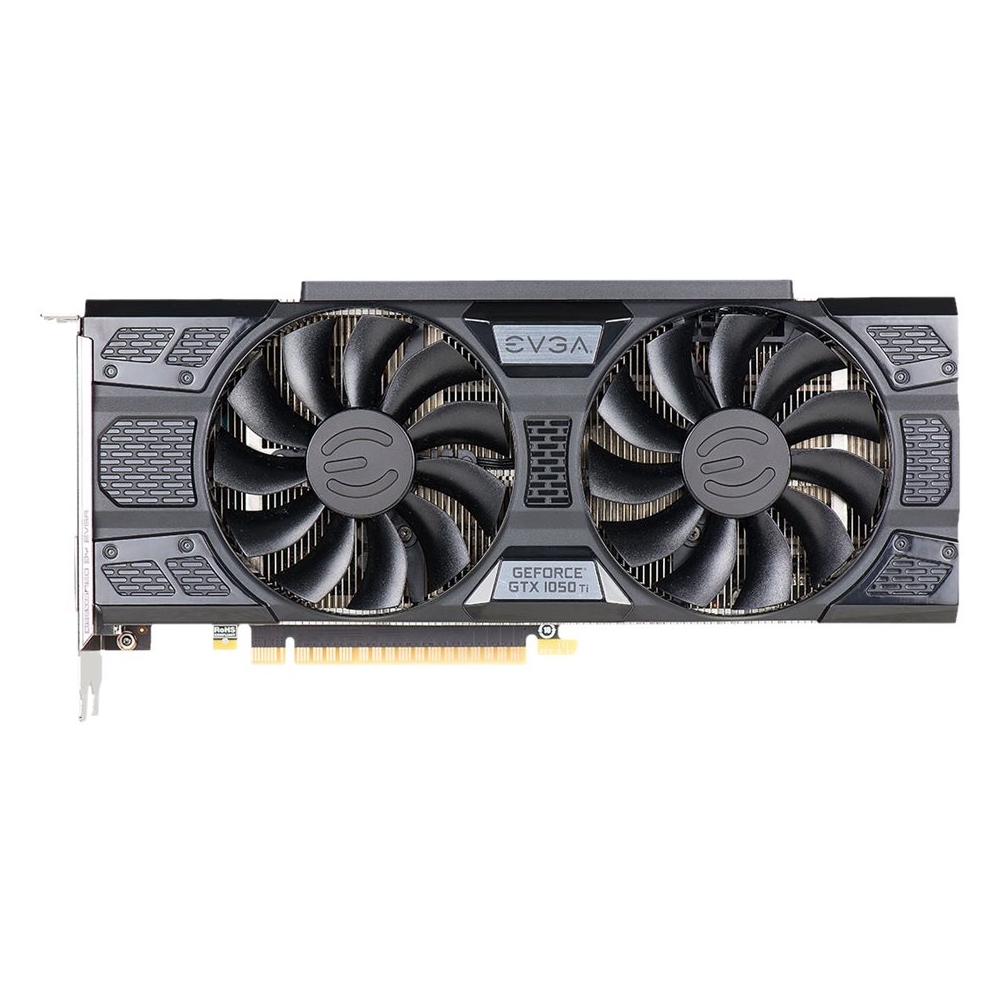
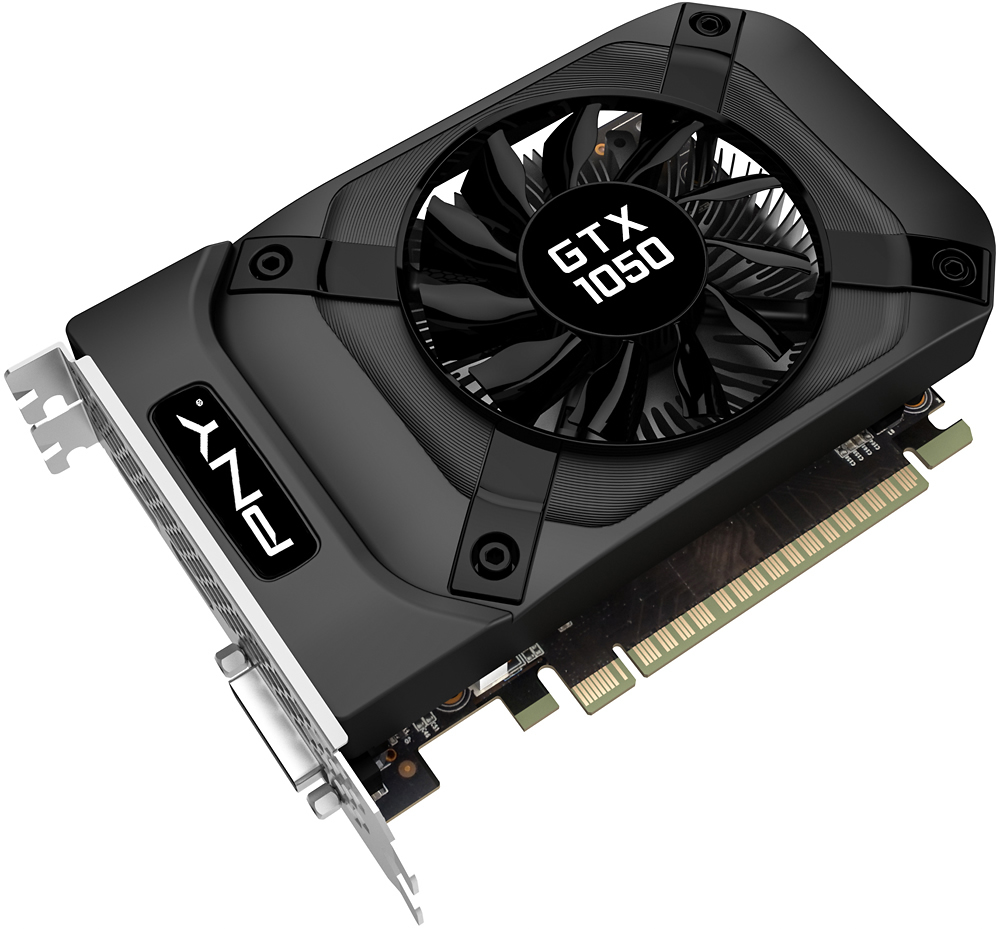
A:AnswerI'm not familiar with the "HP Envy", but as long as the mother board has a PCI express slot, it should work, The card is not very large and there probably would be enough space for it, provided the case is at least a mid tower size.
A:AnswerHonestly seeing a google image of the inside of your set up.. I would advise to not purchase this. You will need a 266-Pinn connector as well as moving a lot of parts and wires for you to be able to fit this into that small case. Look for gaming pc builds and pick your parts through that. Or find a bigger case. It would be more of a hassle for you to buy this, and then rearrange everything just to fit a modest graphic card. IF you really want to get your graphics in, upgrade your ram (16gb-32gb,) as well as the Processor you have. if it is below an I7. Do not purchase a graphics card. Just save up for a gaming pc... Otherwise you will end up spending a lot more on parts to fit this pc already built... You would honestly save more money building your own pc, if you don't know how to do that or whatever, then i suggest you looking at prebuilds, I.E. Search "gaming desktops" and pick one inside of your budget. From there you can upgrade along the way.
A:AnswerYes it will, You need two monitors if you plan on using both or replacing the 750 TI... Honestly you should just swap those two out. Graphics cards do not work like that where I think you mean will it make your graphics card overall quality higher? If that is your answer then no, it will not improve the quality of your graphics. The only way is if you bridge them together, however that is only offered with Nvidia graphics cards 1070, which can be found on Nvidia's website. just search 10 series, 1070's, bridge options. I believe the bridge options are about $20 before taxes and S&H. That is just the bridge, the graphics card is not included.
A:AnswerThis depends on your definition of 'lag' and what graphics card you had before hand.
If the original graphics card you had is only a few years old, it will only do a slight improvement on your Frames Per Second (FPS) at certain resolutions.
Most FPS issues are often related to how high of a resolution or other special features in the game is turned on.
Look at the Minimum System Requirements of the games you are playing for both Graphics, Processor and Memory. If you are hitting only for the Minimum Requirements on all three, just the graphics card will not solve all the problems.
Processor can also affect how fast a game goes as well as Memory. The Graphics card will only help in situations where you are trying to see the game with higher graphic settings, but low memory and slower processor will also make a game seem sluggish.
Also, if you are using a normal Hard Drive, this can slow some things down, especially with low memory, as the disk is often the slowest part of the computer and with low memory, your computer will be writing and reading from the hard drive more because it is trying to free up memory and reading in new data.
A:AnswerYour best bet is to figure out the specs of each graphics card before buying one. Do your own research to see for yourself the difference and benchmarks for the ATI Radeon 4200. Your HP can handle really anything you put in it, but also keep in mind the processor you have for the HP. if it is not an I-7 or higher I would suggest researching graphics cards that are ideal for whatever processor you have.
A:AnswerI own a Dell XPS desktop and ran into the same issue. I discovered that Dell designed their XPS case with inside dimensions just a bit smaller than everyone elses'. This means all parts not specifically manufactured by Dell will not fit and you are stuck with either buying Dell proprietary parts or using your pc as a doorstop. I chose a different route--I bought a new 'puter, different brand.